
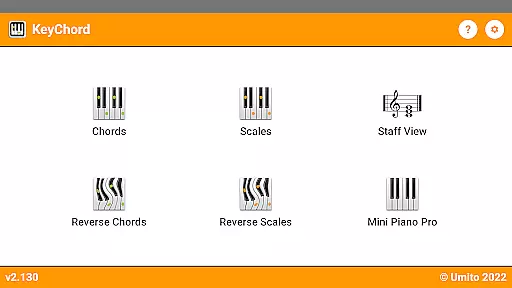
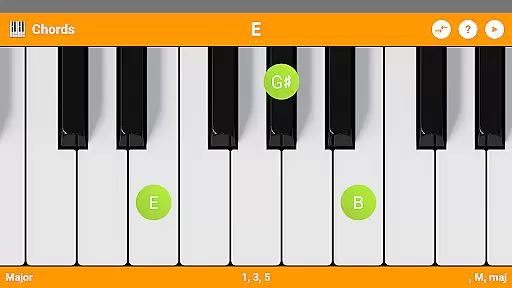
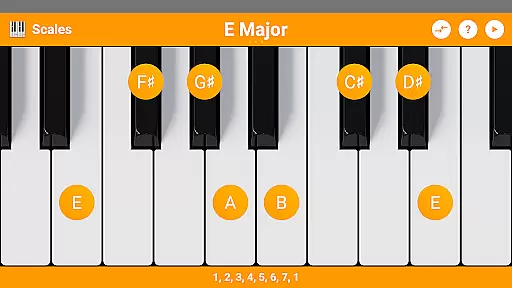
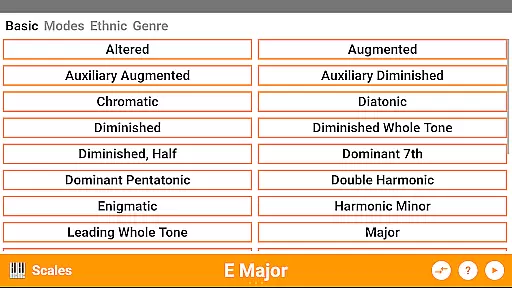
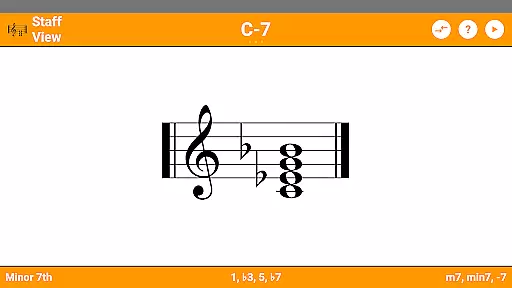
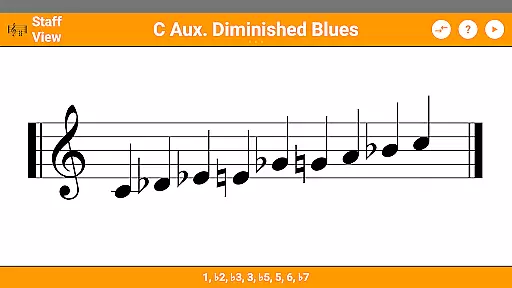
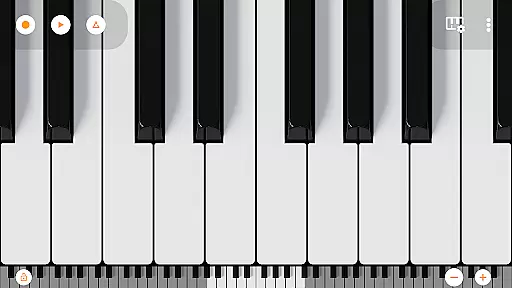
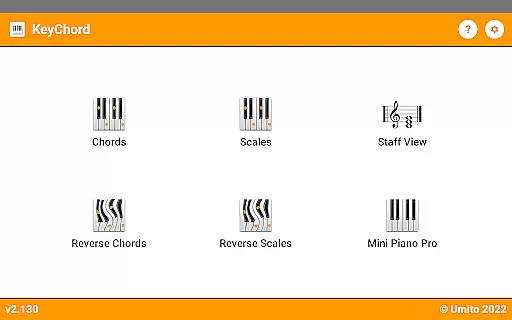
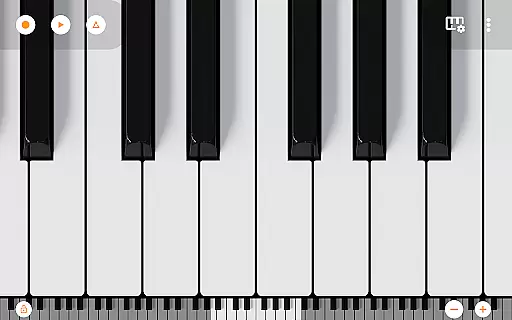
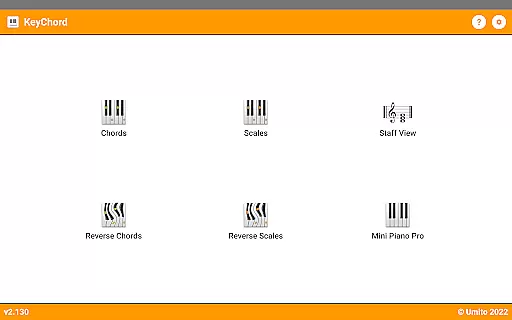
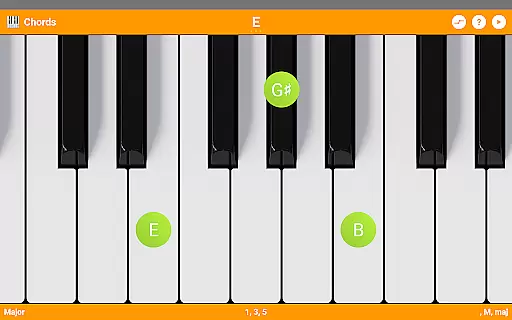
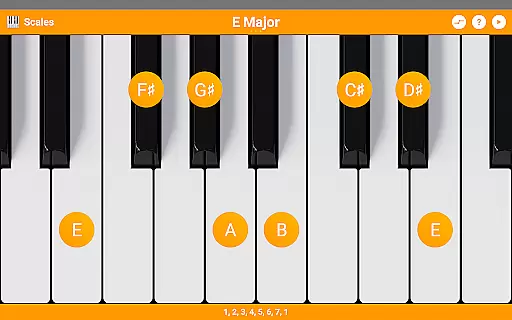
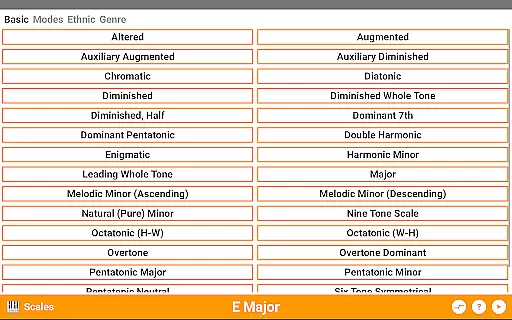
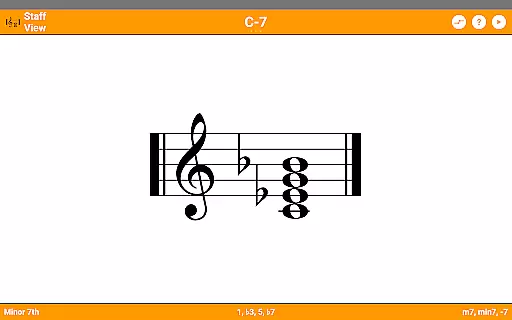
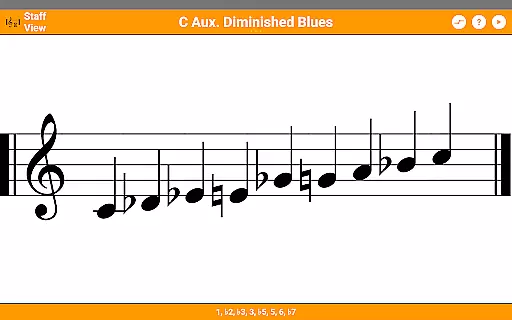
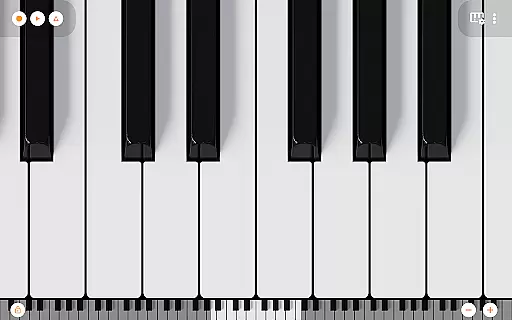
KeyChord is an innovative reference app designed for musicians and piano enthusiasts. This dynamic dictionary allows users to explore all scales and chords with ease, making it an essential tool for music theory study and practice. The app features an 88-key multitouch piano interface that lets users experiment with different musical combinations.
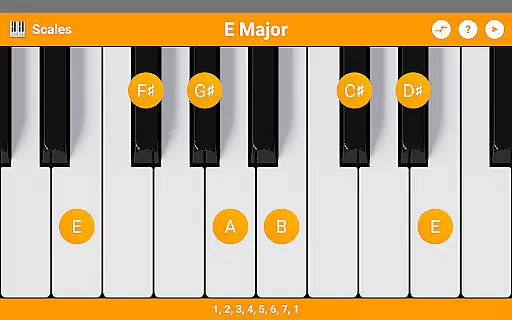
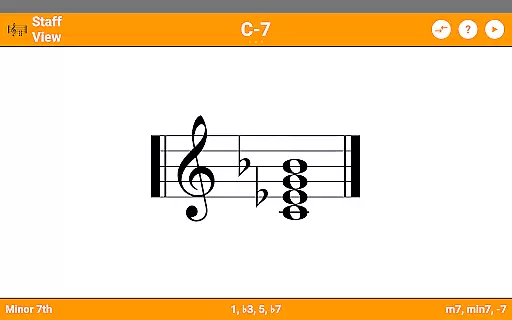
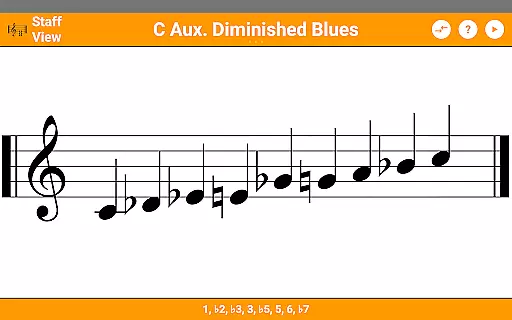
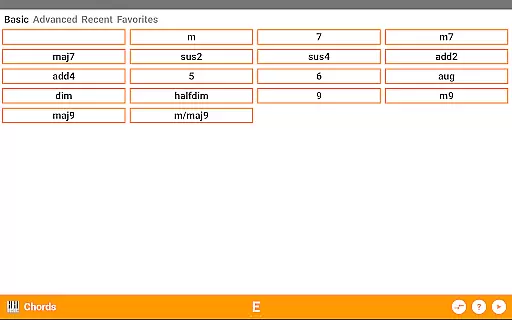
The application stands out with its reverse lookup functionality for both chords and scales, providing detailed information about any selected combination. Users can also view musical notations in staff view and save their favorite chord types for quick access. With support for over 50 chord types and 100 scale types, KeyChord offers comprehensive coverage of musical possibilities.
Musicians will appreciate the practical applications of this app during practice sessions or composition work. The ability to hear every chord and scale played back, combined with dark mode support and 128 different instrument sounds, makes this app suitable for various learning environments and performance preparations.
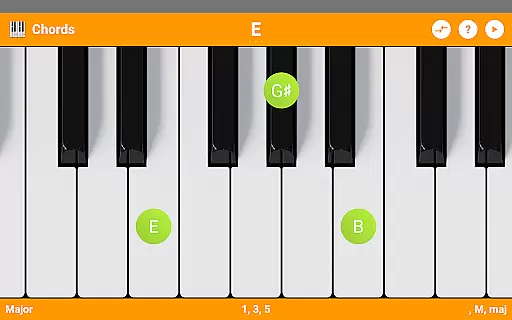
KeyChord distinguishes itself through its sophisticated feature set tailored for music professionals. The app's virtual keyboard enables intuitive interaction with selected chord or scale types, allowing users to manipulate roots and inversions through simple touch gestures. This interactive approach provides a hands-on learning experience unlike static music theory resources.
One of the most remarkable aspects is its dynamic calculation engine. Rather than relying on a limited database of predefined chords, KeyChord understands the mathematical relationships behind musical structures. This enables users to create and explore chords anywhere on the keyboard, offering unparalleled flexibility in music exploration.
The inclusion of Mini Piano Pro adds significant value, transforming KeyChord into a versatile musical workstation. Users can record compositions as MIDI files and even set them as ringtones. Additional features like note name display, interval components, and multiple information modes enhance the educational aspect while maintaining professional-grade functionality.
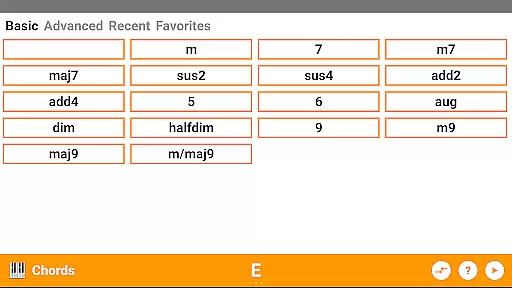
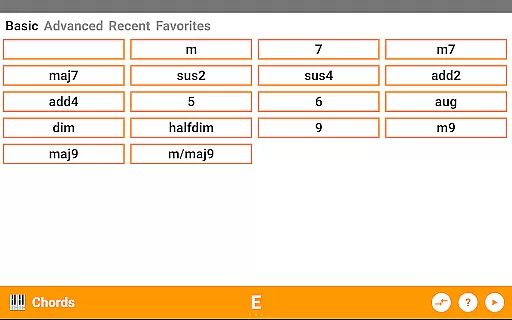
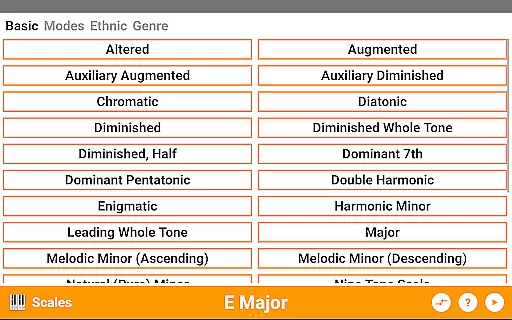
KeyChord offers an extensive virtual library of musical resources, featuring over 50 chord types and 100 scale types. This vast collection ensures that musicians of all levels have access to a comprehensive range of chords and scales for their practice and performance needs.
The app's content is crafted with accuracy and authority, ensuring the authenticity of each chord and scale. By dynamically generating music theory information rather than relying on pre-defined databases, KeyChord guarantees reliable and credible musical data for its users.
Musicians benefit from this robust library as it supports exploration and learning without limitations. The ability to interact with the content through the virtual keyboard enhances the educational experience, making it an invaluable tool for those looking to expand their musical knowledge.
KeyChord stands out for its versatile format compatibility, accommodating various user inputs and interactions. Whether selecting chords or scales, users can employ different methods such as tapping or long-pressing keys to explore musical concepts.
In addition to its interactive capabilities, the app includes a fully functional 88-key multitouch piano, which is compatible with 128 different sounds from Mini Piano Pro. This integration allows users to record songs as MIDI files and even set them as ringtones, showcasing its adaptability beyond just a reference tool.
This compatibility extends to the app's support for dark mode and external use cases, providing a seamless experience across different devices and user preferences. Such flexibility ensures that KeyChord remains accessible and functional for every musician's unique setup.
Comprehensive chord library
Interactive learning tools
High-quality audio playback
Intuitive user interface
Offline functionality
Steep learning curve
Premium price point
Resource-intensive
Limited mobile optimization
No beginner tutorials

7 Languages, Google, Wiki, Vocabulary.com, Cambridge & Urban Dictionary!
 4.50
4.50
Prime novels await! Fantasy & Romance on JoyRead. Immersive reads!
4.20
Read popular romance books and web novels on the fantastic ebook reader
3.50
“It is fun to have fun, but you have to know how!”
4.40
Liturgy of the Hours totally off-line
4.80
8 Dr. Seuss short stories in 1 app!
4.70
Holy Bible, a KJIV Bible study, audios & daily verses, talk with God now.
4.80
My Bible offers a comprehensive app by providing offline access, daily verses.
4.80
Premium reader for ePub, PDF, and more. TTS and translation. Great on any screen
3.50
Daily Prayer, personalized Bible Study, AI-guided Insights, and Spiritual Growth
4.80
A lightweight reader for comics and mangas files (.cbr, .cbz, .cbt, .pdf, ...)
4.80
Watch real short episodes in just minutes— addictive, you won't be able to stop!
4.70
F9 Cookbook Mobile App
4.60
Daily Bible app: King James Version with verses and audio for studying&prayer
4.40
Shop over 13 million new and used books at up to 80% off list price
4.20
A wonderful reader for good time spend.
4.20
Zerobooks Light Novel Reader by GOLDENAGATO
4.20
“There was one last piece of cake. My little sister said ‘Me too!’”
4.00
ISAIAH EXPLAINED with Avraham Gileadi Ph.D.
4.00


User Reviews