

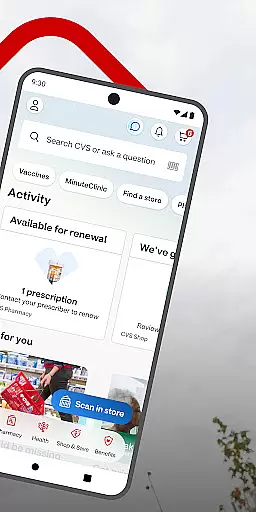
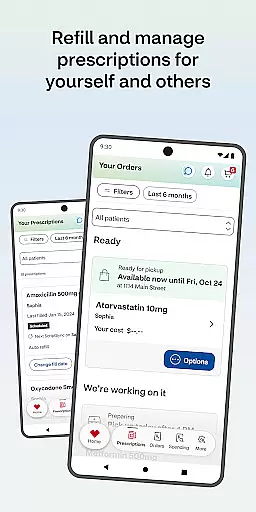
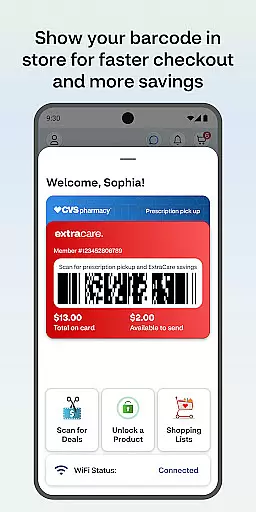
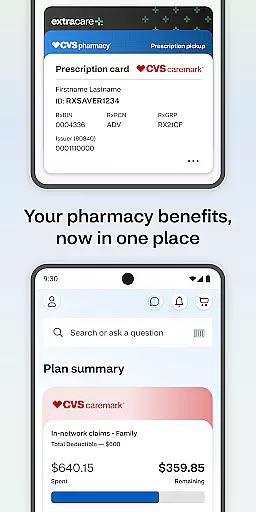
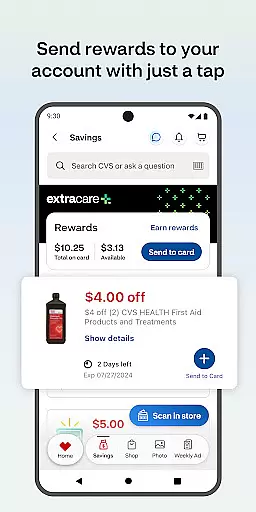
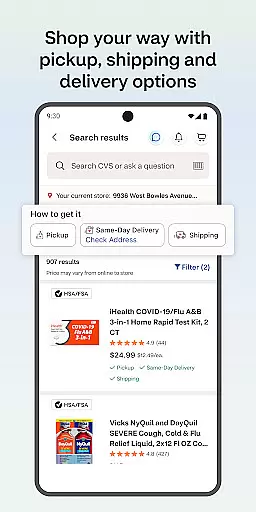
The CVS Health app is a comprehensive medical and wellness solution that simplifies healthcare management. It allows users to easily check out using ExtraCare, save money with exclusive deals, and manage prescriptions efficiently. The app provides features for medication delivery, prescription refills, and drug information.
Users can schedule medical appointments, access telehealth services through video consultations, and locate nearby MinuteClinic locations. Additionally, the app supports photo printing services and requires Android 10.0 or higher for optimal performance. This makes CVS Health an essential tool for managing family healthcare needs conveniently.
The CVS Health app offers diverse features that enhance user experience in managing healthcare. Users can link their ExtraCare card to access personalized deals and rewards, ensuring they maximize savings on purchases. Prescription management is made simple with barcode scanning for quick pick-ups, online payment options, and medication delivery services.
Healthcare access is improved through features like scheduling vaccines, virtual doctor visits via video chat available 24/7, and finding nearby clinics with wait time visibility. The app also enables photo printing directly from devices for same-day pickup. These robust functionalities make CVS Health a versatile tool for both medical and everyday needs.
In the realm of digital health, the credibility of medical content is paramount. The CVS Healthu00ae app ensures that all information provided is thoroughly vetted by healthcare professionals. This guarantees users receive guidance and details that align with current medical standards.
The app offers a comprehensive suite of services including drug interaction checks and medication information. These features are designed based on authoritative medical resources, ensuring accuracy and reliability. Users can confidently manage their prescriptions knowing they have access to verified data.
Furthermore, the ability to schedule vaccines and medical care through the app is backed by licensed practitioners. Whether it's arranging a visit to a nearby MinuteClinicu00ae or consulting via video chat with healthcare providers, every service reflects expert oversight. This commitment to quality reassures users about the legitimacy of the health advice they receive.
Teleconsultations have become an essential part of modern healthcare, offering convenience without compromising quality. The CVS Healthu00ae app excels in this area by providing 24/7 access to healthcare professionals via video chat. This ensures users can seek medical advice at any time, from the comfort of their homes.
The app facilitates consultations with certified doctors who deliver personalized care tailored to individual needs. By leveraging secure communication channels, patient privacy is maintained throughout each session. This professional approach enhances user trust in virtual healthcare services.
Additionally, the integration of teleconsultations within the broader ecosystem of CVS services allows for seamless follow-up actions. Whether it involves ordering medications post-consultation or scheduling further clinic visits, the process remains cohesive. Such efficiency underscores the high standard of telemedicine offered by the CVS Healthu00ae app.
User-friendly interface
Comprehensive prescription management
Exclusive app-only deals
Telehealth services availability
Integrated photo printing service
Limited to CVS customers
Background GPS usage
Requires constant updates
Some features are location-specific
Potential privacy concerns

MySafeRide simplifies booking and managing rides for health plan members.
 3.50
3.50
The OptumRx app empowers you to become an advocate of your pharmacy benefits.
4.40
An easy way to earn money donating plasma. Book a visit, sit back, and get paid.
3.80
HealtheLife lets you easily manage your health online.
3.20
Your donation experience just got smoother; Donor Hub is your go-to place.
4.70
Assess and treat left neglect more effectively in stroke and brain injury rehab.
4.30
Coaches you through labour using hypnobirthing techniques & tracks contractions
4.70
Boost reading, writing, speaking and listening with a scientifically proven app.
4.70
Your pocket guide to following The Monash University Low FODMAP diet.
4.20
myVCA is your tailor-made guide to raising a healthy and happy pet.
4.90
Access health information and communicate with your care team anytime, anywhere.
4.80
The NightOwl Companion app allows you to interact with the NightOwl sensor.
4.70
Amplify surrounding sounds, conversations, TV or lectures for louder hearing.
4.70
The doctor will see you now
4.70
World's largest contact lens store
4.60
ASCCP Management Guidelines- There’s an app for that!
4.60
Download OctaApp for easy access to your plasma donation info
4.40
One app to unlock your health
4.30
X-Vein: Advanced vein detection for medical practice
3.10


User Reviews