

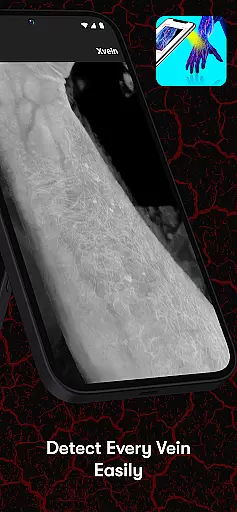
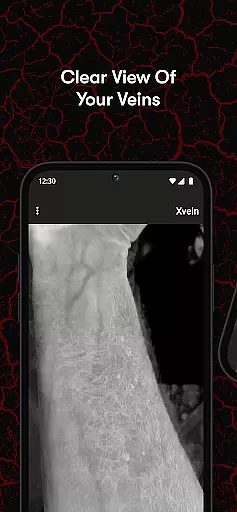
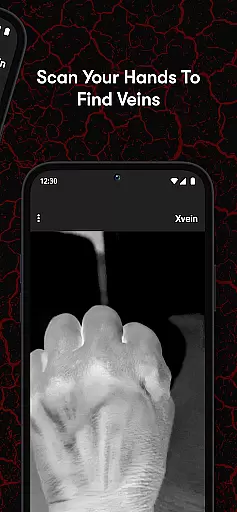
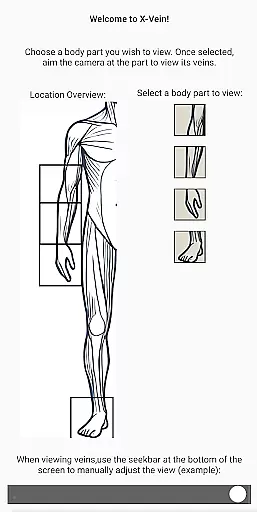
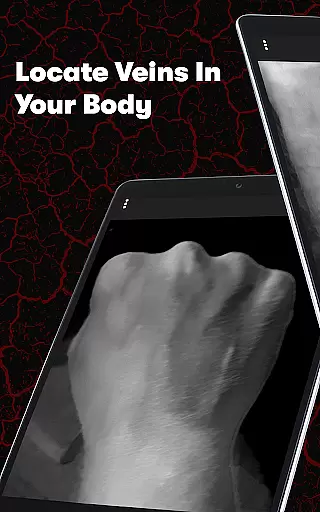
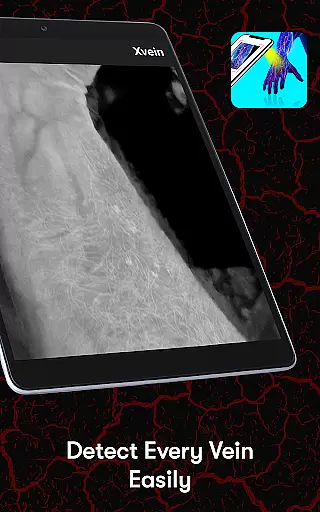
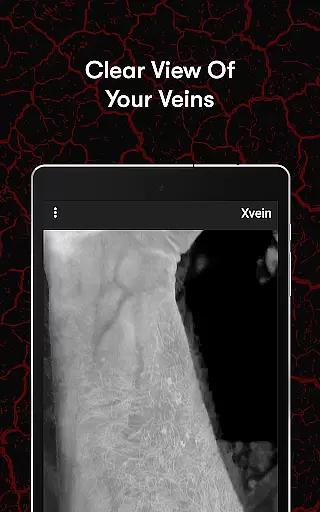
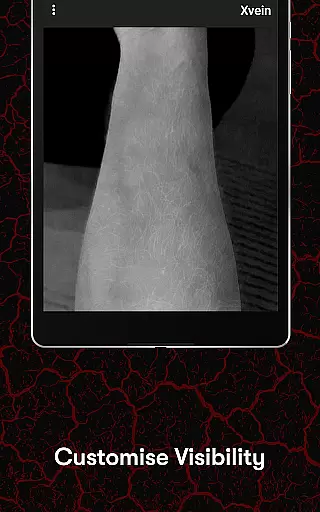
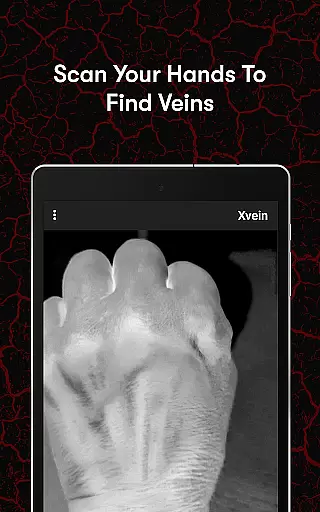
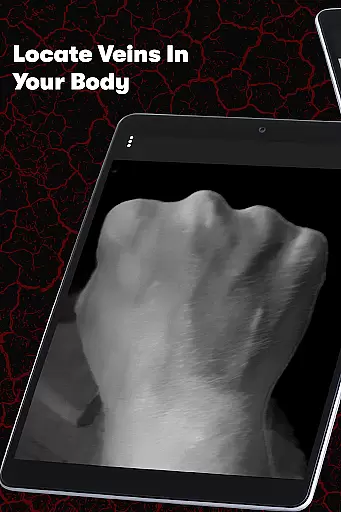
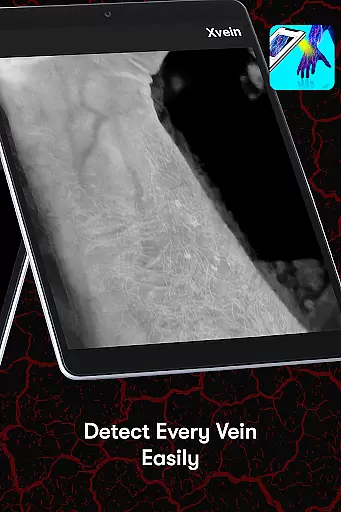
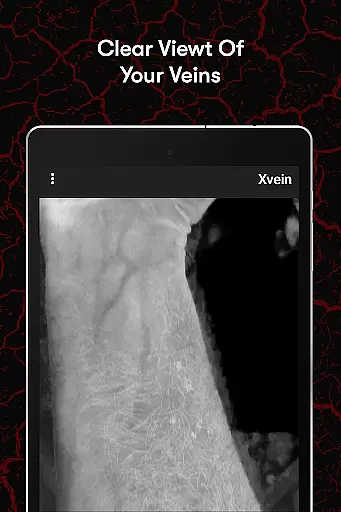
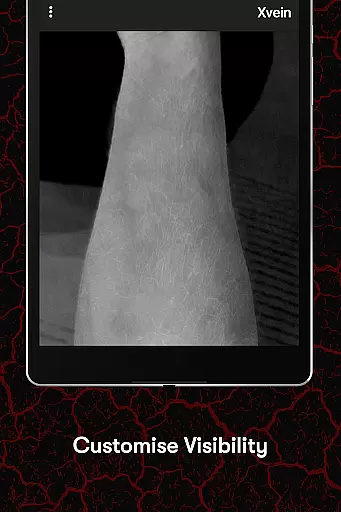
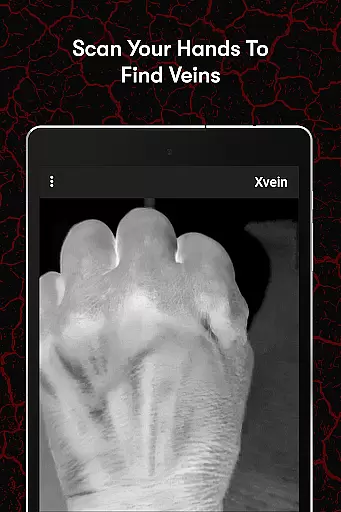
X-Vein is a cutting-edge vein detection training tool designed for medical professionals. This app employs the principle of visible light penetration and haemoglobin light absorption to visualize blood vessels, akin to saturation monitoring techniques. With an interactive interface, X-Vein allows users to practice identifying veins across different skin layers, enhancing their understanding of vein locating procedures.
Whether you are a seasoned healthcare professional aiming to refine your skills or a medical student beginning your journey, X-Vein offers a user-friendly platform. It helps improve accuracy and confidence in vein detection, making it an essential tool for mastering venous access—a critical 3D skill that requires both experience and precision.
X-Vein stands out with its innovative use of light technology to visualize veins, providing an immersive learning experience. The app's core feature is its ability to simulate various skin layers, allowing users to practice vein detection in a controlled, virtual environment. This hands-on approach ensures a deeper understanding of the underlying anatomy.
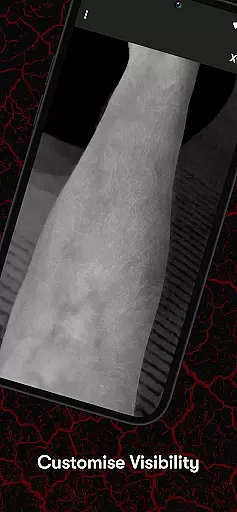
In addition to its primary function, X-Vein offers an interactive interface where users can adjust settings to match their learning pace. The app also emphasizes the importance of developing a 3D skill set, reminding users that while it can guide them on where to start, it cannot replace the experience and skill gained through practice. This balance of technology and traditional learning makes X-Vein a comprehensive tool for medical training.
In the medical field, the accuracy and reliability of educational tools are paramount. X-Vein stands out by offering content that is meticulously reviewed by experts in vein detection and medical training.
The app employs the scientific principle of visible light penetration and haemoglobin absorption to simulate real-life vein visualization. This method ensures that users receive a credible learning experience that mirrors actual clinical procedures.
Healthcare professionals and students can trust X-Vein as a reliable resource for improving their vein-finding skills. The application's foundation on established medical principles guarantees that the knowledge gained is both accurate and applicable in practice.
While X-Vein does not directly provide teleconsultation services, it enhances the quality of remote medical education. By offering an interactive platform, it allows users to gain hands-on experience in vein detection from any location.
The detailed simulation of various skin layers and blood vessels prepares healthcare providers for real-world scenarios. This preparation is crucial for delivering high-quality teleconsultations where practical demonstrations may not be feasible.
With X-Vein, medical professionals can refine their skills independently, ensuring they are well-equipped to offer superior teleconsultation services. The confidence gained through this immersive training translates into more effective patient interactions during remote consultations.
User-friendly interface
Enhances learning experience
Improves vein detection accuracy
Suitable for all skill levels
Innovative use of light technology
Requires compatible device
Limited to virtual practice
No replacement for real experience
May need frequent updates
Premium features might be costly

Identify pills, search different drugs, get drug information and much more!
 4.50
4.50
Leafly is a weed app for finding dispensaries, cannabis strains, & more.
4.70
A comprehensive medical disease app.
5.00
Perform pure-tone audiometry and a speech intelligibility test on your phone.
4.50
Master AEMT with 1,400+ study items, TEIs, practice tests, and scoring.
4.10
Search by insurance, see real-time openings & verified reviews, get care fast.
4.80
A comprehensive 3D atlas of the human body
4.80
Manage your healthcare through the FollowMyHealth® Universal Health Record.
4.80
MyChart for Android
4.50
The doctor will see you now
4.70
Blue Cross and Blue Shield of Texas member information
4.60
Anthem/Wellpoint and other health insurance plans
4.60
Check and Track your Blood Pressure & Heart Rate.
4.50
Modivcare members can book and manage trips.
4.50
Personalized hearing experience and health data tracking
4.50
Get your lab results on your smartphone with MyQuest.
4.40
Patient Health Portal
4.20
The Client Portal app empowers you to manage care from one secure place
4.10
HealtheLife lets you easily manage your health online.
3.20


User Reviews