
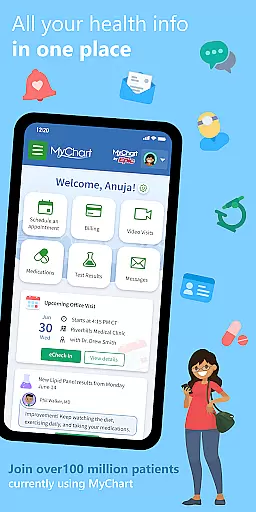
MyChart is a comprehensive medical application designed to provide users with instant access to their health information directly from their mobile devices. The app enables seamless management of personal and family healthcare by offering features such as secure communication with care teams, reviewing test results, medication tracking, and immunization history. Users can also integrate their Google Fit data for a holistic view of their health metrics.
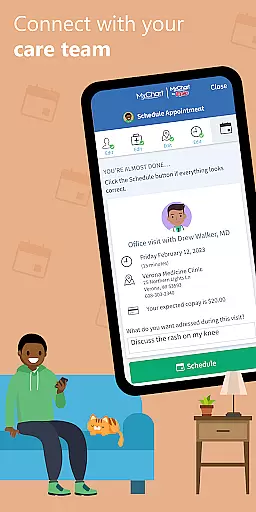
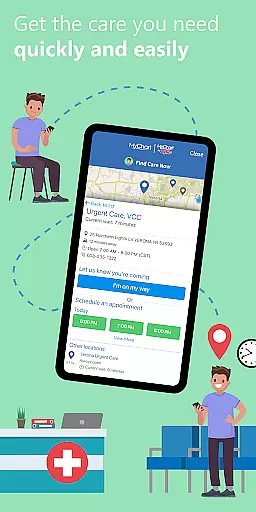
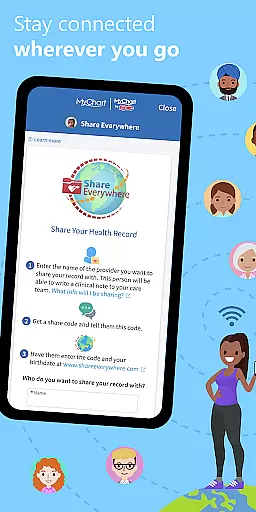
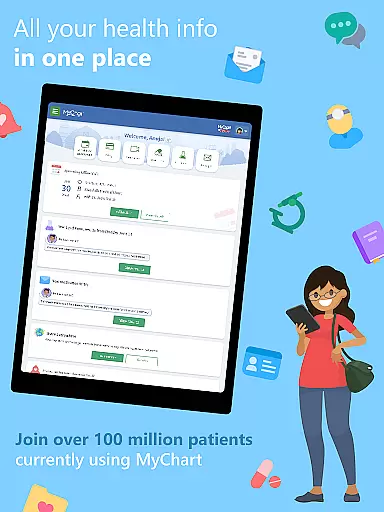
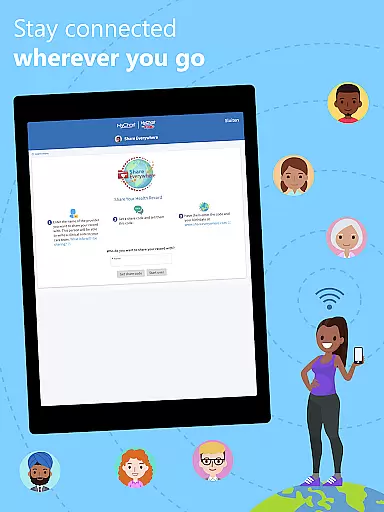
In addition to health record management, MyChart facilitates appointment scheduling, both in-person and via video consultations, and provides cost estimates for medical services. The app supports bill payments and allows secure sharing of medical records with anyone having internet access. With its ability to consolidate health information from multiple healthcare providers, MyChart ensures that users have a unified view of their medical history, making it an invaluable tool for proactive health management.
MyChart stands out with its robust feature set tailored for efficient healthcare management. A key highlight is the secure messaging system that allows direct communication with healthcare providers, ensuring timely responses to medical queries. The app's integration capabilities extend to personal health devices through Google Fit, automatically syncing vital health data into user profiles.
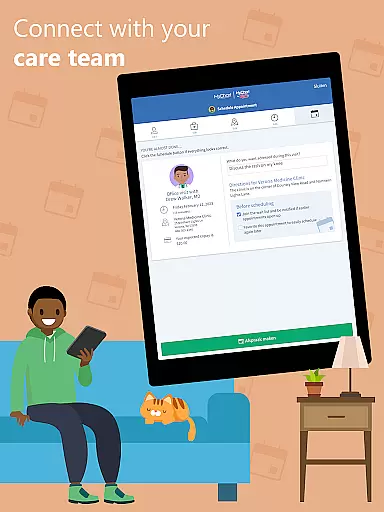
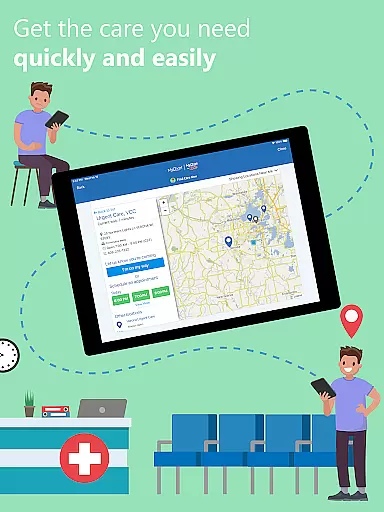
Another significant feature is the After Visit Summary, which provides detailed clinical notes from past visits. Appointment management is made easy with scheduling tools for various types of consultations. Furthermore, the app offers financial transparency by providing price estimates for procedures and enabling direct bill payments. These features collectively enhance user engagement and streamline healthcare administration, positioning MyChart as a leader in patient-centric medical applications.
In the realm of digital health management, the credibility of medical content is paramount. MyChart excels in this area by providing users with verified health information directly from their healthcare providers. This ensures that all data, including test results, medication lists, and immunization records, are sourced from authoritative channels.
The app's integration with healthcare organizations means that the information displayed is not only accurate but also endorsed by medical professionals. Users can trust that their After Visit Summaries and clinical notes are genuine and reviewed by experts, offering peace of mind when making health decisions for themselves and their families.
Furthermore, MyChart's ability to consolidate health records from multiple sources into a single view enhances its reliability. By connecting accounts from various healthcare entities, users receive a comprehensive overview of their health status, all vetted by respective medical teams. This consolidation underlines the app's commitment to delivering credible and expert-reviewed content.
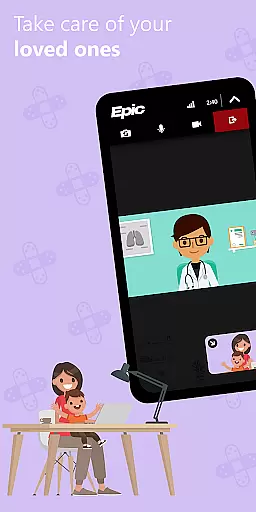
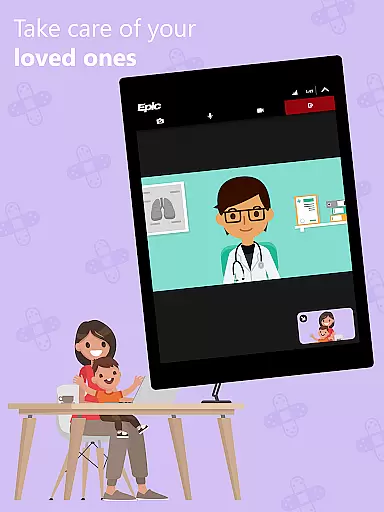
Teleconsultations have become an essential aspect of modern healthcare, and MyChart positions itself as a robust platform for these services. The app facilitates seamless communication between patients and their care teams, allowing for video visits that maintain the quality of traditional in-person consultations. This feature is particularly beneficial for those who require medical advice but prefer or need the convenience of remote interactions.
MyChart ensures high-quality teleconsultations by integrating with the latest software used by healthcare organizations. This guarantees that users experience minimal disruptions during virtual appointments, with clear audio and video transmission. Moreover, the scheduling and management of these sessions are streamlined within the app, contributing to an efficient and user-friendly process.
Additionally, the app supports timely follow-ups and continuous care through secure messaging and notifications. These tools enable ongoing dialogue between patients and providers, ensuring that any post-consultation questions or concerns are addressed promptly. Such comprehensive support underscores MyChart's dedication to delivering top-notch teleconsultation experiences.
User-friendly interface
Comprehensive health tracking
Secure data sharing
Integrated payment system
Multi-provider support
Limited by provider capabilities
Requires account creation
Dependent on organization setup
Potential privacy concerns
Occasional notification delays

Want to make it easier to manage your health? We’re with you, wherever you are.
 4.70
4.70
Explore human anatomy with this rich learning experience.
4.00
Blue Cross and Blue Shield of Texas member information
4.60
Sync your blood glucose device, log values automatically and tame your diabetes!
4.60
World's largest contact lens store
4.60
Download the PulsePoint app and use your CPR skills to save a life!
4.60
ECG modules improve rhythm ID. ACLS is a simulator for cardiac arrest scenarios.
4.1
Your donation experience just got smoother; Donor Hub is your go-to place.
4.70
Get your lab results on your smartphone with MyQuest.
4.40
Access health information and communicate with your care team anytime, anywhere.
4.80
Save up to 80% on your pharmacy prescriptions & medications with free Rx coupons
4.70
Boost reading, writing, speaking and listening with a scientifically proven app.
4.70
This app is simply 1 book (also large app) and 17 other apps combined into 1
4.70
Discover the source of pain with Muscle Trigger Point Anatomy.
4.70
The MDLIVE app makes connecting with a doctor fast, easy, and convenient.
4.60
Internal medicine literature at your fingertips.
4.50
Manage your health care in one easy place
4.40
Assess and treat left neglect more effectively in stroke and brain injury rehab.
4.30
An easy way to earn money donating plasma. Book a visit, sit back, and get paid.
3.80


User Reviews