
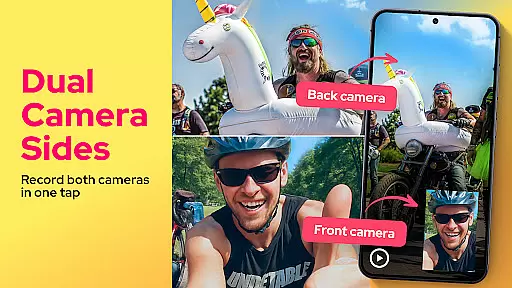
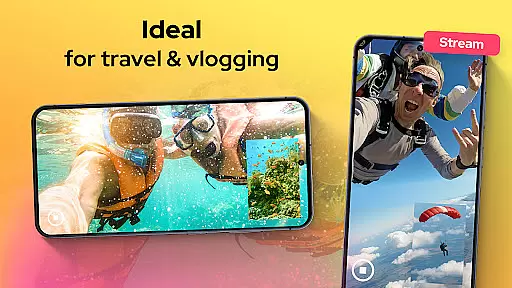
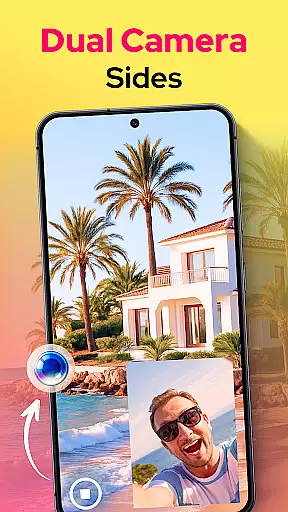
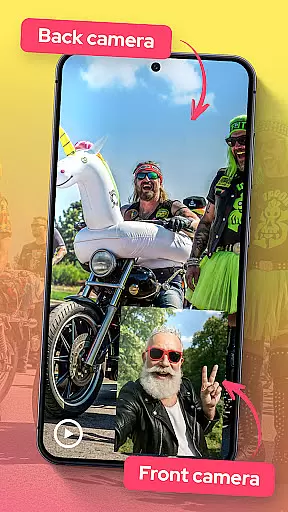
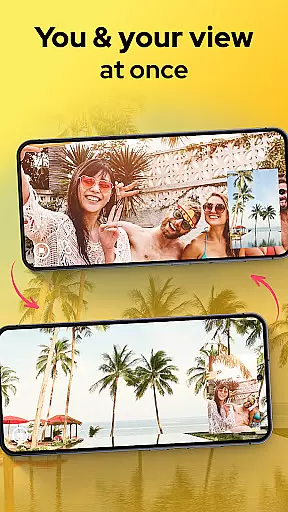
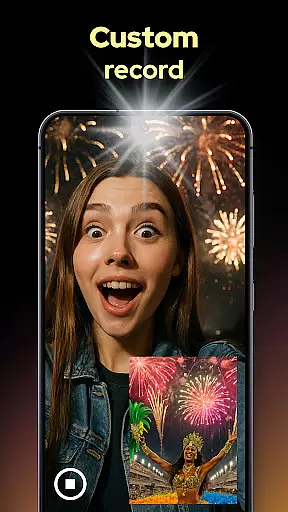
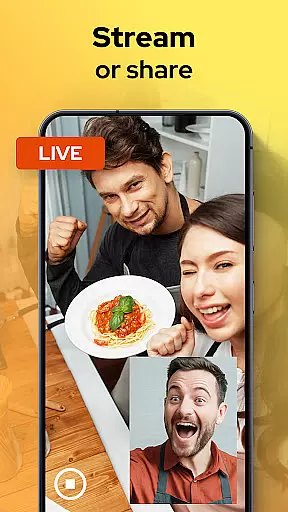
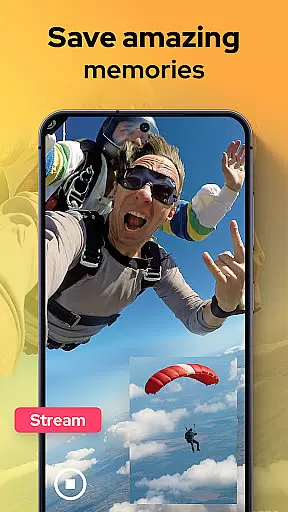
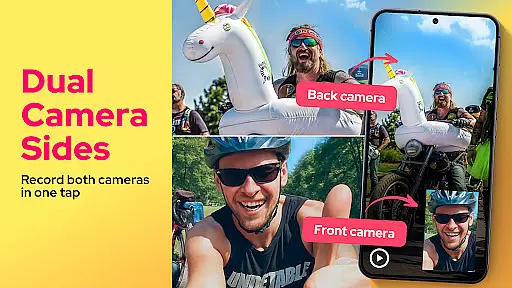
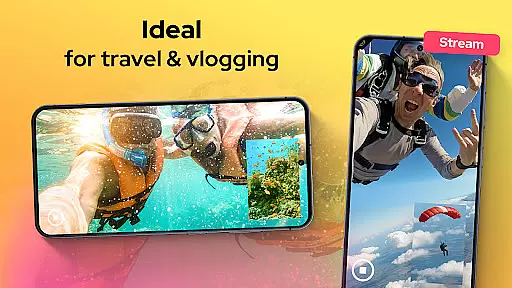
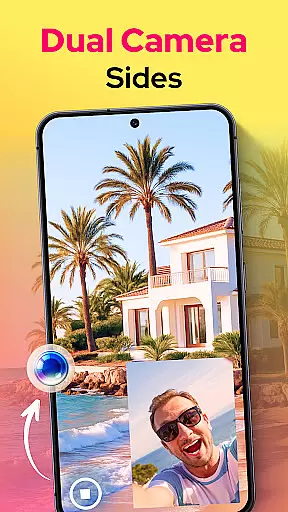
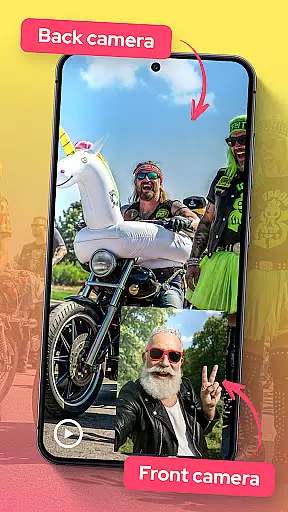
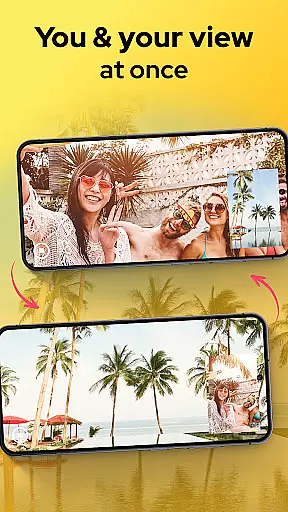
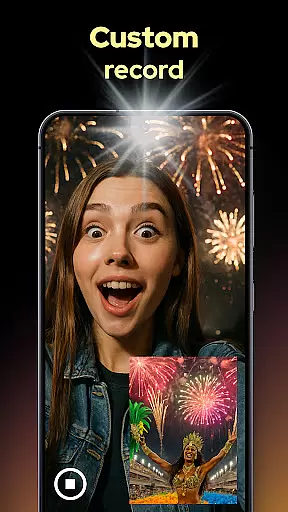
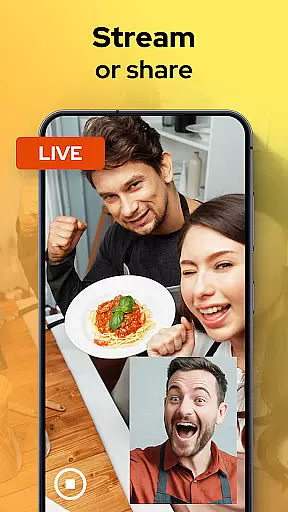
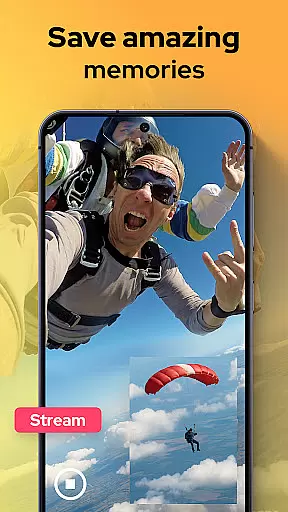
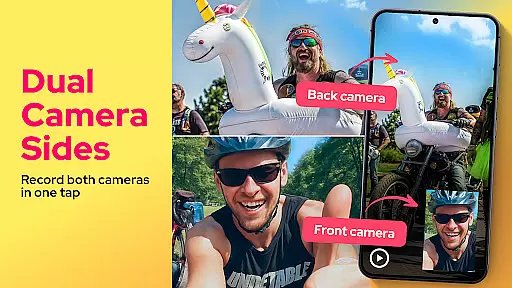
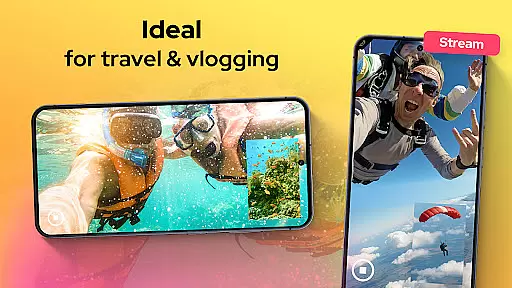
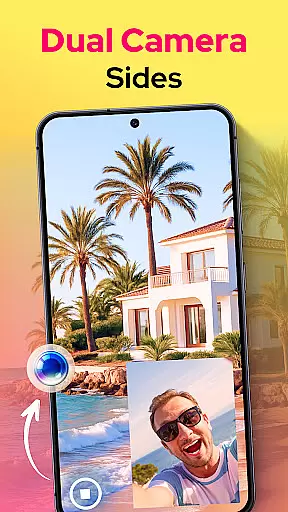
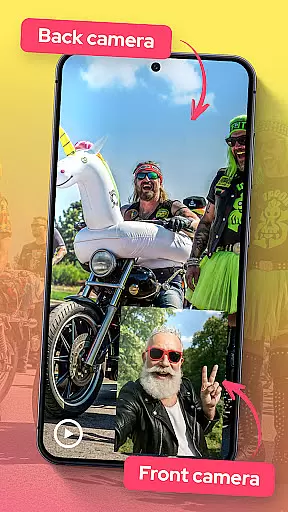
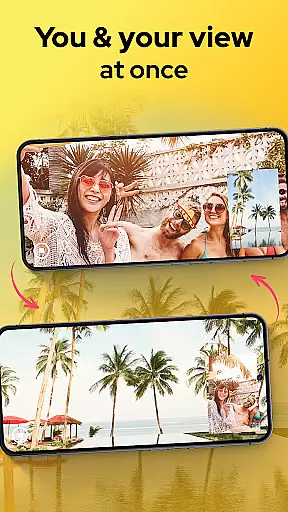
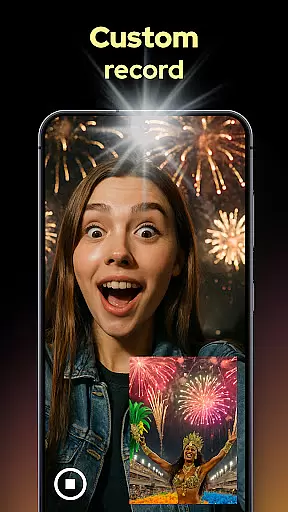
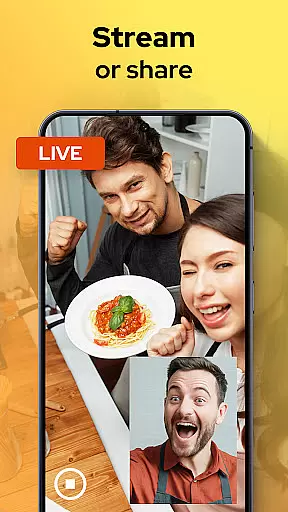
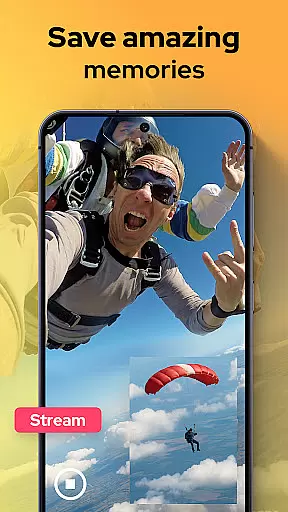
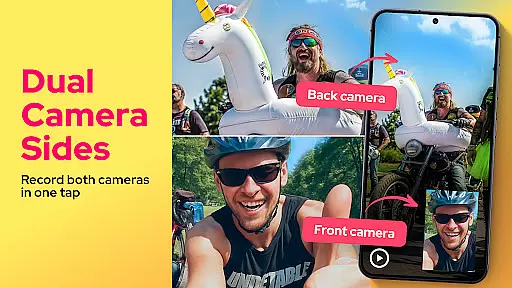
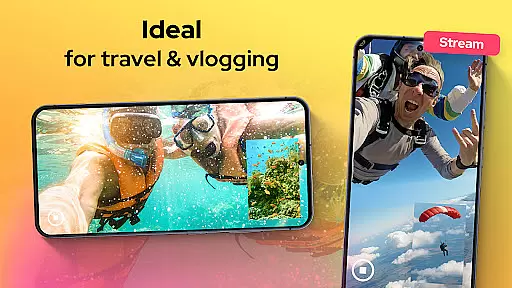
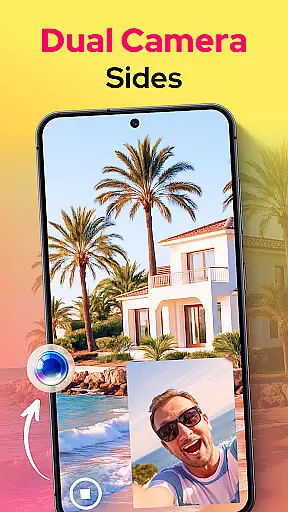
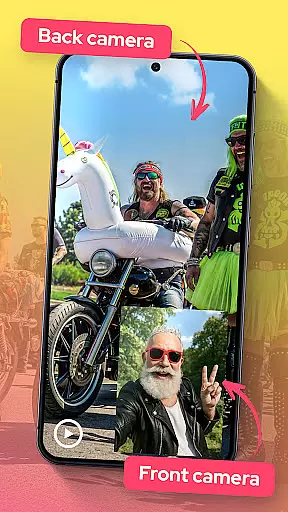
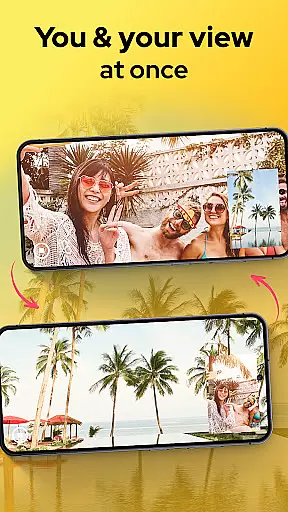
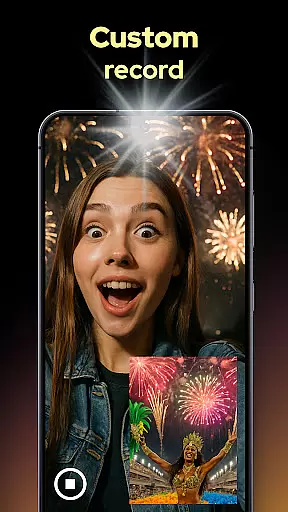
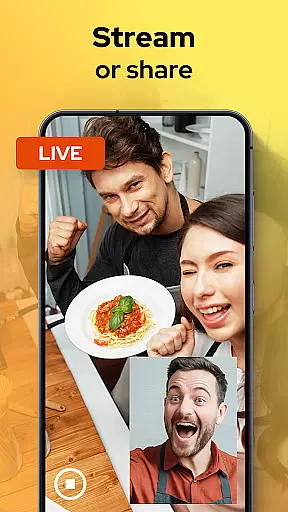
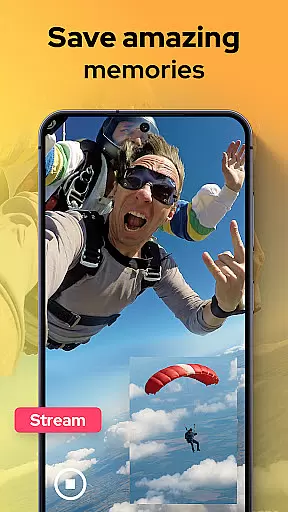
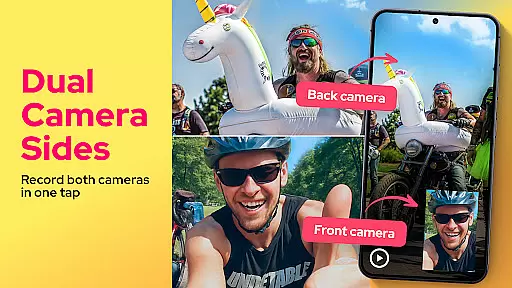
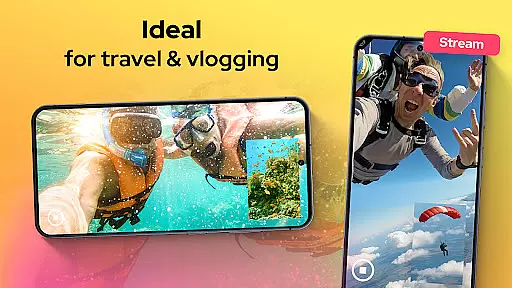
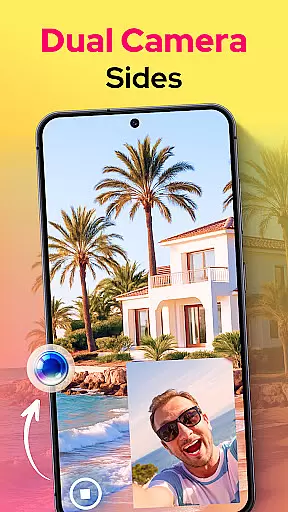
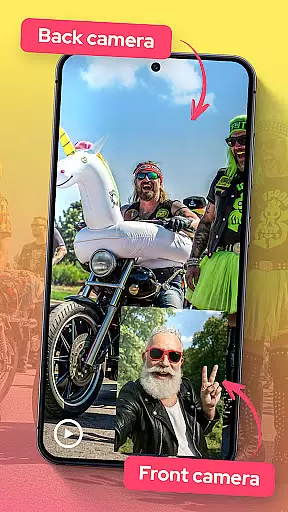
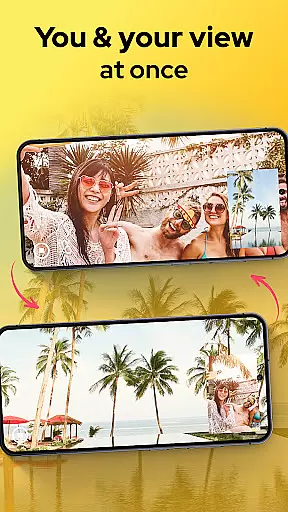
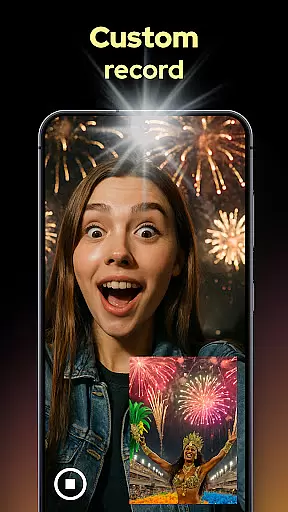
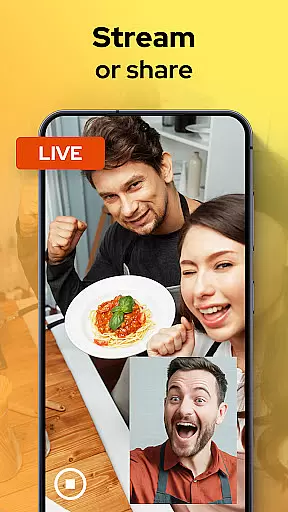
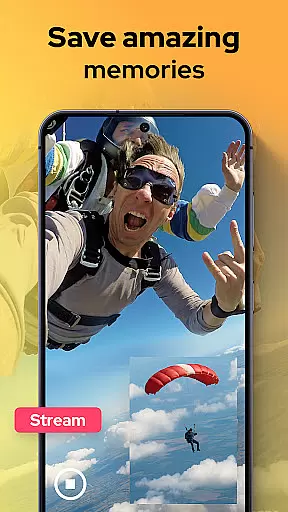
Dual Camera Sides is an innovative app in the Libraries & Demo category that allows users to record videos using both front and back cameras simultaneously. This dual-camera functionality is perfect for content creators, vloggers, and anyone looking to capture comprehensive footage from multiple angles.
The app offers versatile recording options such as picture-in-picture or split-screen modes, enabling dynamic video creation. With features like quick Doubletake shots and adjustable focus settings, Dual Camera Sides provides a professional-grade experience for capturing every detail without missing a moment.
One of the standout features of Dual Camera Sides is its ability to record from both the front and rear cameras at the same time, providing a complete view of any scene. Users can choose between picture-in-picture or split-screen layouts, offering flexibility in how they want to present their videos.
In addition to video recording, the app allows users to take quick photos without interrupting the recording process. The manual adjustment options for focus, brightness, and exposure ensure high-quality results. Furthermore, the background mode feature lets users continue capturing while multitasking, making it ideal for on-the-go content creation.
Functionality completeness is a critical aspect of any application, especially in the Libraries & Demo category. Dual Camera Sides excels in this area by offering users the ability to record from both front and rear cameras simultaneously. This dual recording feature ensures that no angle or detail is missed, providing a comprehensive capture solution for vloggers, storytellers, and everyday users.
The app's functionality extends beyond just simultaneous recording. It provides versatile layout options such as picture-in-picture or split-screen modes, allowing creators to customize their video presentation according to their storytelling needs. Whether it's for tutorials, unboxings, interviews, or daily vlogs, the flexibility in video composition enhances creative expression and viewer engagement.
In addition to its core dual-camera recording capabilities, Dual Camera Sides also supports capturing still images without interrupting video recording. This feature, known as Doubletake: Selfie And Photo, adds another layer of functionality, enabling users to preserve key moments in both motion and still formats. Such comprehensive coverage empowers users to produce rich multimedia content effortlessly.
Usability is a cornerstone of user satisfaction, particularly within the Libraries & Demo category where seamless operation can significantly enhance the creative process. Dual Camera Sides prioritizes operational smoothness by ensuring that both front and back camera feeds work together harmoniously. This synchronization allows users to capture every detail from both sides of the action without losing a single second, making the recording experience fluid and reliable.
Beyond synchronized feeds, the app offers intuitive controls for adjusting focus, brightness, and exposure manually. These professional-grade tools are presented through a simple interface with clear live previews, enabling even novice users to achieve high-quality results easily. The straightforward button layout and responsive controls contribute to an overall smooth user experience.
Furthermore, Dual Camera Sides supports background mode operation, allowing continuous shooting while users multitask across other applications. This feature not only enhances usability but also ensures that creativity isn't interrupted by technical limitations. By combining robust functionality with user-friendly design, Dual Camera Sides delivers an exceptionally smooth operational experience tailored for diverse use cases.
User-friendly interface
High-quality dual recording
Versatile layout options
Quick photo capture
Manual camera controls
Limited to specific devices
May drain battery quickly
Requires ample storage
No advanced editing tools
Premium features locked behind paywall

Do you want to drive easy ? do you wanna full mirror link Mobile with your car
 4.10
4.10
Tune your game graphics with our GFX optimizer for optimal gaming experience
4.50
Connect your phone to any endoscope camera, USB camera, or borescope with ease.
3.70
Popular mods fnaf mods for melon playground
4.50
Read Quran pak offline & listen online mp3 Quran in Al Quran Majeed app
4.5
Study Bible King James Version: the correct way to learn the Bible with audio
4.80
An impressive collection of tools, characters, weapons, skins and more!
4.30
Ps2 plugins for 64 bit artitechture
3.70
Now Available on Android ™
3.40
Game booster GFX may reduce interruptions and improve gaming experience.
4.50
Block and secure the microphone and protect from secret listening and recording.
4.50
Enjoy Minecraft Mod Scary Neighbor Granny for Minecraft PE.
4.30
Android secret code for smart phone, mobile codes, with secret codes app
4.20
use your smartphone as Remote control drones .
4.20
Demo version of the mcpro24fps manual video camera. Try and buy a full version!
4.00
A Pydroid Quick Install repository provider.
4.00
Collection of Maps and Mods for Dmod
3.30
DamonSx2 is the open Source LGPL Emulator
3.20
If you are looking for melon playground mod that fun you deffinitely try our app
2.70


User Reviews