

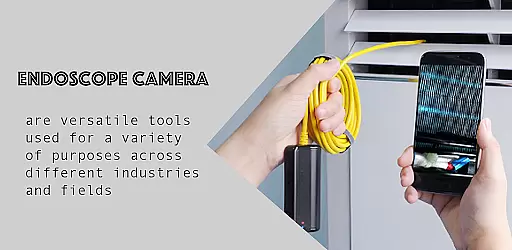
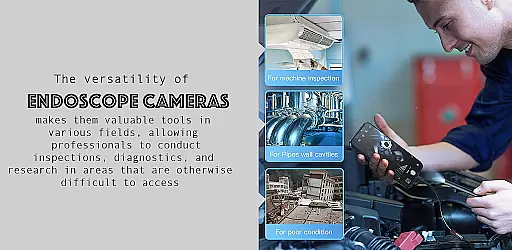
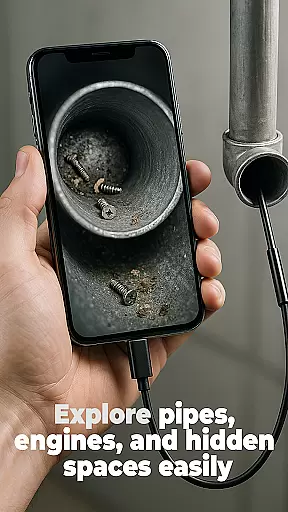
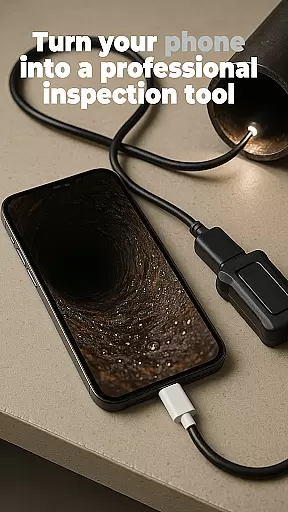
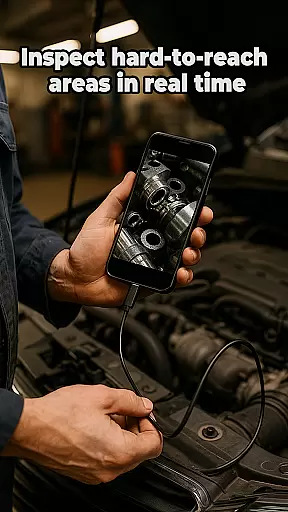
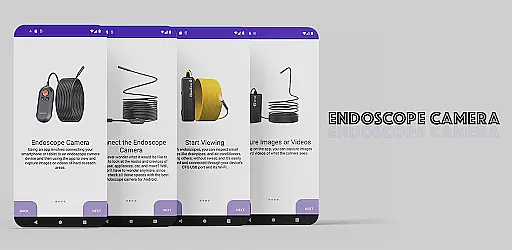
The Endoscope Camera app is a versatile tool designed to connect your smartphone with various external camera devices, including endoscopes, USB cameras, borescopes, and sewer inspection cameras. This functionality makes it an ideal solution for inspecting hard-to-reach areas such as blocked drains or pipes without the need for costly professional equipment. The app supports quick connection via OTG USB and allows users to capture high-quality photos and videos.
One of the standout features of the Endoscope Camera app is its user-friendly interface that simplifies the process of capturing and managing media. After connecting your camera, you can easily take photos and record videos. These files are stored in a built-in gallery where they can be viewed, managed, and deleted with ease. Whether you're a homeowner looking to inspect plumbing issues or a professional needing reliable inspection tools, this app provides a practical and efficient solution.
The Endoscope Camera app offers a range of robust features tailored for users who require detailed inspections of inaccessible areas. Firstly, it supports a wide array of external camera devices, including endoscopes, USB cameras, borescopes, and sewer inspection cameras. This versatility ensures that users can employ the app in various scenarios, from household maintenance to professional inspections.
Another significant feature is the app's seamless integration with OTG USB technology, allowing for quick and easy setup. Once connected, users can capture high-quality photos and videos, which are essential for thorough inspections. The app also includes a built-in gallery that simplifies the management of media files. Users can effortlessly view, delete, and organize their captured content, enhancing the overall user experience. With these capabilities, the Endoscope Camera app stands out as a comprehensive tool for both personal and professional use.
Functionality completeness is a critical aspect of any application, especially for specialized tools like the Endoscope Camera app. This app offers comprehensive support for various external camera devices, including endoscopes, USB cameras, borescopes, and sewer inspection cameras.
The app ensures that users can connect their smartphones to these devices quickly using OTG USB technology. Once connected, it provides essential features such as capturing high-quality photos and recording videos, which are crucial for detailed inspections.
Moreover, the built-in gallery feature allows users to manage their media files efficiently. They can view, delete, and organize captured images and videos effortlessly. This complete functionality ensures that users have all the necessary tools at their disposal for thorough inspections.
Usability and operational smoothness are vital for ensuring a seamless user experience, particularly in applications designed for practical use, such as the Endoscope Camera app. The app excels in providing an intuitive interface that simplifies the process of connecting and using external camera devices.
Upon opening the app and connecting the endoscope camera via USB, users can start viewing live footage immediately. The straightforward setup process eliminates the need for complex configurations, making it accessible even for non-technical users.
Additionally, the app's operational smoothness is evident in its ability to handle media files efficiently. Users can capture photos and videos and then easily access them through the integrated gallery. This streamlined workflow enhances productivity by allowing users to focus on their inspections without being hindered by complicated software operations.
User-friendly interface
Wide device compatibility
High-quality media capture
Quick OTG USB setup
Built-in gallery for easy management
Limited to compatible devices
Requires OTG USB adapter
No advanced editing tools
Basic feature set
Dependent on external hardware

Record with Double Camera Video Recording using Dual Camera Front and Back Video
 3.00
3.00
Connect and find your Smart Tag 2 devices through our app.
3.60
Popular mods fnaf mods for melon playground
4.50
Read Quran pak offline & listen online mp3 Quran in Al Quran Majeed app
4.0
use your smartphone as Remote control drones .
4.20
Block, disable and secure phone camera from secretly taking photos by spyware.
4.50
Zlink Carplay Android a mirror link app with a Carplay interface style
4.0
Study Bible King James Version: the correct way to learn the Bible with audio
4.80
Ps2 plugins for 64 bit artitechture
3.70
Phone Software Update Quick Checker helps you to keep your phone apps up to date
4.50
Al QURAN-القرأن الكريم app to read Quran offline just like an actual Quran book
4.30
Easily evaluate the performance of Scandit's barcode and ID scanning SDK
4.10
Demo version of the mcpro24fps manual video camera. Try and buy a full version!
4.00
Use your Phone as Drone Controller.
3.70
Connect and Find your smart tag via our app.our app is compatible with smarttag.
3.30
DamonSx2 is the open Source LGPL Emulator
3.20
Identify securely online
3.10
Mirror Link Car Display to share your screen with car dashboard wirelessly
4.4
Turn your phone into a wireless Xbox controller – play, stream & control anytime
4.4


User Reviews