
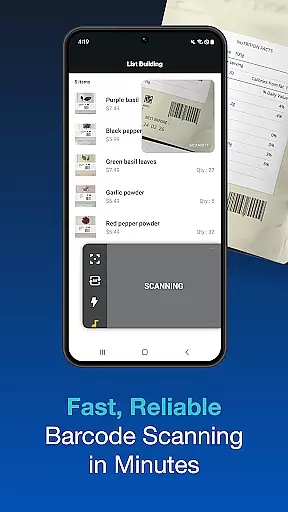
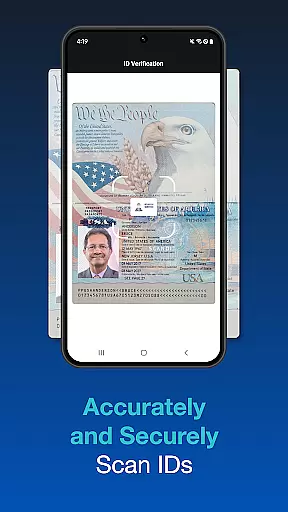
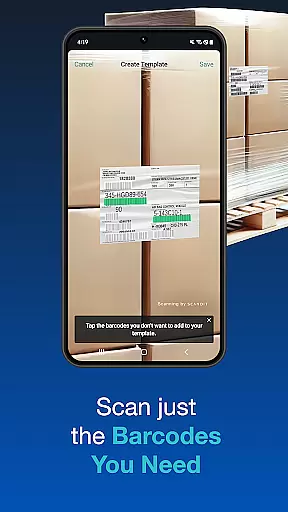
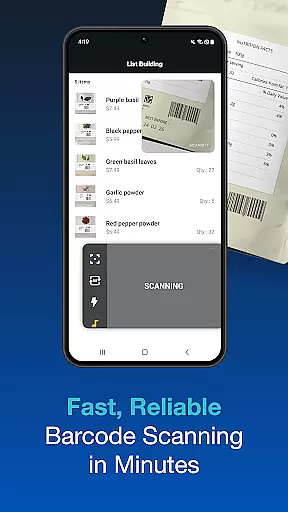
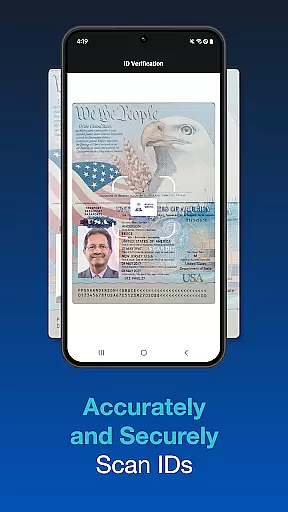
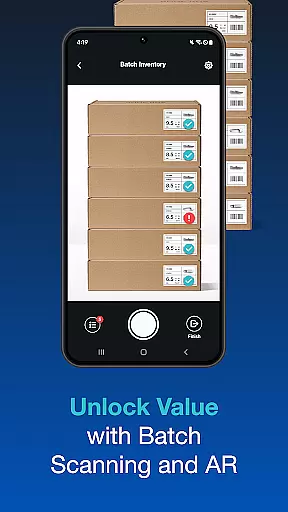
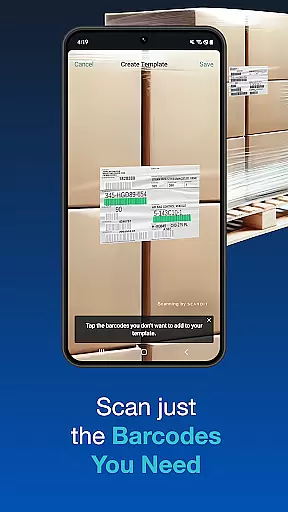
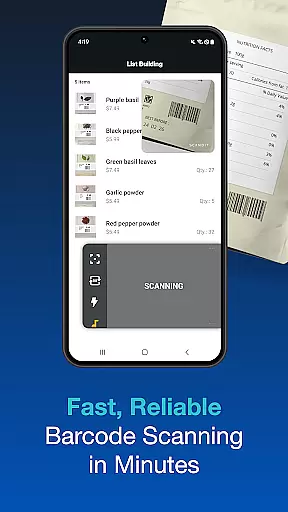
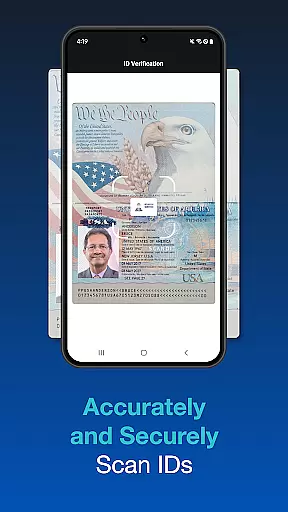
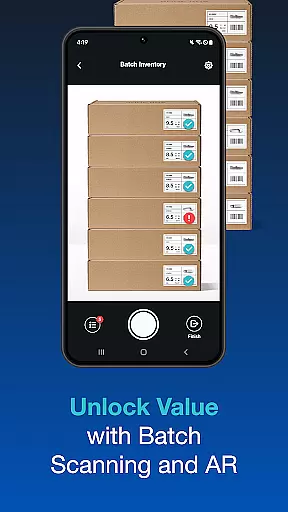
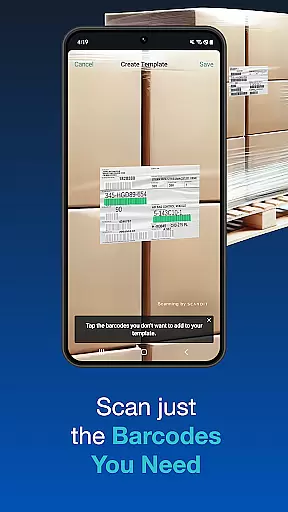
Scandit SDK Showcase is a powerful demonstration tool that allows developers and businesses to experience the full range of Scandit's barcode scanning and data capture capabilities. The app supports over 30 common barcode formats, enabling high-performance scanning in various use cases. It also features advanced ID scanning functionality for more than 2500 ID documents globally, making it suitable for industries like retail, logistics, and security.
In addition to its core scanning abilities, the app includes pre-built user interface components for faster integration into existing systems. With features such as batch scanning, augmented reality overlays, and multi-barcode recognition, Scandit SDK Showcase highlights how smart data capture can streamline operations and improve efficiency. This makes it an ideal solution for enterprises looking to implement cutting-edge scanning technology without extensive development resources.
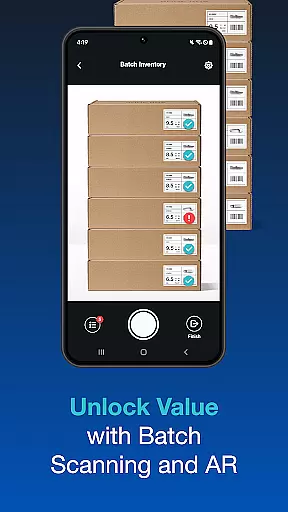
Scandit SDK Showcase stands out with its comprehensive feature set designed to meet diverse scanning needs. One of its key strengths is the ability to scan multiple barcodes simultaneously, which significantly speeds up inventory management and checkout processes. The app also supports augmented reality (AR) overlays, providing users with real-time information and enhancing the overall scanning experience.
Another notable feature is the secure and accurate ID document scanning, which covers a wide range of international IDs. This functionality is particularly useful for age verification and access control scenarios. Additionally, the app offers pre-built UI components that simplify the integration process, allowing developers to quickly deploy scanning solutions. These robust features make Scandit SDK Showcase a versatile tool for businesses seeking reliable and efficient data capture solutions.
Functionality completeness is a critical aspect of any software development kit, and Scandit SDK Showcase excels in this area. The app provides an extensive range of features that cater to various data capture needs without requiring any coding. With support for over 30 common barcodes and the ability to scan 2500+ ID documents worldwide, it ensures broad compatibility and utility.
The SDK's batch scanning capability allows multiple codes to be scanned simultaneously, streamlining workflows and increasing efficiency. Additionally, its unique feature to select and scan one barcode out of many reduces errors and saves time during operations. These comprehensive functionalities make it suitable for diverse industries, from retail to logistics.
Augmented reality (AR) overlays further enhance the scanning experience by providing real-time information and guidance. This not only improves accuracy but also enriches user interaction with the app. Such a wide array of features ensures that developers and businesses can integrate smart data capture solutions seamlessly into their existing systems.
Usability and operational smoothness are vital for ensuring a positive user experience, and Scandit SDK Showcase delivers on both fronts. The app offers pre-built scanning user interfaces that facilitate fast integration, allowing developers to quickly implement scanning capabilities into their applications. This ease of integration significantly reduces development time and effort.
Performance-wise, Scandit SDK stands out with its high-speed and accurate barcode reading capabilities. Users can expect fast and reliable scans every time, which is crucial for maintaining workflow efficiency. Furthermore, the security measures embedded within the ID scanning feature ensure that sensitive information is handled safely and responsibly.
Operational smoothness is also evident in the appu2019s ability to handle multiple barcodes on a single label and perform batch scans effortlessly. These features contribute to a seamless and frustration-free user experience, making Scandit SDK Showcase a top choice for enterprises looking to leverage advanced data capture technologies.
High-performance scanning
Wide barcode compatibility
Secure ID scanning
Pre-built UI components
Augmented reality support
Limited free trial
Complex setup required
Advanced features need coding
Higher cost for enterprise
Steep learning curve

Connect and find your Smart Tag 2 devices through our app.
 3.60
3.60
A great tool help you to format Micro SD memory Card
3.10
You can remote control and play much easier.
4.10
TV USB connector app provides you a seamless cast option from your phone to tv.
4.70
a wireless controller that provides a seamless and gaming experience for players
3.80
Mobs maker Minecraft help MCPE creators make their own mob by using Blockbench
3.50
Mirror link car connector to share your screen with car dashboard
3.80
Explore The Holy Quran Majeed for Muslim. Listen to MP3 Quran & Al Quran Kareem.
4.80
Manage apps & elevate your gaming experience with Game Launcher: Gaming Hub app.
4.30
Tune your game graphics with our GFX optimizer for optimal gaming experience
4.50
Block and secure the microphone and protect from secret listening and recording.
4.50
Phone Software Update Quick Checker helps you to keep your phone apps up to date
4.50
View your cameras anywhere and anytime
4.20
Android secret code for smart phone, mobile codes, with secret codes app
4.20
Demo version of the mcpro24fps manual video camera. Try and buy a full version!
4.00
Use your Phone as Drone Controller.
3.70
Now Available on Android ™
3.40
Connect and Find your smart tag via our app.our app is compatible with smarttag.
3.30
Record with Double Camera Video Recording using Dual Camera Front and Back Video
3.00


User Reviews