
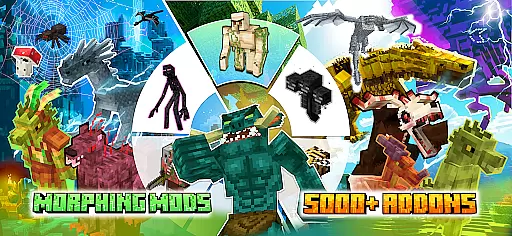
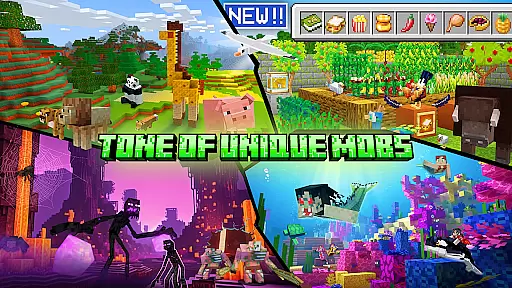
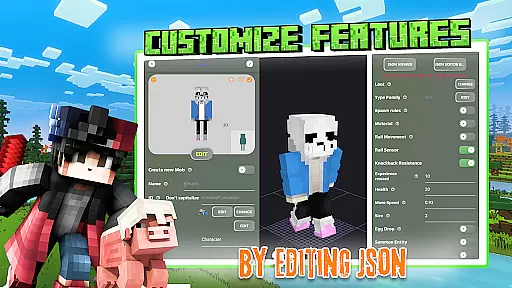
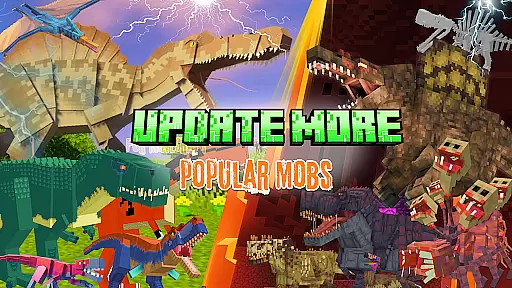
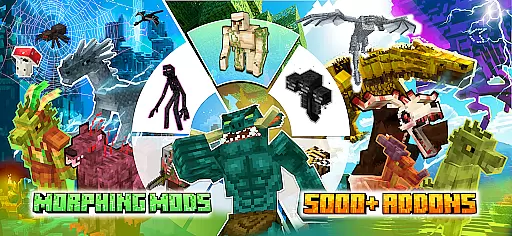
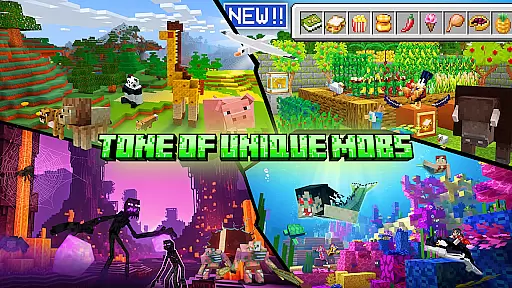
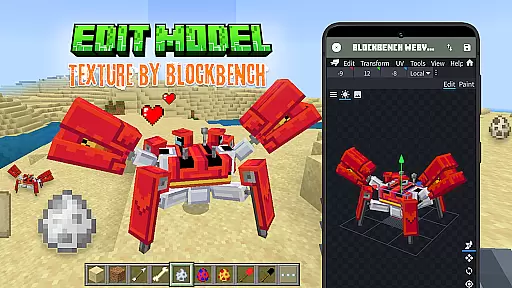
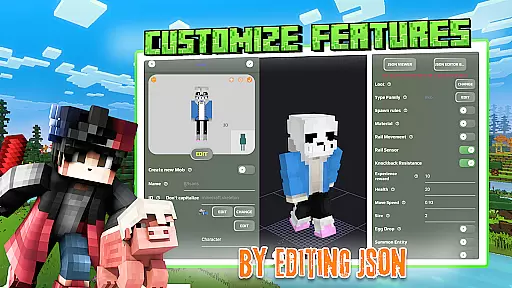
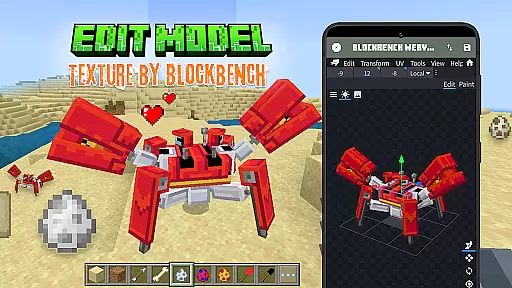
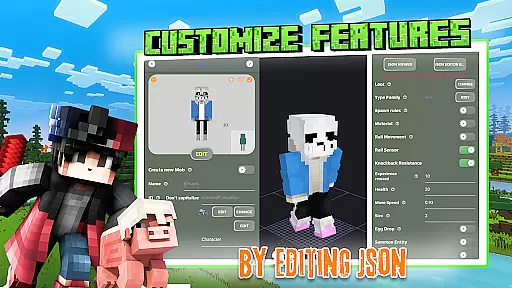
Mobs Maker for Minecraft PE is a powerful toolkit designed specifically for creating custom mobs and player models without the need for coding or advanced drawing skills. This app, inspired by Minecraft Addons Maker (MAM), provides users with professional tools to edit official mobs, modify 2D/3D textures, skins, animations, and JSON behaviors.
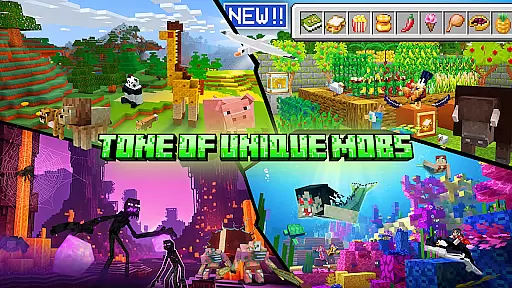
With seamless integration into Minecraft Bedrock Edition, the app allows creators to export their custom designs directly into the game. It also features an extensive library of rare community-created mobs, offering endless inspiration and possibilities for expanding Minecraft addons. Whether you're a beginner or seasoned creator, Mobs Maker provides all necessary tools to design unique animals, characters, and complex animations.
The app's value lies in democratizing the creative process, making mob creation accessible to all Minecraft enthusiasts. By removing technical barriers, it empowers users to focus on unleashing their creativity, ultimately enhancing their Minecraft experience through personalized content.
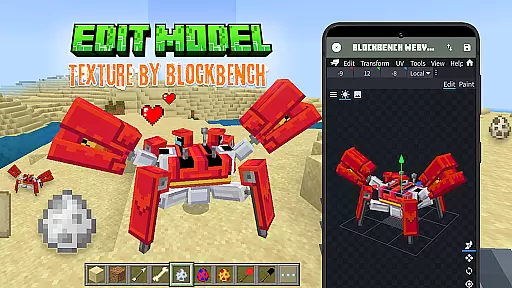
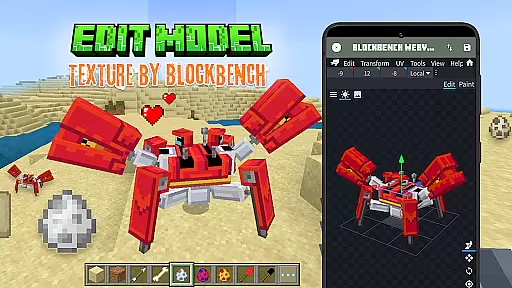
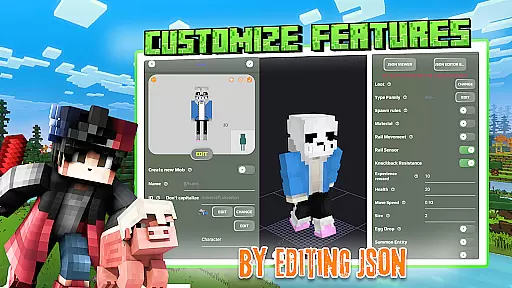
Mobs Maker for Minecraft PE stands out with its comprehensive feature set tailored for both novice and professional creators. The app includes a professional 3D Model Editor with full Blockbench support, enabling detailed customization of player models, skins, and textures. Users can design unique animals and mobs, complete with custom animations and JSON behavior modifications.
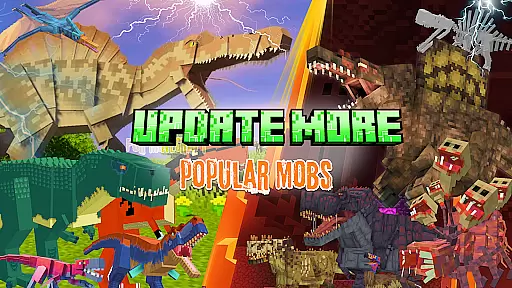
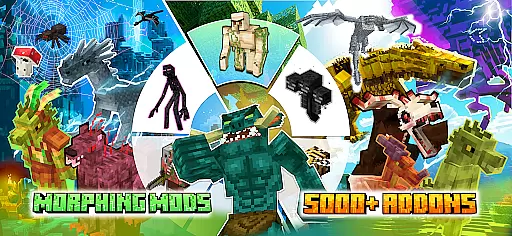
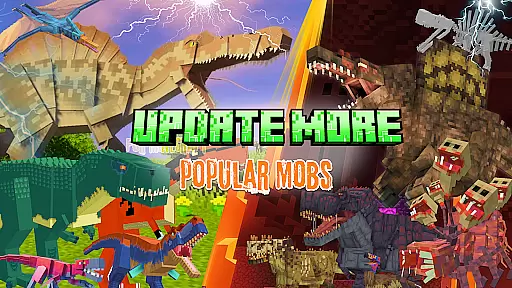
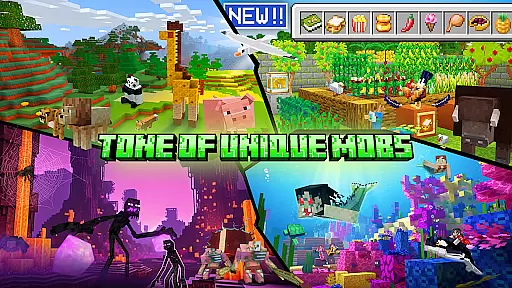
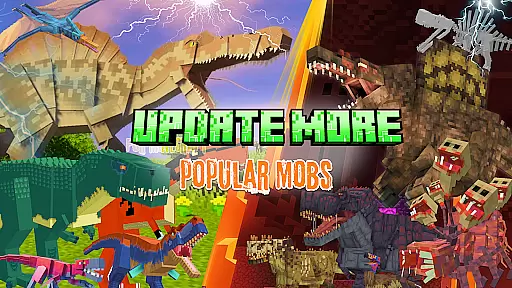
A key highlight is the ability to import custom creations directly into Minecraft PE, streamlining the workflow from design to gameplay. The built-in library offers access to thousands of mods and addons, including popular models like Ender Dragon, Golem, and Warden. Additionally, the app facilitates sharing within its active community, allowing users to exchange ideas and expand their creative horizons.
While currently under development, upcoming features promise even more advanced tools, including enhanced animation capabilities and UI improvements. Regular updates ensure that Mobs Maker continues to evolve, providing users with cutting-edge functionality to create professional-quality Minecraft addons.
Functionality completeness in app development ensures that all intended features are present and operational. For Mobs Maker for Minecraft PE, this means providing users with a comprehensive toolkit to create custom mobs and player models without the need for coding or advanced drawing skills. The app allows editing of both official and community models, modification of 2D/3D textures, skins, animations, and JSON behaviors.
The app's functionality extends to its integration with Blockbench, offering professional 3D model editing capabilities. Users can import their creations directly into Minecraft Bedrock Edition, accessing a library of rare mobs and sharing their own designs. This positions Mobs Maker as not just a creation tool but also a platform for collaboration and innovation within the Minecraft community.
Despite being under development, the app promises future enhancements like advanced mob creation tools, improved animation utilities, and regular updates. These commitments to expansion and refinement demonstrate the app's dedication to covering all bases necessary for an immersive Minecraft customization experience.
Usability is a critical factor in ensuring that users can effectively interact with an application. Mobs Maker for Minecraft PE excels in this area by providing an intuitive interface that supports the creation and modification of mobs and player models. Its design eliminates the need for advanced technical skills, making it accessible to a wider audience who wish to customize their Minecraft experience.
Operational smoothness is evident in the seamless processes the app offers, from editing skins and textures to exporting creations into the game. By supporting direct export into Minecraft Bedrock Edition and integrating with Blockbench, the app streamlines workflows, allowing creators to focus on designing rather than troubleshooting technical issues.
Furthermore, Mobs Maker fosters a user-friendly environment through its active community connections via social media platforms and its website. These channels not only provide support but also inspire creativity and learning, enhancing overall usability and ensuring that users have a smooth and engaging experience while creating their unique Minecraft addons.
User-friendly interface
Extensive model library
Seamless Minecraft integration
Active community support
Regular feature updates
Requires Minecraft PE
Advanced features pending
Third-party dependencies
Limited official support
Learning curve for new users

If you are looking for melon playground mod that fun you deffinitely try our app
 2.70
2.70
Demo for Key Attestation feature of the Android system.
4.80
Block and secure the microphone and protect from secret listening and recording.
4.50
Sad ringtones full of feeling, sad music ringtones
3.90
Identify securely online
3.10
Enjoy hours of entertainment with our Roblox mobile games app
4.2
A Pydroid Quick Install repository provider.
4.00
The best PS2 games from your childhood come to life in their mobile version!
4.00
Expo is a free & open source platform to build apps using JavaScript and React.
4.70
Study Bible King James Version: the correct way to learn the Bible with audio
4.80
Tune your game graphics with our GFX optimizer for optimal gaming experience
4.50
Block, disable and secure phone camera from secretly taking photos by spyware.
4.50
Barcode scanning made simple!
4.40
Recite Quran Majeed القران with special 16 line real Kuran page in hand
4.30
Test DPC is a sample device policy controller for use with Android Enterprise.
4.20
Connect and find your Smarttag devices through our app.
4.00
Mobile Connect To TV - HDMI USB & WiFi Screen Mirroring
3.70
CloudEye 365 is a easy-handling APP
3.60
DamonSx2 is the open Source LGPL Emulator
3.20


User Reviews