
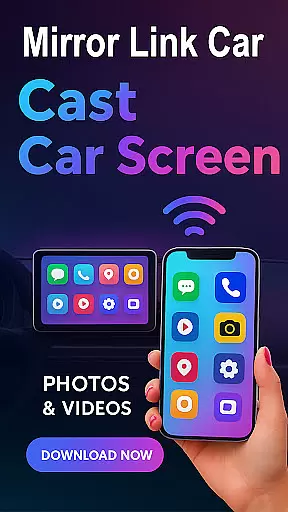
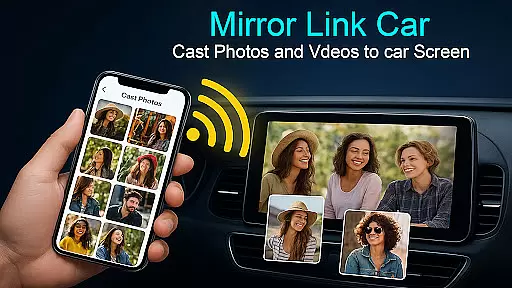
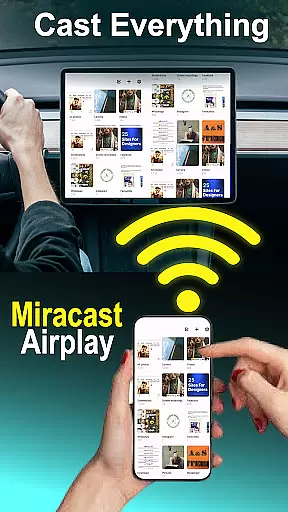
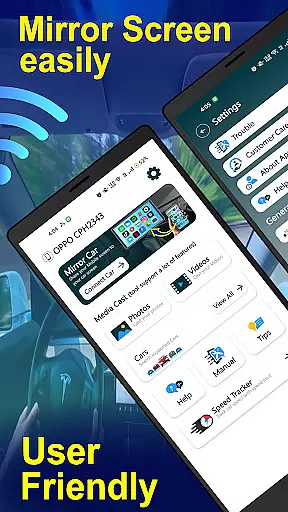
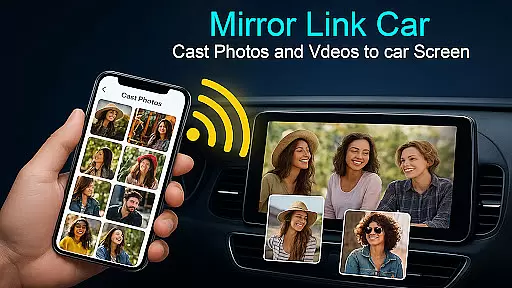
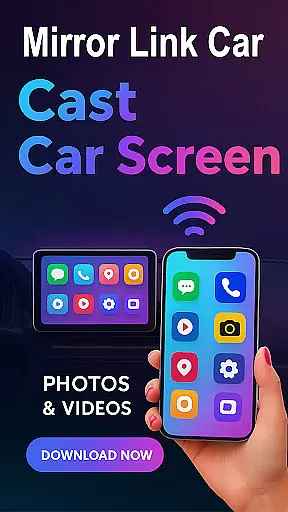
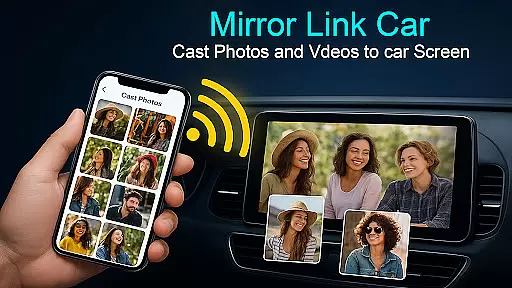
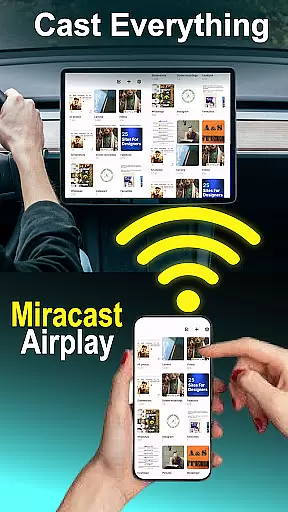
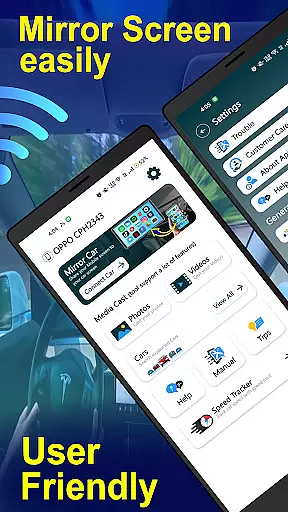
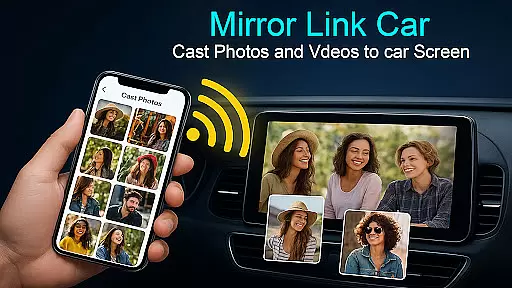
Mirror Link - Cast to Car is an innovative solution that transforms your car's infotainment system into a smart display. This app allows users to wirelessly mirror their phone screens, providing a hands-free and distraction-free multimedia experience. Whether navigating, streaming music, or accessing apps, the app ensures safer driving while maintaining full functionality through wireless or wired connectivity.
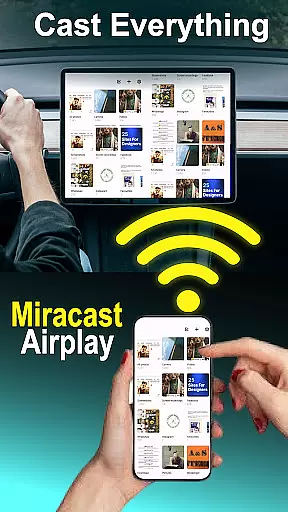
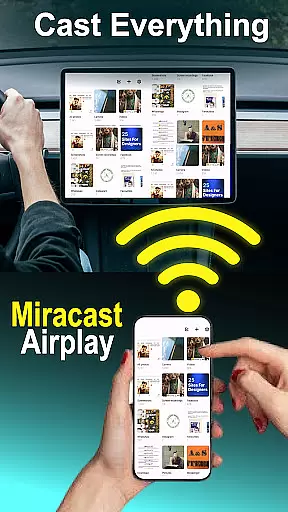
The application supports both Wi-Fi Screencast for wireless connections and USB connectivity for stable, lag-free performance. It works with infotainment systems that support standard screen mirroring protocols, offering a versatile dashboard experience. Users can watch videos when parked, use GPS, manage calls, and stream apps directly from their car’s touchscreen. Additionally, it extends beyond cars, enabling screen mirroring to Smart TVs and home entertainment systems.
Mirror Link - Cast to Car offers a range of features designed to enhance the driving experience. One of its standout capabilities is wireless screen mirroring, allowing users to connect their smartphones to their car screens without any cables using Wi-Fi Screencast. For those preferring a wired setup, USB connection support ensures stable and lag-free screen casting.
The app provides a comprehensive multimedia dashboard experience. Users can enjoy videos (only when parked), GPS navigation, call management, and app streaming directly from their car’s touchscreen. Its hands-free functionality automates music play/pause and other functions to minimize distractions while driving. Furthermore, the one-click quick car connection via supported CarLink/Mirror Link protocols facilitates fast setup and seamless integration with the car’s infotainment system or Smart TV.
With compatibility across various technologies such as Mirror Link, Miracast Wireless Display, and USB-Cast, this app caters to diverse user needs. The universal compatibility ensures it works with most car infotainment systems supporting these standards, making it a flexible choice for drivers seeking enhanced in-car entertainment and utility.
Functionality completeness in Mirror Link - Cast to Car ensures that users can seamlessly integrate their smartphones with their car's infotainment system. This app supports both wireless and wired connectivity, offering flexibility and reliability for different user preferences and scenarios.
The coverage of this application extends beyond just the car environment. With compatibility for Smart TVs and home entertainment systems, it provides a versatile solution for screen mirroring needs. Users can enjoy multimedia content not only while driving but also at home, making it an all-encompassing tool for media consumption.
Mirror Link - Cast to Car includes essential features such as one-click quick car connection via supported protocols like CarLink/Mirror Link, hands-free functionality, and smart TV compatibility. These features ensure that drivers can maintain focus on the road while still accessing their favorite apps through the car's dashboard.
By supporting various technologies including Miracast Wireless Display and USB-Cast, the app demonstrates its commitment to universal compatibility. This broad support allows users with different devices and vehicle types to benefit from the convenience and safety enhancements provided by Mirror Link - Cast to Car.
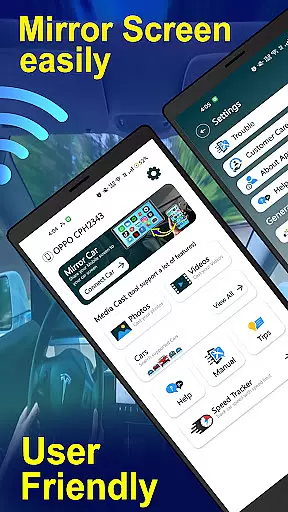
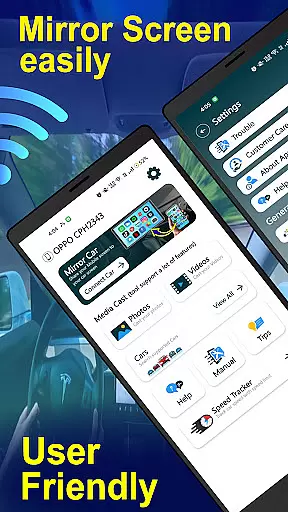
Usability is a critical aspect of Mirror Link - Cast to Car, designed to provide an intuitive and straightforward user experience. The app offers a simple one-click connection process, allowing users to quickly set up and connect to their car's infotainment system or Smart TV without any hassle.
Operational smoothness is evident in the app's ability to automate music play/pause and other functions, minimizing distractions while driving. This feature enhances safety by enabling drivers to keep their hands on the wheel and eyes on the road, reducing potential accidents caused by manual operation of devices.
The app's support for both wireless and wired connections contributes to its operational reliability. Whether using Wi-Fi Screencast for cable-free convenience or opting for USB connectivity for stable and lag-free performance, users can expect consistent and high-quality screen casting experiences.
Furthermore, Mirror Link - Cast to Car emphasizes responsible usage by encouraging streaming content only when parked. This approach underlines the app's dedication to promoting safe driving practices while delivering an enhanced multimedia experience within vehicles.
User-friendly interface
Wireless and wired options
Enhanced driving safety
Versatile compatibility
Quick setup process
Requires compatible hardware
Limited video playback
Potential connectivity issues
No iOS support
Dependent on car model

Record with Double Camera Video Recording using Dual Camera Front and Back Video
 3.00
3.00
Enjoy Minecraft Mod Scary Neighbor Granny for Minecraft PE.
4.30
Block and secure the microphone and protect from secret listening and recording.
4.50
Android secret code for smart phone, mobile codes, with secret codes app
4.20
Popular mods fnaf mods for melon playground
4.50
Easily evaluate the performance of Scandit's barcode and ID scanning SDK
4.10
Block, disable and secure phone camera from secretly taking photos by spyware.
4.50
Mirror link car connector to share your screen with car dashboard
3.80
Unlock the hidden menus of your phone with our mobile secret codes app.
4.20
Expo is a free & open source platform to build apps using JavaScript and React.
4.70
Tune your game graphics with our GFX optimizer for optimal gaming experience
4.50
Barcode scanning made simple!
4.40
View your cameras anywhere and anytime
4.20
Test DPC is a sample device policy controller for use with Android Enterprise.
4.20
Ps2 plugins for 64 bit artitechture
3.70
Now Available on Android ™
3.40
Collection of Maps and Mods for Dmod
3.30
Collection of high-quality, trendy skins and outfits!
4.3
Zlink Carplay Android a mirror link app with a Carplay interface style
4.4


User Reviews