
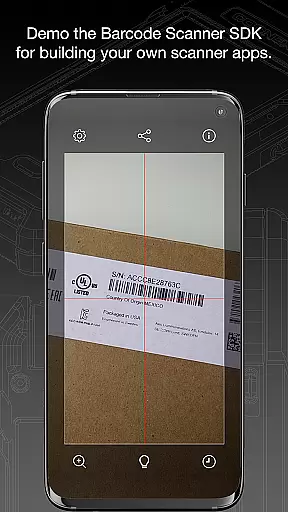
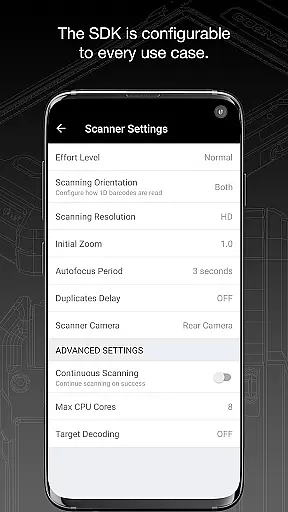
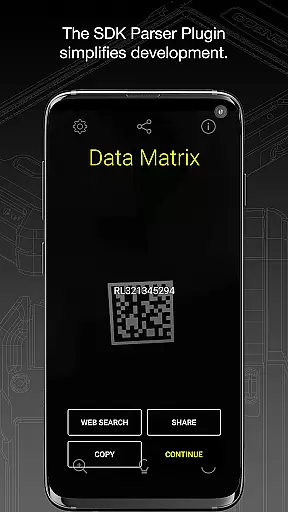
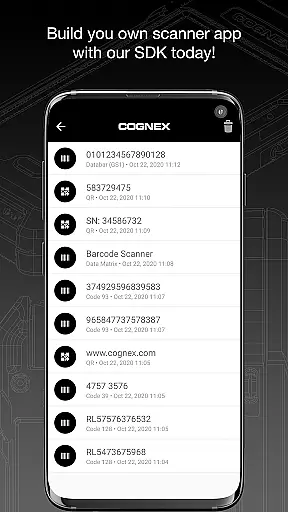
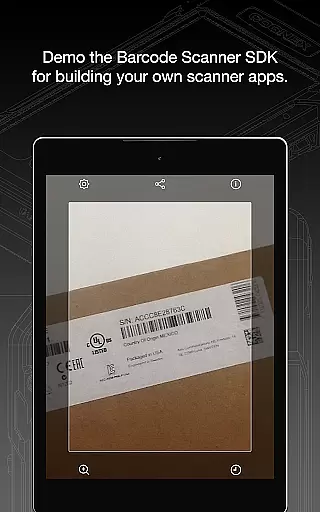
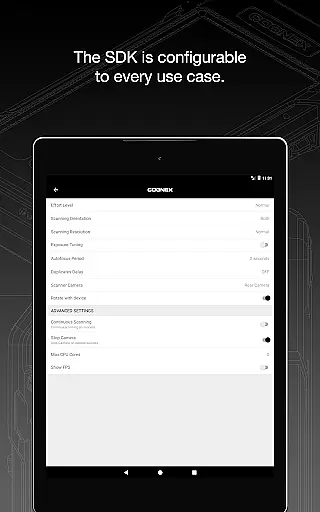
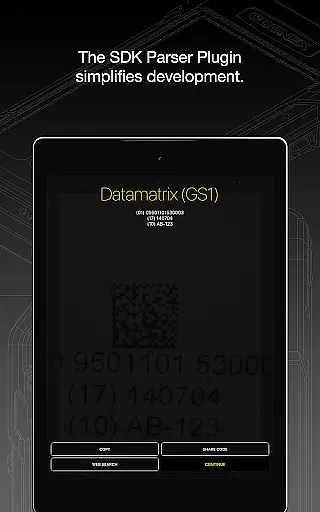
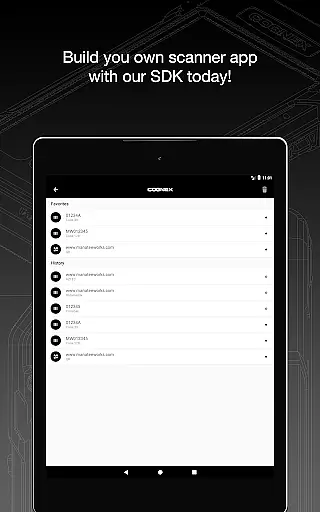
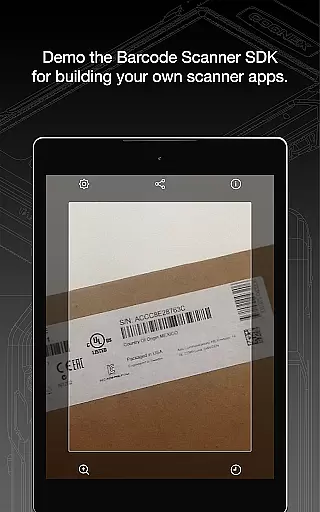
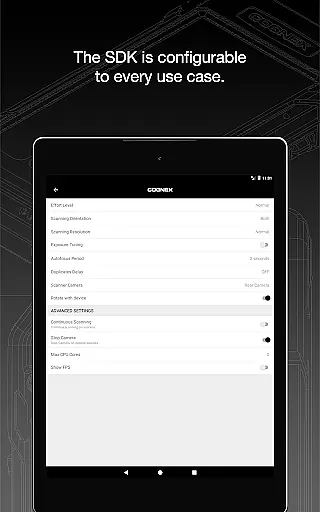
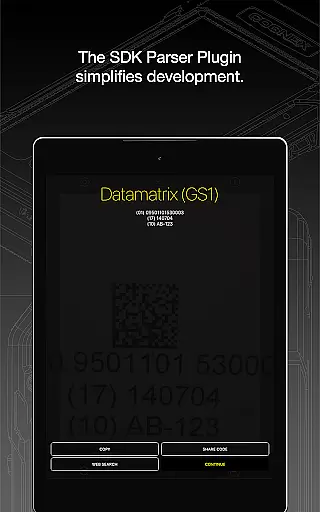
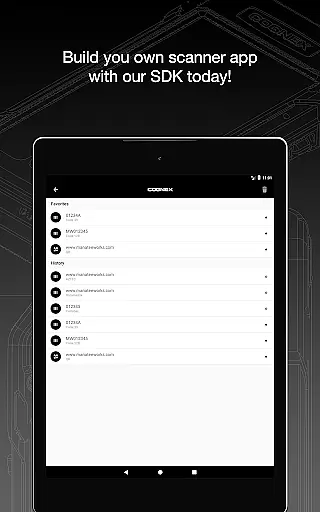
Barcode Scanner is a versatile library and demo application that simplifies the process of barcode scanning. This powerful tool supports over 30 different types of barcodes, including popular formats like QR, UPC, GS1, Data Matrix, PDF417, DotCode, and many others.
The app not only reads all major barcode symbologies but also provides specialized parsers for industry-standard formatted barcodes. Users can easily scan driver's licenses, GS1 codes, and structured carrier messages. Whether you're a developer looking to integrate barcode scanning into your projects or a business needing reliable scanning solutions, this app offers the functionality and flexibility required.
With its comprehensive support for various barcode types and user-friendly interface, Barcode Scanner proves invaluable in retail, logistics, and other industries where quick and accurate scanning is essential.
One of the standout features of Barcode Scanner is its extensive support for over 30 different barcode types. From widely-used formats like QR and UPC to more specialized ones like DotCode and MaxiCode, this app covers all bases.
In addition to its broad format compatibility, the app includes powerful parsers designed to simplify the examination of industry-standard formatted barcodes. These include AAMVA (US and Canadian Driver’s Licenses), GS1, IUID, Structured Carrier Messages (MaxiCode), and more. This makes it an ideal choice for businesses and developers who require detailed data extraction from scanned codes.
Furthermore, Barcode Scanner offers a seamless user experience with its intuitive interface and fast scanning capabilities. The app ensures high-speed performance without compromising accuracy, making it suitable for environments where efficiency is crucial.
Barcode Scanner offers an extensive range of functionality, supporting over 30 different types of barcodes. This includes popular formats such as QR, UPC, GS1, Data Matrix, PDF417, DotCode, and many others.
The app's comprehensive coverage ensures that users can scan all major barcode symbologies, including but not limited to Aztec Code, Codabar, Code 11, various types of Code 25, Code 39, Code 93, Code 128, EAN, ISBN, GS1 DataBar, MaxiCode, MSI Plessey, Micro PDF417, Postal Codes, TELEPEN, and UPC. It also supports GS1 sub-types like GS1 QR Code, GS1 Data Matrix, and GS1-128.
This broad compatibility makes Barcode Scanner a versatile tool for both personal and professional use, ensuring that no matter the barcode type, the app is equipped to handle it efficiently.
Designed with user experience in mind, Barcode Scanner provides powerful parsers that make examining industry-standard formatted barcodes easier than ever. These include specialized formats such as AAMVA (US and Canadian Driveru2019s Licenses), GS1, IUID, Structured Carrier Messages (MaxiCode), and more.
The app ensures operational smoothness by offering quick and reliable scanning capabilities, making it suitable for high-speed environments. Its intuitive interface allows users to swiftly navigate through its features without any hassle.
For those interested in advanced solutions, visiting Cognex's website provides further insights into their high-speed barcode scanning and computer vision technologies, enhancing the overall usability of this robust application.
User-friendly interface
Extensive format support
High-speed scanning
Reliable performance
Detailed data parsing
Limited customization options
No offline documentation
Requires internet for updates
Occasional lag with complex codes
Advanced features need technical know-how

Wireless reverse charging using phone now is possible
 4.30
4.30
Connect and find your Smarttag devices through our app.
4.00
Android secret code for smart phone, mobile codes, with secret codes app
4.20
An essential GFX utility developed for specific FPS mobile games
4.50
Collection of Maps and Mods for Dmod
3.30
You can remote control and play much easier.
4.10
Al QURAN-القرأن الكريم app to read Quran offline just like an actual Quran book
4.30
An impressive collection of tools, characters, weapons, skins and more!
4.30
DamonSx2 is the open Source LGPL Emulator
3.20
Game booster GFX may reduce interruptions and improve gaming experience.
4.50
MirrorLink for connecting your Android phone to your car’s infotainment screen.
4.50
Game Booster GFX for smoother gaming experience. Enjoy 120 FPS and 4x Game Space
4.20
Mirror link car connector to share your screen with car dashboard
3.80
Connect and find your Smart Tag 2 devices through our app.
3.60
CloudEye 365 is a easy-handling APP
3.60
Endoscope camera an app to connect with endoscope cam or any device
3.30
Identify securely online
3.10
Collection of high-quality, trendy skins and outfits!
4.3
Mirror Link Car Display to share your screen with car dashboard wirelessly
4.1


User Reviews