
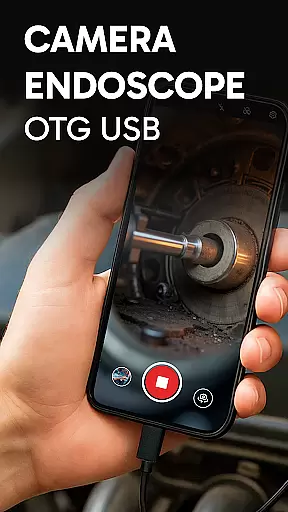
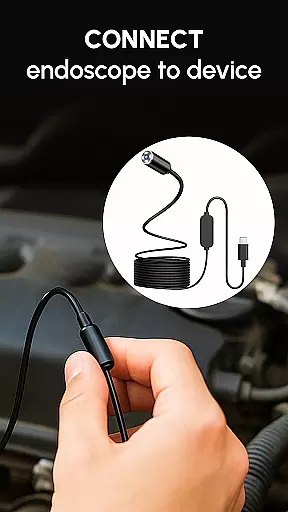
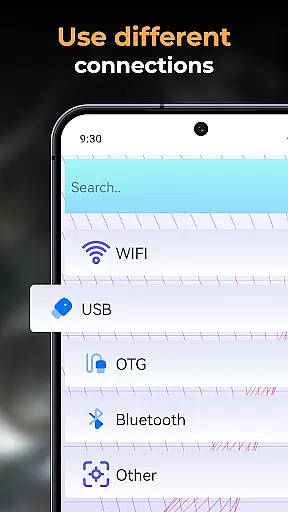
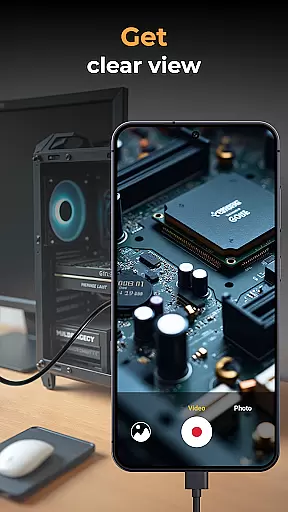
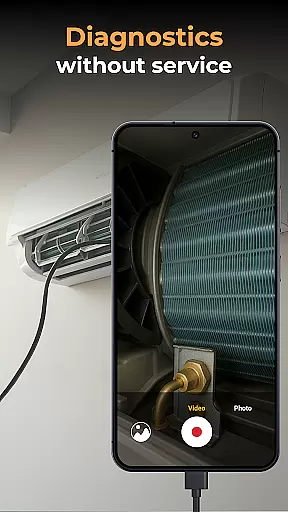
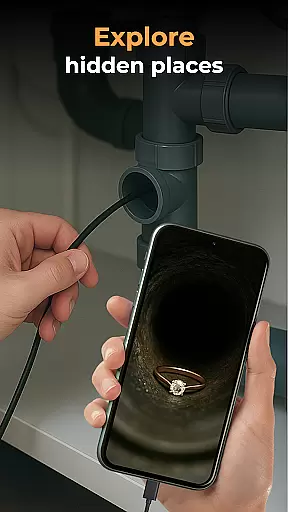
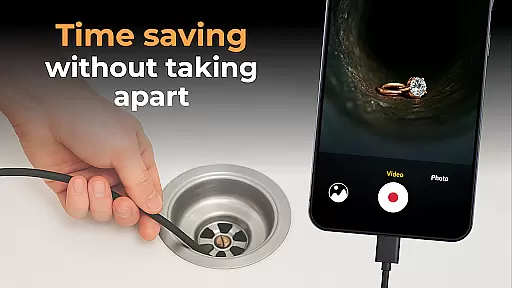
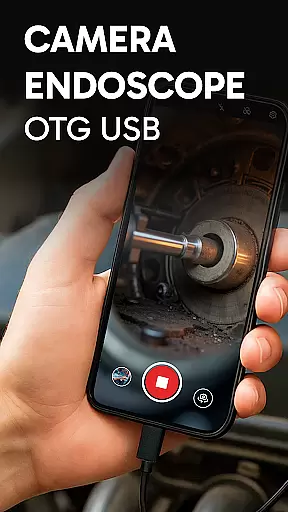
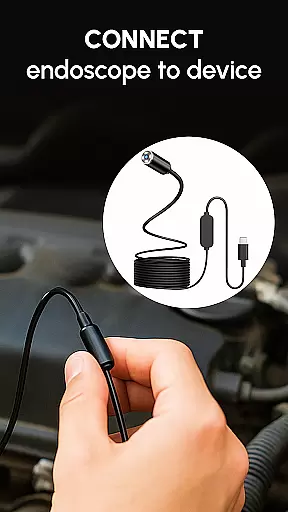
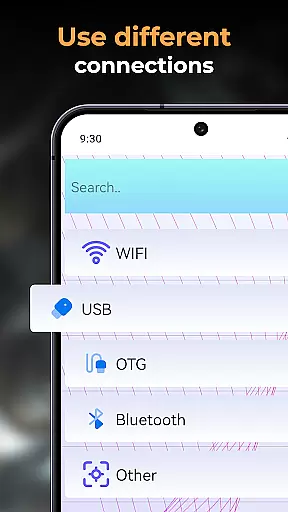
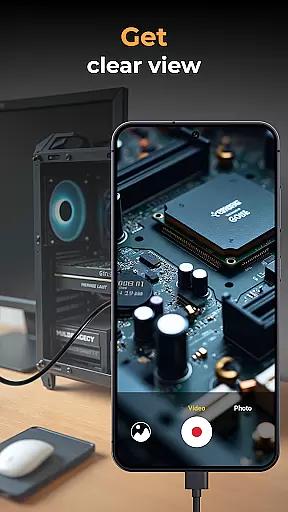
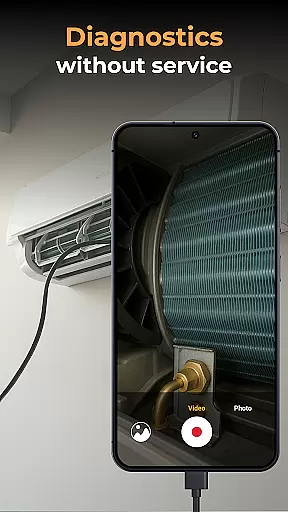
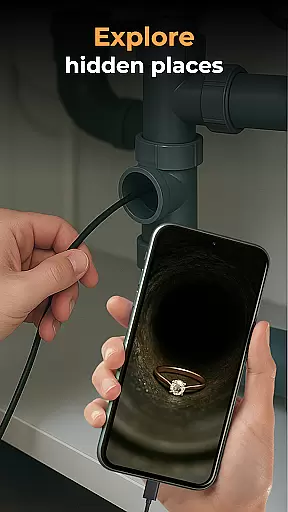
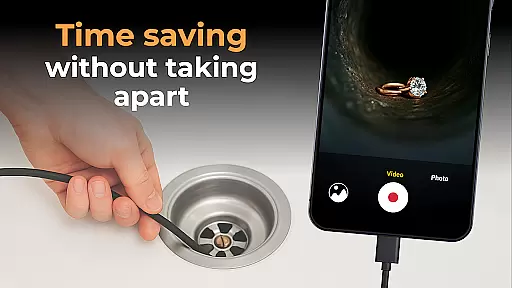
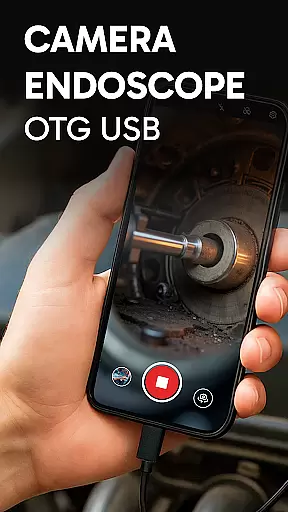
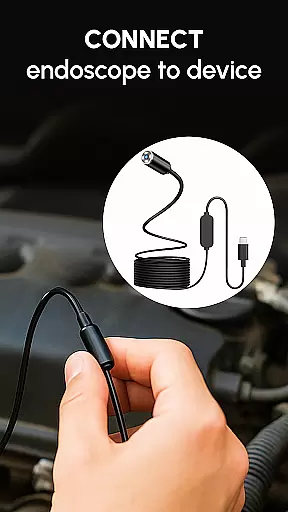
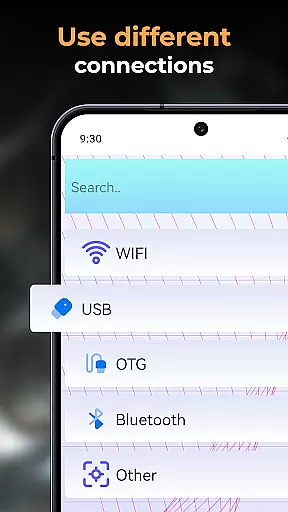
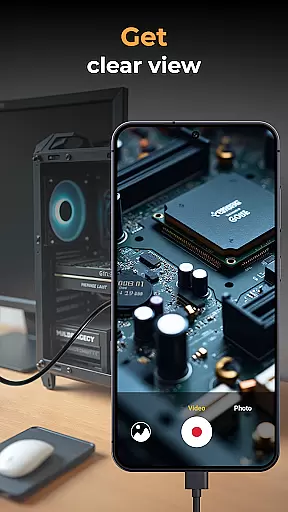
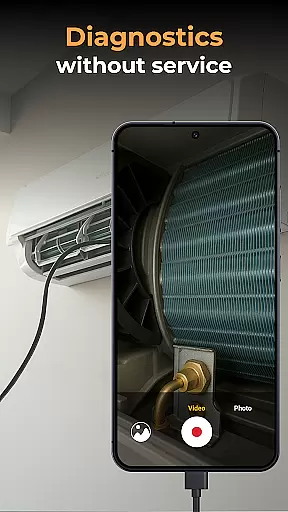
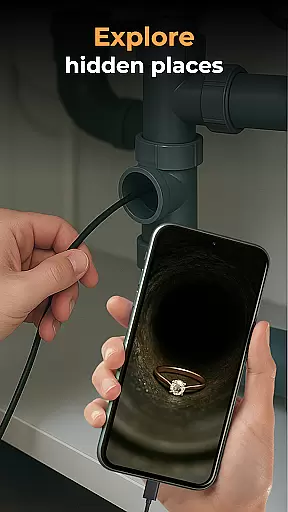
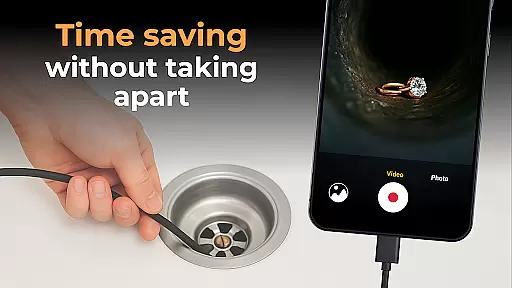
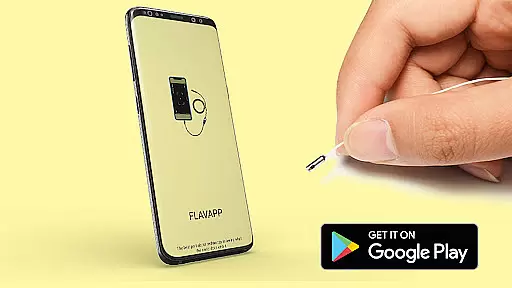
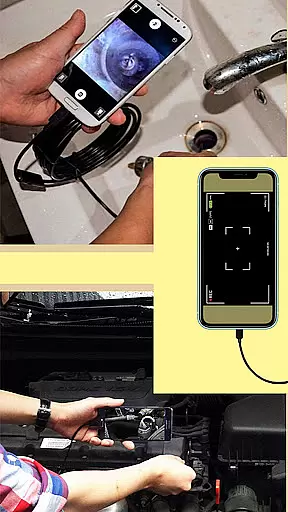
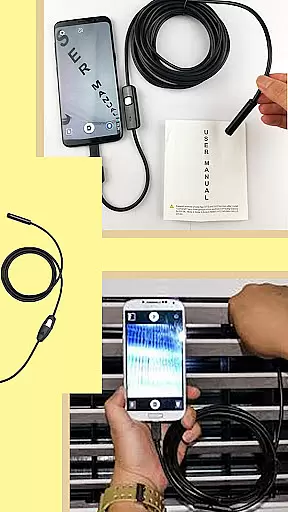
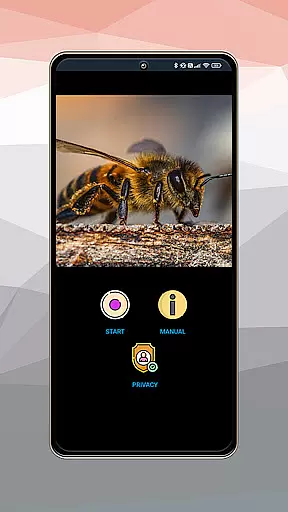
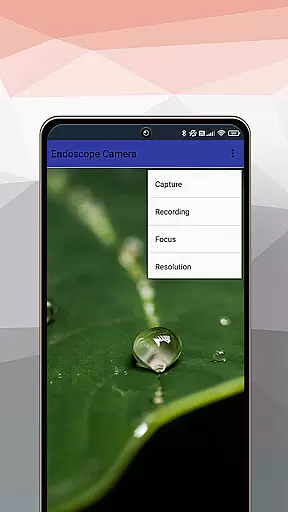
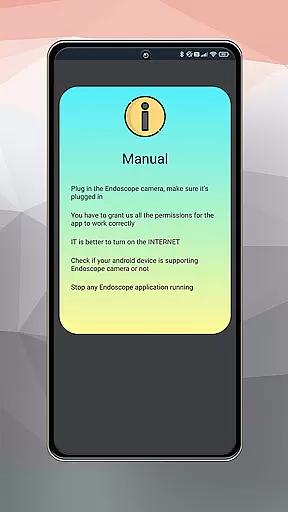
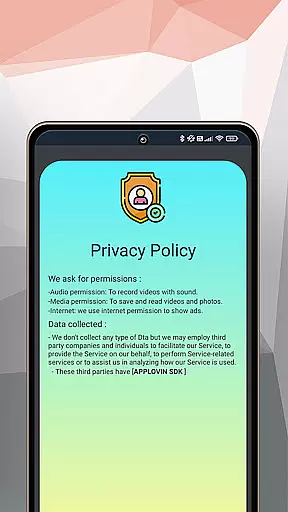
Camera endoscope / OTG USB is an innovative application that transforms Android devices into powerful inspection tools. Designed for both professional and personal use, this app allows users to connect external cameras such as borescopes and microscopes through a USB OTG interface. With its real-time video capturing capabilities, it's perfect for detailed inspections in hard-to-reach areas.
The application stands out with its user-friendly interface and seamless integration with various external devices. Whether you're a DIY enthusiast or a professional technician, the app provides essential features like high-quality image and video recording, media management functions, and effortless gallery organization. These features make it an indispensable tool for plumbing work, car repairs, or electronics diagnostics.
By turning your smartphone into a portable inspection system, Camera endoscope / OTG USB offers practical solutions for examining narrow spaces. Its plug-and-play functionality ensures ease of use while maintaining stable connections. This makes it an ideal choice for anyone needing detailed visual inspections without the bulk of traditional equipment.
One of the standout features of Camera endoscope / OTG USB is its comprehensive support for various external inspection tools. The app seamlessly connects with borescopes, microscopes, and other USB OTG compatible devices, allowing users to capture real-time images and videos. This versatility makes it suitable for multiple applications, from industrial inspections to personal projects.
The application provides robust media management capabilities. Users can easily record, store, and organize their captured media within the built-in gallery. Simple yet effective functions like delete, view, and share options streamline workflow and enhance productivity. Additionally, the intuitive interface ensures that even novice users can navigate and utilize these features without difficulty.
Optimized performance is another key aspect of Camera endoscope / OTG USB. The app maintains stable and fast connections with external devices, ensuring smooth operation during critical inspections. Its compatibility with multiple devices and easy setup process further enhances its appeal. Whether used for professional diagnostics or hobbyist explorations, this app delivers reliable and efficient performance every time.
When evaluating an application like Camera Endoscope / OTG USB, functionality completeness refers to the app's ability to offer a wide range of features that cater to the needs of its users. This particular app excels in providing comprehensive support for USB OTG cameras, transforming your Android device into a versatile inspection tool.
The app covers various aspects of camera usage, including real-time video capturing, compatibility with external devices such as borescopes and microscopes, and seamless integration through an OTG connector. These capabilities ensure that whether you're a DIY enthusiast or a professional technician, the functionalities provided will meet your inspection requirements.
Additionally, the app offers media management features, allowing users to record, store, view, delete, and share high-quality videos and images. With all these features combined, Camera Endoscope / OTG USB demonstrates a robust coverage of functionalities essential for detailed inspections and general use.
Usability is a critical factor for any application, and Camera Endoscope / OTG USB stands out by offering an intuitive and user-friendly interface. The setup process is straightforward, requiring only a compatible device and a USB OTG cable to start inspecting with a live camera view.
Operational smoothness is evident in the app's stable and fast connections, which are crucial when using the Camera Endoscope for tasks such as pipe inspection or detailed machine diagnostics. The plug-and-play feature ensures that even those new to endoscopic tools can efficiently operate the app without a steep learning curve.
Furthermore, the app simplifies file management with an organized media gallery where users can easily manage their captured photos and videos. Options to delete or share media files are readily accessible, enhancing the overall user experience and making Camera Endoscope / OTG USB a reliable choice for both work and personal projects.
User-friendly interface
Wide device compatibility
Real-time video capture
Efficient media management
Stable connection performance
Limited free features
Requires compatible hardware
Occasional connection issues
No cloud backup option
Basic editing tools

Record with Double Camera Video Recording using Dual Camera Front and Back Video
 3.00
3.00
Collection of high-quality, trendy skins and outfits!
4.2
Wireless reverse charging using phone now is possible
4.30
The Free Catholic Latin American Bible in complete Spanish
4.60
Block and secure the microphone and protect from secret listening and recording.
4.50
Connect your phone to any endoscope camera, USB camera, or borescope with ease.
3.70
Easily evaluate the performance of Scandit's barcode and ID scanning SDK
4.10
Phone Software Update Quick Checker helps you to keep your phone apps up to date
4.50
Unlock the hidden menus of your phone with our mobile secret codes app.
4.20
Demo for Key Attestation feature of the Android system.
4.80
Game booster GFX may reduce interruptions and improve gaming experience.
4.50
use your smartphone as Remote control drones .
4.20
charging your phone by other phone easly
4.00
Demo version of the mcpro24fps manual video camera. Try and buy a full version!
4.00
Use your Phone as Drone Controller.
3.70
With Endoscope Camera Connector you can connect your phone with endoscope cam
3.70
CloudEye 365 is a easy-handling APP
3.60
Mirror phone to TV effortlessly! Stream, share & connect with Airplay ease.
3.60
Turn your phone into a wireless Xbox controller – play, stream & control anytime
4.2


User Reviews