
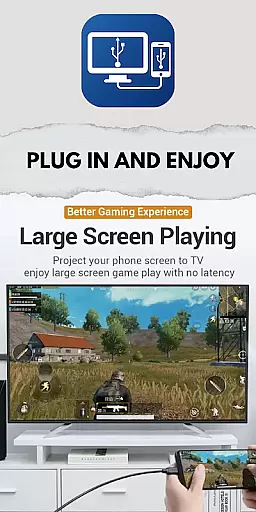
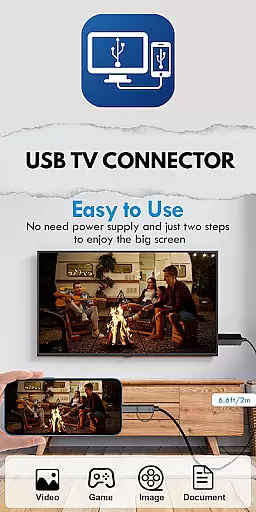
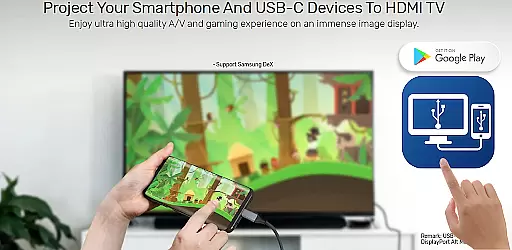
USB Tv Connector is a screen mirroring application that allows users to connect their mobile devices to TV screens via USB. This app provides seamless screen casting, enabling users to enjoy their favorite content on a larger display. With support for HDMI MHL, it ensures HD quality streaming of photos, videos, and music directly from your phone to TV.
The app not only facilitates USB connection and screen mirroring but also allows users to check if their device is OTG supported. Additionally, it offers the convenience of using your phone as a remote control for your TV, enhancing user interaction and accessibility.
USB Tv Connector stands out with its key features designed for effortless screen sharing. The app supports USB screen mirroring to TV, allowing users to mirror their phone screens onto a TV effortlessly. It maintains high-definition quality through HDMI MHL support, ensuring that all casted content retains its clarity and detail.
Users can easily cast various media files including photos, videos, and music from their mobile devices to their TVs. The app simplifies the process of connecting a phone to a TV via USB, making it accessible even for non-technical users. Furthermore, the ability to use the phone as a TV remote adds an extra layer of convenience, streamlining the overall user experience.
Functionality completeness is a critical aspect of any application, especially for a tool like USB Tv Connector. This app offers a comprehensive solution for screen mirroring from your phone to TV using a USB connection. The ability to mirror your phone's screen to a larger display is not just about enjoying entertainment; it also extends to professional settings where presentations can be delivered seamlessly.
The app covers various essential features such as checking if your mobile device supports OTG, which is crucial for establishing a stable connection. Additionally, the support for HDMI MHL ensures that you can cast content in HD quality, making it suitable for both casual and professional use. By providing users with the capability to cast photos, videos, and music effortlessly, USB Tv Connector demonstrates its functional breadth.
Moreover, the app goes beyond simple screen mirroring by allowing users to utilize their phones as remotes for the TV. This added functionality enhances user convenience and showcases the app's commitment to offering a complete experience. With these features, USB Tv Connector proves its dedication to covering all bases necessary for an efficient and enjoyable screen-mirroring experience.
Usability and operational smoothness are vital for ensuring that users have a seamless experience when using an application. For USB Tv Connector, usability starts with the straightforward process of connecting your phone to the TV via USB. The app simplifies what could be a complex technical task into a user-friendly interface, making it accessible even for those who may not be tech-savvy.
Operational smoothness is evident in how the app handles different types of media castingu2014whether it's photos, videos, or music. Users can expect consistent performance without interruptions, thanks to the app's optimization for smooth data transfer over USB connections. Furthermore, the feature that allows users to check if their device is OTG-supported adds another layer of ease, preventing potential frustrations before they occur.
In addition to these core functionalities, the app provides extra conveniences such as using the phone as a remote control for the TV. These thoughtful touches contribute to overall operational fluidity, ensuring that users not only achieve their primary goal of screen mirroring but also enjoy additional benefits that enhance their interaction with both devices. Such attention to detail underscores the app's focus on delivering a polished and intuitive user experience.
User-friendly interface
HD quality streaming
Seamless screen mirroring
Phone-as-remote functionality
Quick content sharing
Limited to USB connection
Requires OTG support
No wireless option
Potential compatibility issues
Dependent on physical cable

View your cameras anywhere and anytime
 4.20
4.20
Enjoy Minecraft Mod Scary Neighbor Granny for Minecraft PE.
4.30
The Free Catholic Latin American Bible in complete Spanish
4.60
Android secret code for smart phone, mobile codes, with secret codes app
4.20
Block, disable and secure phone camera from secretly taking photos by spyware.
4.50
An impressive collection of tools, characters, weapons, skins and more!
4.30
DamonSx2 is the open Source LGPL Emulator
3.20
Ps2 plugins for 64 bit artitechture
3.70
Phone Software Update Quick Checker helps you to keep your phone apps up to date
4.50
Explore The Holy Quran Majeed for Muslim. Listen to MP3 Quran & Al Quran Kareem.
4.80
Study Bible King James Version: the correct way to learn the Bible with audio
4.80
Expo is a free & open source platform to build apps using JavaScript and React.
4.70
a wireless controller that provides a seamless and gaming experience for players
3.80
Mirror link car connector to share your screen with car dashboard
3.80
Connect your phone to any endoscope camera, USB camera, or borescope with ease.
3.70
With Endoscope Camera Connector you can connect your phone with endoscope cam
3.70
Mobs maker Minecraft help MCPE creators make their own mob by using Blockbench
3.50
Looking to connect your phone to your car screen? Mirror Link is the solution.
3.20
Record with Double Camera Video Recording using Dual Camera Front and Back Video
3.00


User Reviews