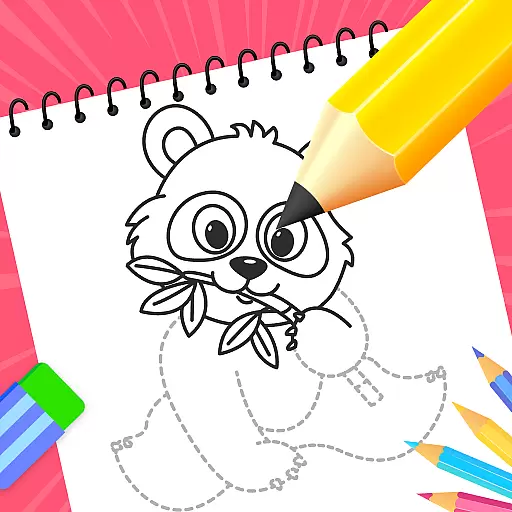
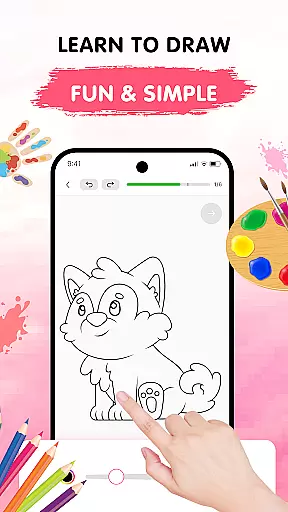
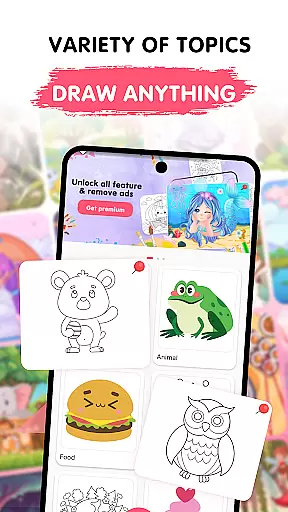
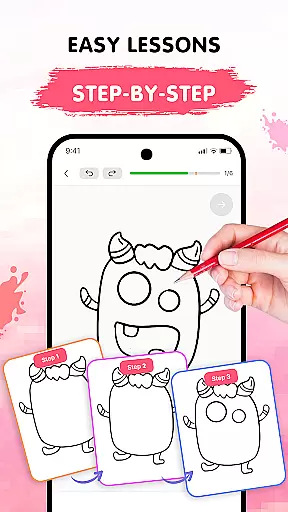
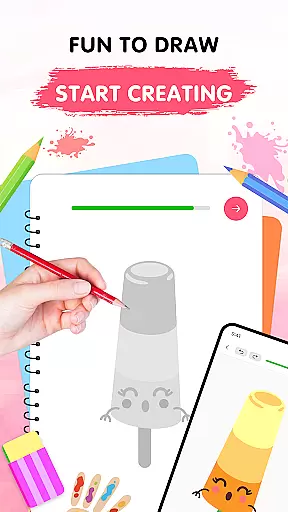
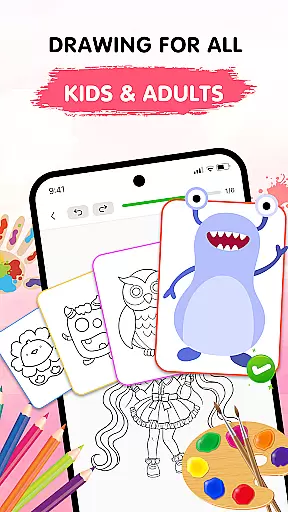
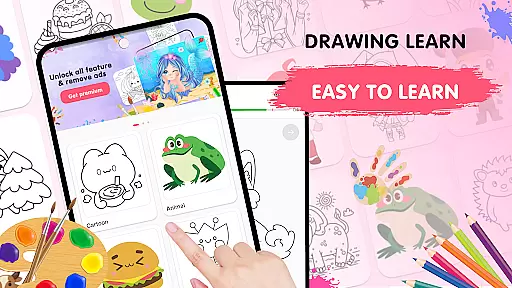
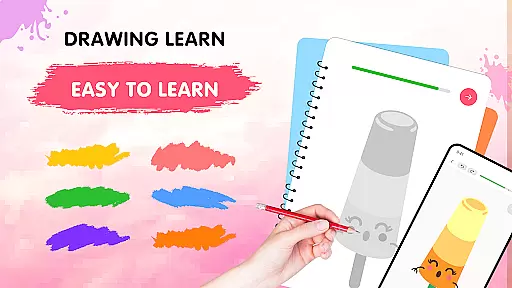
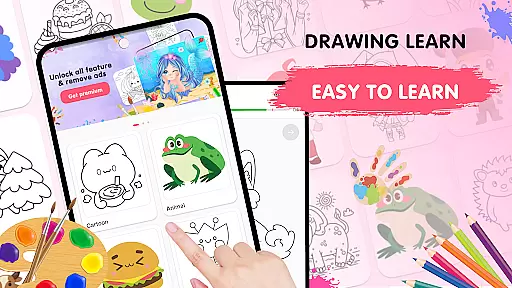
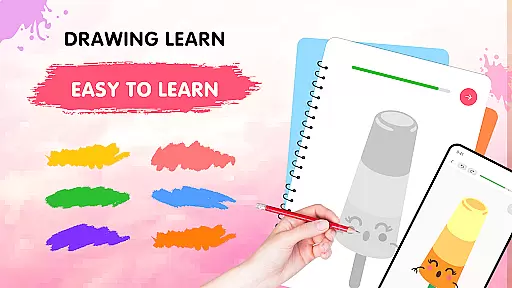
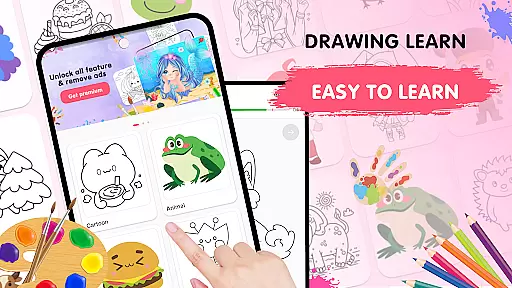
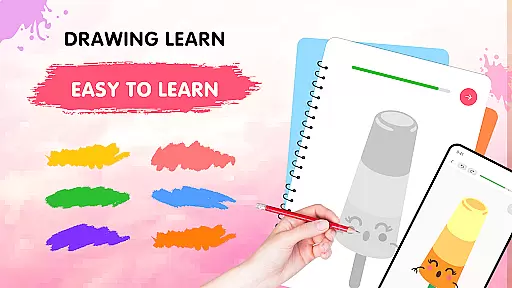
Easy Draw: Learn How to Draw is an innovative educational app designed to help users develop their artistic skills. This personal art tutor offers a structured learning experience with step-by-step drawing tutorials across various themes including animals, cartoons, and nature.
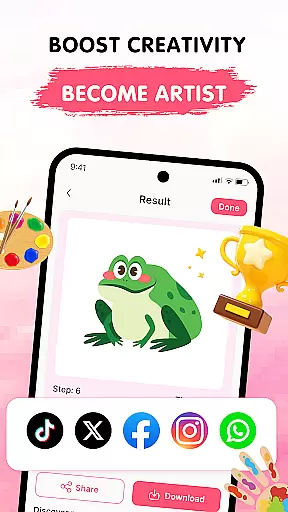
The app's intuitive interface makes it suitable for both beginners and experienced artists. With features like adjustable brush settings, expressive color palettes, and easy-to-use drawing tools, Easy Draw creates a relaxing environment for creative exploration. Users can save and share their artwork, making it perfect for those who want to document their artistic journey or showcase their progress on social media.
Whether you're looking to refine your technique or simply enjoy a calming creative outlet, Easy Draw provides the guidance and tools needed to improve your drawing skills while having fun in the process.
Easy Draw stands out with its comprehensive set of drawing features tailored for education. The app offers guided drawing steps that break down complex images into manageable parts, allowing learners to follow along at their own pace while building confidence in their abilities.
One of the key strengths is its versatile drawing toolkit. Users can experiment freely with undo/redo functions, adjustable brushes, and precision erasers. The vibrant color palette enables artists to add personal touches to their work, while the ability to save and export drawings encourages sharing and collaboration.
With its growing library of themes and subjects, Easy Draw caters to diverse interests from food illustrations to environmental scenes. This variety keeps the learning experience fresh and engaging, making it an excellent long-term companion for anyone serious about developing their artistic talents.
In the realm of digital education, content accuracy is paramount. Easy Draw: Learn How to Draw ensures that each tutorial is crafted with precision and care, adhering to educational standards and artistic techniques. The app's developers collaborate with professional artists to create step-by-step guides that are both informative and easy to follow.
Every drawing lesson within Easy Draw is designed to teach real artistic skills. From basic shapes to complex compositions, users can trust that they are learning methods that are respected within the art community. This commitment to authoritative content means learners at all levels can refine their abilities with confidence.
The app doesn't just offer random drawing exercises; it provides structured lessons that build upon one another. As users progress through different themes such as animals, cartoons, food, universe, and environment, they encounter increasingly challenging tasks that expand their knowledge base while reinforcing previous learnings.
By choosing Easy Draw for your educational needs, you're not only getting an entertaining pastime but also a reliable source of artistic instruction. With every stroke guided by expertly curated content, this app stands out in the Education category as a beacon of trustworthy learning material.
Easy Draw: Learn How to Draw distinguishes itself in the Education category by offering personalized learning paths tailored to individual user preferences and skill levels. Upon entering the app, users are greeted with a diverse library of themes ranging from whimsical cartoons to intricate environmental scenes, each designed to cater to specific interests.
The true power of personalization lies in the adaptive nature of these tutorials. As learners engage with various drawing exercises, they have the freedom to advance at their own pace. Bite-sized steps break down complex images into manageable parts, allowing for incremental skill development without overwhelming beginners or boring advanced artists.
Moreover, Easy Draw empowers its users with adjustable tools like brush sizes and vibrant color palettes which enable them to put their unique stamp on every piece they create. These features ensure that no two learning journeys are exactly alikeu2014each artist can explore their style while honing fundamental techniques.
Ultimately, Easy Draw transforms traditional art education into a dynamic experience where creativity meets convenience. By providing customizable options alongside expert guidance, it fosters an environment where anyone can grow as an artistu2014one personalized lesson at a time.
User-friendly interface
Step-by-step guidance
Vibrant color options
Save and share functionality
Diverse drawing themes
Limited advanced tools
Occasional ads
Premium content costs
Basic brush styles
Offline limitations

An animated storybook app to help ease your child through toilet training.
 3.70
3.70
Astronomy app ? Discover the universe scope, explore solar system model in 3D.
4.20
Universe simulator: Find & explore planets system, outer space, astronomy events
4.60
2026 DVSA Driving Theory Test revision with Hazard Perception + Highway Code
4.60
Nighty Night Circus - Bedtime story for kids
4.10
Practice Casino Roulette Payouts for Table Game Dealers and Croupiers
4.40
Guitar chord finder, analyzer, smartly visualized theory, progressions, quizzes.
4.70
An aviator’s preparation, study and test tool for FAA Knowledge Exams.
4.00
Professional Award-Winning Astronomy Star Map App With Telescope Control
4.40
Hebrew Vocab
4.90
Learn math, step-by-step
4.30
One of the most engaging and innovative ABC apps on the market.
4.30
Monkey Preschool Lunchbox: 7 exciting educational games for your preschooler.
4.30
An aviator’s preparation, study and test tool for FAA Knowledge Exams.
4.30
School Communication
4.30
Master note reading with StaffWars….
4.00
MONOPOLY JUNIOR brings Hasbro's classic the board game to life.
3.00
Study the questions most likely to be asked during the Oral & Practical Exams.
2.80
A collection of favorite stories from Daniel Tiger's Neighborhood
2.00


User Reviews