
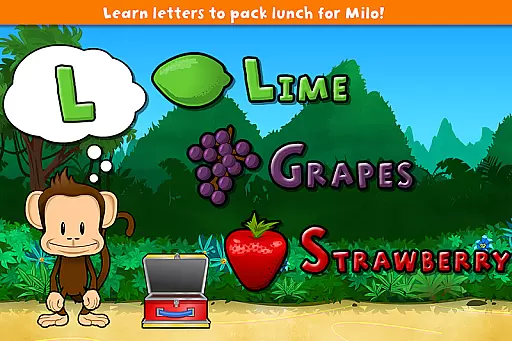
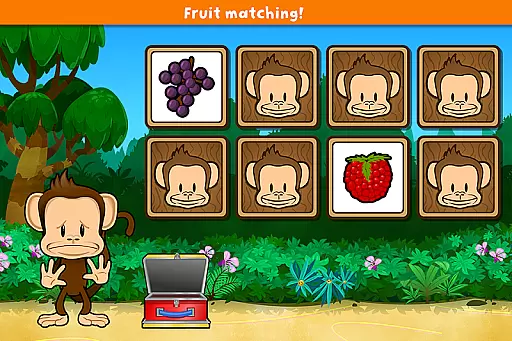
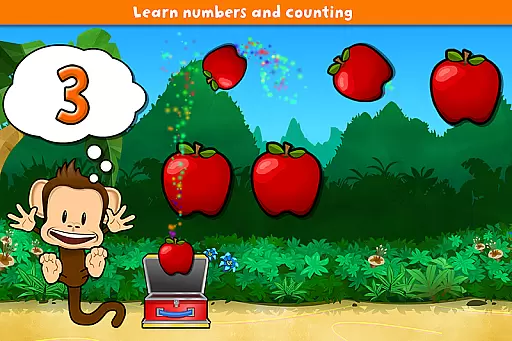
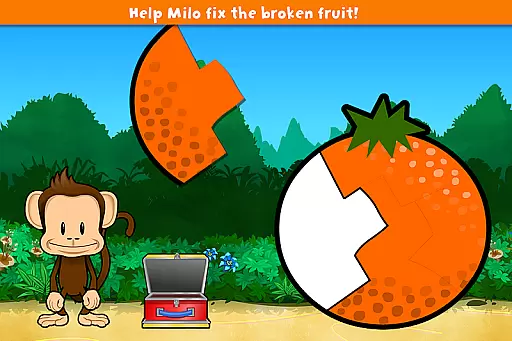
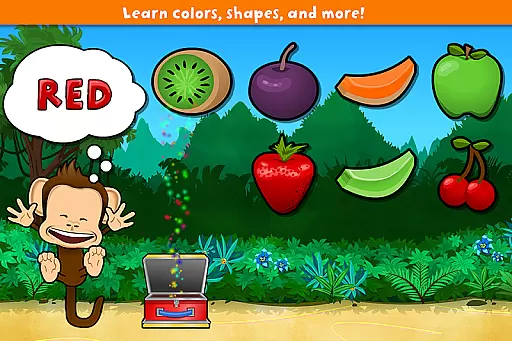
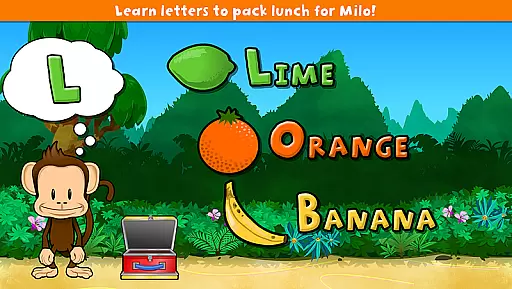
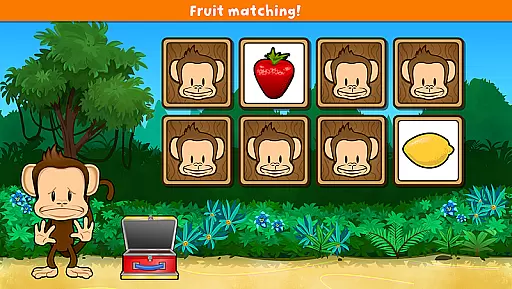
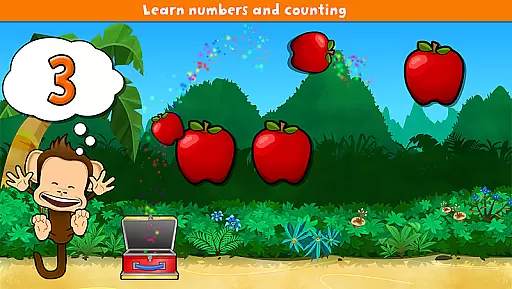
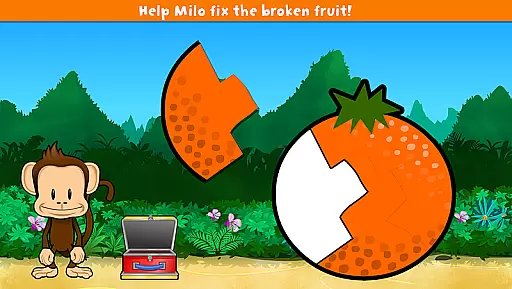
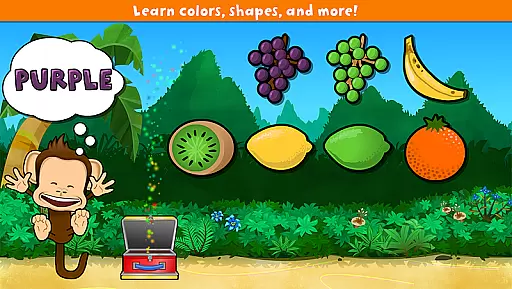
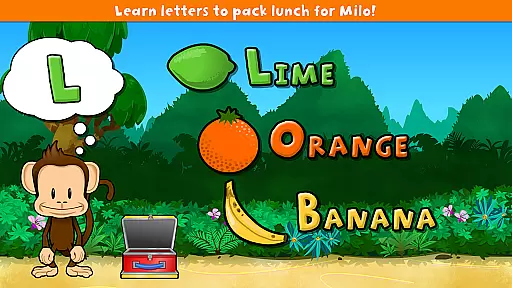
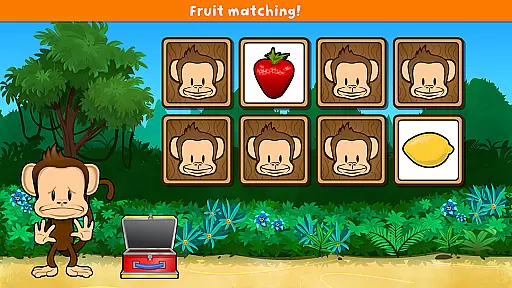
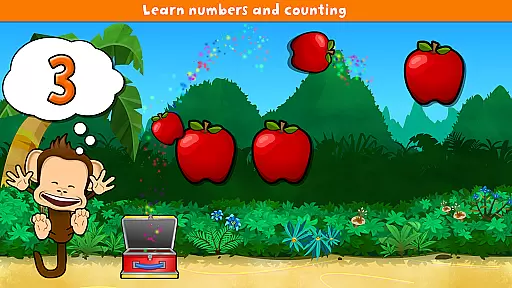
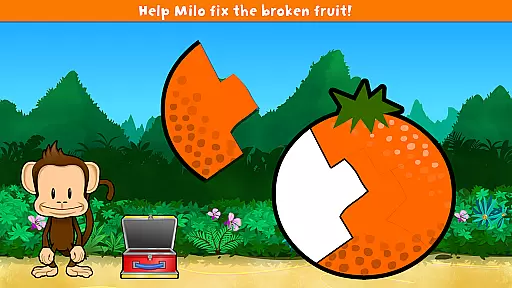
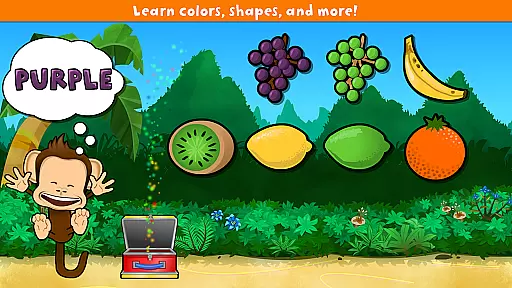
Monkey Preschool Lunchbox is an educational app designed specifically for preschoolers aged 2 to 5. This comprehensive learning tool offers a suite of 7 interactive games that teach fundamental concepts such as colors, letters, counting, differences, and matching. Available exclusively on Google Play, the app supports learning in 8 different languages including English, French, German, Portuguese, Spanish, Korean, Chinese, and Japanese.
The app features a delightful animated monkey character that guides children through various activities. With engaging sounds, voice recordings, and animated stickers awarded as prizes, it creates an immersive learning experience. The user-friendly interface ensures that even the youngest learners can navigate effortlessly, while unlimited play allows seamless transition between games. Monkey Preschool Lunchbox provides a safe and enriching environment that fosters early childhood development.
Monkey Preschool Lunchbox stands out with its diverse range of educational games tailored for young learners. Each of the 7 games focuses on essential skills like color recognition, letter identification, basic counting, identifying differences, and matching objects. These games are carefully crafted to be both fun and instructional, ensuring that children remain engaged while learning.
A key feature is the charming animated monkey companion who actively assists and encourages kids throughout their gaming sessions. Dozens of sound effects and voice recordings enhance the learning process by providing auditory cues for colors, letters, and fruit names. Additionally, the unique sticker reward system motivates children by granting them an animated sticker after every other game they win, reinforcing positive behavior and achievement.
The app's design prioritizes simplicity and ease of use, making it accessible for preschoolers without any confusing menus or navigation paths. With unlimited play options, children can enjoy continuous learning without interruptions. Furthermore, THUP Games places a strong emphasis on privacy and security; the app does not collect, store, or share any personal information, nor does it include advertisements or in-app purchases, ensuring a safe digital space for your child's education.
Monkey Preschool Lunchbox stands out in the Education category by offering meticulously crafted content that ensures both accuracy and authority. The app provides seven distinct educational games, each designed to teach preschoolers fundamental concepts such as colors, letters, counting, differences, and matching. These games are developed with input from educational experts to ensure they meet early childhood learning standards.
The inclusion of voice recordings for colors, letters, and fruit names further enhances the authoritative nature of the content. Each recording is clear and precise, aiding in the correct pronunciation and recognition of various terms. This auditory reinforcement complements the visual learning elements, creating a comprehensive educational experience.
Additionally, the app's availability in eight languagesu2014English, French, German, Portuguese, Spanish, Korean, Chinese, and Japaneseu2014ensures that children from diverse linguistic backgrounds can benefit from its accurate and reliable content. This multilingual support reflects the developers' commitment to delivering an authoritative educational tool that transcends language barriers.
One of the key features of Monkey Preschool Lunchbox is its ability to offer personalized learning paths tailored to each child's developmental stage. The app is specifically designed for preschoolers aged 2 to 5, ensuring that the content is age-appropriate and engaging. By focusing on this specific age group, the app provides a customized learning journey that adapts to the cognitive abilities of young learners.
The lovable animated monkey serves as a guide throughout the games, offering encouragement and assistance when needed. This interactive element helps create a personalized experience by responding to the child's actions and progress within the games. As children navigate through the different activities, the monkey's feedback reinforces positive learning behaviors and motivates continued exploration.
Furthermore, the appu2019s structure allows for unlimited play, seamlessly transitioning from one game to the next. This design eliminates any confusing menus or navigation, enabling children to focus on their learning paths without interruption. The absence of advertisements, social media links, or in-app purchases also ensures a distraction-free environment, allowing kids to fully immerse themselves in their personalized educational journey.
Engaging educational content
User-friendly interface
Multilingual support
Privacy-focused design
Fun reward system
Limited to preschool age group
No advanced learning modules
Only available on Google Play
Basic graphics quality
Repetitive gameplay elements

Grazing Risk Monitoring Service
 4.4
4.4
FAR/AIM, FAR for Flight Crew and FAR for Aviation Maintenance Technicians
3.80
Astronomy app ? Discover the universe scope, explore solar system model in 3D.
4.20
The Only Official DVSA Theory Test Kit App
4.50
Designed for Calculator 84 users
4.20
Enrich the experience of your visit to the Pantheon with our audiotour.
1.60
Astronomy Guide To Night Sky
4.30
A realistic sky map to observe stars, planets, satellites and constellations!
4.80
Your Arts+Culture Guide
4.00
Explore myths and gods across cultures with in-depth insights and stories.
5.00
The best way to study for your amateur radio license exam.
4.90
Age-Related Child Developmental Milestones
4.80
Engage in learning science and math with the award-winning PhET simulations!
4.70
Learn Words Daily in Just Minutes - Boost Your Language Skills Fast!
4.60
Prepare for the BCBA / BCaBA exam. Study ABA with the ABA Wizard app.
4.60
Study for your 608 certification.
4.50
School Communication
4.30
Learn to make peaceful contact with extraterrestrial civilizations
4.10
Pickleball guide complete with illustrated Pickleball drills and helpful info
4.3


User Reviews