
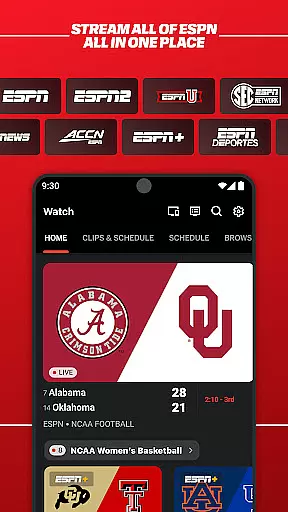
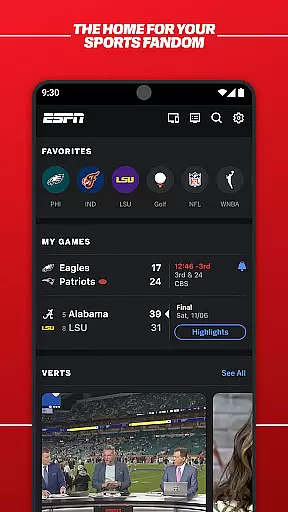

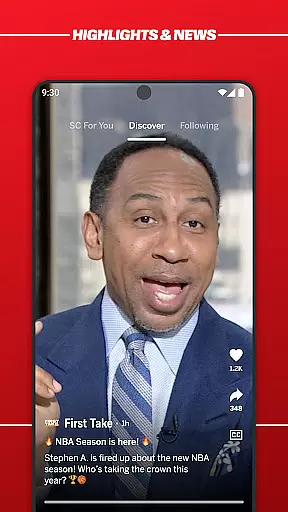
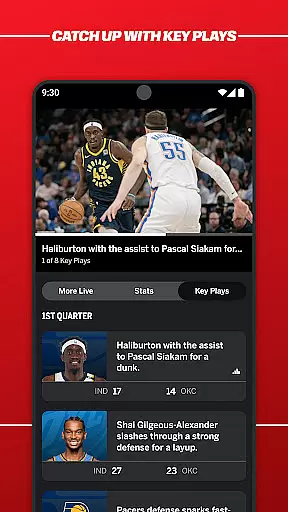
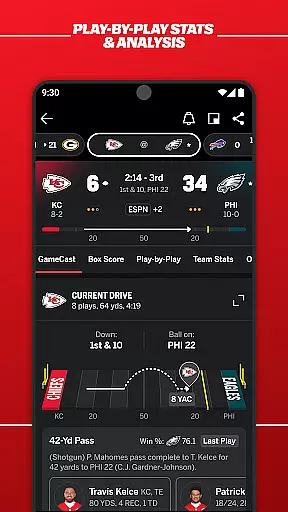
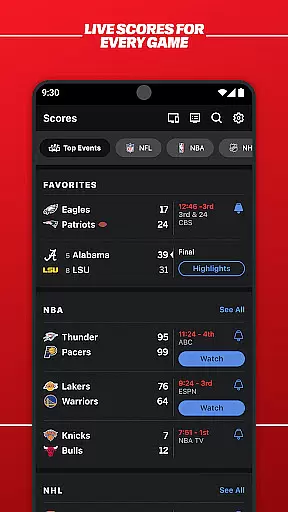
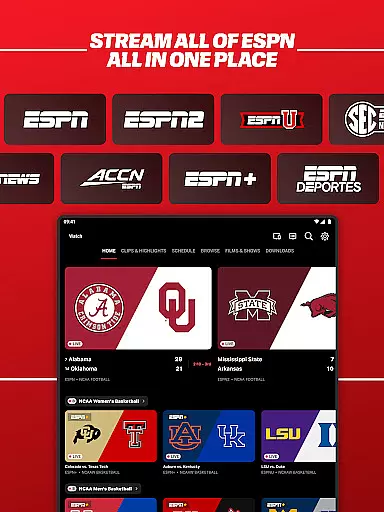
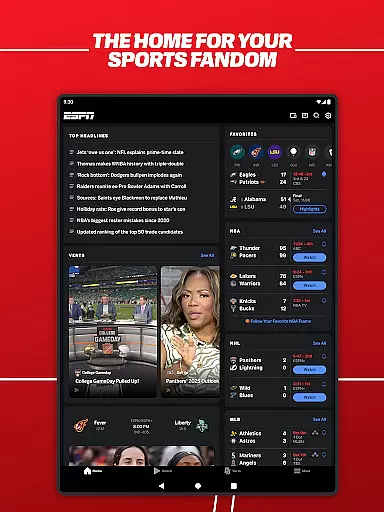

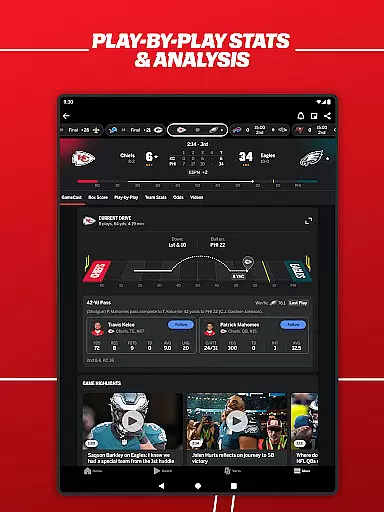
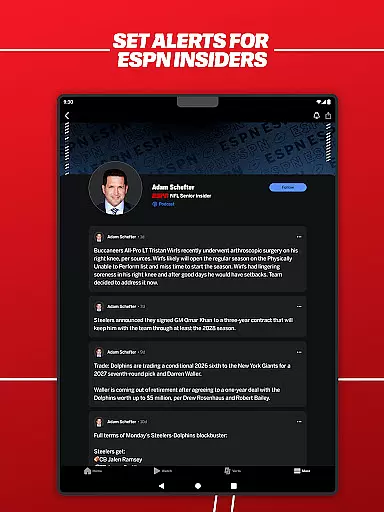
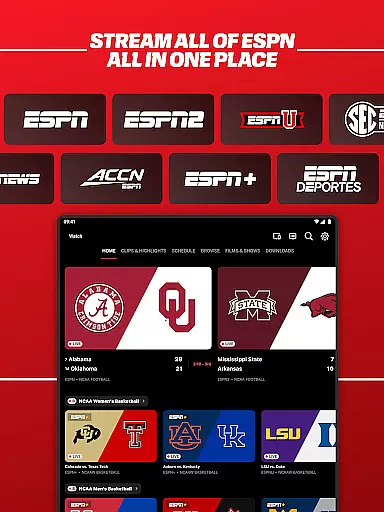
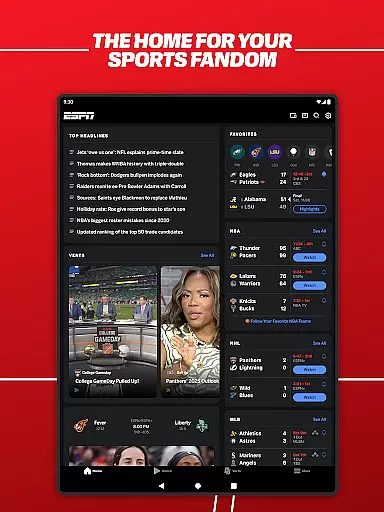

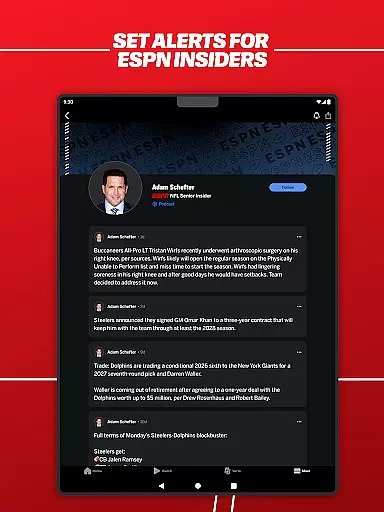
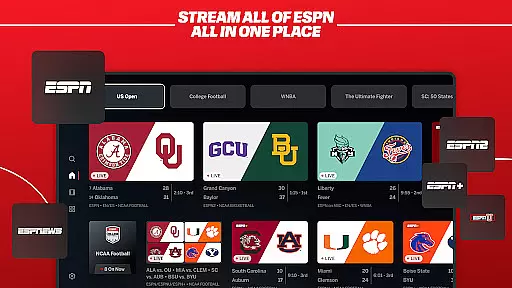

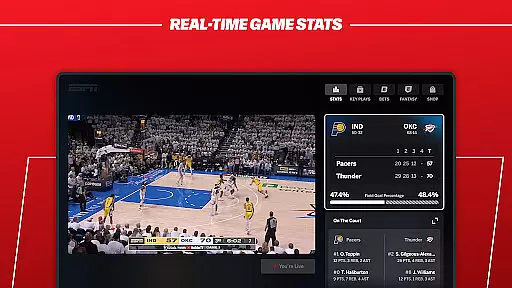
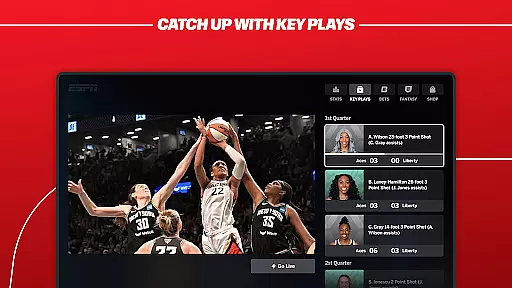
ESPN is the ultimate sports streaming application that brings all ESPN content into a single platform. Users can access live events, real-time scores, breaking news, and expert analysis from various ESPN networks including ESPN, ESPN2, ESPNU, SECN, ACCN, ESPNEWS, ESPN+, ESPN Deportes, and ESPN on ABC. The app offers personalized content discovery with features like SC For You and Streamcenter, enhancing user engagement through tailored highlights and real-time interactions.
The application serves as a one-stop destination for sports enthusiasts, providing coverage of major sports leagues such as NFL, NBA, MLB, NHL, college sports, golf, soccer, tennis, and more. With thousands of live events and on-demand content, ESPN ensures fans stay connected to their favorite sports and teams. Some content availability may vary by region, and certain features require a paid subscription, offering both free and premium content options.
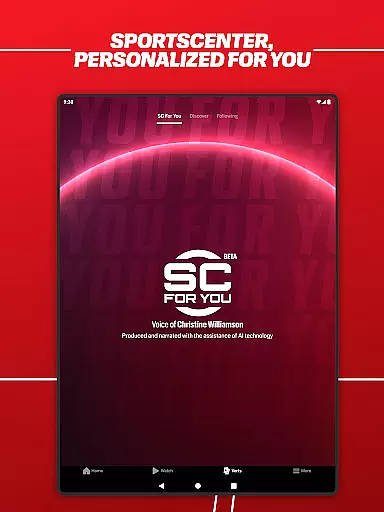
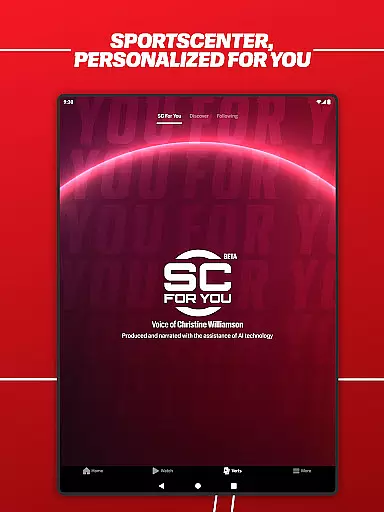
ESPN offers an array of innovative features designed to enhance the sports viewing experience. One standout feature is the personalized content discovery, allowing users to explore top games and trending highlights tailored to their preferences. The SC For You section delivers a daily personalized SportsCenter with highlights specifically curated for each user, ensuring relevant and engaging content.
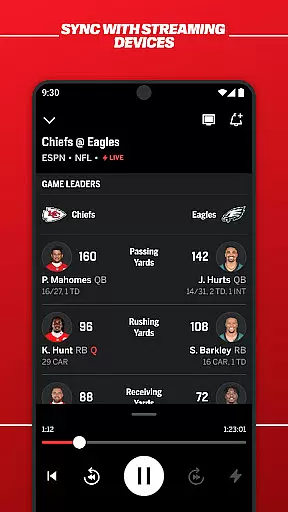
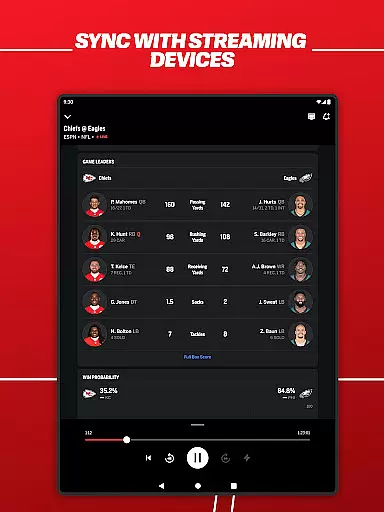
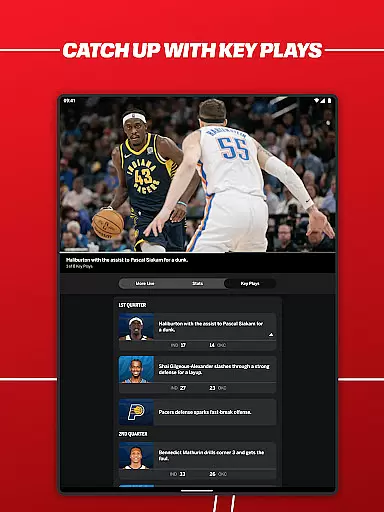
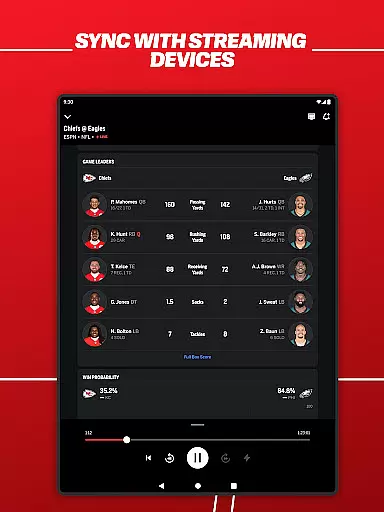
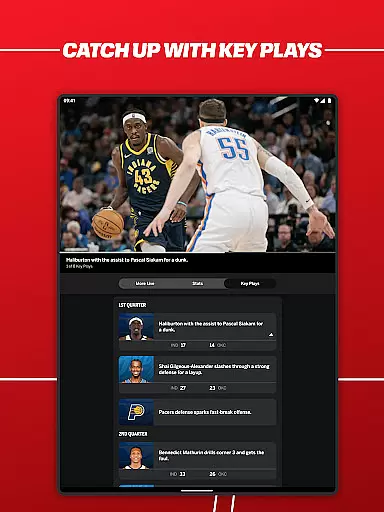
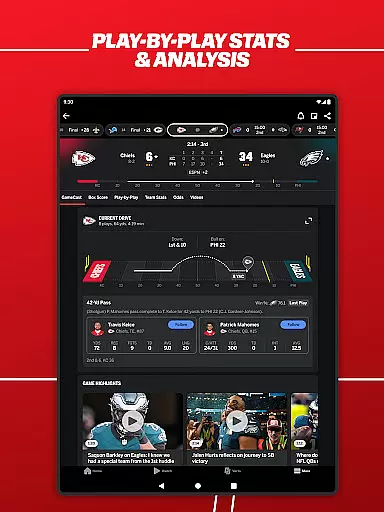
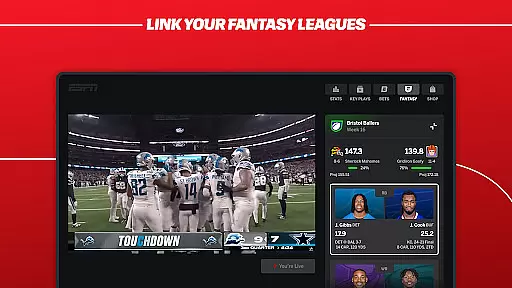
Streamcenter enables users to watch live games on TV while interacting in real time via their mobile devices, creating an immersive second-screen experience. The app also provides fast scores, real-time updates, and breaking news for favorite teams and leagues. Additionally, users can listen live to ESPN Radio and popular ESPN Podcasts, further enriching their sports consumption. These features collectively offer a dynamic and interactive way to stay connected to the sports world.
Gameplay realism in sports applications refers to how accurately the real-world sports experience is mirrored within the app. ESPN achieves this by providing users with live streams of actual sporting events, rather than relying on simulated games. This includes a vast array of sports such as NFL, NBA, MLB, NHL, and college sports, among others.
The app's coverage goes beyond just video; it encompasses real-time scores, breaking news, and expert analysis that reflect the true nature of ongoing sports events. By integrating content from various ESPN networks, the application ensures that users receive comprehensive and authentic sports coverage.
For the user, this level of realism translates into an immersive experience where they can follow their favorite teams and athletes as if they were watching on television or attending the event in person. The immediacy and authenticity of ESPN's content allow fans to stay connected to the sports they love without any compromise on quality or timeliness.
Ultimately, ESPN's dedication to delivering genuine sports experiences enhances user engagement and satisfaction. Fans can trust that they are receiving accurate and up-to-date information, which is crucial for those who rely on the app for their daily sports updates.
Control scheme intuitiveness is vital for ensuring that users can navigate and utilize an app efficiently. In the case of ESPN, the app offers a streamlined interface that allows users to access a multitude of features effortlessly. These include live streaming, real-time scores, personalized content, and more, all within a few taps.
ESPN's design prioritizes user experience by categorizing content intuitively and offering features like 'SC For You' and 'Streamcenter.' 'SC For You' provides personalized highlights, while 'Streamcenter' enables users to engage with live games and programming interactively. Such features ensure that even new users can quickly adapt to the app's environment.
By focusing on intuitive controls, ESPN makes it possible for users to customize their sports viewing experience according to their preferences. Whether it's tracking fast scores, listening to ESPN Radio, or streaming different ESPN networks, users can tailor the app to fit their specific needs without a steep learning curve.
This ease of use not only attracts a broad audience but also encourages longer and more frequent app usage. Users can enjoy a frustration-free experience that lets them focus on enjoying the content rather than figuring out how to access it.
User-friendly interface
Comprehensive sports coverage
Personalized content curation
Real-time updates and scores
Wide range of live events
Some content requires subscription
Regional availability limitations
Occasional technical glitches
Ad presence in free version
Complex subscription plans

Enjoy an easy to play multiplayer Baseball game!
 4.40
4.40
BE A SOCCER HERO! Pass, Shoot & Score your way to legendary status!
4.50
Play one of most famous lawn games in America called foot bag toss family games!
4.30
Quick-fire archery duels! Play the most realistic 3D archery game now!
4.70
Raise your duckling into a champion racer in this addictive pet & adventure game
3.90
Push your skills, express your style, or just enjoy the ride.
4.60
It’s time to play pool in the world’s No.1 arcade style Pool game on Android!
4.70
Sports app that presents matches' details from the most important championships.
4.50
NHL scores for Wear OS. Quickly see all NHL game details, standings & schedules+
4.4
Play online multiplayer or PvP Pool games and compete with your friends!
4.80
Play football like it's 1987! Classic retro arcade action and franchise mode.
4.60
Grab the ball and play your Basketball career in this 3D Real-time Sport Game!
4.60
Realistic PvP Multiplayer Dart game blending sports games and simulation fun!
4.50
Beat against 8 ball masters from around the world.
4.40
This third edition of Skateboard Party features professional skater Greg Lutzka.
4.30
Realistic golf, real courses
4.10
A classic reborn, now into Season 3!
4.00
Relive the second baseball game in the Backyard Sports franchise!
4.00
Webcam based exercise and learning game with rock climbing!
4.5


User Reviews