
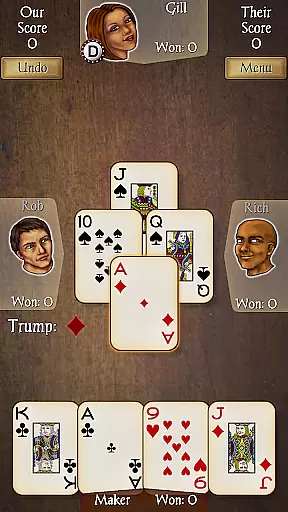
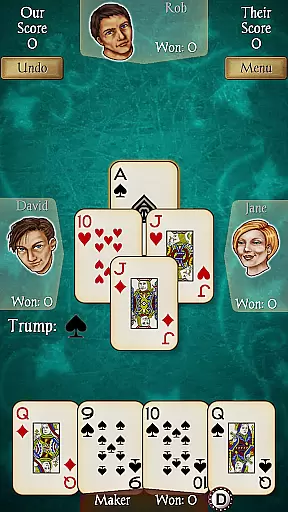
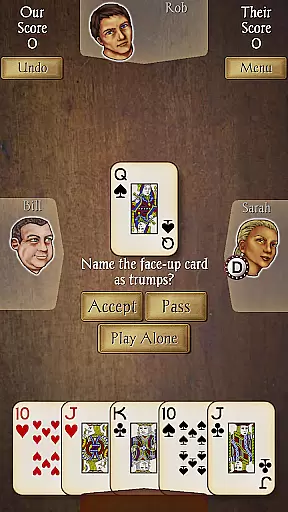
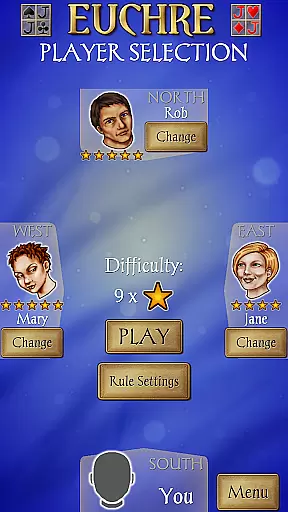
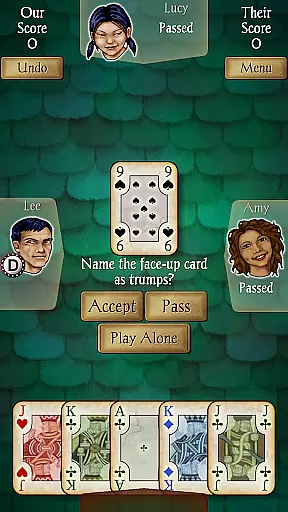
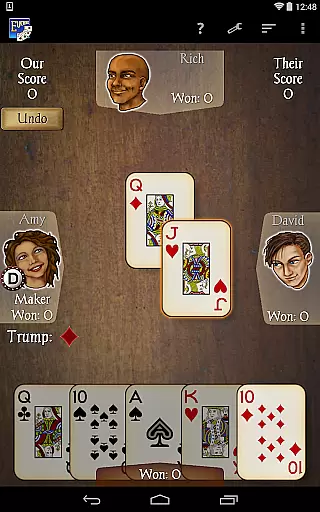
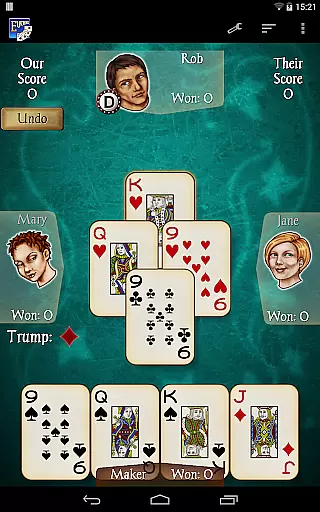
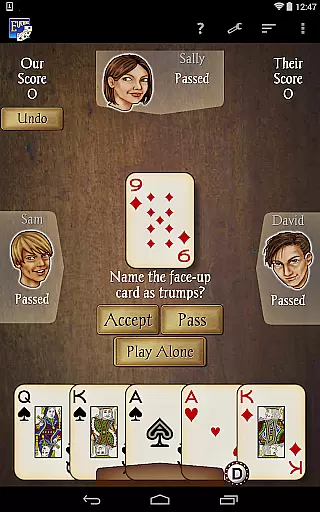
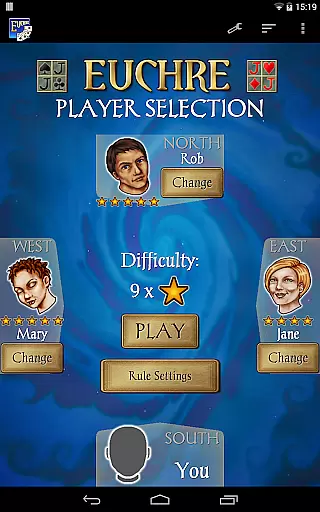
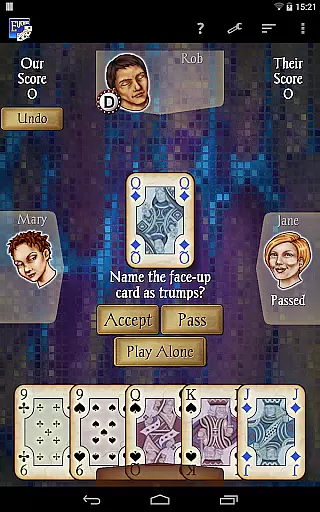
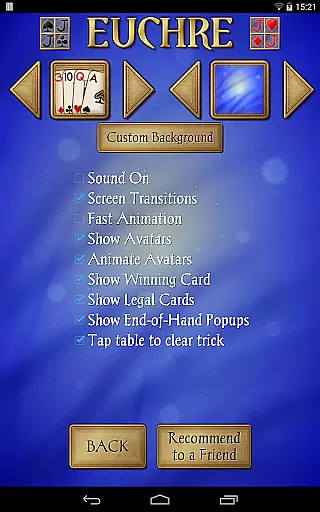
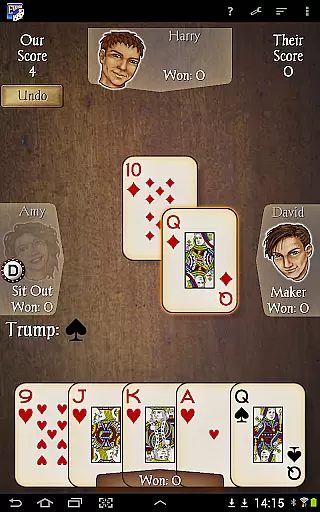
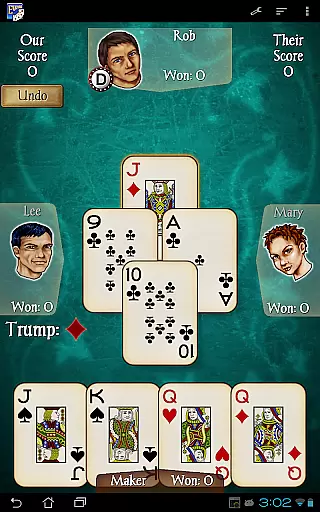
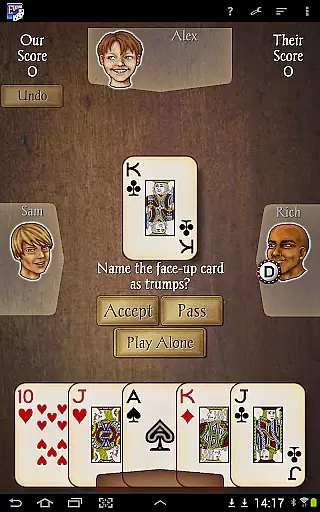
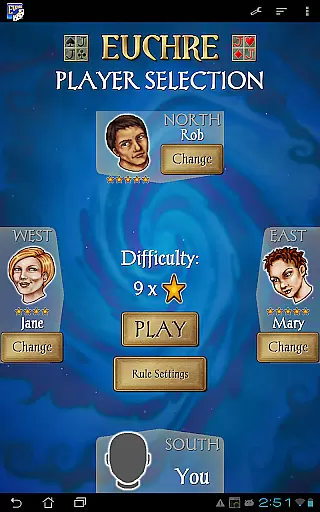
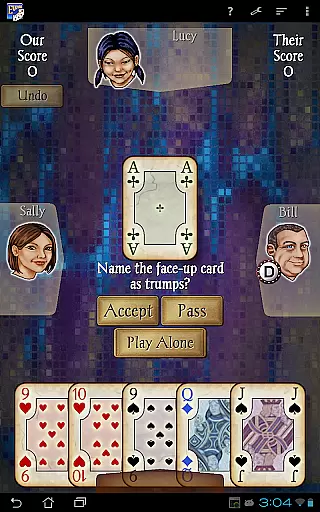
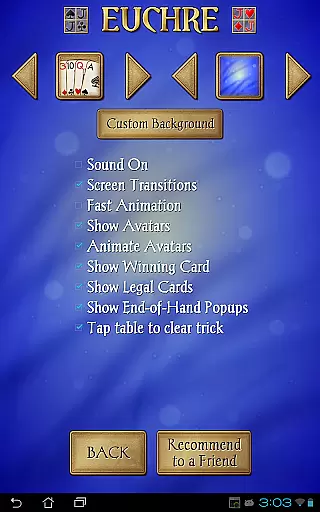
Euchre Pro is a premier card game app developed by AI Factory, offering an authentic Euchre experience on Android devices. This trick-taking game is designed for four players and features 18 unique CPU opponents with varying skill levels, from beginner to expert. The app provides multiple customization options including different card decks, backgrounds, and the ability to use personal photos, ensuring a personalized gaming experience.
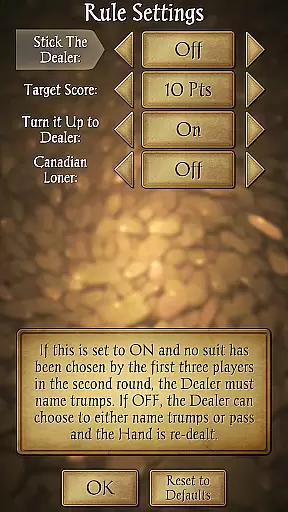
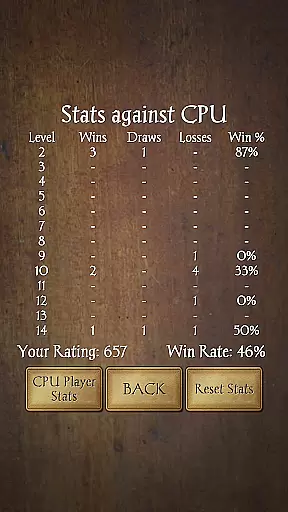
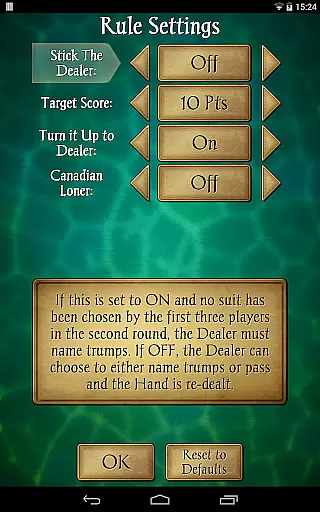
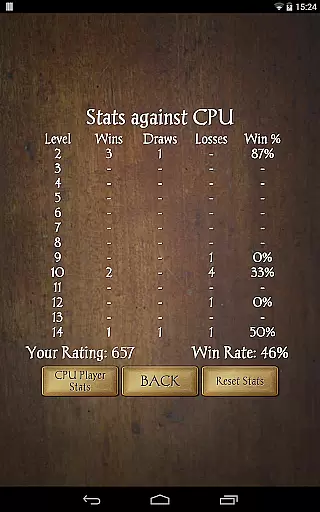
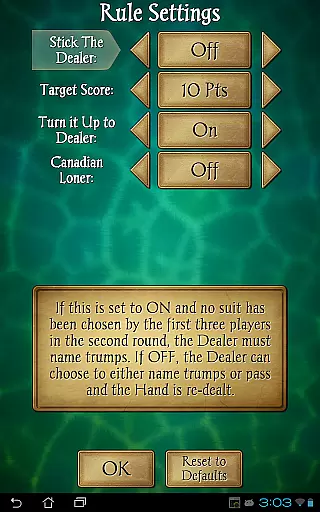
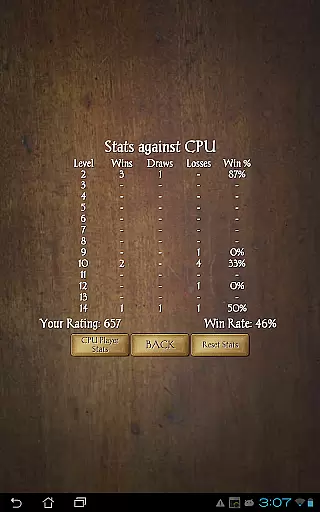
The game stands out with its smooth performance across all devices, clear graphics, and an intuitive interface. Players can choose their partners and opponents, adjust game rules like Stick the Dealer and Canadian Loner, and track detailed user stats. With additional features such as Undo, Hints, and comprehensive help sections, Euchre Pro delivers everything a card game enthusiast could need for endless entertainment.
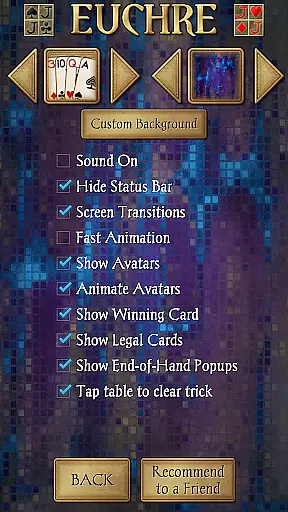
Euchre Pro boasts an array of features that enhance the classic card game experience. The app includes 18 CPU players, each with distinct playing styles and skill levels, providing a dynamic challenge for users. Players have the flexibility to customize their gaming environment by selecting from three different card decks and various background options, or even uploading personal photos for a unique touch.
Functionality is at the core of Euchre Pro's design, with options like Stick the Dealer, Turn it Up to Dealer, and Canadian Loner adding strategic depth. The app also offers a robust set of tools including user stats tracking, Undo, and Hint features, alongside clear rule explanations and help sections. Optimized for both tablets and phones, this app ensures a seamless experience regardless of the device, making it a top choice for Euchre enthusiasts.
Random Number Generation (RNG) is crucial in card games to ensure that the dealing of cards is both unpredictable and fair. Euchre Pro guarantees this through a certified RNG mechanism, which mimics the randomness of a physical shuffle.
The app's advanced algorithms are designed to provide an authentic card game experience, ensuring that each player receives a unique and random set of cards every round. This not only enhances the game's unpredictability but also levels the playing field among players.
Players can engage with confidence, knowing that the outcomes are genuinely the result of chance rather than predetermined patterns or sequences. This commitment to fairness ensures competitive integrity and trust in the gameplay.
In digital card games, the fluidity of control and the responsiveness of inputs are vital for a seamless user experience. Euchre Pro excels in these areas by providing an intuitive interface that reacts swiftly to user commands.
The developers have optimized the app to minimize input latency, allowing players to make their moves without delay. This optimization is evident across all devices, ensuring smooth gameplay whether on a tablet or a phone.
Such attention to performance detail results in an immersive gaming session where the focus remains on strategy and enjoyment, free from the frustration of technical lag or unresponsive controls.
User-friendly interface
Customizable gameplay
Multiple AI opponents
Smooth performance
Detailed statistics
Limited to four players
No online multiplayer
Occasional bugs
Outdated graphics
Few deck choices

Play for fun, practice or get advice for 400+ VP games and over 2000 pay tables.
 4.60
4.60
Play and Master the Fun Classic Card Game Online & Offline
4.70
Play Solitaire, win real cash prizes, and enjoy endless fun anytime, anywhere!
4.70
Cloud, Rain, Fog, Ice, Fire Magic Puzzle Card Game
4.0
Collect and play the original CCG on Arena. Magic is now on your phone!
4.10
Solitaire Games: Play fun card games and boost your IQ!
4.80
An indie roguelike card game
4.20
Classic Solitaire Card Game: Join a Tripeaks Solitaire Game with a Twist
4.70
Train your brain playing the most relaxing & addictive 2025 solitaire game
4.70
Card-Based Farkle Fun
4.80
When Poker Meets Solitaire
4.70
Reiner Knizia's classic card game, Masters Gallery
4.60
Always ready: the partnership trick-taking card game with so many rule options!
4.60
Beautiful customisable Klondike challenge - 3 levels, 1 or 3 card draw!
4.60
A fresh take on traditional solitaire card games
4.50
Play Blackjack and and earn gift cards
4.50
Solitaire Collection Pro: Klondike, Spider, FreeCell, Pyramid, No Wifi Needed!
4.30
Krumit's Tale is a solo card-based dungeon crawler - a follow-up to ‘Meteorfall’
4.30
Lyric Party tests your knowledge of your favorite hit songs.
4.20


User Reviews