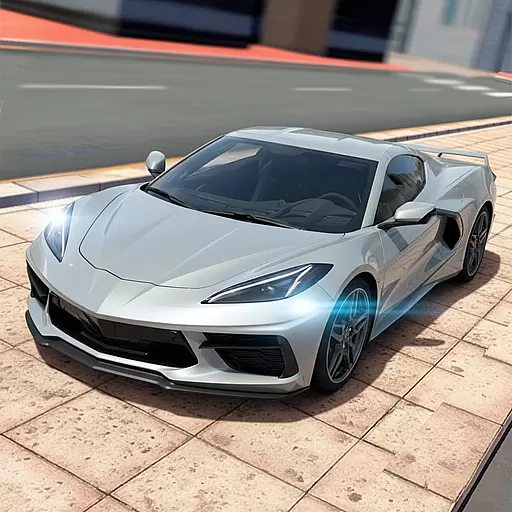
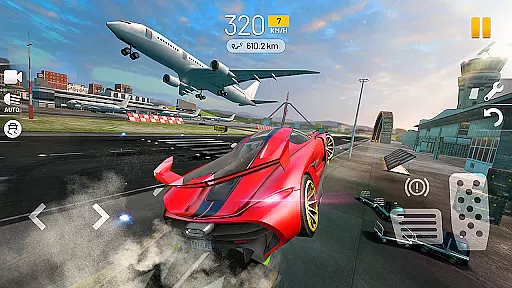
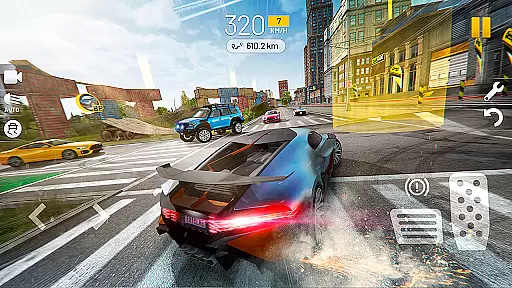
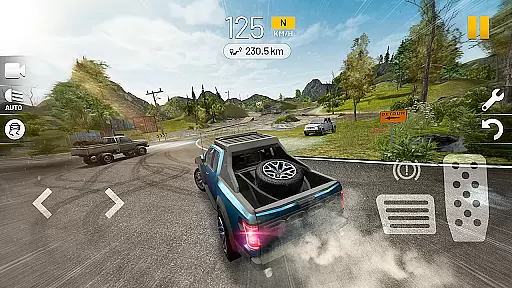
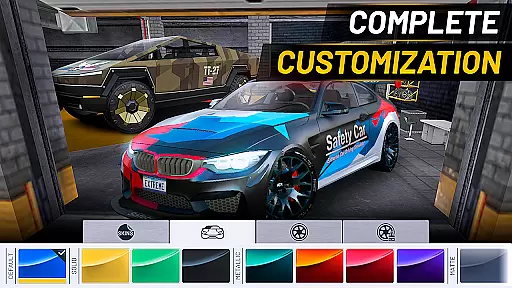

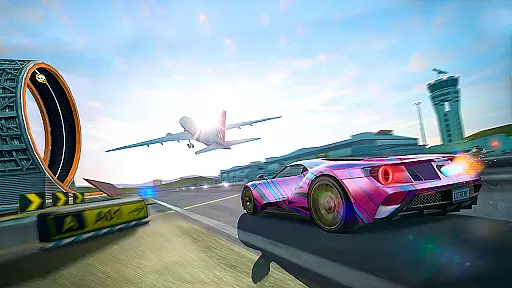
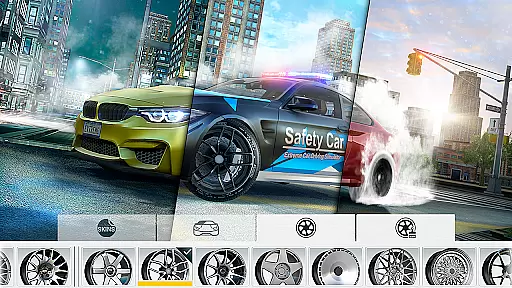
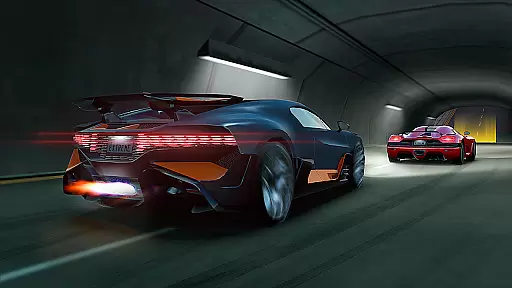
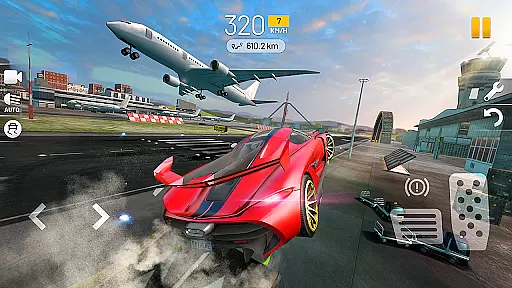
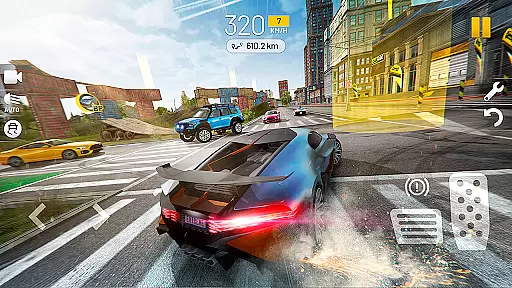
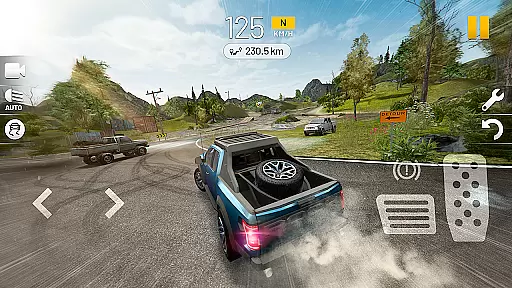


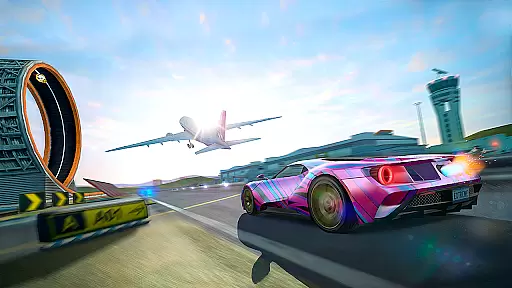
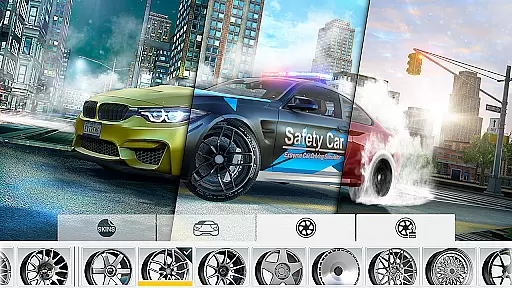
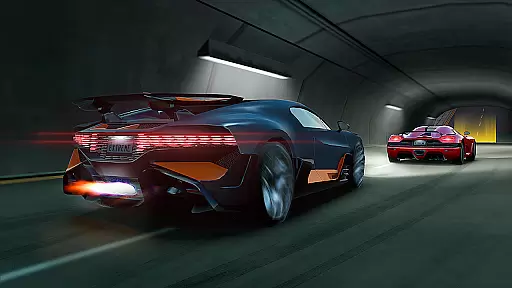
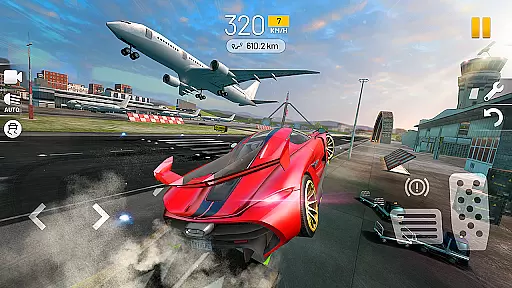
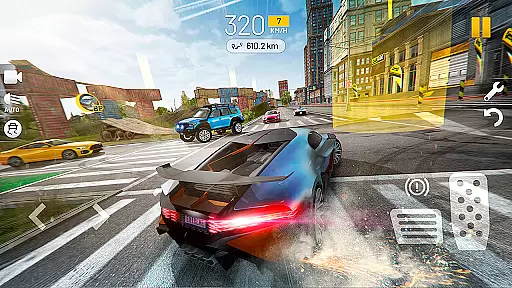
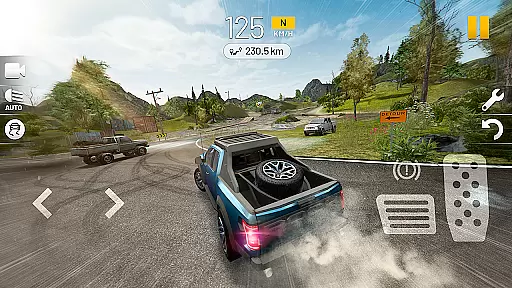
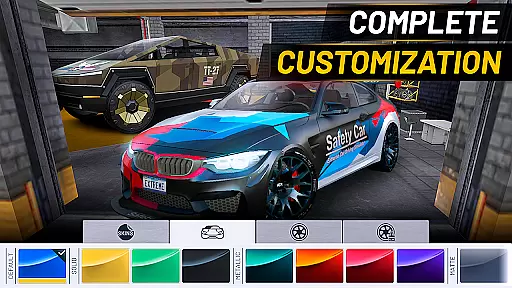
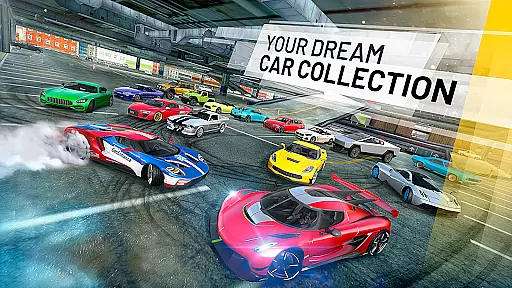
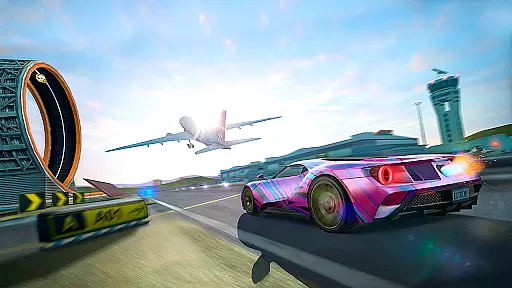
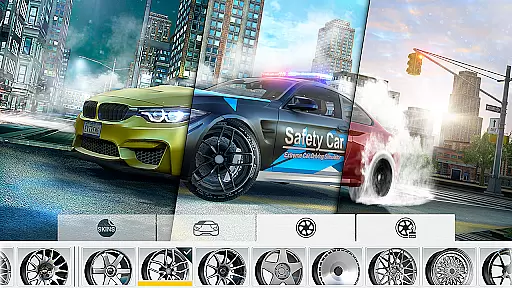
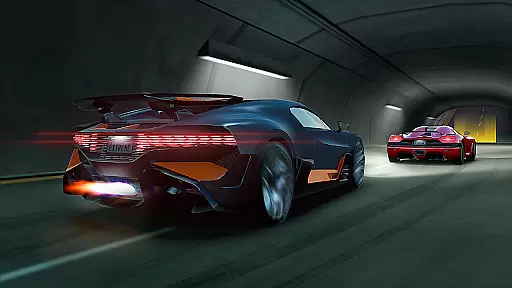
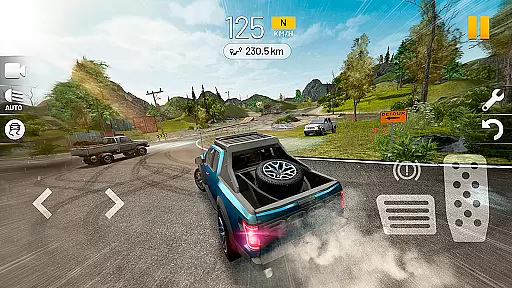
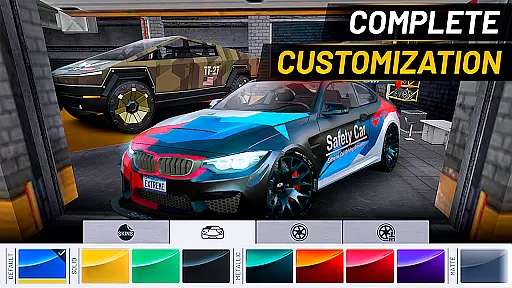
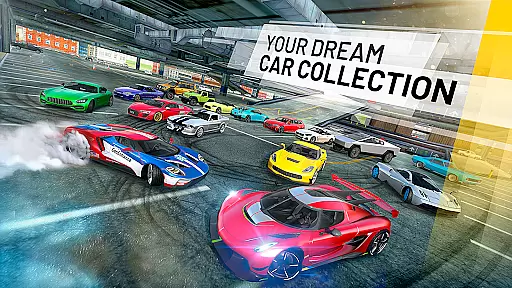
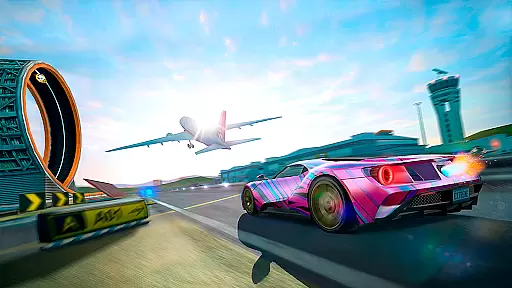
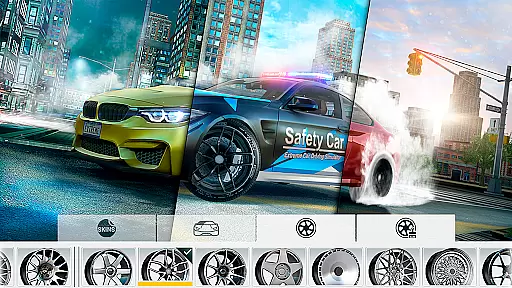
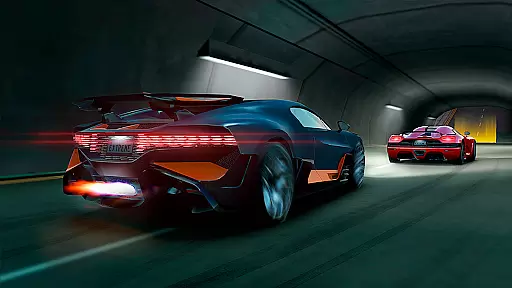
Extreme Car Driving Simulator offers an immersive open-world experience with realistic physics since 2014. Players can enjoy driving and drifting sports cars at high speeds across a vast city without worrying about traffic or police intervention.
The game stands out with its detailed environment and accurate car damage system, allowing users to crash and perform stunts freely. With features like ABS, TC, and ESP simulation that can be toggled, it provides a customizable and thrilling racing experience for all types of players.
Experience true-to-life car handling with the advanced physics engine that simulates real-world driving conditions. The game includes various modes such as checkpoint mini-games and options to drive with traffic, enhancing the overall challenge and replayability.
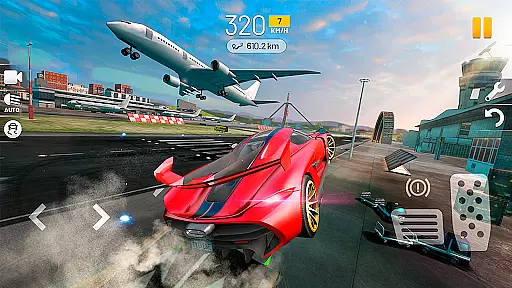
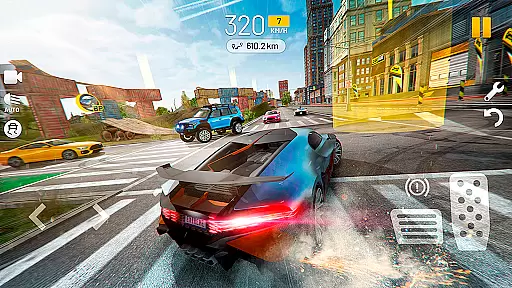
Players have access to a fully functional HUD displaying revs, gear, and speed, along with multiple camera views for an optimal racing experience. Support for gamepads ensures precision control whether using a steering wheel, accelerometer, or arrow keys.
Realistic handling physics are crucial for any racing game as they determine how the car reacts to player inputs and environmental factors. Extreme Car Driving Simulator excels in this area with its advanced real physics engine that has been refined since 2014.
The game simulates various driving conditions, allowing players to experience the thrill of controlling a sports car at high speeds. With features like ABS, TC, and ESP simulation, which can also be turned off, the game offers an authentic driving experience that is both challenging and rewarding.
Players can choose from multiple control schemes including a steering wheel, accelerometer, or arrow keys, each providing a different level of immersion and precision. This flexibility ensures that users can find the most comfortable and realistic way to navigate the open world city environment.
Precision and responsiveness are key elements in racing games, directly affecting the player's ability to perform precise maneuvers and react quickly to changing situations. Extreme Car Driving Simulator addresses these needs by offering several different cameras and control options.
The game supports gamepad input, which is known for its accuracy and low latency, providing players with a competitive edge during intense racing scenarios. Additionally, the option to switch between various camera angles allows racers to choose the best view for their driving style.
With minimal input delay, drivers can execute complex stunts such as drifting and burnouts seamlessly. This immediacy of control enhances the overall gaming experience, making every race feel dynamic and engaging.
Realistic Physics Engine
Open World Environment
No Traffic Restrictions
Customizable Driving Modes
Gamepad Support
Potential Pay-to-Win Elements
Occasional Bugs
High System Requirements
Limited Multiplayer Options
Repetitive Gameplay
Race, Drive and Tune Real Cars in the Ultimate Street, Drag & Drift Simulator!
 4.80
4.80
Race through bustling highways, master the wheel and become the king of speed!
4.1
The Drag Racing Game where you build your Dream Driving Car Collection!
4.60
PvP Car Racing Game. Premium Online Real-Time Multiplayer Racing, Live Race
4.50
Manage race team strategy and build a motorsport team!
4.00
Experience exciting multiplayer racing action with epic stunts and challenges!
4.50
Racing, Crashing and Dominate the race in 3D car racing chaos!
4.60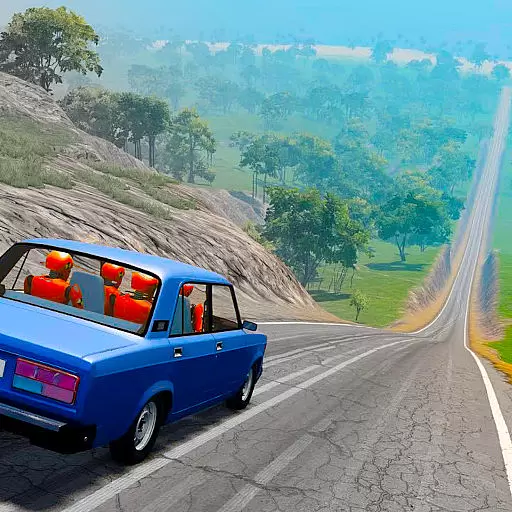
Drive off hill in the offroad car racing game with advanced crash physics!
4.30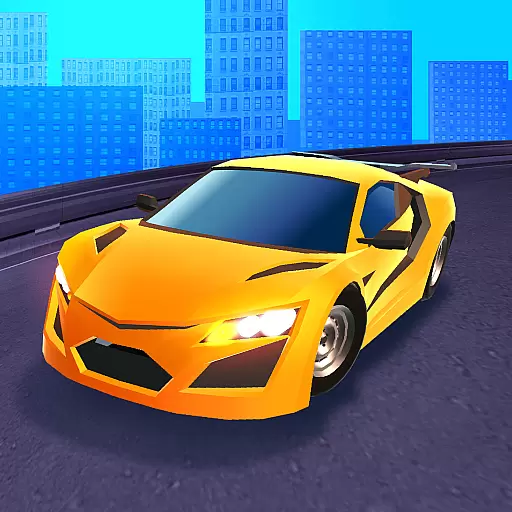
Race and win! Car racing games, real extreme. Drift, tuning & stunt driving!
4.50
Get your ride and explore a trial racing paradise in Stunt Bike Extreme!
4.70
One second to go, engine at the limiter, judges ready — this is real drifting!
4.60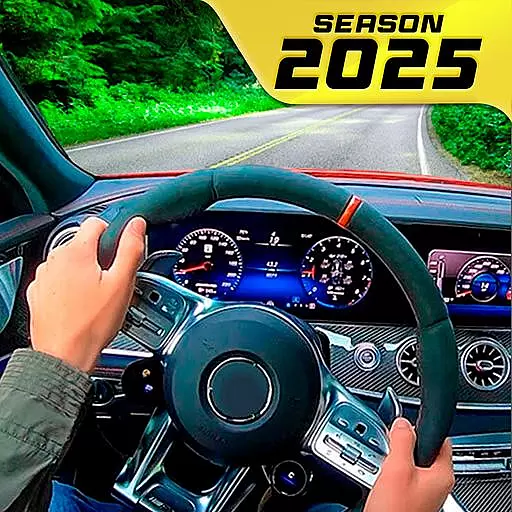
Highway traffic racing simulator with super realistic graphics 2021 POV
4.60
Car racing game with officially licensed cars from F1®, NASCAR, WRC, & more
4.60
Master the controls and become the ultimate extreme motorcycle driver in world
4.60
Drive trucks, ATVs & 4x4 offroad in mudding, 4 wheeler racing & driving games
4.40
Race cars on asphalt, drift in the most wanted street racing car game with nitro
4.40
Race uphill to win in this offline physics based driving game!
4.20
Race in the golden era of rally.
3.30
Drive and destruction enemies cars
4.4


User Reviews