
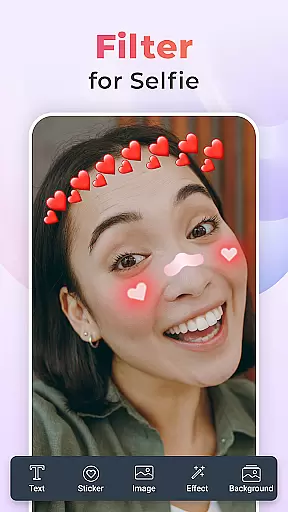
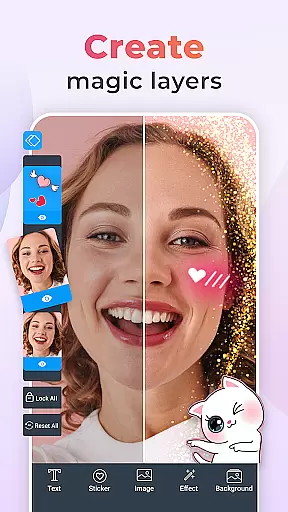
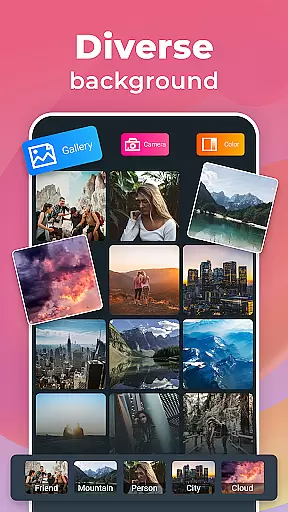
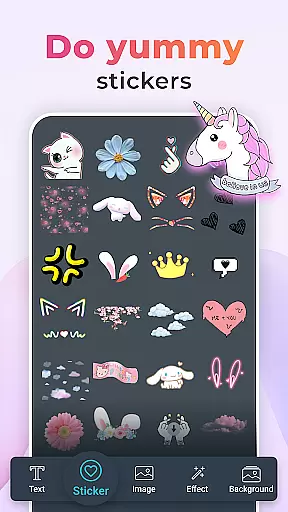
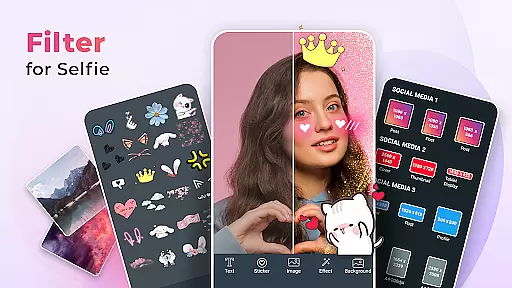
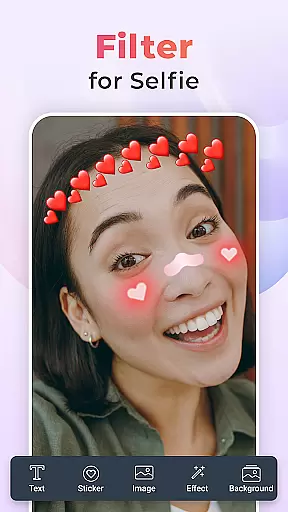
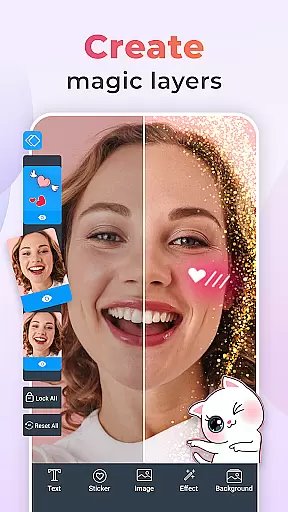
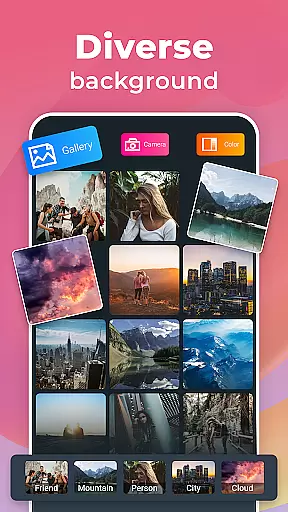
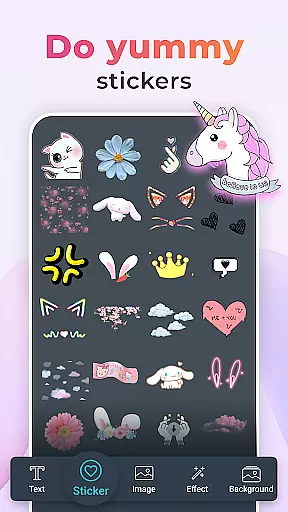
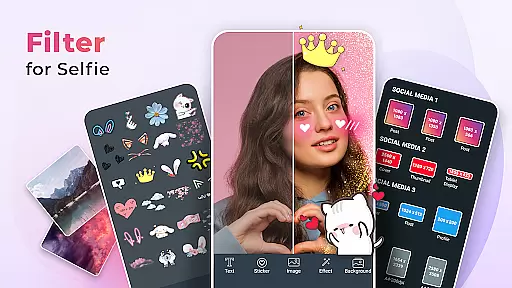
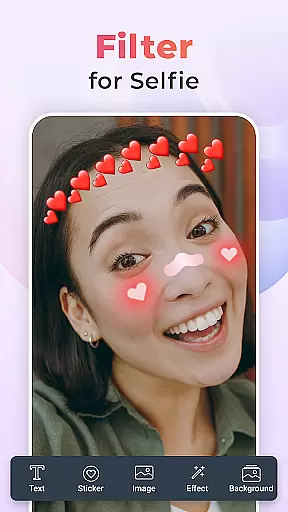
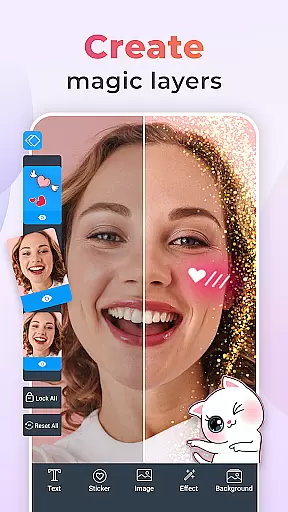
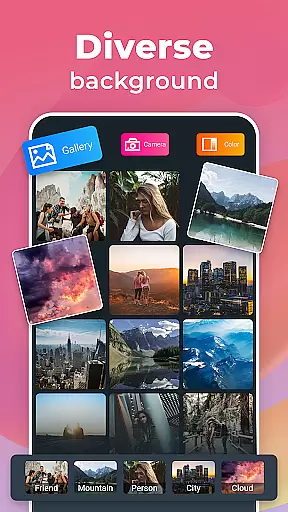
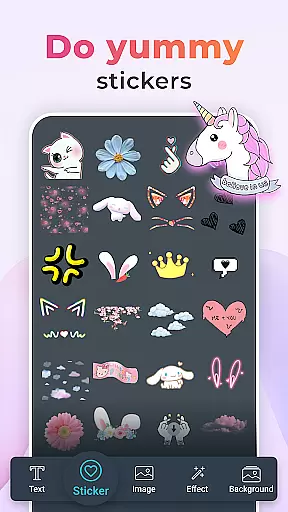
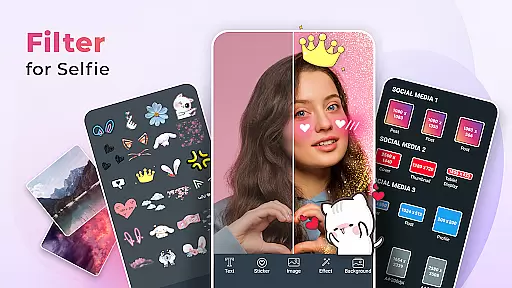
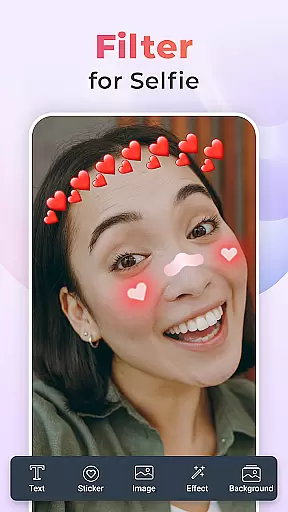
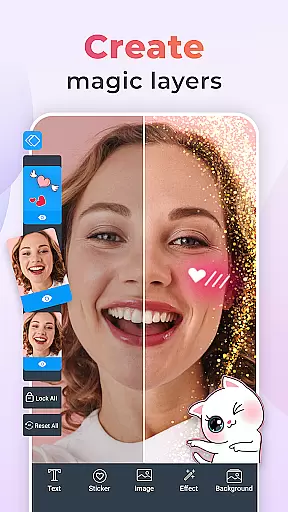
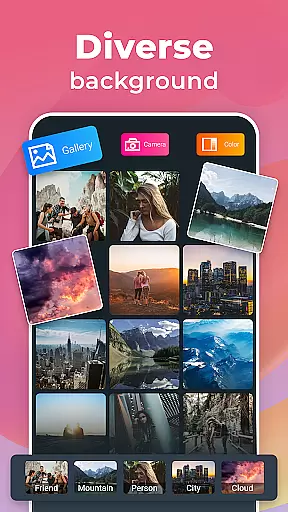
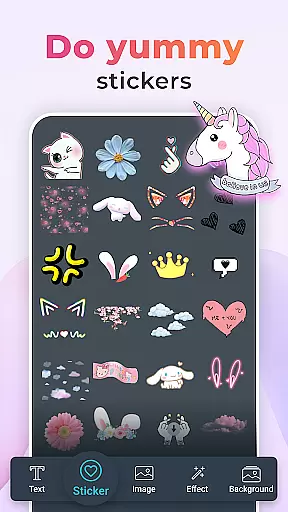
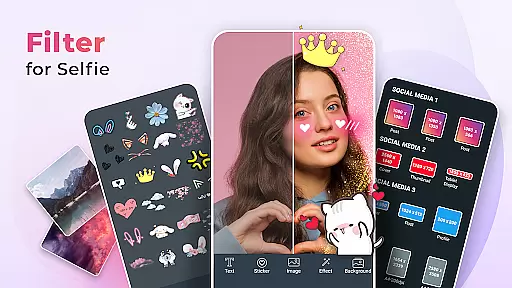
Filter for Selfie is a feature-rich beauty app designed to elevate your selfie game. This app offers an extensive collection of camera filters, photo effects, and creative stickers that allow users to transform their selfies into stunning works of art. With advanced beauty tools, you can smooth skin, brighten eyes, and enhance natural features effortlessly.
The app provides playful elements like bunny ears and holiday-themed decorations, making it perfect for social media enthusiasts who want to impress their followers. Whether you're aiming for subtle enhancements or dramatic transformations, Filter for Selfie delivers high-definition quality and a wide variety of options to suit every occasion.
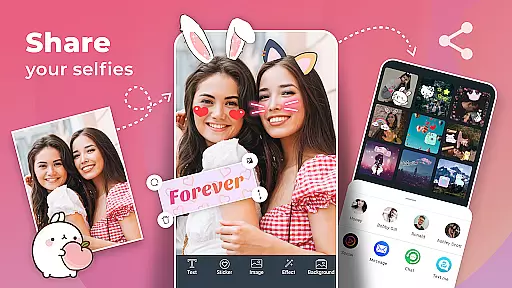
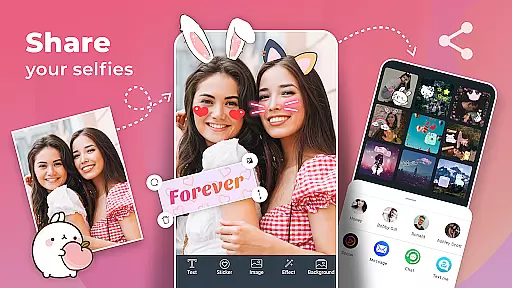
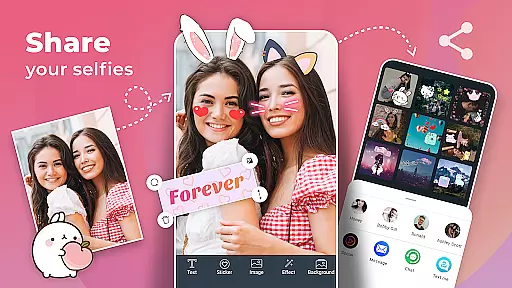
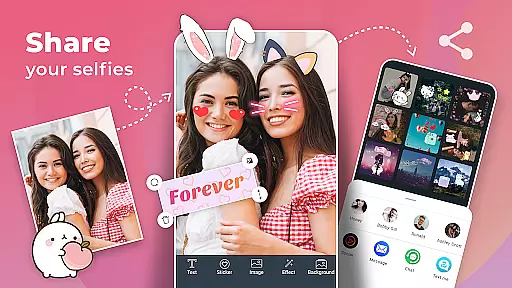
Users can experiment with different styles, from vintage to modern, and find the perfect effect to match their personality. The intuitive interface makes it easy to capture perfect moments and share beautiful selfies with friends and family.
Filter for Selfie stands out with its diverse range of features tailored for selfie enthusiasts. The app includes advanced beauty filters that automatically retouch photos, ensuring flawless skin and enhanced facial features. Users can choose from various creative stickers, such as bunny ears and smiley faces, to add a playful touch to their images.
In addition to basic filters, the app offers unique photo effects that allow users to experiment with different moods and aesthetics. From vintage looks to modern styles, these effects cater to all preferences. The high-definition quality ensures that every selfie looks professional, even without additional editing tools.
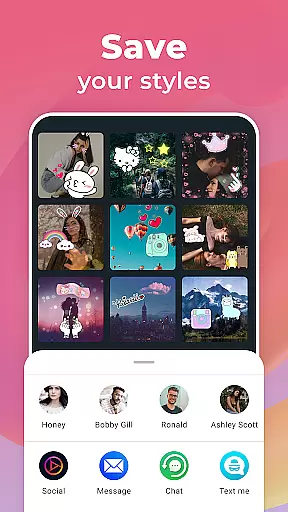
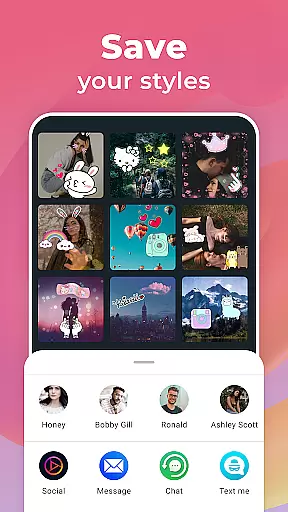
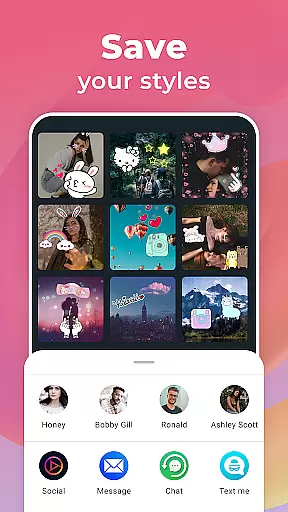
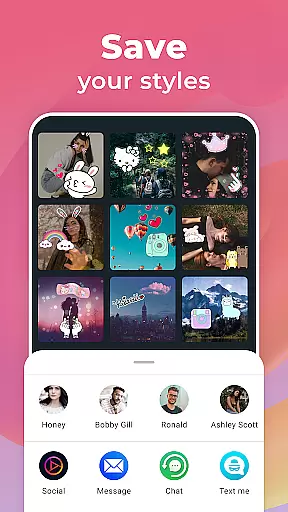
Another notable feature is the ability to customize and save favorite filters for quick access. This functionality enables users to maintain consistency across their social media posts while saving time during photo editing. Overall, Filter for Selfie combines powerful editing tools with user-friendly design, making it an essential app for anyone passionate about photography and self-expression.
When it comes to beauty applications like Filter for Selfie, the depth of the product database plays a crucial role in delivering an exceptional user experience. A comprehensive product database ensures that users have access to detailed information about various beauty products and filters available within the app.
Filter for Selfie offers an extensive range of beauty filters and effects designed to enhance selfies. From smoothing skin textures to adding playful elements like bunny ears, the app provides users with numerous options to transform their photos creatively. Each filter is crafted to offer high-definition quality, ensuring that users can achieve professional-looking results effortlessly.
The value of a deep product database lies in its ability to cater to diverse user preferences. Whether someone seeks subtle enhancements or dramatic transformations, the variety of available filters allows for personalized photo editing experiences. Users can experiment with different styles and moods, making each selfie unique and reflective of their personality.
Ultimately, the depth of the product database in Filter for Selfie empowers users by providing them with tools to express themselves creatively through photography. With regular updates and new additions, the application continues to expand its offerings, keeping pace with evolving trends in digital beauty enhancement.
In beauty apps such as Filter for Selfie, personalization precision is key to offering a tailored experience that meets individual user needs. The level of customization and accuracy in applying beauty filters directly impacts how well the final image reflects the user's desired appearance.
Filter for Selfie excels in delivering precise personalization through advanced algorithms that analyze facial features and apply enhancements accordingly. This includes skin-smoothing effects, eye brightening, and other beautification tools that adapt to different skin tones and types. By leveraging sophisticated AI technology, the app ensures that every filter enhances natural beauty without appearing artificial.
The importance of personalization precision extends beyond mere aesthetics; it also influences user satisfaction and engagement. When users find that an app accurately understands and fulfills their specific requirements, they are more likely to continue using it regularly. In this context, Filter for Selfie stands out by allowing users to fine-tune settings and choose from a wide array of creative stickers and effects.
By focusing on personalization precision, Filter for Selfie not only enhances user experience but also fosters creativity and self-expression. As users explore various combinations of filters and effects, they can create stunning images that truly represent their individuality, making each selfie a unique piece of art.
User-friendly interface
Wide variety of filters
High-definition quality
Fun and creative stickers
Advanced beauty tools
Some features may require in-app purchases
Occasional performance issues on older devices
Limited customization options for advanced users
Advertisements can be intrusive
Steep learning curve for beginners

Photo enhancer 360, image enhancement, restore old photos, colorize photo ai
 4.70
4.70
Winter picture editor: Christmas stickers, frames for photos & Christmas cards.
4.40
A tool that brings skin care and technology together at your fingertips.
4.50
Unique selfie filter camera! Upload live sticker & face filter every week!
4.70
Beauty Mirror - True mirror app with light, shaving mirror, makeup mirror app
4.50
Hair style app, Face shape finder, Face shape, Hair style, Face shape detector
4.30
Book beauty salon, hair or health and wellness experiences in an instant
4.90
This barber game allows you to create and design hair styles on diverse people
3.80
Book your appointments
4.90
Blushify is a beauty camera for makeup, face editing, and glowing selfies!
4.70
Try interesting trending filters allows you switch to a cute girl
4.70
Beauty camera & Selfie camera for perfect selfie with filter, sticker, makeup
4.70
AI Stylist, Try On Millions Of Clothes In Any Brand & Style, AI Clothes Changer
4.70
Mirror app that shows your image with photo editor, zoom and light!
4.70
Wacky mirror filter, waves effect & wavy effect to make your own funny videos.
4.60
Download Today
4.40
All-in-one solution for independent beauty pros to manage & grow their business
4.30
Make beautiful Hairstyles for girls with your own hands in little bit of time
4.00
The Official Voting App
3.90


User Reviews