
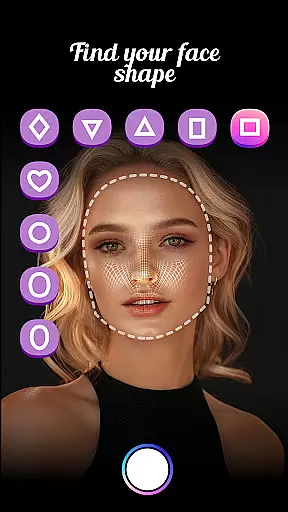
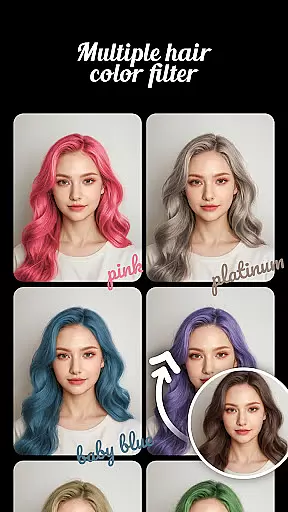
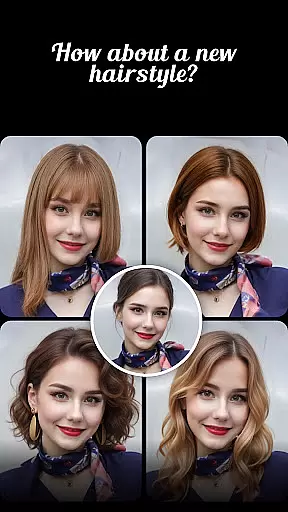
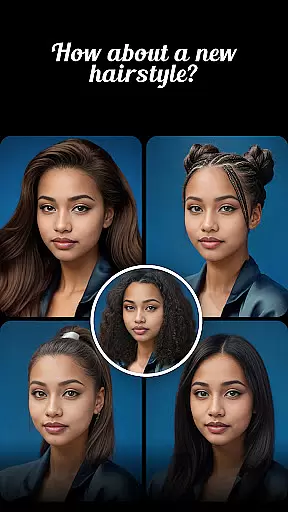
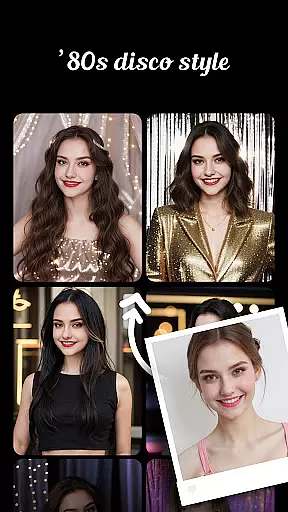
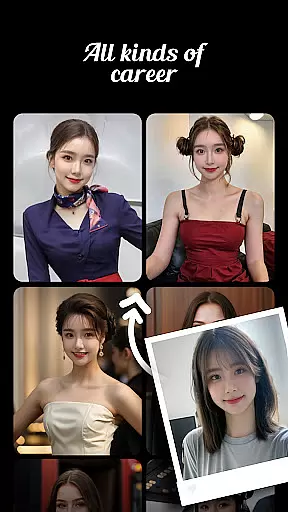
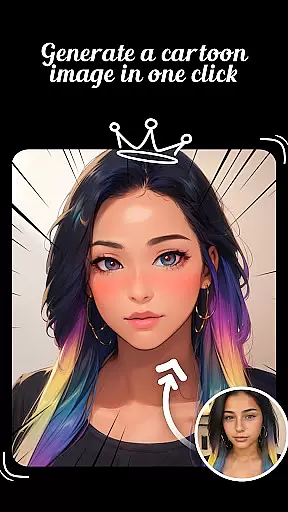
Prookie is a comprehensive beauty app that allows users to experiment with various AI-powered features for enhancing their personal style. The core functionality revolves around virtual hair styling, including trying on different hairstyles and testing out hair colors like pink, brown, and gradient shades. Additionally, the app offers a face shape finder tool to help users identify their face shape and match it with suitable hairstyles. Beyond hair-related features, Prookie also includes a cartoon photo editor that transforms selfies into artistic styles such as oil paintings, sketches, and Disney-like cartoons. Users can further explore high-quality AI-generated photos in multiple fashion styles, making this app a one-stop solution for beauty enthusiasts looking to enhance their appearance effortlessly.
The app's standout feature is its ability to provide realistic hair transformations without needing to visit a salon. Whether you're considering a drastic haircut or simply want to try a new hair color, Prookie lets you preview these changes instantly through your phone's camera. This makes it an invaluable tool for anyone who wants to make informed decisions about their hairstyle before committing to any real-life changes. Moreover, the app's cartoon filters and AI-generated fashion styles offer creative ways to engage with photography, appealing to users interested in both beauty and artistic expression.
Prookie stands out with its diverse range of advanced AI features tailored specifically for beauty enhancement. One of the key highlights is the AI Hairstyle Try-On tool, which uses sophisticated algorithms to accurately superimpose various hairstyles onto the user's image. This feature supports everything from simple trims to complete overhauls like going from long to short hair or adding bangs. Similarly, the Hair Color Changer provides a palette of trendy colors, allowing users to experiment with shades like pink, brown, and even gradient effects. These tools are complemented by the Hair Snap & Challenge feature, enabling users to capture and compare different looks or engage in fun styling challenges with friends.
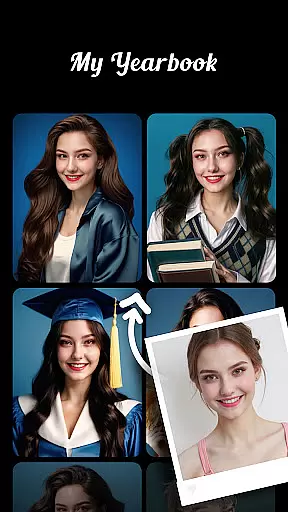
Beyond hair styling, Prookie offers a Face Shape Finder that analyzes facial structure to recommend the most flattering hairstyles and colors. This personalized approach ensures that users receive tailored suggestions based on their unique features. Additionally, the app's Cartoon Photo Editor brings a playful twist to traditional photo editing, offering artistic filters that transform ordinary selfies into creative masterpieces. From oil paintings to Disney-style animations, these filters cater to a wide range of aesthetic preferences. Finally, the High-Quality AI Photos feature rounds out the app's offerings by generating professional-grade images in various fashion styles, from retro disco to graduation photos, providing endless opportunities for creative expression.
Prookie offers an extensive product database that covers a wide range of beauty enhancements. From hair color changer options like pink, brown, and gradient colors to various hairstyles such as long, short, curly, and straight hair, the app provides detailed information on each style.
The face shape finder feature helps users identify their face shape whether it be round, diamond, square, long, heart, or oval. This aids in matching the most suitable hairstyle and color, ensuring personalized recommendations for each user's unique facial structure.
In addition to hair-related features, Prookie also includes art effects for transforming selfies into different artistic styles. Users can experiment with cartoon sketches, oil paintings, clay, ceramic, Disney cartoon styles, American comic styles, and more, providing a rich variety of creative choices.
One of Prookie's standout features is its advanced personalization capabilities. The AI Hairstyle try-on allows users to virtually test out new haircuts including bangs without visiting a barber shop. With just one click, they can see immediate results tailored specifically to their preferences.
The app employs sophisticated algorithms that learn from user interactions to deliver precise recommendations over time. Whether itu2019s finding the perfect hair color or discovering which face shape matches best with certain styles, Prookie ensures accuracy through continuous learning.
Moreover, Prookie enhances personalization by offering high-quality AI-generated photos in multiple fashion styles such as retro disco, sports themes, graduation photos, wedding shots, etc., all generated instantly at the touch of a button. This level of customization empowers users to explore diverse looks effortlessly.
User-friendly interface
Wide variety of styles
Accurate AI technology
Free to use
Creative photo options
Limited advanced tools
Occasional ads
In-app purchases
High system requirements
Privacy concerns

Blushify is a beauty camera for makeup, face editing, and glowing selfies!
 4.70
4.70
Your Personal Stylist for Smart Shopping, Beauty & Styling Outfits.
4.1
True mirror app with zoom, LED light, for makeup & shaving anywhere!
4.20
Get Smart About Your Skin with Fully Personalized Beauty Tech!
4.80
Healthier, more beautiful with Medicube Digital Clinic AGE-R!
4.10
Beauty Mirror - True mirror app with light, shaving mirror, makeup mirror app
4.50
Unleash your (Pro)tential with the hottest hair, nails and beauty brands!
4.60
Mirror app that shows your image with photo editor, zoom and light!
4.70
Beauty for every eye, lip & face. Earn rewards, play games, connect with others.
4.30
Enhance your selfies with face beauty makeup tool and an easy background remover
4.70
Try interesting trending filters allows you switch to a cute girl
4.70
Unique selfie filter camera! Upload live sticker & face filter every week!
4.70
Manage your daily skin care beauty regimen & track your skin's progress.
4.70
Beauty Camera - Selfie Camera with beauty editing tool, makeup, filter, sticker
4.60
Selfiechat Filters for amazing photos with Funny face filters
4.60
DSLR Hd camera capture high quality 4k hd picture with filters and blur editor
4.50
Shop Smarter, Dress Better, and Shine Brighter!
4.10
Edit Your Photos and Videos with Beauty Filters & Get Makeup Artist Tutorials
3.60
Color haircut changer style on
3.30


User Reviews