
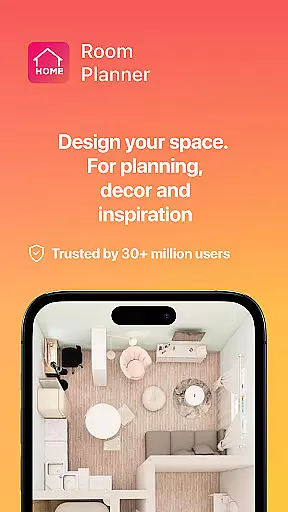
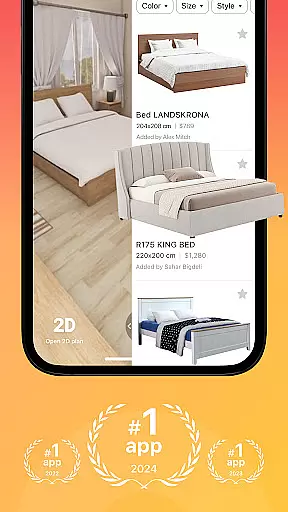

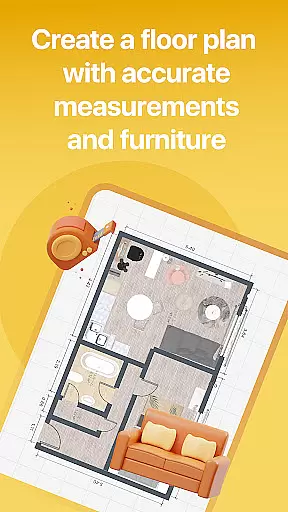

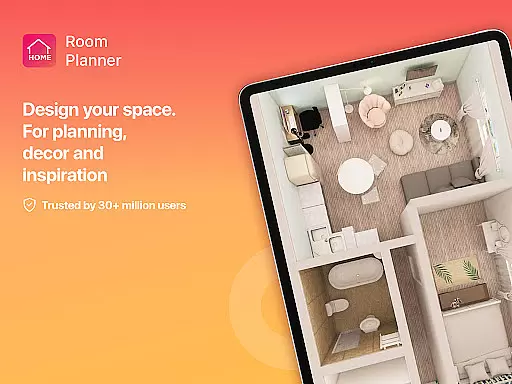
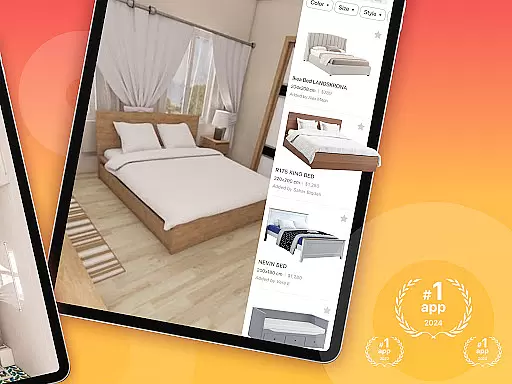
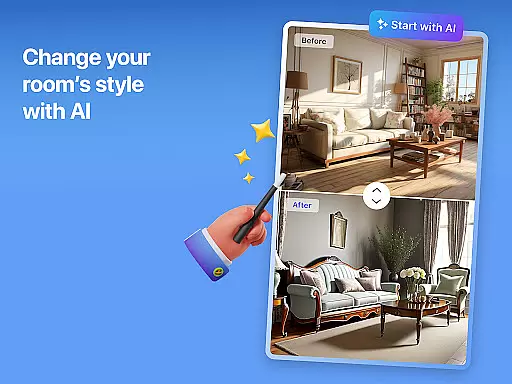

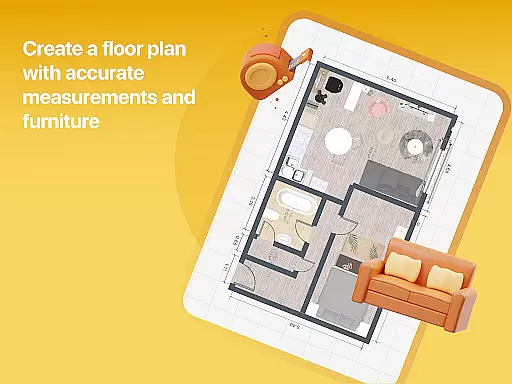

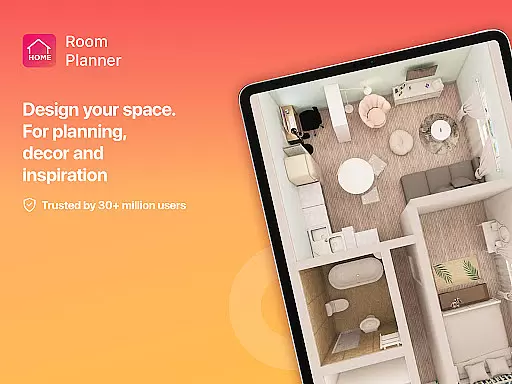
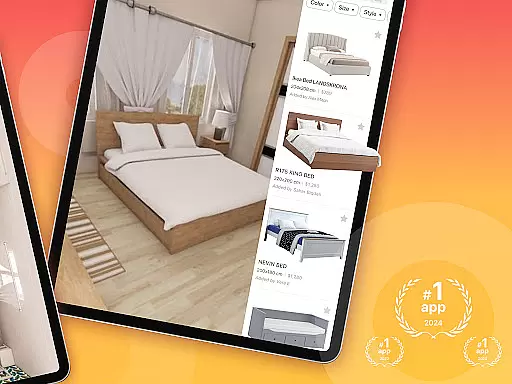

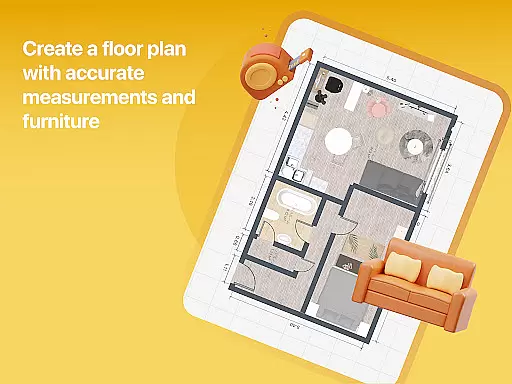

Home Planner is a comprehensive home design and 3D modeling application that empowers users to create detailed floor plans with precision. The app offers advanced visualization tools, allowing users to see their designs in immersive 3D and virtual reality. With over 200,000 furniture items available in its catalog, users can experiment with various styles and layouts effortlessly.
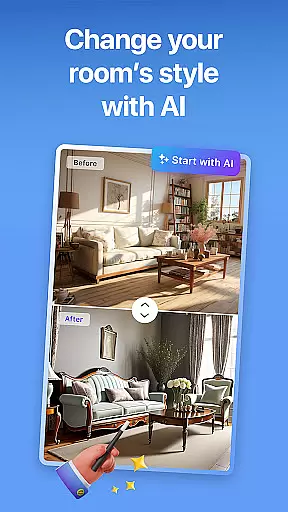
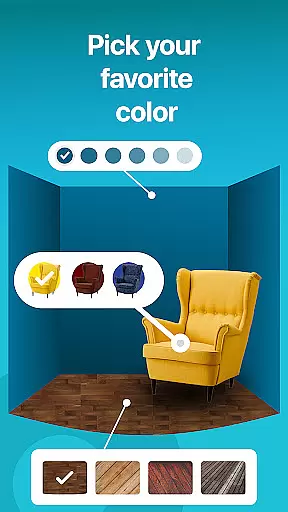
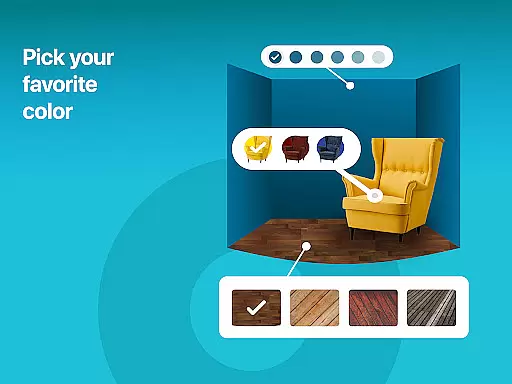
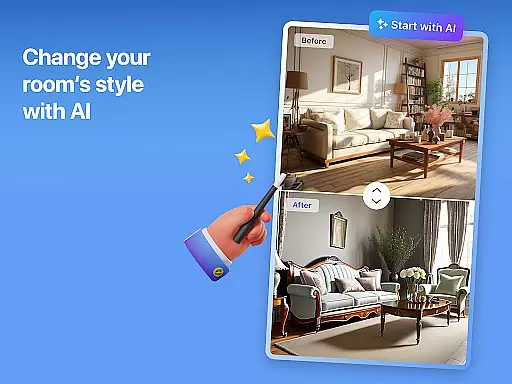
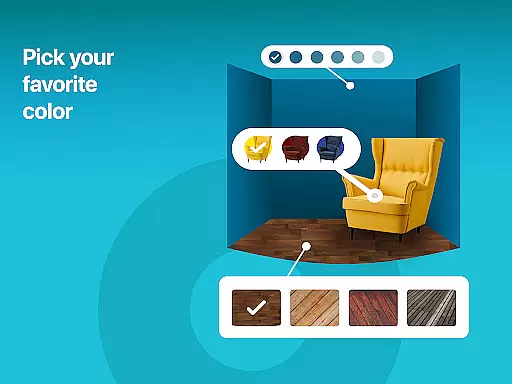
The app's powerful features include customizable wall colors, flooring types, and furniture placement, enabling users to reflect their personal style accurately. It also provides professionally designed templates for those needing inspiration. Whether planning a single room or an entire house, Home Planner supports all levels of complexity with smart AI assistance, making it an essential tool for both DIY enthusiasts and professionals.
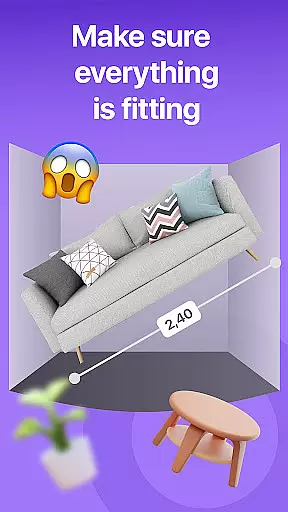
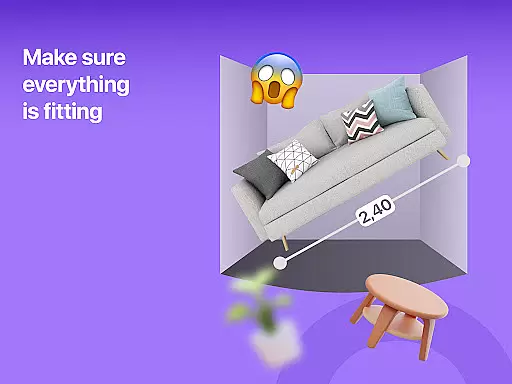
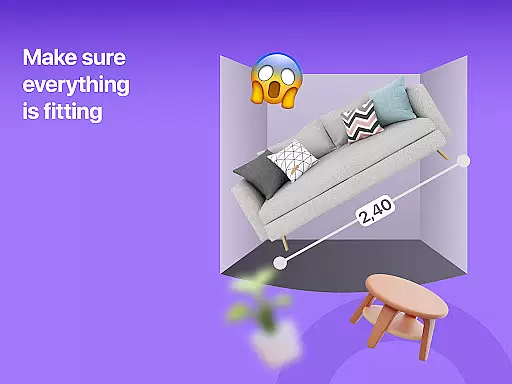
One of the standout features of Home Planner is its ability to generate high-quality 3D renders and realistic snapshots. These visuals help users refine every detail of their design, from colors and materials to lighting, ensuring the final output matches their vision. The app includes a built-in measuring tool and measure app functionality, which ensures precise measurements before any real-life changes are made.
Another significant advantage is the seamless sharing and offline functionality. Users can collaborate with partners, contractors, or roommates by sharing their designs effortlessly. Moreover, the app allows working on projects offline, providing flexibility whether you're on-site or brainstorming ideas from your couch. With flexible subscription options, users can unlock premium features like exclusive furniture collections and enhanced 3D modeling tools tailored to their needs.
Authentic property listings are crucial for making informed decisions in home planning and design. Home Planner ensures the accuracy of its content by providing verified dimensions, materials, and furniture items within its catalog.
The app employs a strict verification process, cross-referencing product specifications with trusted sources to maintain data integrity. This meticulous approach guarantees that users work with reliable information when crafting their floor plans.
Users benefit from this commitment to authenticity by receiving realistic previews of their designs. Whether planning a single room or an entire house, they can trust that their choices will translate accurately into real-world applications.
This dedication to verified listings ultimately saves users time and resources, preventing costly mistakes during actual renovations. The result is a more confident design process and outcomes that match expectations.
Effective home management features are essential for organizing and executing complex design projects. Home Planner offers robust tools that allow users to oversee every aspect of their home design journey, from initial concept to final implementation.
The app provides advanced project management capabilities, including task tracking, progress visualization, and resource allocation. These features enable users to monitor their design evolution systematically while maintaining control over various elements like furniture placement and color schemes.
Additionally, Home Planner supports seamless collaboration through its sharing functionality. Users can easily exchange ideas and feedback with partners or contractors, ensuring everyone remains aligned throughout the design process.
By integrating these comprehensive management tools, the app empowers users to handle both simple room makeovers and extensive home renovations with equal efficiency and precision.
User-friendly interface
Extensive furniture catalog
High-quality 3D renders
Offline functionality
VR visualization
Premium features locked
Subscription fees apply
Steep learning curve
Limited free templates
Occasional bugs

The official app for Home Assistant. Control your home anywhere in the world.
 4.30
4.30
Home Ideas | Renovation Advice | Local Pros. Go From Dream to Home with Houzz.
4.70
Fully control your Philips TV with this all-in-one remote control app.
4.20
Smart AI plant care schedules, Real plant experts, support & Thriving community!
4.20
Floor Plan Creator Home Design with 2D interior design and 3d view.
3.90
Night Owl Protect helps you secure, protect, and connect your world!
4.60
Real estate app to find homes for sale or rent in the right neighborhood for you
4.70
Find your next home, house, apartment, condo, casa, flat, rental, studio, or bed
4.70
3D House Design and AI Room Planner - from floor plans to full interior design.
4.40
View houses and apartments for rent, updated daily.
4.80
Map-based search app for apartments and homes for rent.
4.60
AI-powered home design, interior design, home decor, and room design solutions
4.50
Fire & Power Safety
4.50
Samsung remote app helps control all Samsung Smartthings TVs. Fast and Stable!
4.10
Book your local plumber 24/7, track your service order & get exclusive coupons
4.00
Draw house plans, floor plans 3d & house design with house plan drawing 3d app
3.60
An easier way to make payments and maintenance requests from anywhere.
3.50
Unlock AI-based barcode scanning and support the development of Grocy Android
4.3
Universal TV Remote for TV, control all Smart TVs with your mobile phone.
4.0


User Reviews