
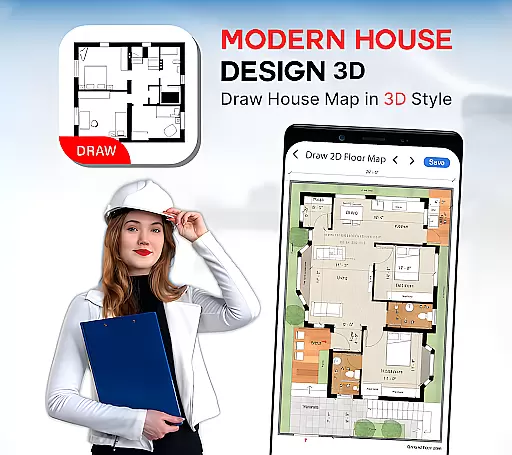
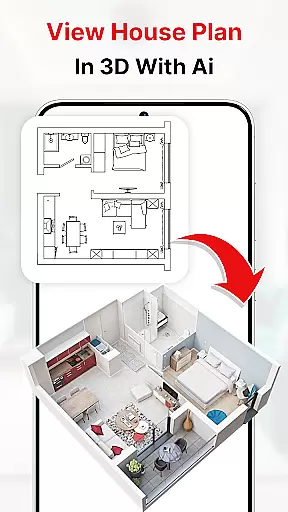
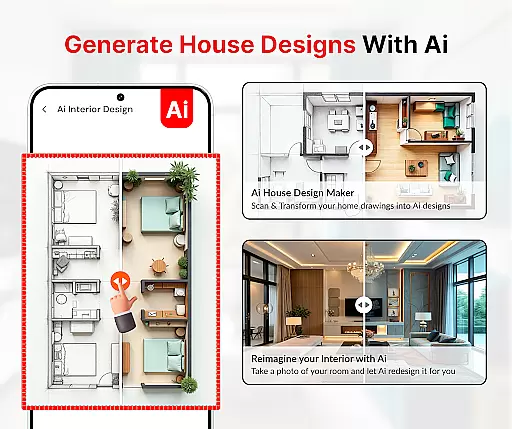
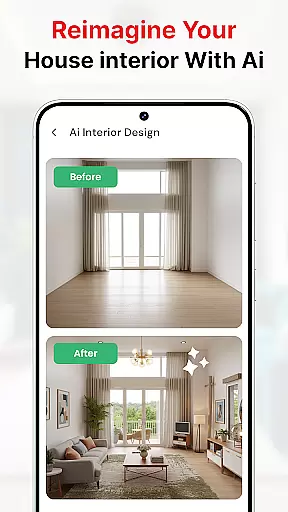
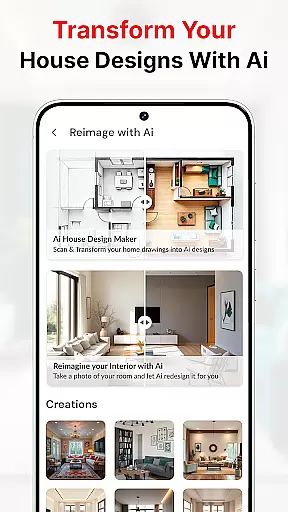
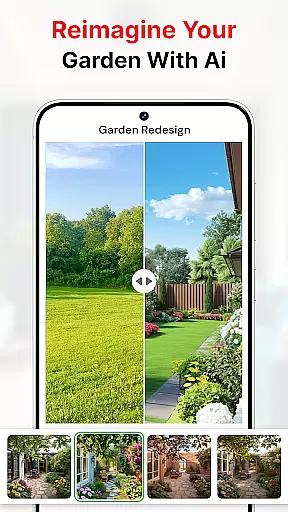
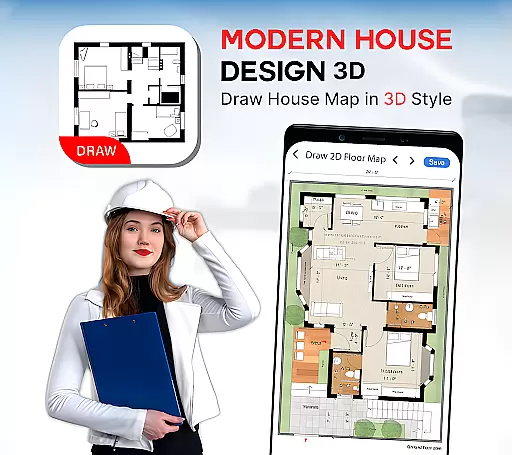
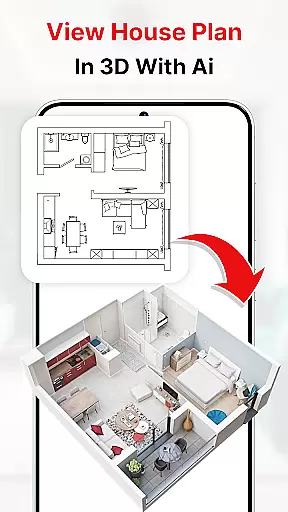
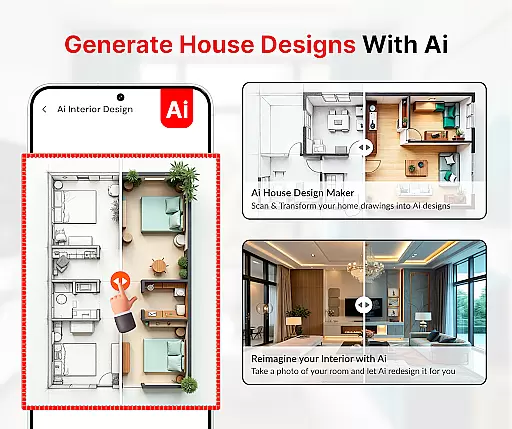
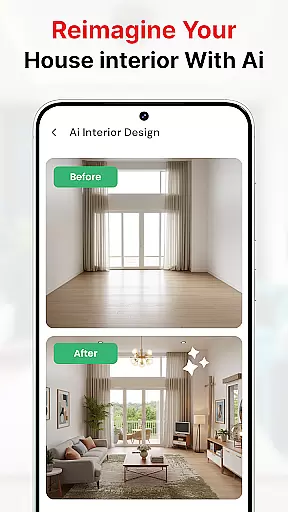
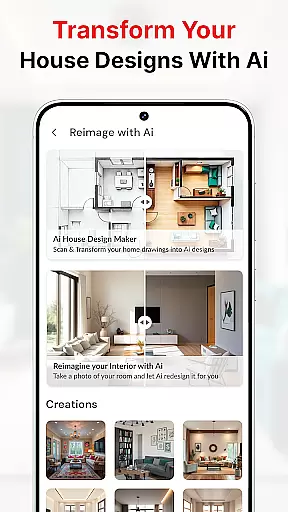
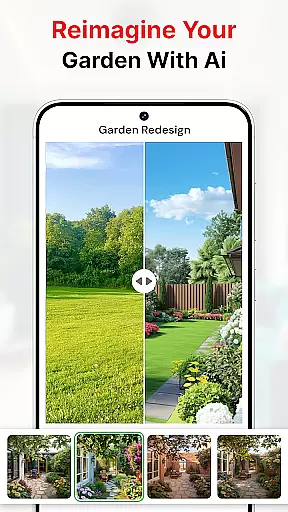
Modern House Design Draw House is a comprehensive 3D home design and floor planning application that empowers users to create detailed house plans tailored to their specific needs. The app offers intuitive tools for designing both the interior and exterior of a home, allowing users to customize room layouts, add furniture, and even adjust color schemes. With its smart design features, users can generate high-resolution 3D images of their projects, which are perfect for presentations to clients or business partners. Additionally, the first-person mode enables users to virtually walk through their designs, providing an immersive experience that helps in finalizing plans before construction begins.
The app stands out with its ability to assist in maximizing space utilization through innovative solutions like transformer furniture and multifunctional walls. Whether planning a new building project or redesigning an existing space, Modern House Design Draw House provides all the necessary tools to ensure precision and creativity in design. Its offline functionality and free access make it an invaluable resource for homeowners, DIY enthusiasts, and professionals alike.
One of the standout features of Modern House Design Draw House is its robust set of design tools that cater to both novice and experienced users. The app includes functionalities such as capturing images of house interiors and exteriors, applying different paint colors using AI technology, and utilizing a water level tool to ensure architectural accuracy. These features collectively enable users to visualize their ideas with remarkable clarity and precision. Furthermore, the inclusion of construction tools like AR drawing and sketch-to-AI conversion makes the design process more interactive and efficient.
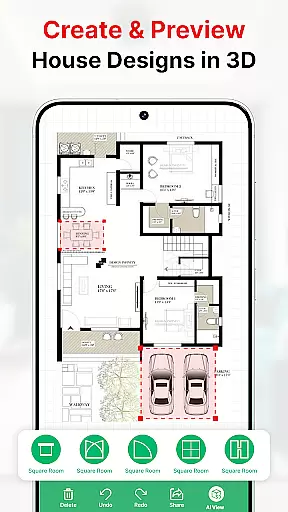
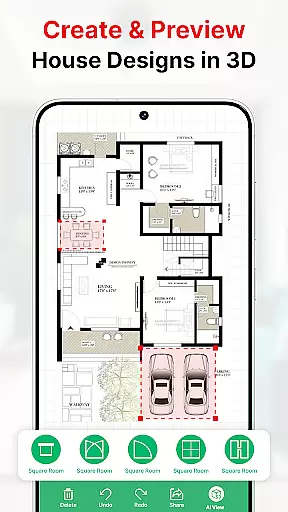
Another significant aspect is the app's capability to provide detailed floor plans with accurate measurements, including doors, windows, and stairs. Users can draw house maps according to their plot sizes and apply various elevations and architectural rules. This ensures that every design adheres to professional standards while still allowing for personal customization. The ability to save and share these plans adds another layer of convenience, making it easier for users to collaborate with others or make informed decisions when purchasing furniture.
In the realm of house design and planning, ensuring the authenticity of property listings is paramount. Modern House Design Draw House app excels in this area by providing users with tools to create accurate and realistic 3D floor plans. The app allows for detailed customization of rooms according to specific requirements, ensuring that each design truly reflects the user's vision.
By enabling users to take high-resolution images of their projects, the app further enhances the authenticity of property listings. These images can be used to convincingly present ideas to clients and business partners. Additionally, the first-person mode feature allows for a virtual walkthrough of projects, offering an immersive experience that adds another layer of realism to the property listings created with the app.
The ability to make precise floor plans with exact measurements ensures that users can rely on the accuracy of their designs. This precision, combined with the app's comprehensive suite of drawing tools and templates, empowers users to create property listings that are not only authentic but also professionally crafted. As a result, Modern House Design Draw House app stands out as a valuable tool for anyone involved in property listing and home design.
Effective home management features are crucial for anyone looking to design or redesign their living space. Modern House Design Draw House app offers a robust set of tools that cater to various aspects of home management. From creating detailed 2D and 3D designs for modern houses to utilizing transformer furniture like extensible tables and couch beds, the app provides innovative solutions for maximizing space efficiency.
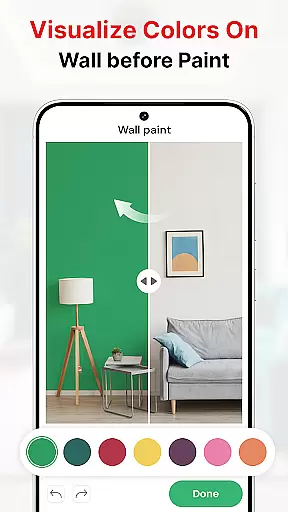
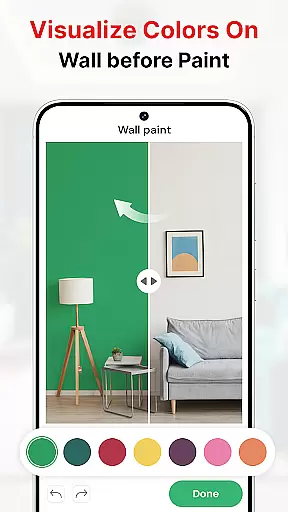
One of the standout features of the app is its ability to help users visualize their projects with different color schemes and decor options. Whether it's the living room, bedroom, kitchen, or exterior, the paint my room feature lets users apply colors to any part of their design. This capability ensures that users can experiment with various aesthetics and find the perfect look for their space.
Moreover, the inclusion of practical tools such as water level indicators and construction utilities like AR Drawing and Sketch to AI enhances the appu2019s home management capabilities. These tools assist users in achieving professional-grade results without needing to hire architects. By integrating these comprehensive features, Modern House Design Draw House app significantly simplifies the process of managing and executing home design projects.
User-friendly interface
High-resolution 3D imaging
Comprehensive design tools
Offline functionality
Innovative space solutions
Limited advanced features
Occasional bugs
Basic tutorial support
Ads in free version
Steep learning curve

Map-based search app for apartments and homes for rent.
 4.60
4.60
PRO Version of GLB AR Viewer
4.4
Universal TV remote Control for Roku TV brands via WiFi remote
4.2
Our app allows Sunrun customers to monitor systems, pay bills, and get support.
3.80
AI-powered home design, interior design, home decor, and room design solutions
4.50
The only mappable smart lights for custom decoration.
4.50
Find the perfect paint color with advanced tools to explore and visualize color.
3.80
MLS-powered real estate app to find homes for sale & apartments for rent
4.70
Turn old phones into security cameras, baby monitors, pet cams, and more.
4.70
Home Ideas | Renovation Advice | Local Pros. Go From Dream to Home with Houzz.
4.70
Convert your Phone to HiSense Smart TV Remote Control
4.70
Search for Homes, Rentals, Agents & Schools
4.70
Your guide to apartments & rental homes. Find your next place to rent with AG.
4.60
For all of your Airthings devices
4.30
AI floor creator to design your dream house, plan rooms & style your home
4.00
Floor Plan Creator Home Design with 2D interior design and 3d view.
3.90
Draw your floor plan smartly. Make house design blueprint with home planner app
3.60
An easier way to make payments and maintenance requests from anywhere.
3.50
An awesome mobile app for Home Security Surveillance - uses ZoneMinder
3.20


User Reviews