
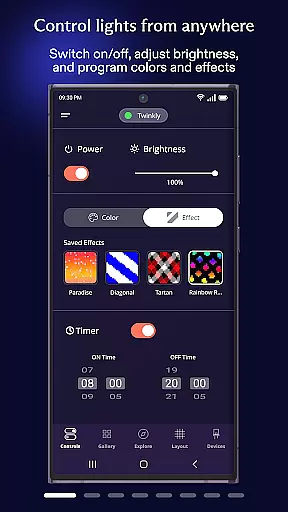
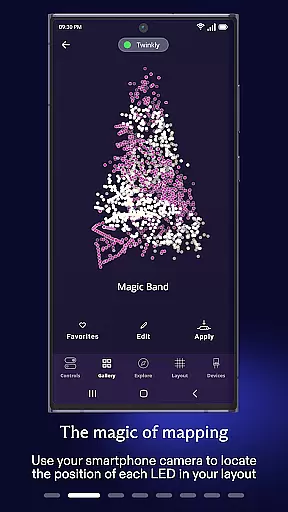
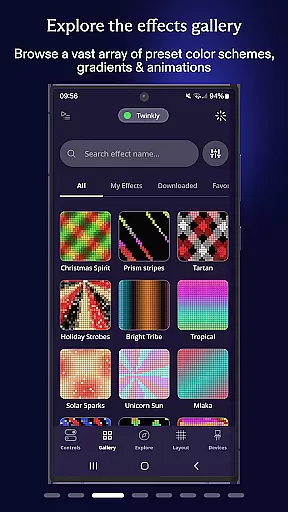
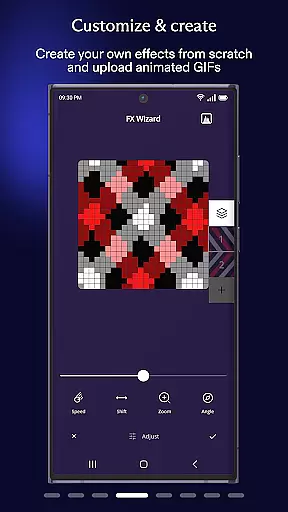
Twinkly is a smart lighting control application designed for home decoration and ambiance creation. The app allows users to manage Twinkly devices with ease, offering advanced customization options for lighting effects. Users can map their lights, adjust brightness, set timers, and create playlists for automated light shows.
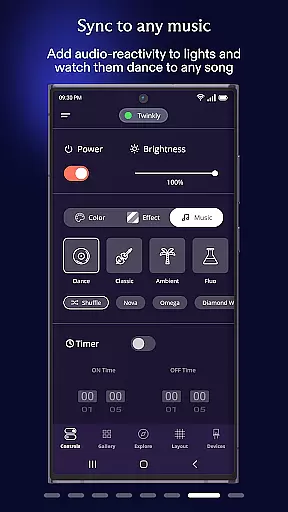
The application also supports integration with popular smart home ecosystems like Amazon Alexa and Google Assistant, enabling hands-free voice control. With Twinkly Music, lights can be synchronized to sounds and music, creating dynamic visual experiences. Whether it's for holiday decorations or enhancing everyday living spaces, Twinkly provides versatile solutions for all lighting needs.
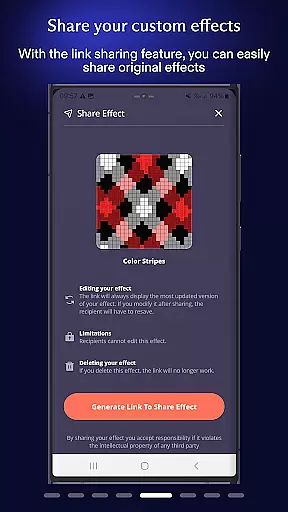
Twinkly offers an impressive range of features that cater to both casual users and lighting enthusiasts. One standout capability is the ability to map your lights, allowing for precise control over individual bulbs and custom effect creation. This feature lets users design unique patterns and animations tailored to their specific setups.
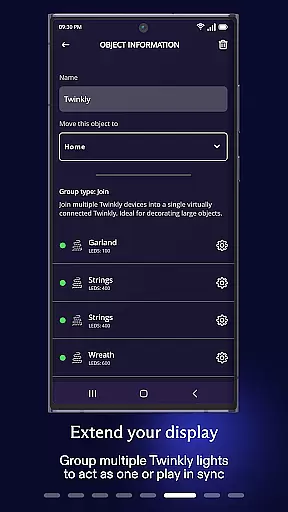
In addition to mapping, the app enables grouping of multiple devices into installations, making it easy to manage complex lighting systems. User roles can be assigned within these groups, ensuring controlled access. The app also includes practical functions such as timer settings, playlist creation, and brightness adjustment, providing comprehensive control over lighting schedules and effects.
When it comes to managing your smart home devices, the authenticity and accuracy of listings are crucial. The Twinkly App provides a reliable platform where each device's information is verified and accurately represented.
This ensures that users can trust the details provided for their lighting installations, from individual bulb specifications to complex group settings. With features like mapping lights and creating custom effects, users have peace of mind knowing exactly what they're controlling.
The app also supports integration with other smart home ecosystems such as Amazon Alexa or Google Assistant, ensuring seamless compatibility and genuine interaction across platforms.
Effective home management involves not just control but also customization and automation. Twinkly App excels in this area by offering advanced functionalities that allow users to tailor their lighting experiences precisely how they want them.
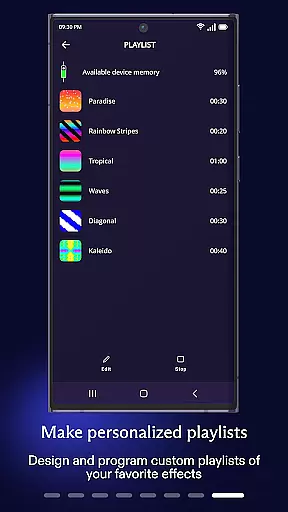
Users can set timers, create playlists, adjust brightness levels, and even sync lights to music through Twinkly Music. These capabilities ensure that every aspect of home ambiance can be managed effortlessly via one intuitive interface.
Additionally, the ability to group devices and assign user roles adds another layer of sophistication, making it easier than ever to manage large installations while maintaining optimal performance and security.
User-friendly interface
Extensive customization options
Voice control integration
Music synchronization feature
Multi-device management
Requires stable internet connection
Premium features may cost extra
Device compatibility limitations
Occasional connectivity issues
Learning curve for advanced features

Draw house plans, floor plans 3d & house design with house plan drawing 3d app
 3.60
3.60
Home Ideas | Renovation Advice | Local Pros. Go From Dream to Home with Houzz.
4.70
Calculate baluster spacing with ease and precision.
4.3
Wobble Fix Tool
4.40
AI floor creator to design your dream house, plan rooms & style your home
4.00
Book your local plumber 24/7, track your service order & get exclusive coupons
4.00
Security App with HD Video, 2-way Audio, and event detection for Home monitoring
4.40
The Merkury Smart app makes it easy to control your smart devices.
4.50
Looking for the perfect apartment finder app? Find beautiful rental homes here!
4.60
Download today to join the community to help bring lost pets home faster.
4.70
Tailored Care Guides For Houseplants, Indoor Plants, Garden Plants & Flowers.
4.60
Night Owl Protect helps you secure, protect, and connect your world!
4.60
Your guide to apartments & rental homes. Find your next place to rent with AG.
4.60
Make your phone a surveillance camera remote with a home camera app for Android!
4.40
Control your thermostat, comfort, and home monitoring from your phone
4.30
Universal Tv Remote Control for all Tv. Cast for chromecast & all Tv Controller
4.20
Technology powering many in-home services for residents across the United States
3.80
Find the perfect paint color with advanced tools to explore and visualize color.
3.80
An easier way to make payments and maintenance requests from anywhere.
3.50


User Reviews