
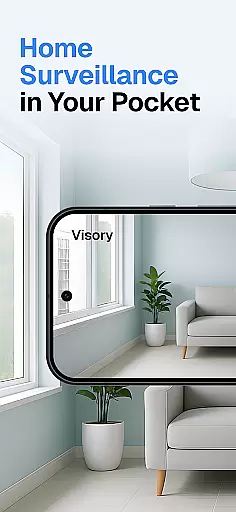
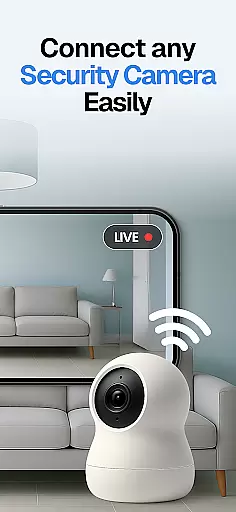
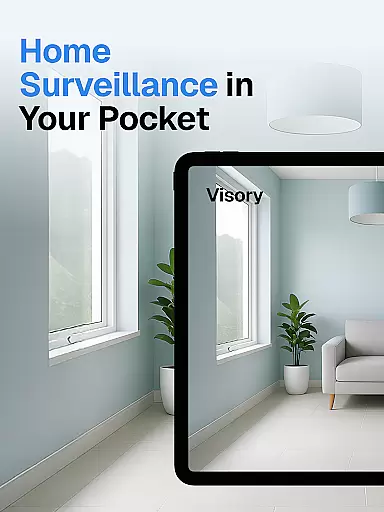
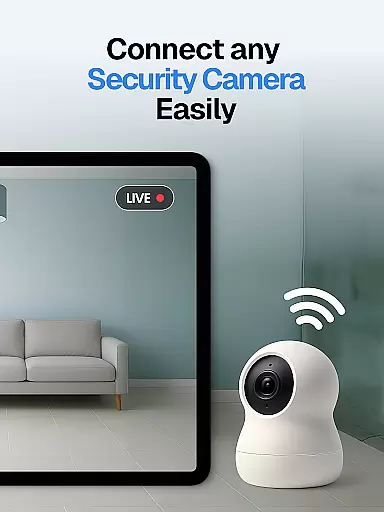
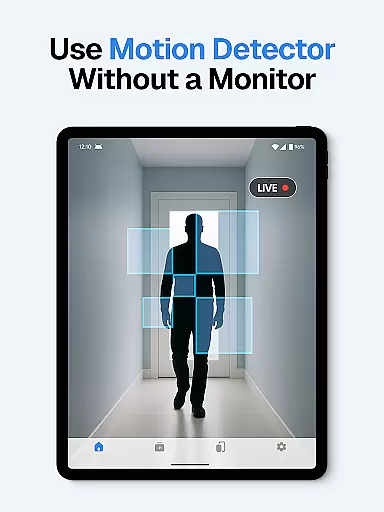
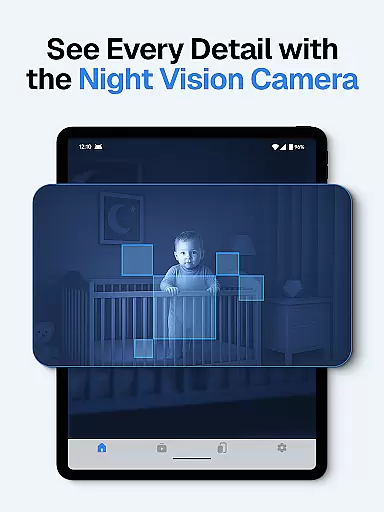
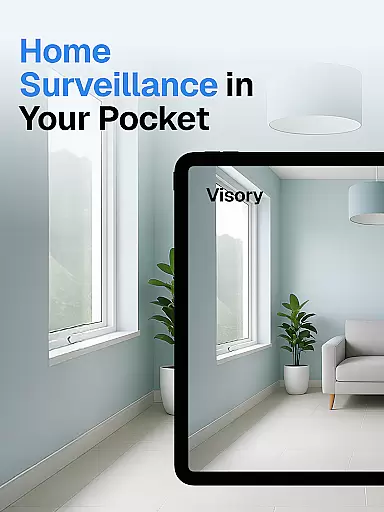
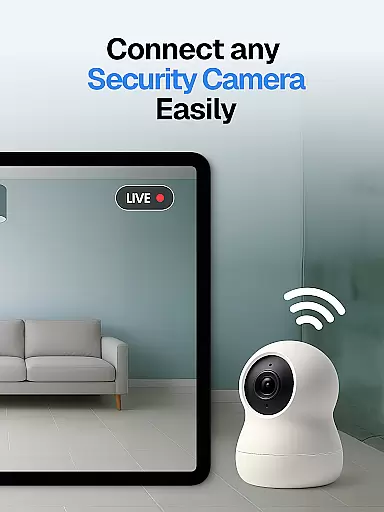
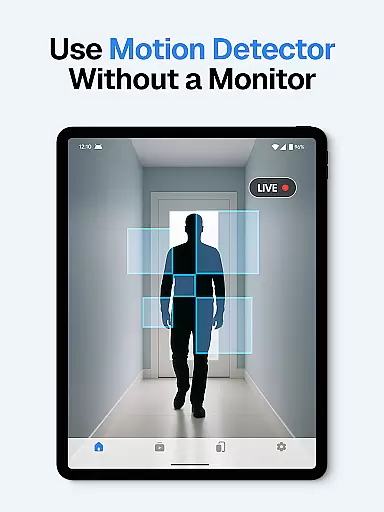
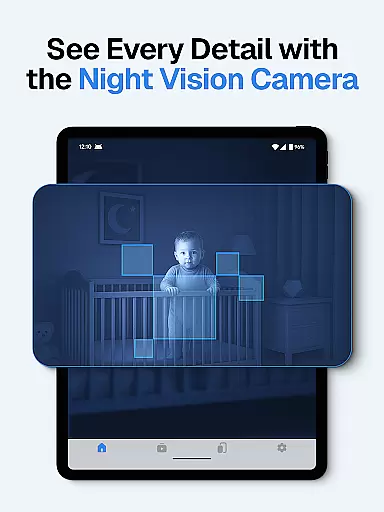
Surveillance Camera is a feature-rich home monitoring solution that transforms your mobile devices into a comprehensive security system. This HD wireless IP camera app allows users to create a home CCTV network by connecting multiple devices, enabling real-time remote monitoring. The application's cross-platform compatibility ensures seamless connection between Android and iOS devices, making it an ideal choice for home security.
The app's functionality extends beyond basic surveillance. It serves as a versatile nanny camera, pet monitor, and elderly care solution, providing peace of mind through its motion detection and instant alert system. With automatic night vision and cloud storage capabilities, users can maintain constant vigilance and access recorded footage anytime, anywhere. Whether you need to monitor your home while away or keep an eye on loved ones, this application delivers reliable performance.
This home camera solution proves particularly valuable for modern households and small businesses. Its ability to handle multiple live streams simultaneously makes it suitable for monitoring different areas concurrently. The one-time payment model, combined with automatic cloud backup and advanced detection features, offers exceptional value for users seeking comprehensive home security without ongoing subscription fees.
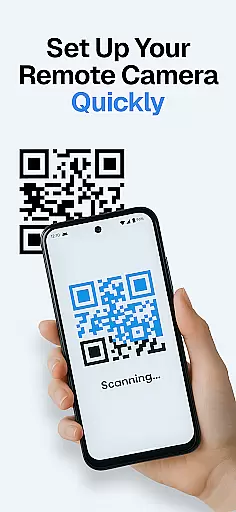
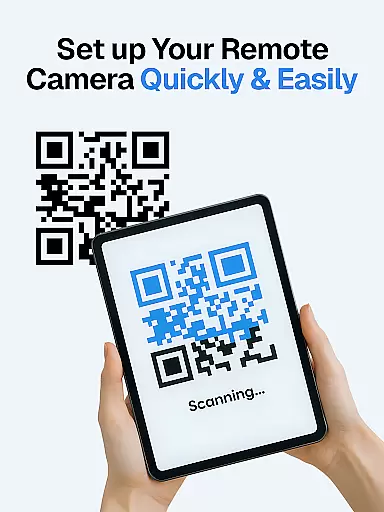
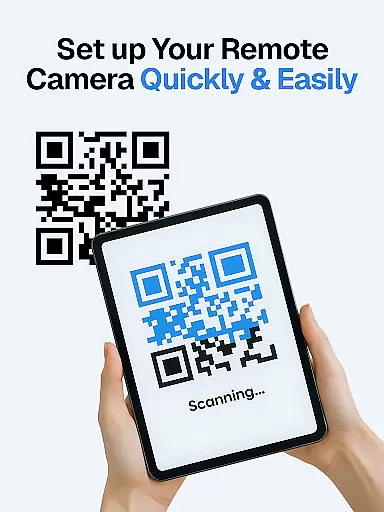
The Surveillance Camera application distinguishes itself through its robust feature set designed for comprehensive home monitoring. At its core, the app facilitates device linking through a simple QR code setup, transforming smartphones into powerful surveillance tools. The application supports simultaneous multi-device streaming, allowing users to monitor different locations concurrently, whether it's a baby's room, pet area, or business premises.
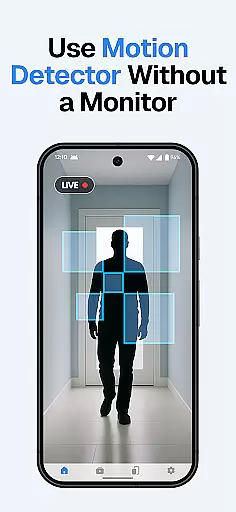
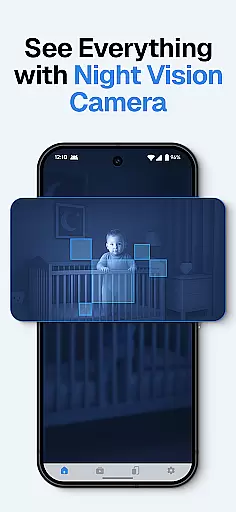
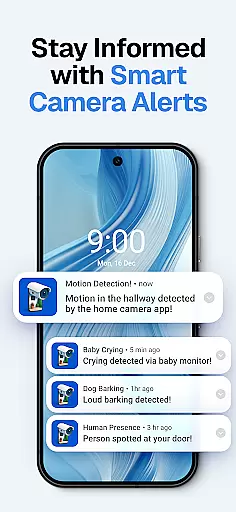
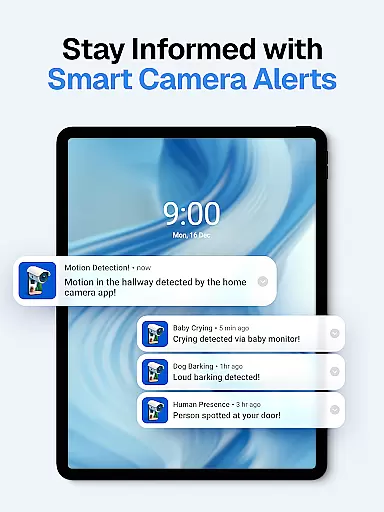
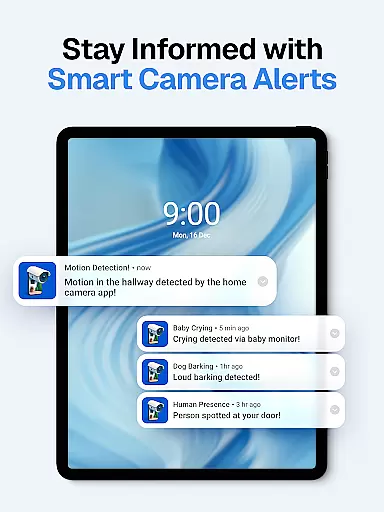
Advanced detection capabilities form another crucial aspect of this home security solution. The app incorporates sophisticated sound and motion sensors that trigger instant alerts, including specialized detection for baby cries and dog barks. Its automatic night vision mode ensures uninterrupted monitoring regardless of lighting conditions, while smart alert systems provide context-aware notifications. These features work together to create a responsive security network that adapts to various monitoring needs.
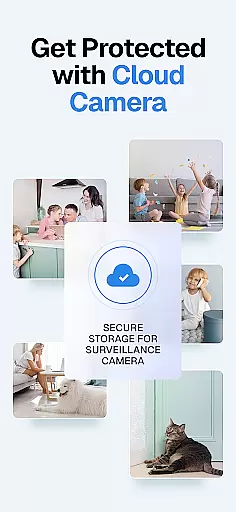
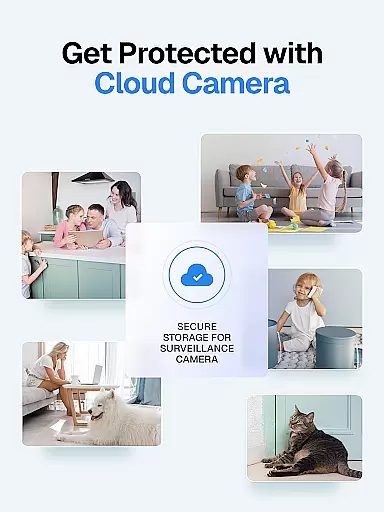
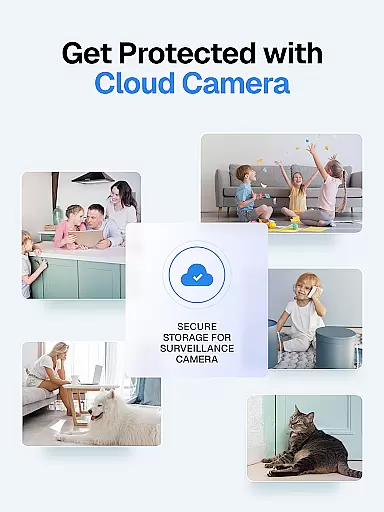
Data security and accessibility are prioritized through encrypted connections and cloud storage integration. All recordings are automatically saved to secure cloud servers, ensuring evidence preservation even if physical devices are compromised. The application maintains strict user confidentiality policies, collecting no personal data while providing essential security features. Additional conveniences include cross-platform compatibility between Android and iOS devices, making it an adaptable solution for mixed-device households.
When it comes to home security, the authenticity of a property listing is crucial. Visory ensures that every connected device represents a genuine and verified surveillance point within your property. This means that whether you are monitoring your pet or ensuring the safety of elderly family members, each camera feed accurately reflects the real-time situation in your home.
The app's compatibility with both Android and iOS devices guarantees that users can link multiple smartphones or tablets without worrying about authenticity issues. The QR code setup process not only simplifies the connection but also adds an extra layer of verification, ensuring that only authorized devices can access your home surveillance system.
With features like sound and motion detection, Visory provides instant alerts that confirm the legitimacy of any activity captured by your cameras. This level of accuracy in reporting events helps maintain the integrity of your property listing, giving you peace of mind that your home is being monitored truthfully and effectively.
Effective home management involves having control over various aspects of your living space, and Visory excels in this area by offering comprehensive features for managing your surveillance needs. From discreet monitoring to live streaming, the app allows you to customize how you watch over your home, making it a versatile tool for modern homeowners.
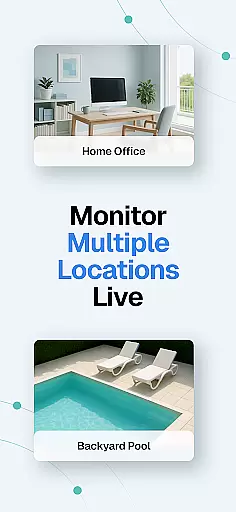
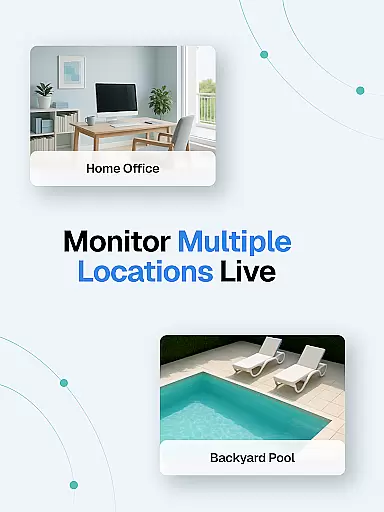
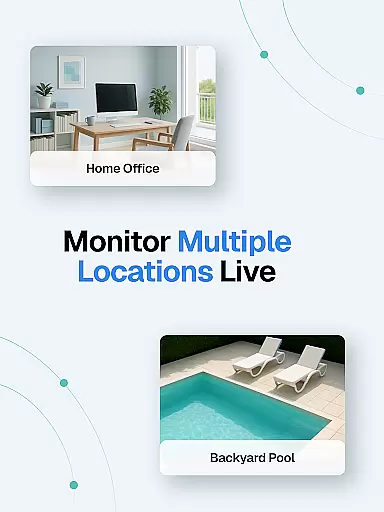
One standout feature is the ability to handle multiple live streams simultaneously. Whether you need to monitor different rooms or keep an eye on outdoor areas, Visory's support for concurrent sessions ensures that you never miss a moment. This functionality is particularly useful for arranging a smart security system that covers all critical areas of your property.
In addition to its robust streaming capabilities, Visory offers smart alerts and cloud recording. These features allow you to manage not just the present but also the past, as all captured events are securely stored in the cloud. With automatic night vision mode and 24/7 monitoring, you can rest assured that your home management includes top-notch security measures, even in low-light conditions.
User-friendly interface
Reliable motion detection
Cloud storage included
Cross-platform support
One-time payment model
Requires multiple devices
Dependent on internet connection
Limited free cloud space
No professional monitoring
Setup can be complex

For all of your Airthings devices
 4.30
4.30
Calculate baluster spacing with ease and precision.
4.2
AI-powered home design, interior design, home decor, and room design solutions
4.50
The only mappable smart lights for custom decoration.
4.50
AI Home Designer & Room Planner: Decorate your interior space with AI
4.40
Your guide to apartments & rental homes. Find your next place to rent with AG.
4.60
Real estate app to find homes for sale or rent in the right neighborhood for you
4.70
Apartment finder for apartments for rent. Compare prices, amenities & rentals.
4.50
Connect with reliable pros for maintenance services, plumbing, and home design!
4.80
View houses and apartments for rent, updated daily.
4.80
Tailored Care Guides For Houseplants, Indoor Plants, Garden Plants & Flowers.
4.60
Parcel Pending Resident App
4.50
Fire & Power Safety
4.50
The Merkury Smart app makes it easy to control your smart devices.
4.50
WiZ smart light system
4.40
Smart AI plant care schedules, Real plant experts, support & Thriving community!
4.20
Book your local plumber 24/7, track your service order & get exclusive coupons
4.00
Use Home by ShowingTime to easily manage showings, tours, feedback and more
3.60
Universal TV remote Control for Roku TV brands via WiFi remote
4.4


User Reviews