
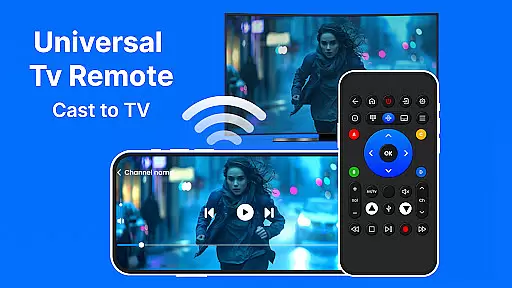
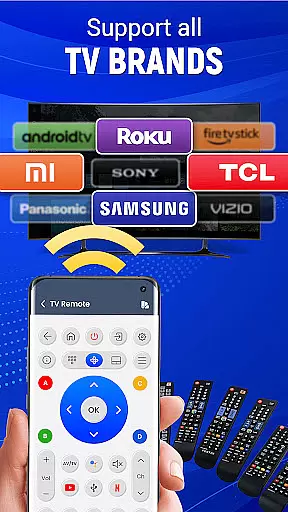
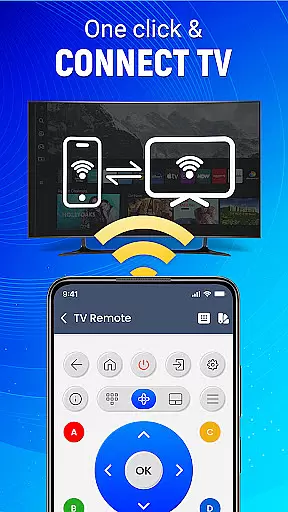
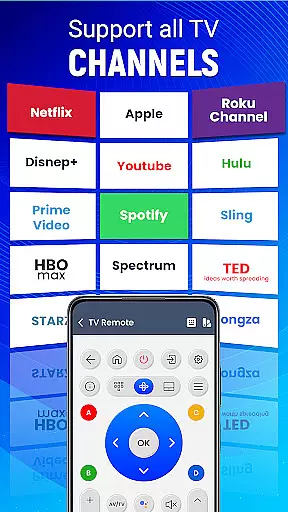
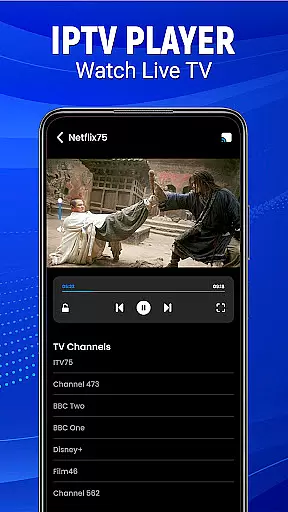
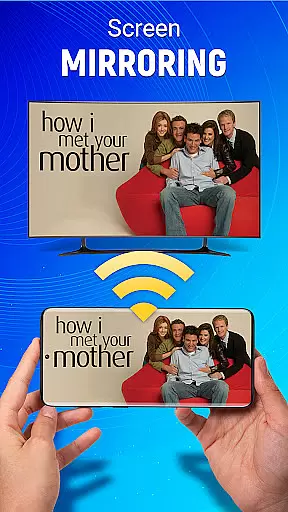
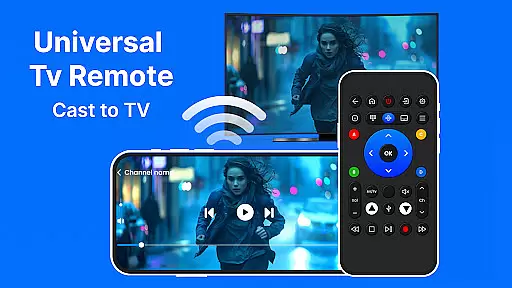
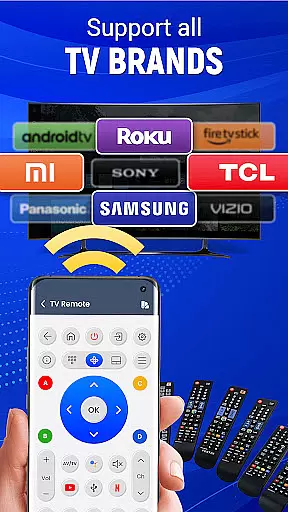
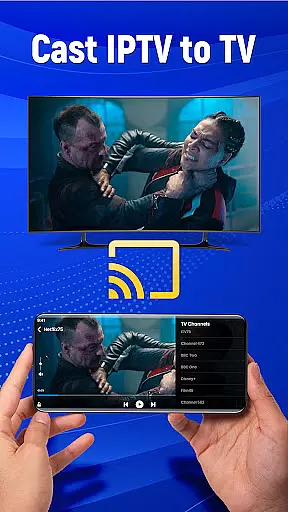
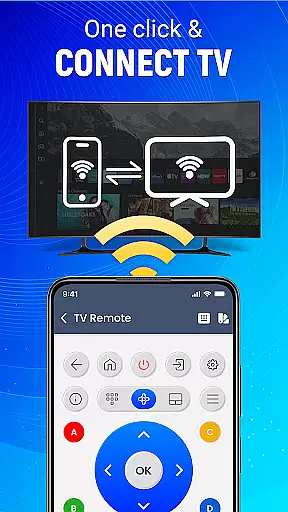
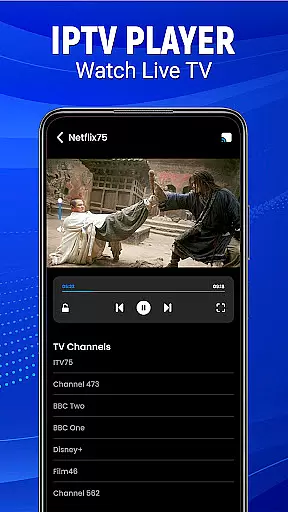
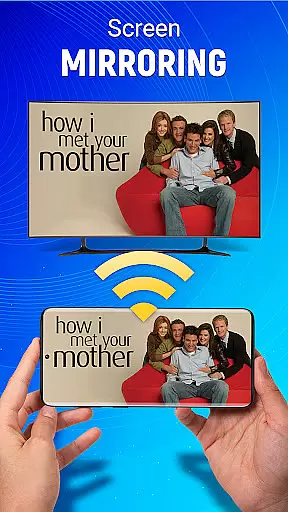
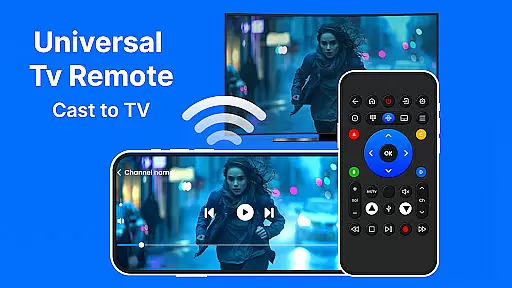
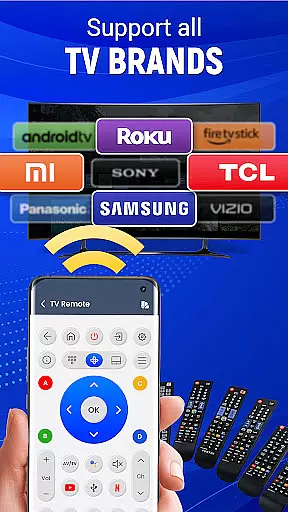
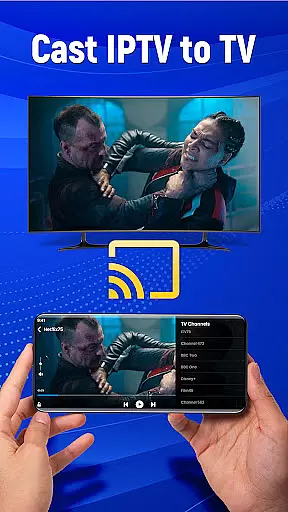
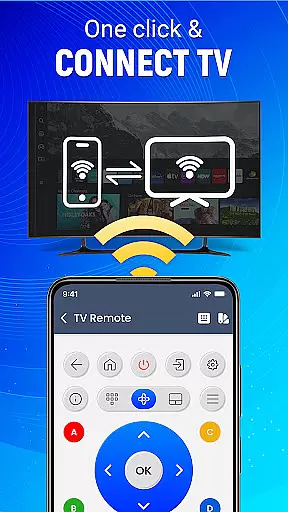
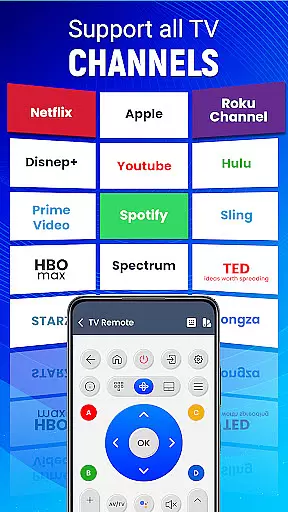
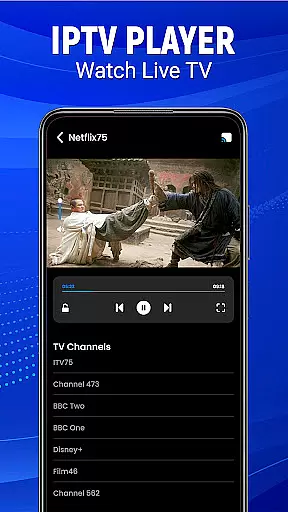
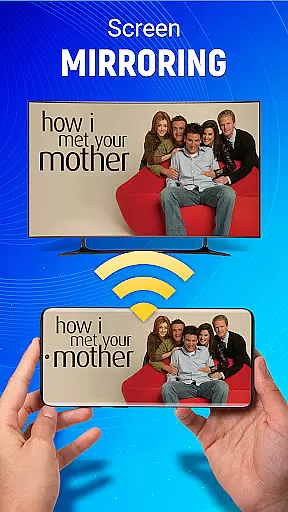
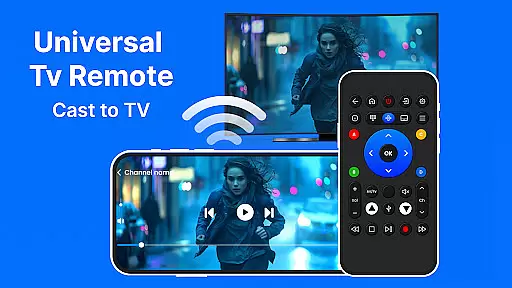
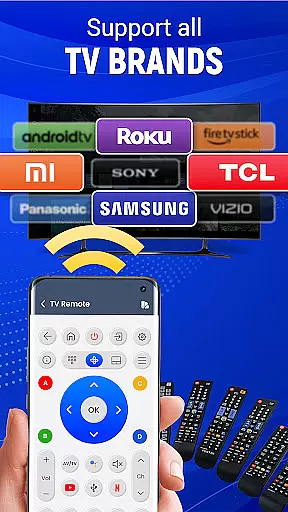
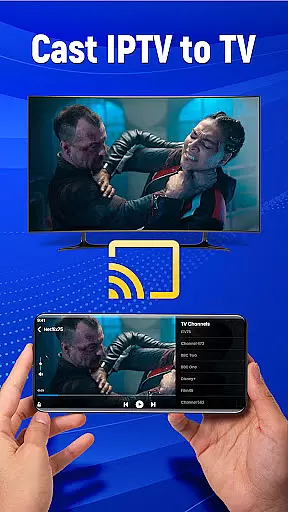
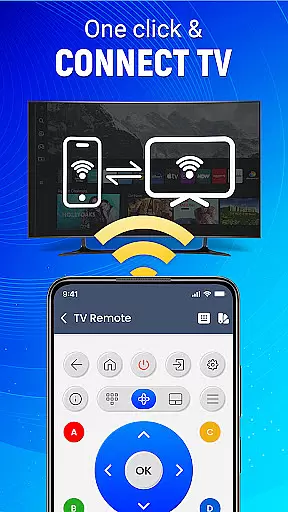
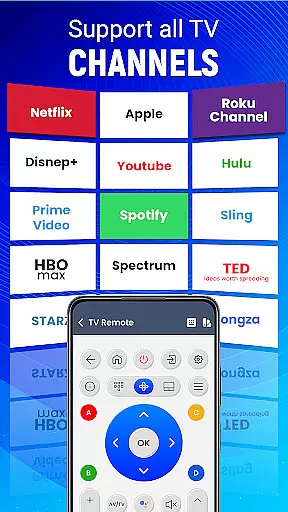
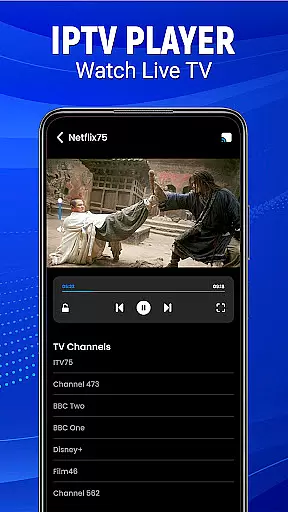
Universal TV Remote-Cast to TV is a versatile home utility application that transforms your smartphone into a universal remote control for televisions. This app supports all major TV brands and offers multiple connectivity options including infrared and Wi-Fi, making it compatible with both older and newer TV models. The application's standout feature is its ability to cast your mobile screen directly to your television, enabling seamless media sharing.
Beyond basic remote functions like channel surfing and volume control, the app incorporates advanced features such as voice commands and gesture-based navigation. These smart capabilities allow users to operate their TVs through simple voice instructions or intuitive touch gestures on their mobile devices. Whether you're looking to stream content from your phone to TV or need a reliable backup remote, this application provides comprehensive TV control in one convenient package.
The Universal TV Remote app particularly shines in multi-device households where traditional remotes often get misplaced. Its user-friendly interface and customizable settings make it suitable for both tech-savvy individuals and less experienced users who want simplified entertainment control. By consolidating various remote functions into a single mobile application, it streamlines the home entertainment experience while reducing electronic clutter.
The Universal TV Remote-Cast to TV application distinguishes itself through an impressive array of features designed to enhance television interaction. Its most prominent capability is the comprehensive brand compatibility, supporting virtually all major television manufacturers. This universal support extends beyond basic functions to include advanced controls for smart TVs, sound systems, and streaming devices. The app's dual connectivity system, utilizing both infrared technology and Wi-Fi networks, ensures reliable operation regardless of TV model or room configuration.
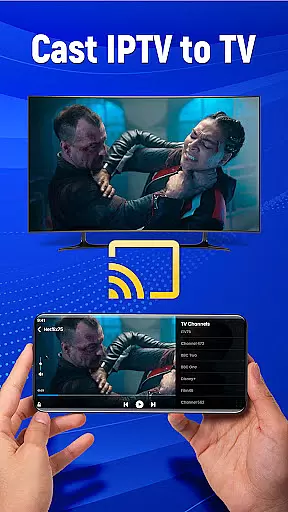
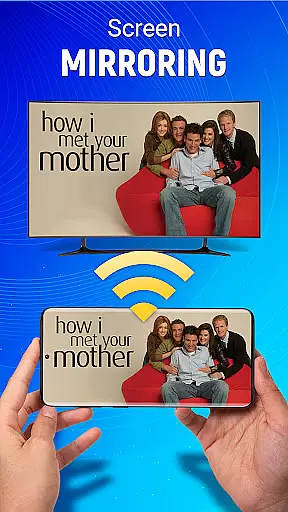
One of the application's most innovative features is its integrated screen mirroring functionality. Users can effortlessly cast their mobile device's display to their television, enabling wireless sharing of videos, images, and applications. The inclusion of voice command capabilities adds another layer of convenience, allowing hands-free operation for essential TV functions. Additionally, the app's gesture navigation system revolutionizes traditional remote control interactions by implementing intuitive tap and swipe controls that respond instantly to user input.
The application also offers extensive customization options, letting users tailor their virtual remote layout and preferences. Advanced users can create personalized control profiles for different television models or usage scenarios. Furthermore, the app maintains a stable connection through its intelligent signal optimization technology, which automatically adjusts transmission strength based on distance and interference levels. These sophisticated features collectively create a seamless and modern television control experience that surpasses traditional remote capabilities.
In the context of smart home management, ensuring the authenticity and reliability of connected devices is crucial. The Universal TV Remote-Cast to TV app excels in this aspect by providing verified compatibility with a wide range of television brands.
The application maintains an up-to-date database of supported TV models, ensuring users can trust that their specific device is fully compatible. This verification process involves regular testing and updates to maintain accuracy.
For users, this means peace of mind when connecting their mobile device to their television. They can be confident that the remote functions will work as intended without compatibility issues or connection problems.
The app's development team works directly with major TV manufacturers to ensure seamless integration, making it a reliable solution for home entertainment control across different brands and models.
Modern home management extends beyond basic control functions to encompass comprehensive smart features. The Universal TV Remote-Cast to TV app offers an impressive array of tools that transform your mobile device into a complete home entertainment management system.
Beyond traditional remote functions, the app includes advanced features like voice command support, gesture navigation, and customizable preferences. These elements combine to create a sophisticated home management experience.
Users benefit from integrated screen mirroring capabilities, allowing them to display mobile content on their television effortlessly. The app also supports multiple connection methods including infrared and Wi-Fi, providing flexible control options.
Additional smart features include source switching, volume control, and channel management, all accessible through an intuitive interface designed specifically for Android devices, enhancing overall home entertainment accessibility.
User-friendly interface
Wide device compatibility
Voice command functionality
Screen mirroring capability
Customizable remote layout
Requires compatible hardware
Occasional connection issues
Limited advanced features
Drains phone battery
Setup complexity

Draw house plans, floor plans 3d & house design with house plan drawing 3d app
 3.60
3.60
Make Renting Easy
4.40
PRO Version of GLB AR Viewer
4.0
AI floor creator to design your dream house, plan rooms & style your home
4.00
Control your Vivint Smart Home with the next generation Vivint App.
4.30
Plan your remodel AI home renovation easily using planner 5D and home decor AI.
4.40
Control your thermostat, comfort, and home monitoring from your phone
4.30
Turn old phones into security cameras, baby monitors, pet cams, and more.
4.70
Set up your devices, customize settings, and monitor your home—from anywhere
4.40
Houses for Sale & Homes for Rent: Buy Homes, Rent Apartments & Sell Real Estate
4.80
MLS-powered real estate app to find homes for sale & apartments for rent
4.70
Innovative and budget-friendly housing options
4.60
Looking for the perfect apartment finder app? Find beautiful rental homes here!
4.60
Security App with HD Video, 2-way Audio, and event detection for Home monitoring
4.40
3D House Design and AI Room Planner - from floor plans to full interior design.
4.40
Turn your phone into a wifi cam with smart features and umlimited reach.
4.20
This Fire TV Remote control's your Fire TV Device and Insignia Fire TV Remote
3.70
Find paints using a Color Muse & ColorSnap® Match
3.60
Calculate baluster spacing with ease and precision.
4.4


User Reviews