
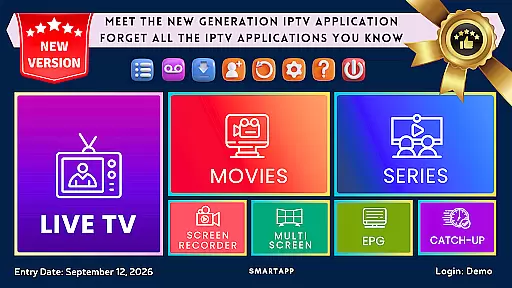
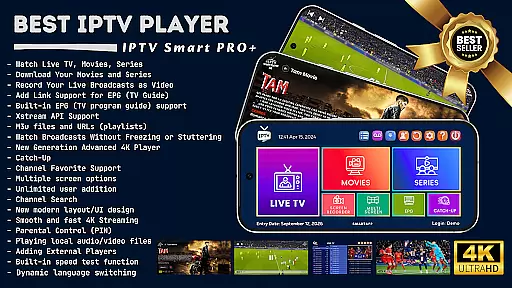
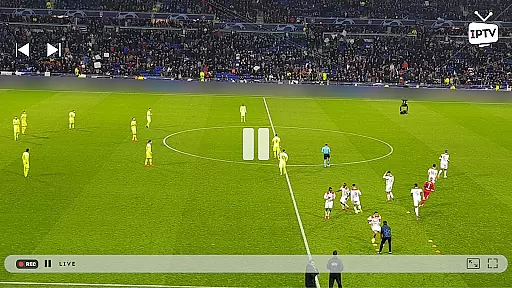

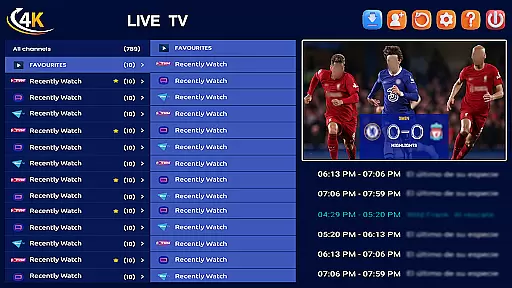
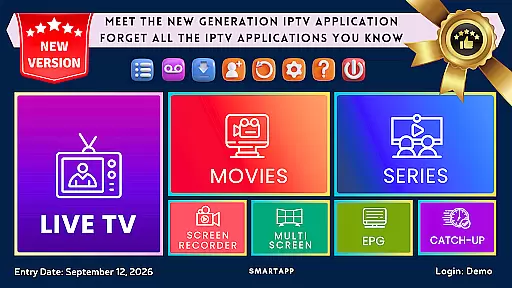
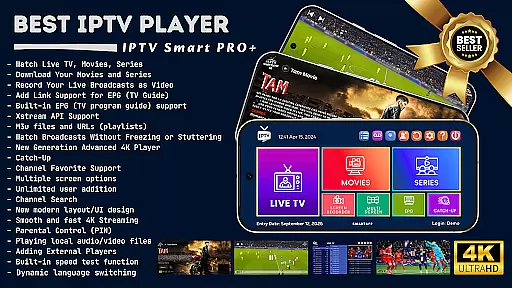

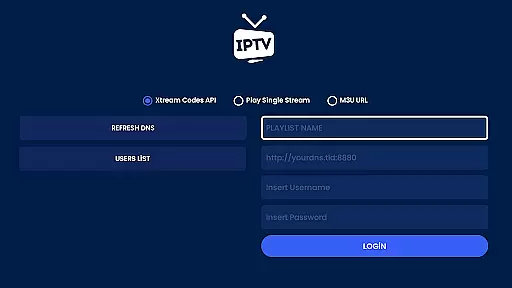
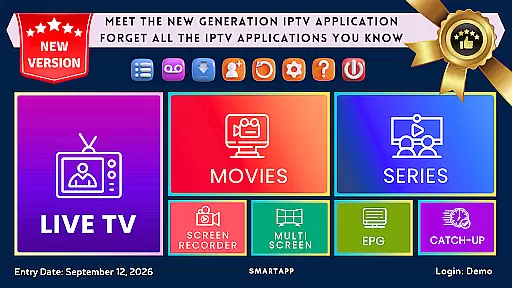
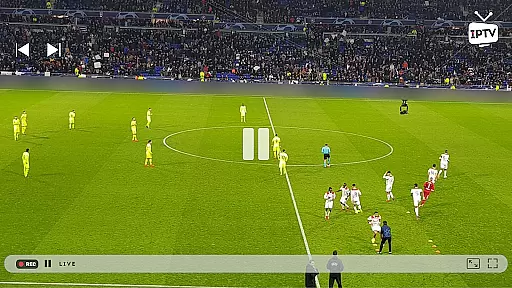

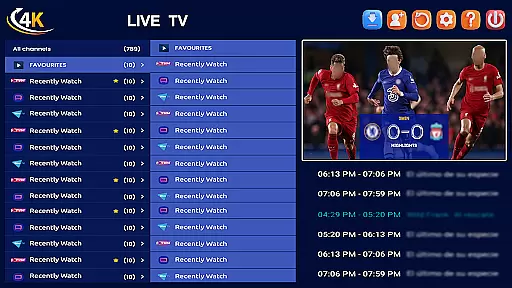
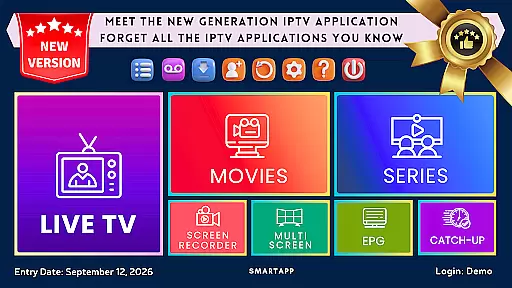

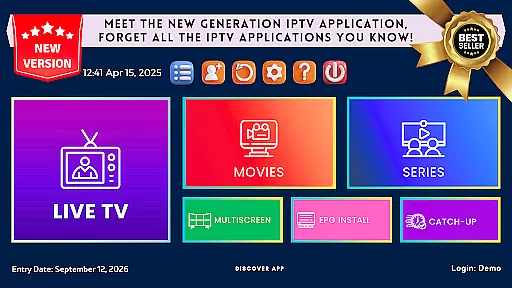

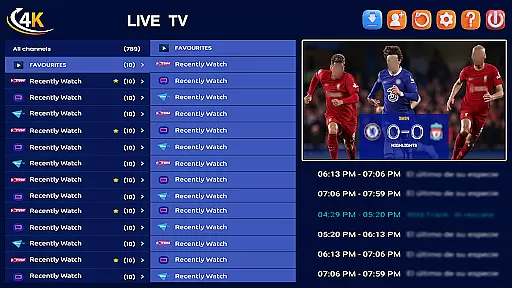
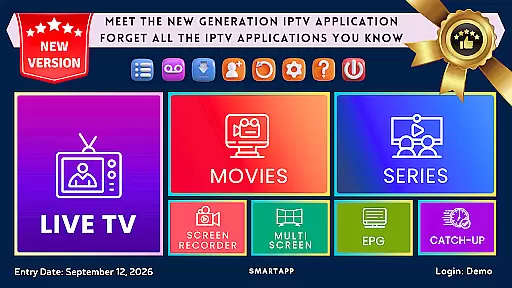
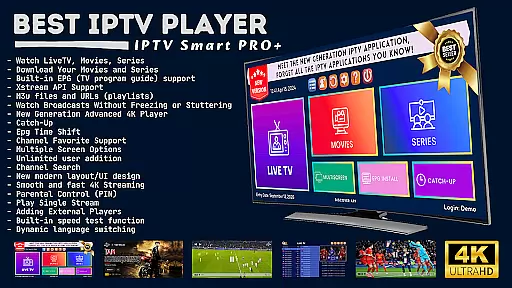
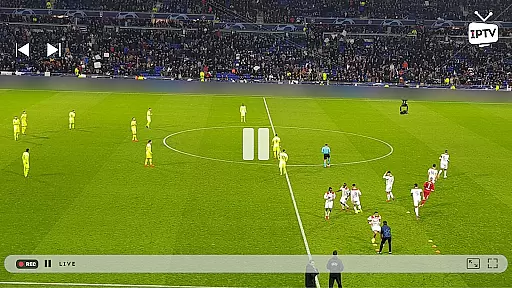

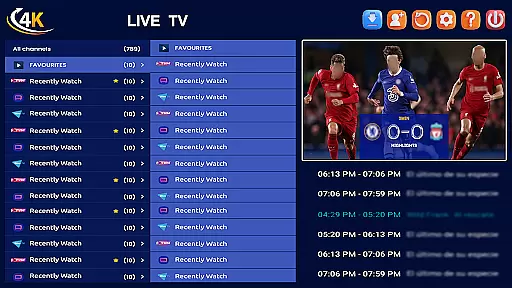
IPTV Smart Player stands as a premier entertainment application designed to elevate your viewing experience through advanced IPTV technology. This app, powered by artificial intelligence, offers an incredibly fast and user-friendly interface for seamless streaming on Android devices, including phones, tablets, Android TVs, and Chromebooks.
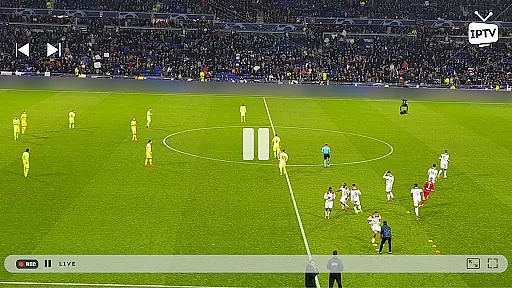
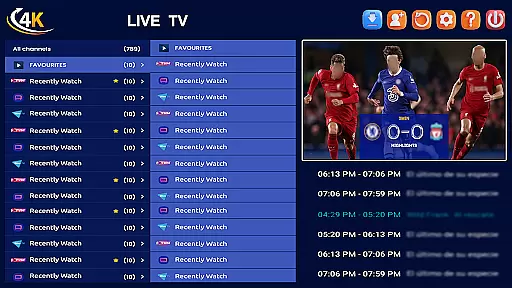
With its robust feature set, IPTV Smart Player supports all video formats, resolutions up to 4K, and includes functionalities like live broadcast recording, instant downloads, and EPG support. The app is a one-time purchase with lifetime usage, ensuring uninterrupted, ad-free entertainment. Whether you're watching live sports, movies, or TV shows, this app provides the best possible quality and flexibility for an immersive viewing experience.
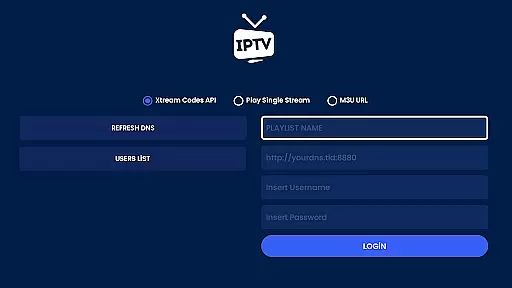
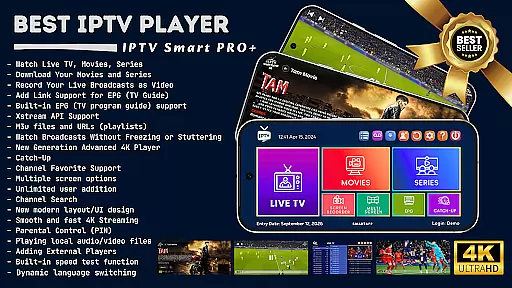
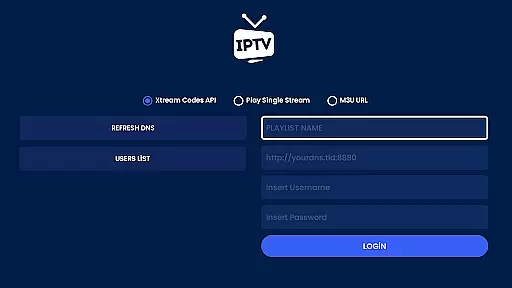
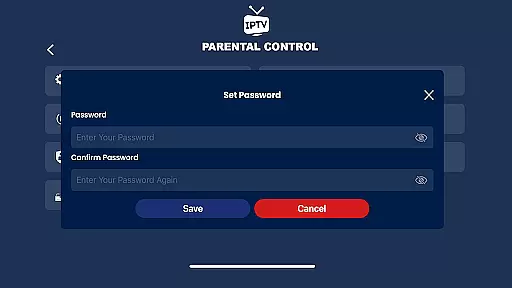
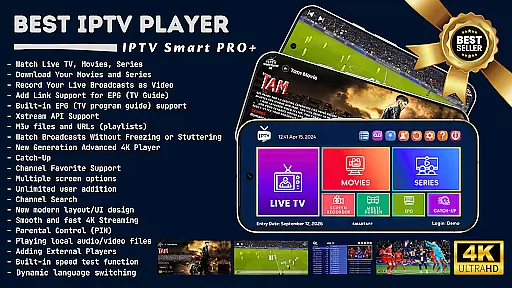
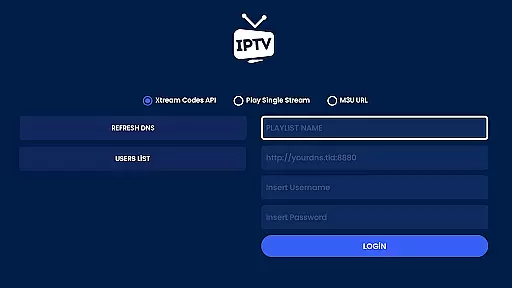
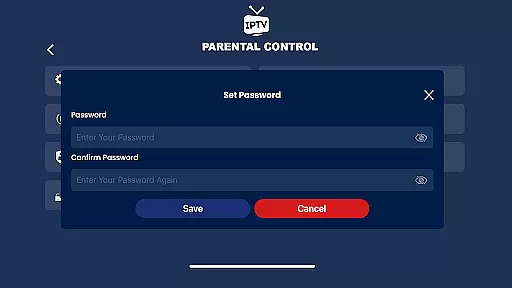
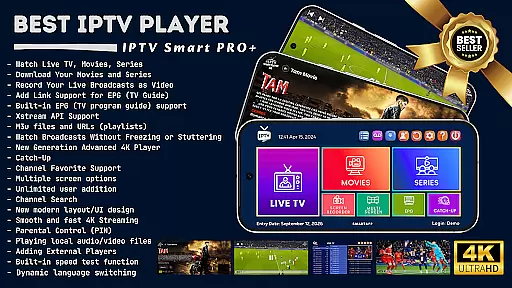
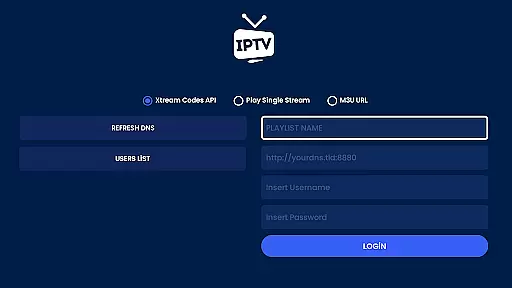
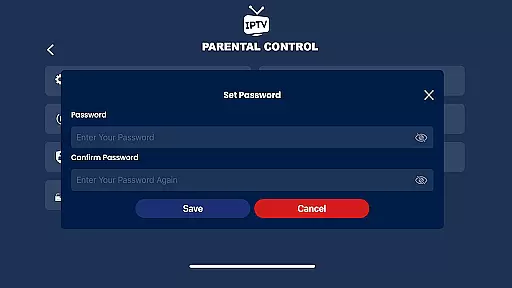
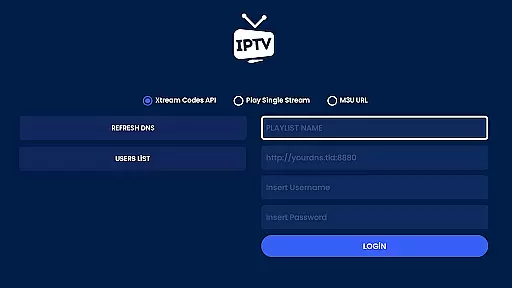
IPTV Smart Player boasts an extensive array of features tailored to meet diverse entertainment needs. It supports multilingual options, offline viewing, and advanced functionalities such as Xstream API and EPG integration. Users can add m3u files and URLs, enjoy Catch-Up services for missed broadcasts, and benefit from parental controls.
The app's next-generation 4K player offers three different options for optimal streaming, while advanced subtitle support and dynamic language switching enhance accessibility. With innovative capabilities like multi-screen viewing, scalable live streams, and external player integration, IPTV Smart Player ensures a versatile and high-quality media consumption experience.
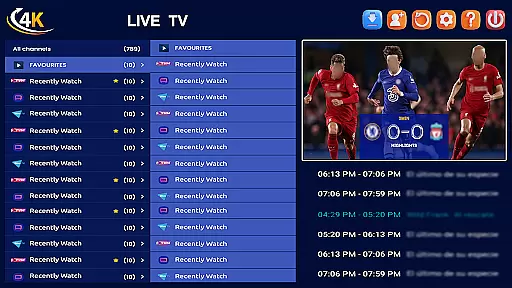
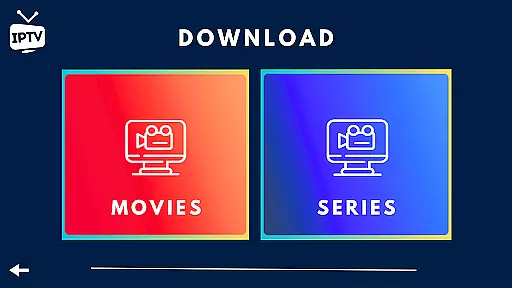
In the realm of digital entertainment, content diversity and regular updates are paramount. IPTV Smart Player excels in this area by offering an extensive range of viewing options. From live broadcasts to the latest movies and TV series, the app covers a broad spectrum of media formats including SD, HD, and 4K resolutions.
Users can indulge in sports events, current movies, and new seasons without any lag, ensuring a seamless experience across Android phones, tablets, Android TVs, and Chromebooks. The app's support for Xstream API and EPG enhances its capability to deliver fresh and varied content consistently.
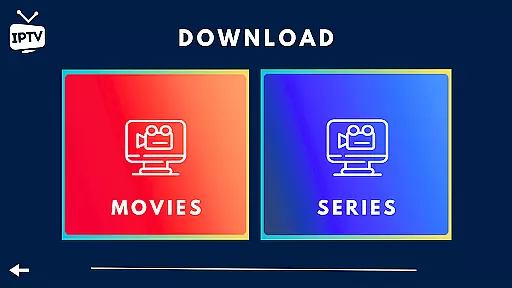
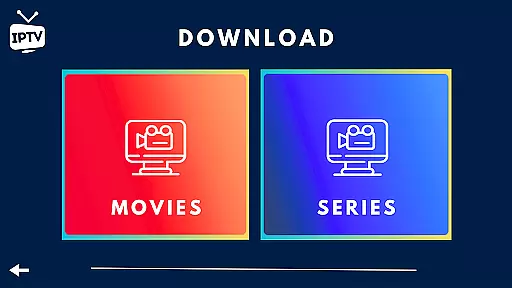
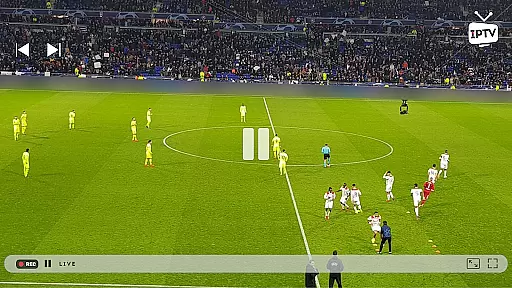
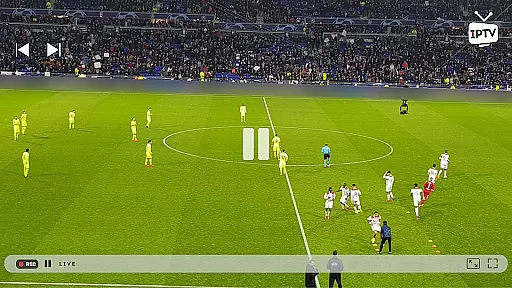
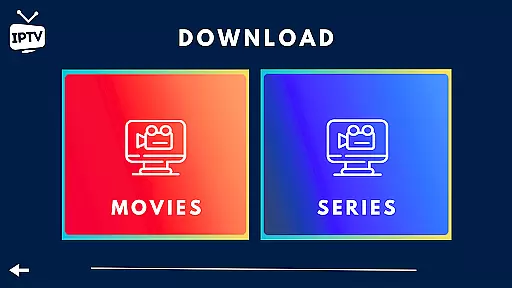
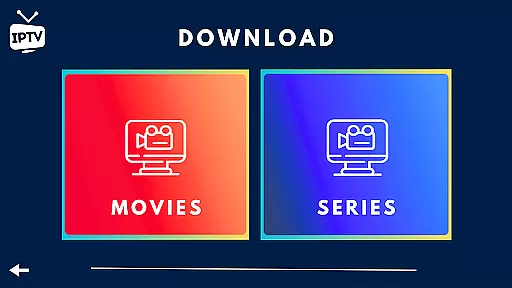
Moreover, IPTV Smart Player allows users to download their favorite shows for offline viewing and even record live broadcasts. This flexibility ensures that viewers never miss out on their preferred content, making it a top choice for those seeking variety and freshness in their entertainment sources.
User engagement and retention are critical metrics for any entertainment platform. IPTV Smart Player addresses these aspects through its advanced features designed to keep users hooked. With options like Catch-Up, which lets viewers rewatch missed broadcasts, and multi-screen functionality for simultaneous channel viewing, the app significantly boosts user engagement.
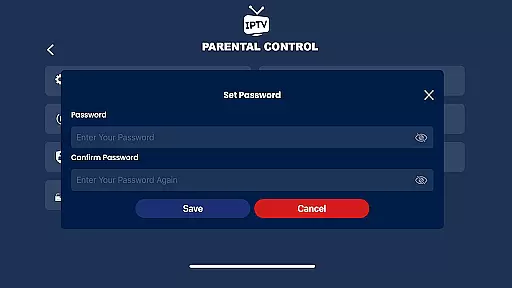
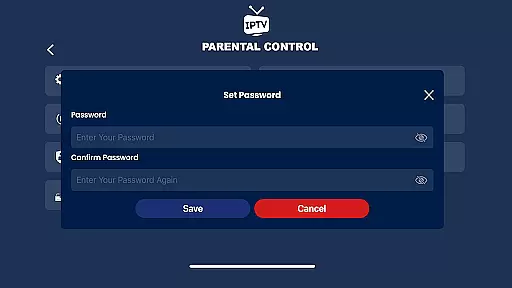
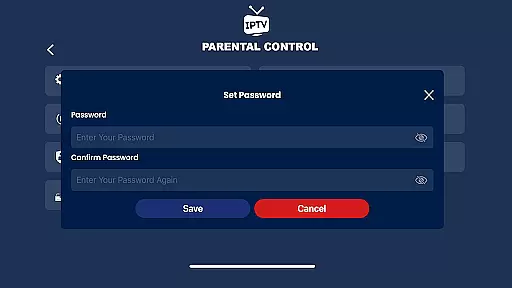
The ability to add unlimited users and employ parental controls ensures that the app caters to entire households, further enhancing retention rates. Additionally, the appu2019s support for external players like VLC offers more streaming flexibility, catering to diverse user preferences.
With its modern UI/UX design, instant category encryption, and dynamic language switching, IPTV Smart Player creates an immersive environment that encourages longer viewing sessions. These features collectively contribute to higher user satisfaction and sustained retention over time.
User-friendly interface
High-definition streaming
Offline viewing options
Advanced player settings
Lifetime purchase option
Requires separate subscription
No built-in media content
External player needed sometimes
Complex setup for beginners
Limited customer support

Ultimate VR movie player for android mobile videos
 4.4
4.4
Rain and lightning effects for your Philips Hue lights
4.30
Heroclix search units with multi filter , team builder, collection manager.
4.40
Live TV, sports & holiday movies — stream on phone, tablet & TV
4.60
Fool your friends & Family with Fake ultrasound test report
3.60
Stream Live TV, News & Documentaries. Watch Full Seasons with PBS Passport.
4.80
Just play games to earn gift cards. Keep playing, keep earning.
4.50
Official KennysGifs Stickers
4.20
Watch TV shows, movies, and stream Live TV channels without a subscription!
3.80
The OFFICIAL PeeWee Purpdrank Soundboard!
4.80
Find out if you're on Santa's Naughty or Nice List with this magical scanner!
4.60
Premium version to enjoy your favorite anime
4.60
Geooh GO is the most feature rich geocaching app available today.
4.50
Come and watch short dramas, reels with diverse genres!
4.40
Himnario LLDM - Fast and Easy to read , updated Hymnal 2019 Edition Official
4.20
Alice Box is an Instrumental Trans Communication app.
3.80
Your choice of 350+ networks plus movies and full TV series on-demand.
3.70
Connect. Discover. Control.
3.60
Stream live TV shows, sports, news, movies & more - all without cable.
3.00


User Reviews