
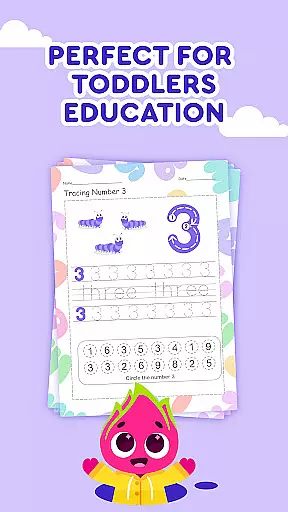
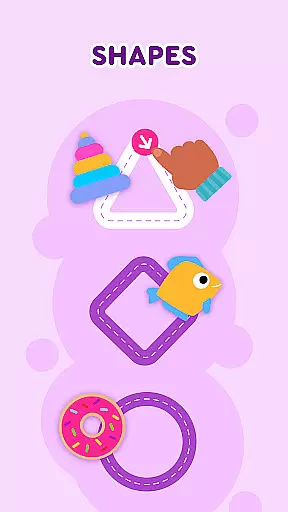
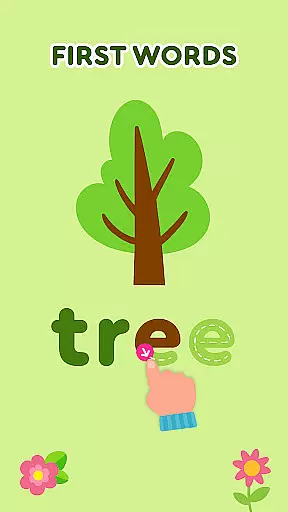
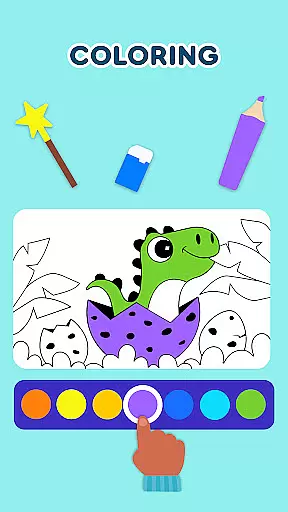
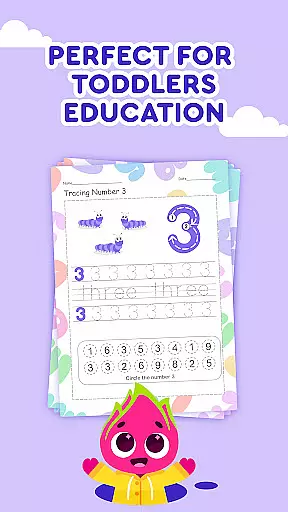
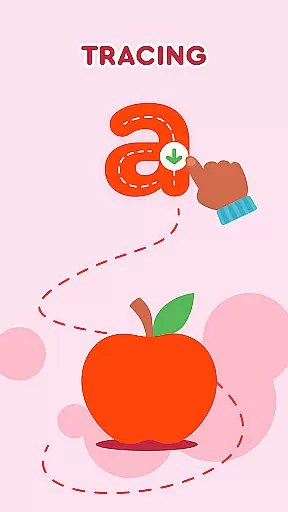
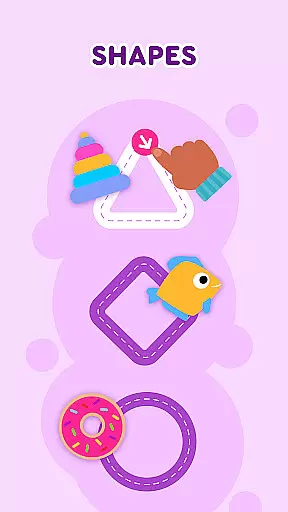
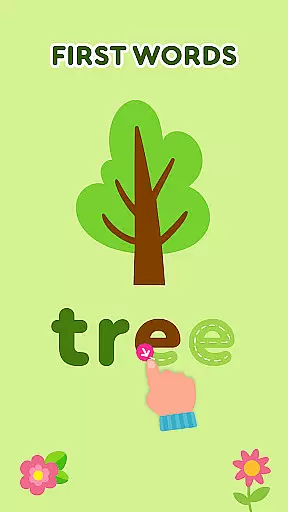
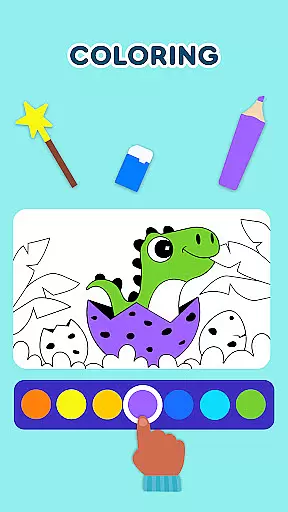
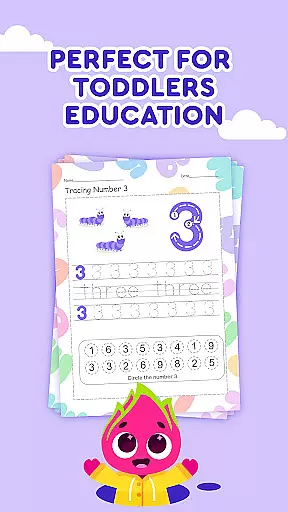
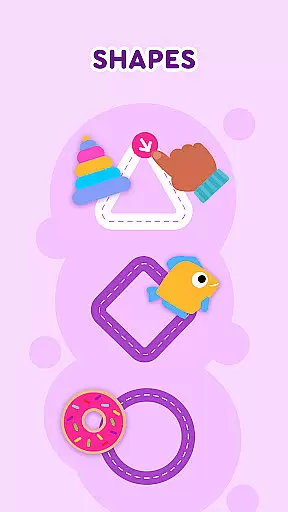
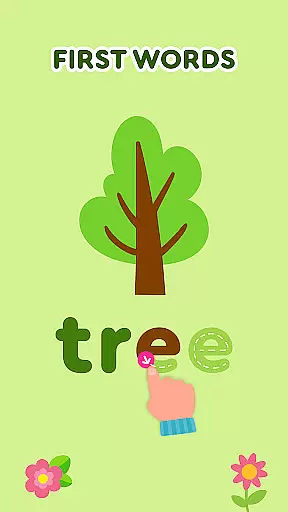
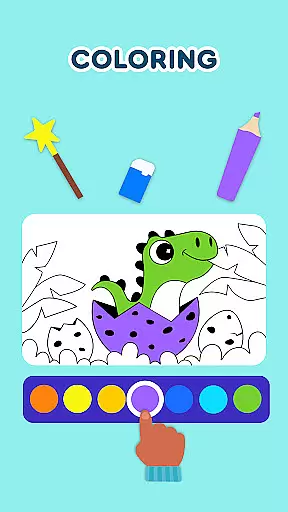
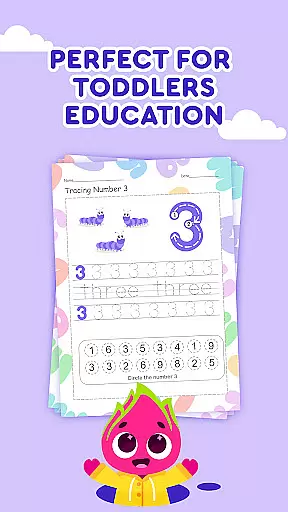
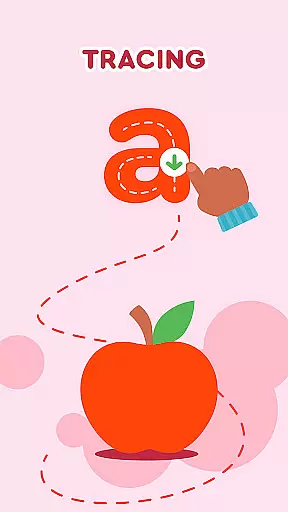
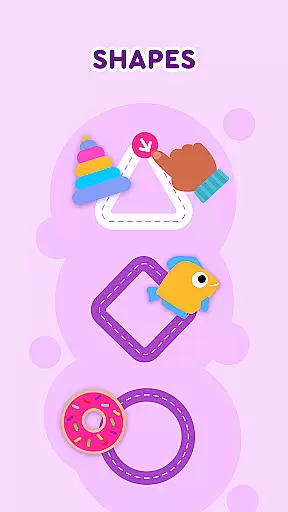
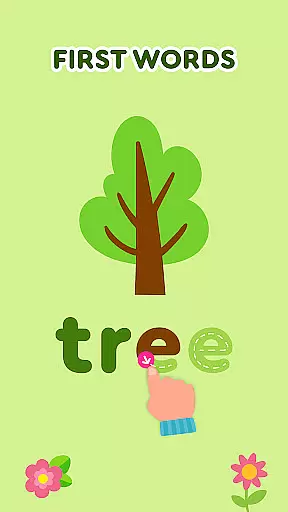
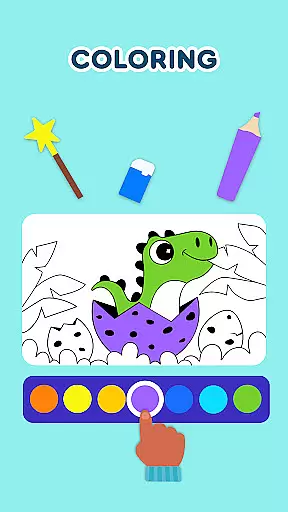
Keiki Learning Games for Kids is an educational app designed to make learning enjoyable and engaging for toddlers and preschoolers. The app offers a variety of interactive activities including ABC games, math games, color and shape recognition, and puzzles that are crafted by child education experts. These games provide a safe and ad-free environment where children can learn letters, numbers, animals, colors, and more through fun songs and cartoons.
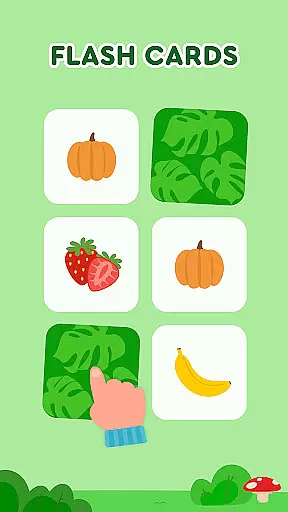
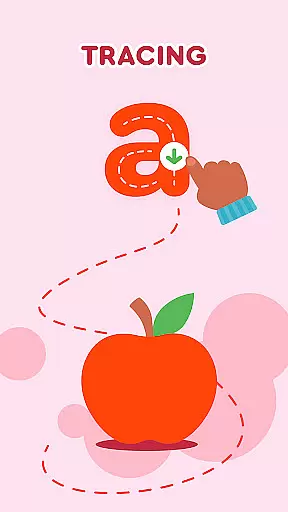
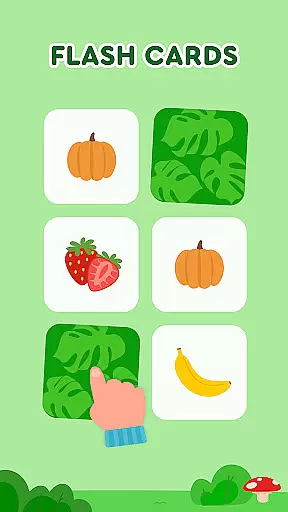
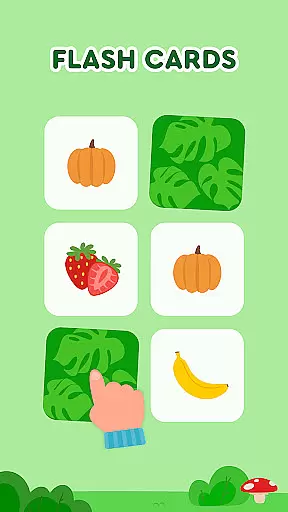
In addition to the basic learning modules, Keiki includes specialized activities such as tracing letters, memory card games, and harvesting games that teach kids about fruits and vegetables. Each game is tailored to enhance cognitive skills, motor skills, and problem-solving abilities in young learners. With adjustable difficulty levels and vibrant visuals, this app ensures that screen time is both entertaining and educational, making it ideal for parents who seek a balanced approach to early childhood education.
Keiki Learning Games for Kids stands out with its diverse range of educational features. The app includes 123 number games, alphabet puzzles, and phonics training which collectively build foundational literacy and numeracy skills. One of the key highlights is the incorporation of funny songs that help reinforce learning concepts like the alphabet, numbers, and shapes through music, creating a memorable learning experience for children.
Another notable feature is the suite of toddler puzzles that cover various themes such as animals, vehicles, and daily activities like cooking. These puzzles not only entertain but also develop logical thinking and fine motor skills. Additionally, the app provides memory games and spelling exercises that progressively challenge the child's cognitive abilities. With customizable difficulty settings and regular updates, Keiki ensures sustained engagement and learning growth for its young users.
In the realm of educational gaming, content authority and curriculum alignment are paramount for ensuring that learning is both effective and credible. Keiki Learning games for Kids takes these aspects seriously by developing their content under the guidance of child education experts. This ensures that each game not only captivates the attention of young learners but also adheres to educational standards and benchmarks.
The application offers a variety of ABC games for toddlers and babies, which are meticulously designed to train letter recognition and basic phonics. By engaging with these activities, children are introduced to the alphabet in a manner that is consistent with early childhood educational curricula. The incorporation of preschool learning games covering topics such as numbers, colors, shapes, and more, aligns perfectly with what children are expected to learn during their formative years.
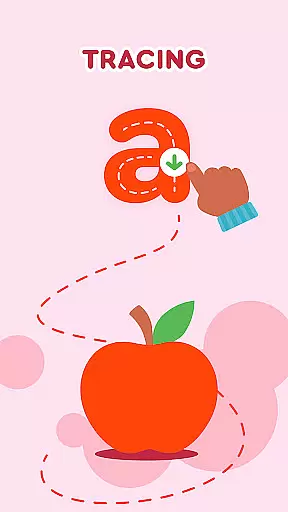
Parents can be confident that while their children are having fun with Keiki's interactive puzzles and songs, they are also being exposed to a curriculum that complements what is taught in educational settings. The app's tracing ABC letters feature, for example, helps kids practice writing skills, an essential component of language arts programs. With this harmonious blend of entertainment and structured learning, Keiki stands out as a valuable tool in preparing children for academic success.
Gamification has revolutionized the way we approach learning, especially when it comes to younger audiences who thrive on interactive and engaging experiences. Keiki Learning games for Kids masterfully integrates gamification into its educational framework, creating an environment where play and learning go hand-in-hand. Through a suite of carefully crafted mini-games, the app teaches fundamental concepts like the alphabet, phonics, and numerical skills, all while keeping the child entertained and motivated.
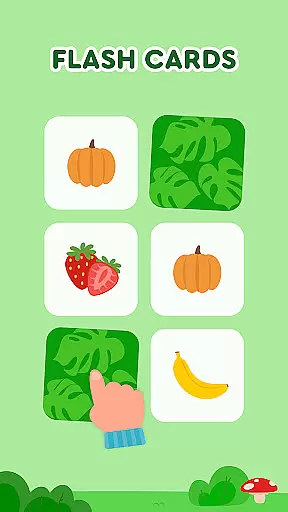
One standout feature is the memory card game, which cleverly disguises learning as play. As children flip cards to find matching pairs, they're actually honing their recall abilities and learning about various subjects including animals, food, and shapes. This seamless fusion of gaming elements with educational content encourages retention and understanding without the need for traditional teaching methods.
Moreover, Keiki's use of vibrant visuals, catchy songs, and interactive puzzles makes the acquisition of new knowledge an enjoyable journey rather than a chore. The app's 'Harvest' game, for instance, turns the process of learning about fruits and vegetables into an exciting adventure with Didi, the app's friendly guide. By transforming everyday lessons into captivating challenges, Keiki Learning games for Kids exemplifies how gamification can enhance the educational experience, making it more accessible and appealing to the youngest of learners.
User-friendly interface
Educational content
Ad-free environment
Vibrant graphics
Regular updates
Limited advanced options
Requires constant parental guidance
Some features need internet
Repetitive gameplay
Premium subscription costs

The Squirrels have been learning how to look after animal, now it's your turn!
 3.90
3.90
Absorbing, highly visual, effective learning of multiplication, division
4.5
A must-have sequel to our Learn Letter Sounds with Carnival Kids app
4.30
Fun educational jigsaw puzzles for kids and preschoolers.
4.50
Endless runner fun packed with animal facts, exciting wildlife, & adventure.
4.10
Fun baby games for kids. Play baby piano, musical instruments & nursery rhymes.
4.50
Amazing learning and educational games for children of all ages.
4.70
Play safe educational games & learn with Daniel Tiger, Wild Kratts & more
4.40
Create, customize & explore your Toca Boca story! Endless fun & creativity await
4.30
Enjoy coloring with wide variety of 1000+ coloring games for kids & drawing game
4.50
Glow Doodle! Baby Coloring & Drawing games for toddlers: Color and Learn! NoAds!
4.40
Build your own BRIO railway!
4.30
Explore Fantasy Land, get to know the world and create stories!
4.30
Play the fun princess party game for kids with Cocobi the little dinosaurs.
4.10
Cure the patients to create your hospital story!
3.90
Practice Early Literacy Skills and Build Vocabulary with Elmo & Cookie Monster!
3.90
Master your phonics letters and sounds with the Alphablocks!
3.80
Clean the messy house & play with cute kitty in this fun cleaning game for kids!
3.70 2.80
2.80


User Reviews