
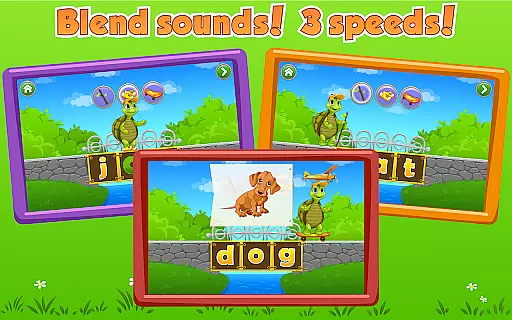
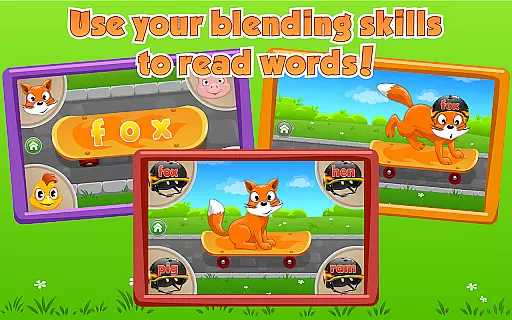
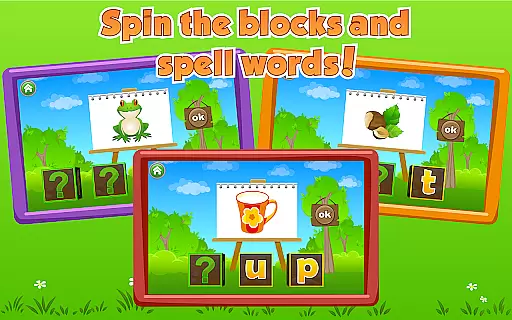
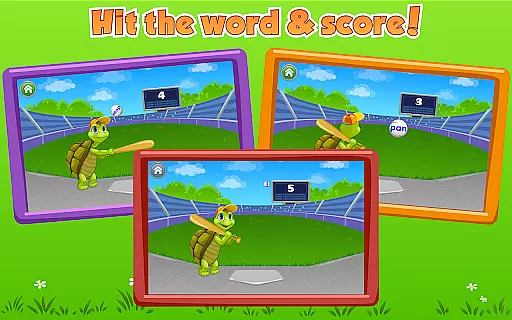
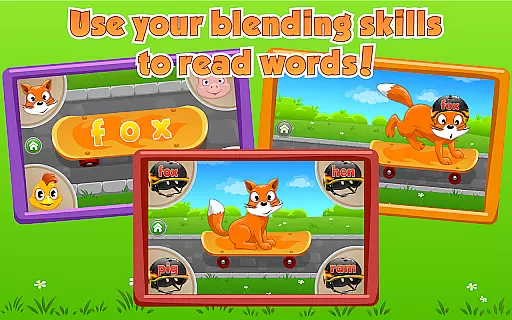
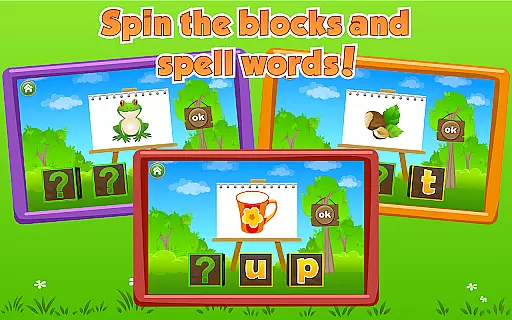
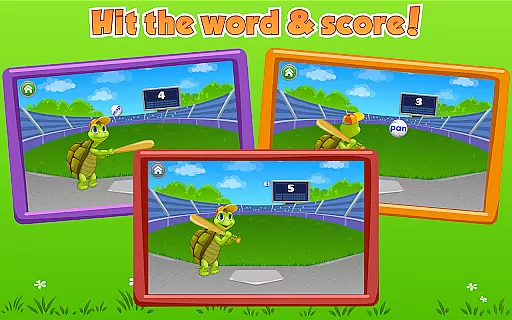
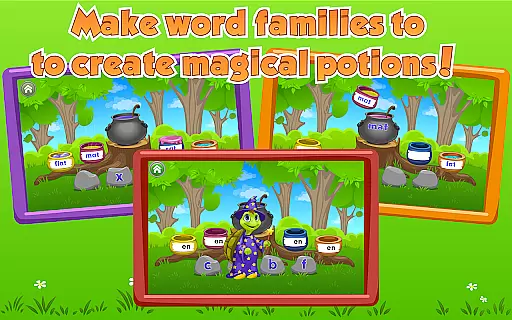
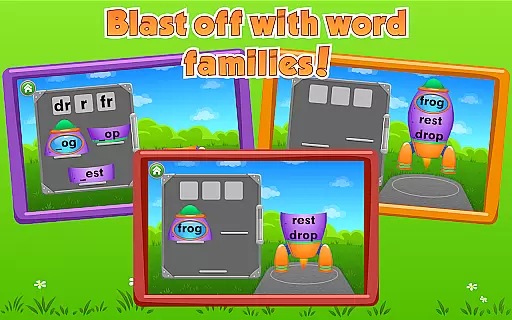
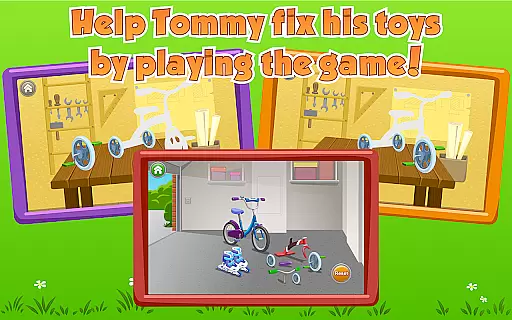
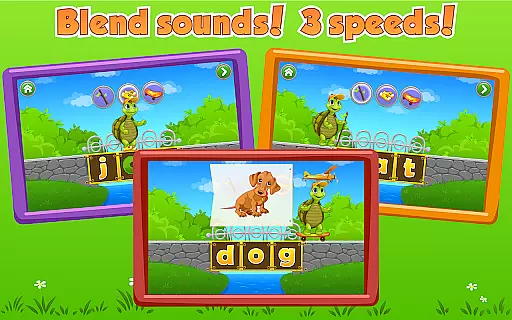
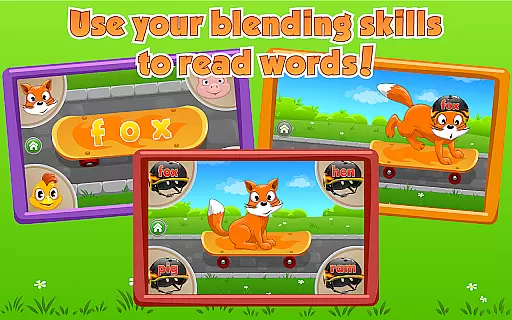
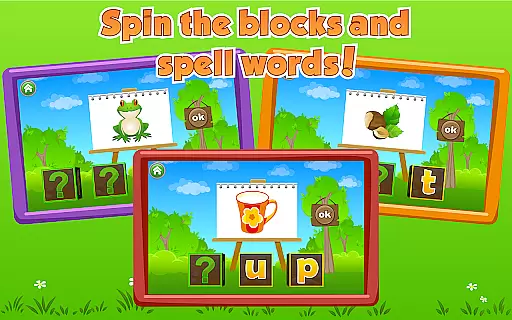
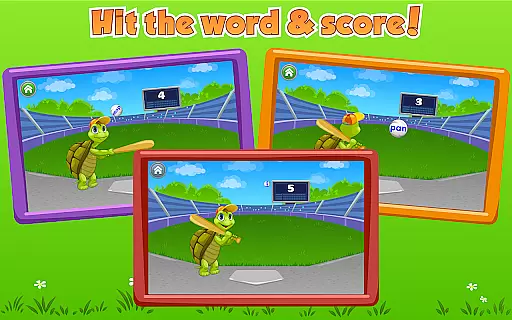
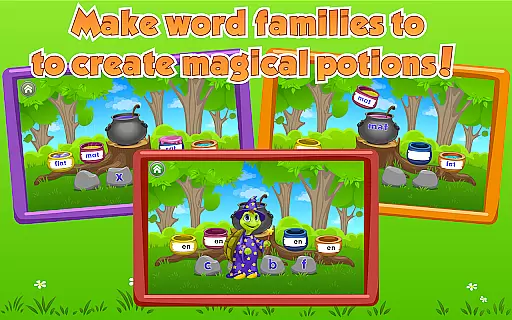
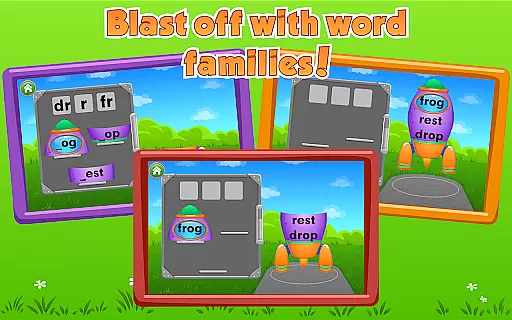
Kids Learn to Read is an educational app designed specifically for preschool-aged children, helping them develop essential reading skills through engaging gameplay. The app focuses on blending letter sounds into words, reading and forming simple words, identifying spoken words, and learning word families.
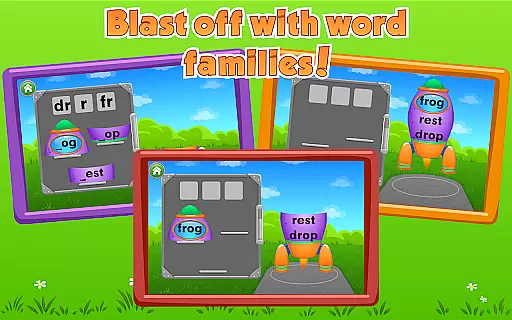
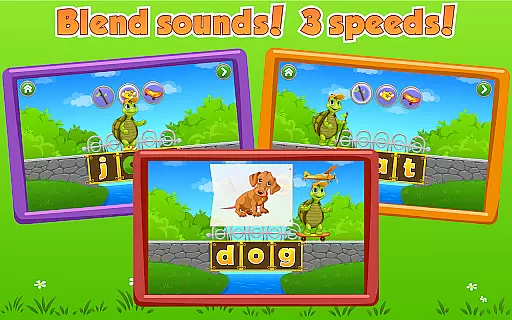
With six interactive sections like Magic Letter Bridge, Skateboards and Helmet, and Word Magic, the app creates a delightful learning experience. Each section uses fun activities such as moving Tommy the Turtle across bridges or launching rockets into space to reinforce reading concepts. These activities are carefully crafted to ensure children experience success repeatedly while receiving positive reinforcement from the friendly teacher character.
This app is ideal for young learners who are beginning their reading journey. By combining education with entertainment, Kids Learn to Read provides a valuable tool for parents and educators to help children build a strong foundation in literacy while having fun.
Kids Learn to Read offers a variety of unique features that make it stand out among educational apps. One key feature is its use of gamification to teach reading skills. Through six distinct sections, children engage in activities like fitting animals with skateboards and helmets or turning blocks to spell words. This approach transforms traditional learning methods into enjoyable experiences.
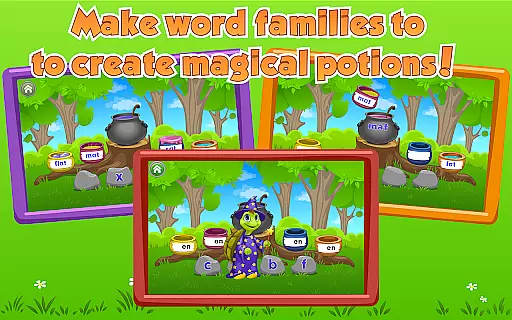
The app also emphasizes word families, which helps children recognize patterns in language and improve their reading fluency. Sections like Word Magic and Rocket Words encourage kids to explore these patterns by filling pots with potions or assembling rockets. Additionally, the app includes a likable teacher character who provides positive reinforcement, ensuring children remain motivated and happy throughout their learning journey.
Another notable feature is the app's focus on success-based learning. Each activity is designed so that children can achieve success repeatedly, building their confidence and encouraging them to continue learning. With its combination of engaging gameplay, educational content, and positive reinforcement, Kids Learn to Read offers a comprehensive tool for early literacy development.
In the realm of educational applications, content authority and curriculum alignment are paramount. Kids Learn to Read ensures that its teaching material is not only engaging but also authoritative and aligned with educational standards. The app's carefully crafted sections like Magic Letter Bridge and Word Magic offer a structured learning path that corresponds with recognized reading and phonics milestones for preschoolers.
Each activity within the app is designed to reinforce specific literacy skills, such as blending sounds, identifying spoken words, and understanding word families. This deliberate structuring of content guarantees that while children enjoy their interactive journey with Tommy Turtle, they simultaneously receive an education that complements what they would typically encounter in a classroom setting.
The benefit to users is twofold; children are entertained and educated concurrently, which enhances both their enjoyment and retention of knowledge. Parents can rest assured knowing that their child's digital learning experience is rooted in credible educational theory and practice.
Gamification has become a pivotal aspect of modern educational tools, merging play with pedagogy to enhance learning outcomes. In Kids Learn to Read, gamification is seamlessly integrated into every facet of the learning process. Activities such as Skateboards and Helmet or Rocket Words transform traditional reading exercises into captivating challenges that motivate young learners through intrinsic rewards and a sense of accomplishment.
This ingenious blend of gaming elements with substantive educational content encourages children to return to the app repeatedly. As they advance through levels and achieve goals within various mini-games, kids experience positive reinforcement, which boosts their confidence and willingness to engage further with the material.
Ultimately, this approach leads to increased user engagement duration and retention rates among its young users. By turning literacy development into an enjoyable adventure, Kids Learn to Read sets itself apart as an innovative solution for early childhood education, ensuring that learning remains a sought-after activity rather than a chore.
Engaging gameplay
Positive reinforcement
Focus on word families
Six interactive sections
Success-based learning
Limited to preschool level
No advanced reading skills
Requires prior alphabet knowledge
Repetitive for older kids
In-app purchases may apply

Absorbing, highly visual, effective learning of multiplication, division
 4.3
4.3
Get points, learn Spanish, repeat. Speedrun your way to knowledge.
4.1
Imagine, build and ride your own Rollercoaster!
3.90
Learn numbers, letters, and shapes playing toddler balloon pop games ►NoAds◄
4.60
Baby Phone Game for Kids & Toddlers to Learn Sounds, Numbers, ABCs, Phone Calls
3.80
A fan of cute games? Try animal games & take care of fluffy virtual pets!
4.20
Fun baby games for kids. Play baby piano, musical instruments & nursery rhymes.
4.50
Games, music, crafts and coloring with cats
4.10
Coloring book for kids! Learn Color, paint, neon drawing with educational games.
4.40
Epic battles, interactive quests and exotic pets. Learn math with Prodigy today!
4.70
Pro Doctor Dentist for PetsGame
4.60
Play virtual baby daycare simulator & be a babysitter, take care of cute babies!
4.60
Fun educational jigsaw puzzles for kids and preschoolers.
4.50
Endless runner fun packed with animal facts, exciting wildlife, & adventure.
4.10
Welcome to the dollhouse! Unboxing, doll games, dress up & cute pets await!
4.00
Daycare full of baby games! Take care of cute toddlers & play fun mini-games!
3.90
Companion app for Cozmo, the educational toy robot who’s got a mind of his own.
3.30 2.80
2.80
Have fun learning Alef Beit
4.0


User Reviews