
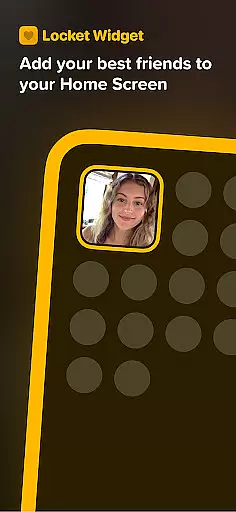
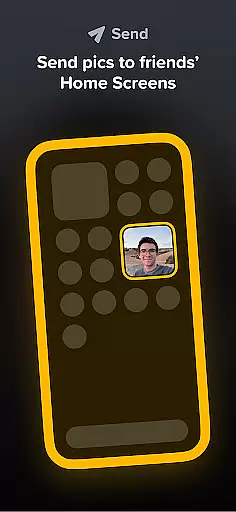
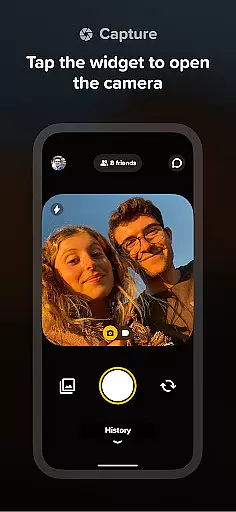
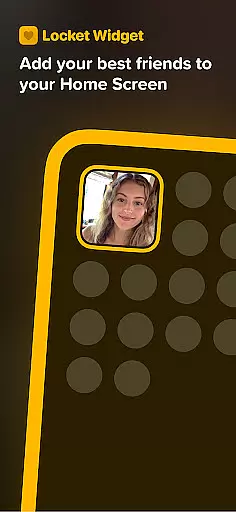
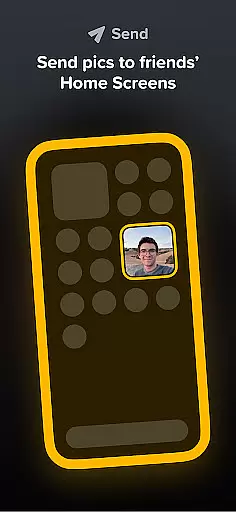
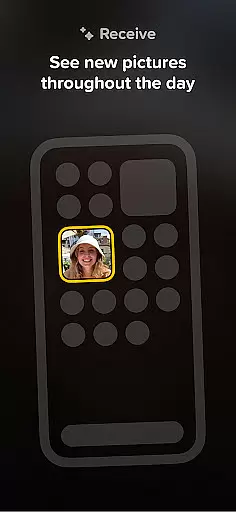
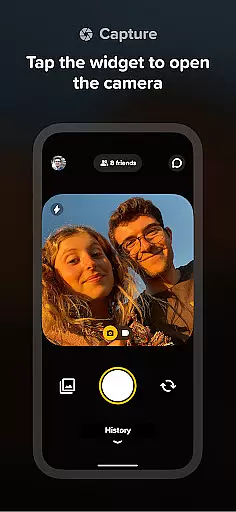
Locket Widget is a unique social application that brings you closer to your close friends and family by displaying live photos directly on your Home Screen. This app allows users to instantly share images with their inner circle, creating a real-time photo stream that updates every time you unlock your phone. The widget is designed to foster genuine connections without the pressure of social media metrics.
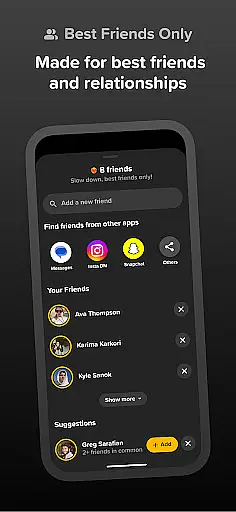
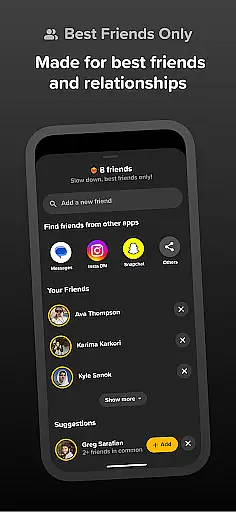
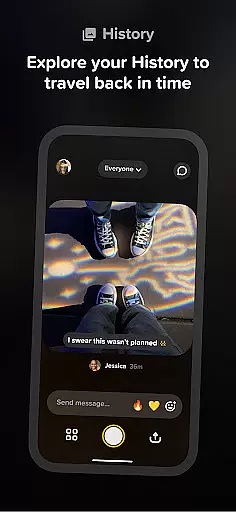
One of the standout features of Locket Widget is its simplicity and focus on meaningful interactions. You can only add up to 20 friends, ensuring that your feed remains personal and clutter-free. With instant photo sharing, reactions, and a growing history of shared moments, this app offers an intimate way to stay connected with loved ones throughout the day.
This app is perfect for those who value quality over quantity in their social interactions. Whether it's sharing spontaneous moments or reacting to friends' photos with fun emojis, Locket Widget creates a supportive environment where users can be authentic and present in each other's lives.
Locket Widget stands out with several innovative features tailored for close-knit social circles. First and foremost, the app allows instantaneous photo sharing between friends, making it easy to stay updated with each other's daily lives. When a friend sends a photo, it appears immediately on your Home Screen widget, creating a seamless and engaging experience.
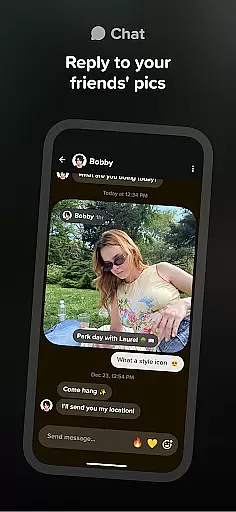
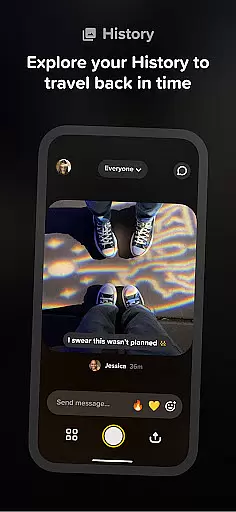
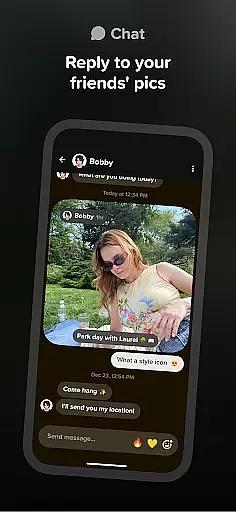
Another notable feature is the reaction system. Users can send fun emoji reactions to photos they receive, adding an interactive element to the photo-sharing process. These reactions appear as delightful animations, enhancing the sense of connection and acknowledgment between friends. Additionally, the app maintains a private history of all shared images, allowing users to revisit past memories whenever they want.
The app also emphasizes privacy and authenticity. Unlike traditional social media platforms, Locket doesn't track or display reaction counts, freeing users from the anxiety of likes and popularity metrics. This approach encourages more genuine interactions among friends and family, making it ideal for those seeking deeper, more meaningful connections.
User profile customization is essential for expressing individuality and ensuring authenticity in social apps. Locket Widget allows users to create personalized profiles that reflect their true selves while connecting with close friends and family.
The app emphasizes authenticity by limiting friend connections to a maximum of 20. This ensures meaningful interactions without the pressure of accumulating followers or expanding networks unnecessarily. By focusing on quality over quantity, Locket fosters genuine relationships.
Additionally, Locket incorporates features like real-time photo sharing and reactions, which further enhance user engagement. These interactive elements allow users to maintain an authentic connection with their inner circle, making each interaction more personal and valuable.
By prioritizing close-knit communities and eliminating public metrics such as likes or follower counts, Locket creates a safe space where users can freely express themselves without external judgment. This approach not only enhances user satisfaction but also strengthens trust within the platform.
Connection discovery plays a vital role in helping users find and engage with others who matter most to them. Locket Widget simplifies this process by enabling users to add their best friends and family members directly to their network.
Unlike traditional social platforms that encourage mass connections, Locket focuses on building intimate groups. Users can easily invite their closest companions to join the app, ensuring that every interaction is meaningful and relevant. This selective approach enhances the overall user experience.
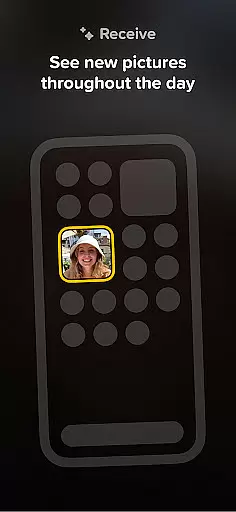
Moreover, Locket's widget feature facilitates instant sharing of live photos among connected friends. Every time a user unlocks their phone, they receive updates from their network, creating a dynamic and engaging environment. This constant flow of content keeps users connected and informed about their loved ones' activities.
By streamlining connection discovery and emphasizing quality interactions, Locket ensures that users remain engaged and invested in their relationships. The app's design promotes regular communication and fosters deeper bonds between users and their inner circle.
Instant photo sharing
Private and secure
User-friendly interface
Encourages genuine connections
No social media pressure
Limited to 20 friends
Requires constant connectivity
Only supports photo content
No group chat functionality
Dependent on friends' participation

Video call and chat, live stream and making friends around the world!
 4.60
4.60
Watch 24/7 live stream, and make real friends nearby
4.30
A gathering place for 300 million people's life interests and hobbies
4.30
Honest dating app where real people find genuine love and real matches.
4.20
Social App Used By Millions
4.40
Meet online & chat with people! Talk, have fun, make connections in real time!
4.00
Go Live, Chat & Meet New People! Friends. And more than friends.
3.80
Connect and share ideas
4.10
A video app from OpenAI - AI video generation by the maker of ChatGPT
4.60
Widget Together, Share Whatever! Keep Pets & Share Sleep, Poop, Moods on Screens
4.70
Watch super live shows 24/7, chat & meet friends in Plamfy social networking app
4.70
Get your NGL Link
4.60
Date single & make friend
4.60
This version of Facebook uses less data and works in all network conditions.
4.60
Free texting (SMS) to US, Canada & more. Free new number. Call free & Text free.
4.30
Second phone number for phone calls & texts. Text & SMS me now with a 2nd number
4.20
Instant video chat with cool people. Live video call & make friends with Monkey!
3.80
Resonate & Date with New Match
3.70
This is to support the developer of Infinity for Reddit. No exclusive features.
4.0


User Reviews