
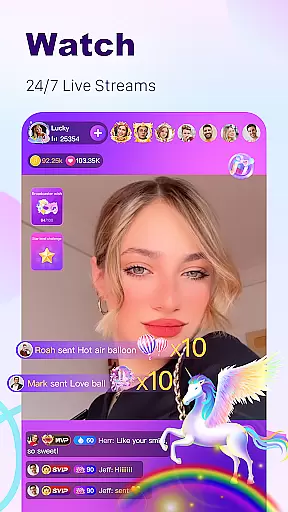


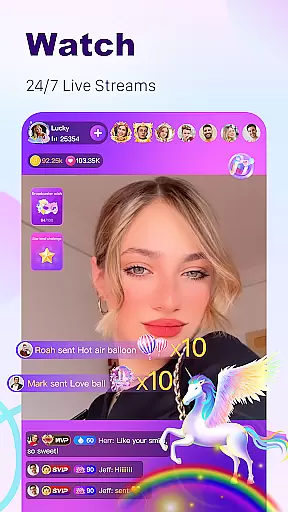


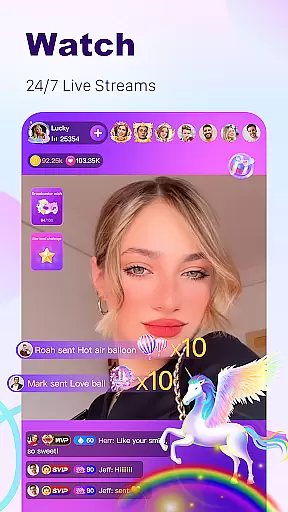


BuzzCast is a dynamic social platform that combines live streaming, instant messaging, and short video sharing, creating a vibrant global community. The app's core functionality revolves around 24/7 live streaming, where users can broadcast their lives, showcase talents, or engage in entertaining content with international audiences. This creates authentic connections through unlimited AI-powered translations.
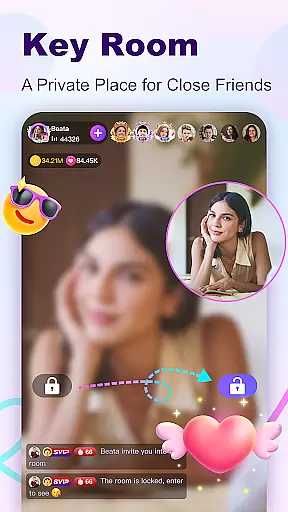
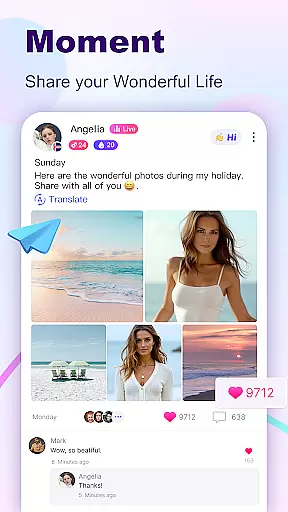
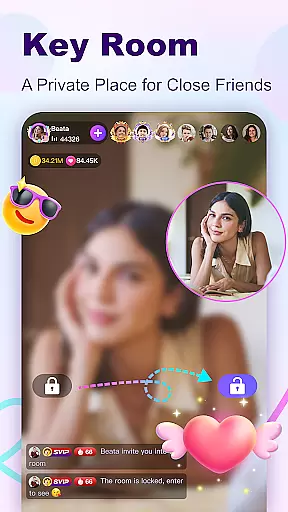
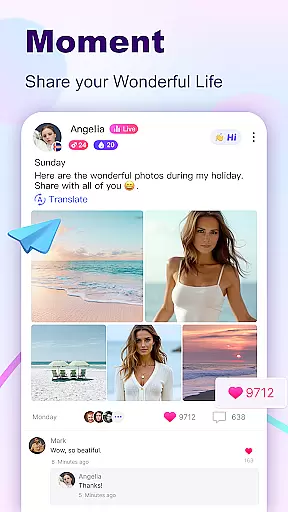
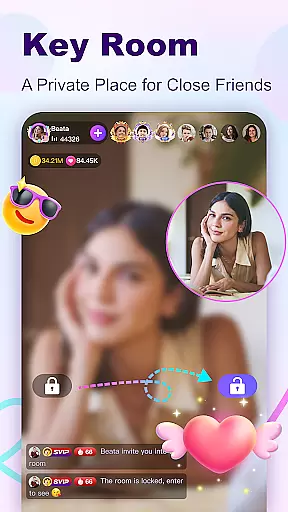
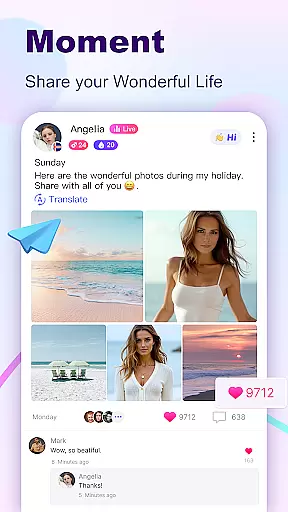
What sets BuzzCast apart is its diverse engagement options. Users can participate in Live PK challenges, create password-protected private rooms, and share creative short videos with trending effects. The app also features a Nearby Moments section for discovering local connections and an interactive square for posting updates. These features make BuzzCast ideal for those seeking meaningful interactions and creative expression in the digital space.
BuzzCast offers an impressive array of features designed to enhance user interaction and engagement. The app's live streaming capabilities stand out with its unrestricted broadcasting options - users can go live anytime without follower or level requirements. The 7*24 global broadcasting system connects users worldwide through shared interests and talents.
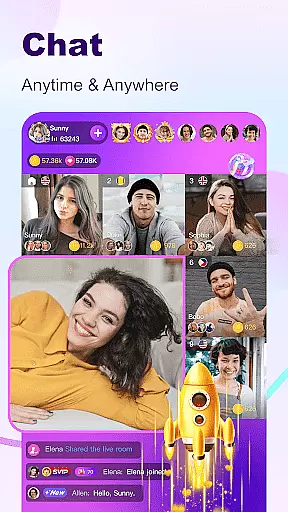
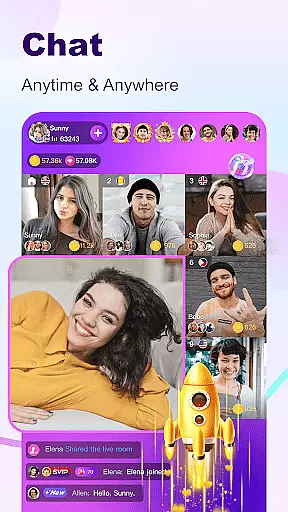
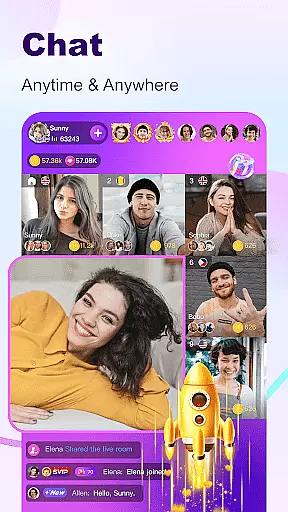
The platform's innovative features include AI-powered automatic translation that breaks language barriers, creating truly global conversations. Its Instant Messaging system supports multiple communication formats including texts, photos, voice messages, and emojis. The Creative Short Video feature provides professional editing tools and effects, while the Nearby Moments function helps users discover local connections and offline opportunities. These comprehensive features establish BuzzCast as a versatile social media platform.
In the BuzzCast community, user profile customization is a core feature that allows individuals to express their unique identity. Users can personalize their profiles with photos, bios, and links to their social media, creating an authentic representation of themselves. This customization extends to privacy settings, enabling users to control who can view their information and interact with them.
BuzzCast places a strong emphasis on authenticity verification to foster trust within its platform. The app employs a verification process that confirms the identity of users, particularly those who are influencers or content creators. This ensures that users are engaging with genuine personalities, enhancing the credibility of interactions and relationships formed on the app.
The benefit of these features for users is multifold. Customization empowers users to showcase their individuality and interests, making it easier to connect with like-minded individuals. Verified profiles add a layer of security and trust, which is crucial in a social platform where users share personal moments and engage in live chats.
Ultimately, BuzzCast's focus on profile customization and authenticity verification enriches the user experience by promoting genuine connections. It helps maintain a community where users feel safe and confident in their interactions, knowing they are engaging with real people. This approach not only enhances user engagement but also elevates the overall quality of the social network.
BuzzCast revolutionizes the way users discover new connections through innovative features designed to break language barriers and facilitate global interactions. With AI-powered automatic translation, users can communicate without the hindrance of language differences, opening up a world of possibilities to meet and interact with people from different cultures and backgrounds.
The app offers various avenues for connection discovery, including live streaming rooms, instant messaging, and nearby moments. These features allow users to engage in live video or voice chats, join diverse broadcasting rooms, and explore content from both global and local perspectives. Such variety ensures that every user can find a suitable way to connect with others, regardless of their preferences or location.
For users, the advantage of BuzzCast's connection discovery tools is clear. They can effortlessly expand their social circles, learn about different cultures, and even start offline friendships by discovering people nearby. The ability to send texts, photos, emojis, videos, and voice messages adds depth to these newfound connections, allowing for rich and meaningful exchanges.
By prioritizing connection discovery, BuzzCast creates a dynamic and inclusive environment where users can continuously meet amazing people who resonate with them. This aspect of the app not only boosts user engagement but also contributes to building a vibrant and interconnected global community, setting BuzzCast apart as a leader in the Social app category.
User-friendly interface
Global user base
AI translation support
Diverse content options
Private chat rooms
Potential privacy concerns
High data usage
Limited moderation
Ads presence
Technical glitches

Meet Strangers Online, Live Video Chat & Make Random Video Calls on Joi!
 4.30
4.30
Video call, live video chat & talk to strangers. Meet people on Omega!
3.60
Online group games like Mafia, Word War, Scattergories, Ludo, Uno, and many more
4.30
Find your next obsession.
3.50
The world's leading social networking app for gay, bi, trans, and queer people.
4.10
Widget Together, Share Whatever! Keep Pets & Share Sleep, Poop, Moods on Screens
4.70
Connection Beyond Content
4.50
Create your personal AI chatbot: talk, roleplay, and connect with characters!
4.10
Reddit is where you’ll find your people and feel at home in every conversation.
4.60
Live pics from your friends - Only the photos you want to see
4.60
Dating & make friend to chat, meet, flirt, and make real connections!
4.60
live inside your fandom
4.60
This version of Facebook uses less data and works in all network conditions.
4.60
Watch 24/7 great live stream, or go live to boost your social followers!
4.50
Social App Used By Millions
4.40
TikTok Lite - Designed for speed, simplicity, and saving your phone’s space!
4.40
Looking for a date or a friend? Swipe to match and meet open-minded singles.
4.20
Positive social
4.20
Discover an open-minded dating experience when you download today
4.10


User Reviews