
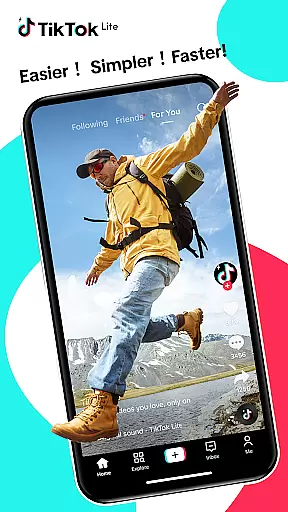
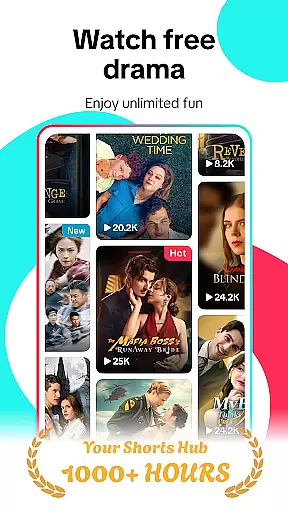
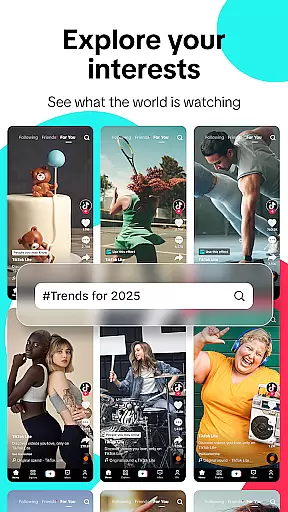
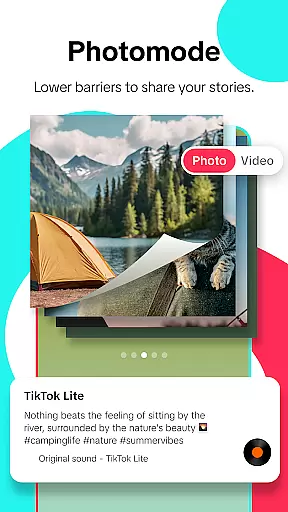
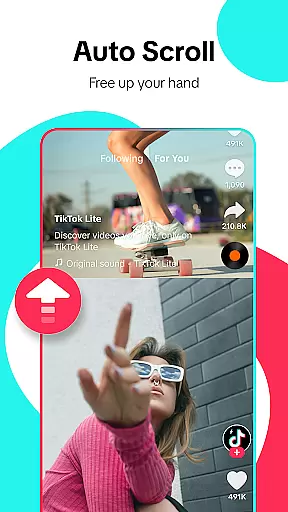
TikTok Lite is a streamlined version of TikTok, designed specifically for users with low-end devices or limited connectivity. This social video-sharing app allows you to enjoy seamless video streaming, trending music videos, and creative content sharing while consuming minimal data and storage space. With its compact size of just 18MB, it ensures faster performance even on devices with lower specifications.
The app offers a complete TikTok experience optimized for challenging network conditions. Users can create, edit, and share engaging short videos with various effects, filters, and music tracks. The personalized feed delivers tailored content based on individual preferences, keeping you connected to the global TikTok community. Whether you're an experienced creator or new to video creation, TikTok Lite provides all necessary tools to produce professional-quality videos.
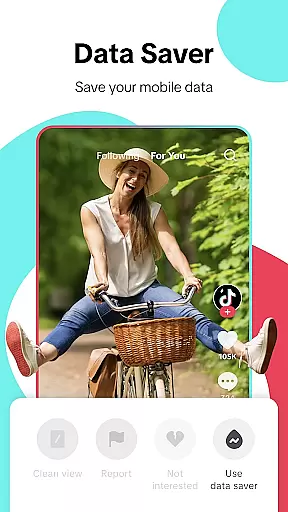
TikTok Lite stands out with its performance-focused features that cater to users with limited resources. The app's Data Saver mode reduces consumption by up to 20% during video streaming, while its small size makes it accessible even on devices with restricted storage capacity. The optimized architecture ensures quick loading times and smooth operation, particularly beneficial for devices with lower RAM.
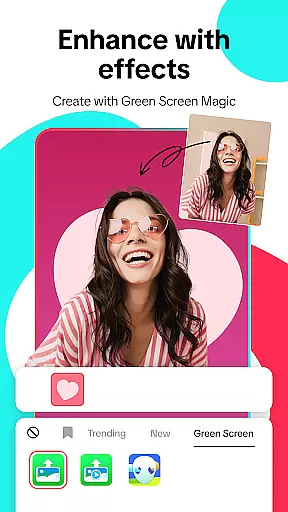
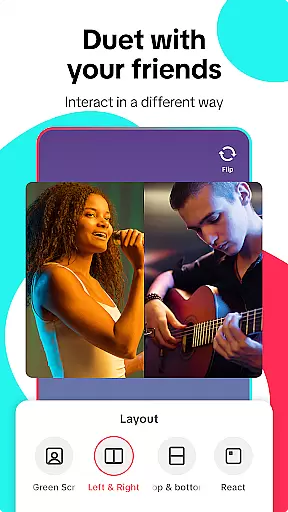
Beyond its technical advantages, TikTok Lite offers robust content creation capabilities. Users can access advanced editing tools including music integration, visual effects, and privacy controls. The app supports creating videos up to three minutes long or uploading clips from the gallery. Its interactive features like duet videos, hashtag discovery, and clean view mode enhance user engagement. Additionally, cross-platform sharing enables easy distribution across multiple social media channels.
User profile customization is a crucial aspect of any social platform, allowing users to express their individuality and establish their digital identity. TikTok Lite offers a range of customization options that enable users to personalize their profiles effectively. From choosing profile pictures to writing bios, the app ensures that each user's profile reflects their unique personality and interests.
In addition to customization, authenticity verification is equally important in maintaining the integrity of the social network. TikTok Lite employs a robust verification process that helps confirm the authenticity of user profiles. This process not only builds trust within the community but also enhances user engagement by promoting genuine interactions.
The combination of extensive customization features and stringent authenticity checks provides a safe and engaging environment for users. By verifying profiles, TikTok Lite minimizes the risk of fake accounts and spam, ensuring that users can connect with real people and content. This dual focus on personalization and security ultimately enriches the overall user experience.
Moreover, these features empower users to curate their presence on the platform confidently. Whether they are creators, influencers, or casual users, everyone benefits from having control over how they present themselves while being assured of the legitimacy of others' profiles. Such measures are vital for sustaining a vibrant and trustworthy social ecosystem.
Connection discovery is a fundamental feature in social applications like TikTok Lite, designed to help users find and engage with new content and people. The app leverages sophisticated algorithms to recommend relevant connections based on user behavior, preferences, and interactions. This ensures that users are constantly exposed to content that aligns with their interests, enhancing their overall experience.
TikTok Lite's connection discovery mechanism goes beyond simple recommendations. It includes features such as hashtag exploration, personalized feeds, and suggested friends, all of which contribute to a dynamic and interactive environment. Users can easily explore trending topics, join challenges, and connect with like-minded individuals, fostering a sense of community and belonging.
Furthermore, the app facilitates seamless integration with other social media platforms, allowing users to expand their networks effortlessly. By linking accounts from Instagram, Facebook, and others, TikTok Lite enables cross-platform discovery and sharing. This interconnectedness not only broadens users' reach but also encourages diverse interactions and collaborations.
Ultimately, TikTok Lite's connection discovery tools play a pivotal role in keeping users engaged and invested in the platform. By continuously introducing them to fresh content and potential collaborators, the app sustains user interest and promotes active participation, making it an indispensable feature for any social media enthusiast.
Lightweight design
Low data usage
Quick installation
User-friendly interface
Offline viewing option
Limited advanced features
Fewer video effects
Restricted editing tools
No high-definition export
Reduced customization

A gathering place for 300 million people's life interests and hobbies
 4.30
4.30
Social calendar for friends to make plans, group chat, share events & schedules
4.60
Discover an open-minded dating experience when you download today
4.10
Social App Used By Millions
4.40
Random chat & meet online. Find your soulmate or someone special and have fun!
3.90
SuperLive is a super popular video-streaming social network
4.60
Create your personal AI chatbot: talk, roleplay, and connect with characters!
4.10
Free texting (SMS) to US, Canada & more. Free new number. Call free & Text free.
4.30
Create & share photos, stories, & reels with friends you love
3.90
Video call and chat, live stream and making friends around the world!
4.60
Unlimited calls & texts | WiFi voice line plus group txt | Call & text now
4.50
Live video chat to connect with people around the world. Video chatting on Olive
4.40
Online group games like Mafia, Word War, Scattergories, Ludo, Uno, and many more
4.30
FREE calling and texting (SMS texts + MMS) in US & Canada with FREE phone number
4.30
Build Your Team With One App
4.30
The official Skool app. Stay connected to your communities on the go.
4.20
Sell unwanted items and buy preloved stuff in your local community.
4.10
Resonate & Date with New Match
3.70
This is to support the developer of Infinity for Reddit. No exclusive features.
4.0


User Reviews