

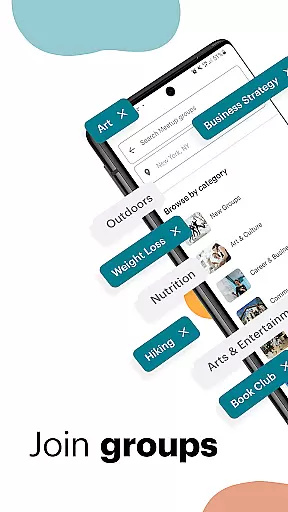
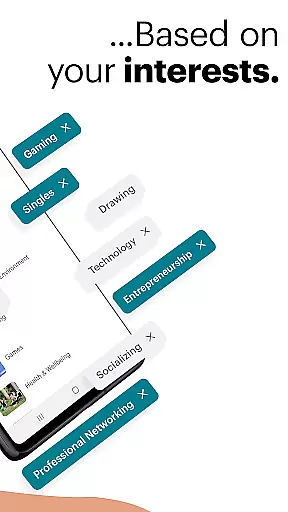
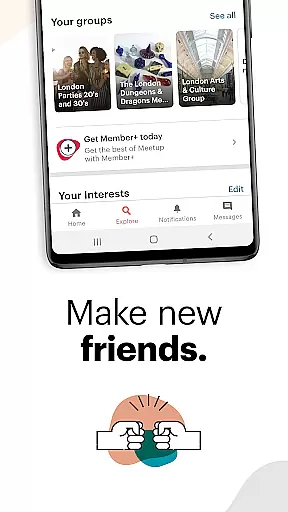









Meetup is a social networking app that connects individuals with shared interests, both online and offline. With over 60 million members, it facilitates career networking, tech community discovery, personal branding, and hobby engagement. The app's core function is to help users find like-minded people through interest-based groups, making it easy to create friendships around common hobbies and activities.
The platform offers access to more than 330,000 groups and hosts 100,000 weekly events, ranging from tech conferences to yoga classes. Meetup also supports direct messaging, event saving, and personalized event recommendations based on user interests. Whether you're looking to expand your professional network or simply enjoy your hobbies with others, Meetup provides the tools to build meaningful connections in your community.
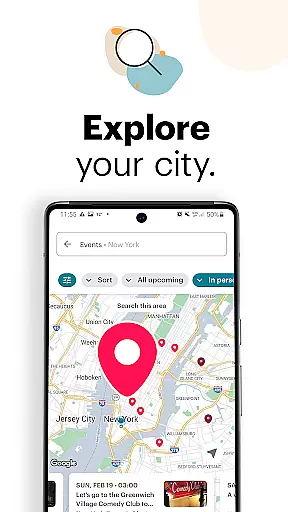
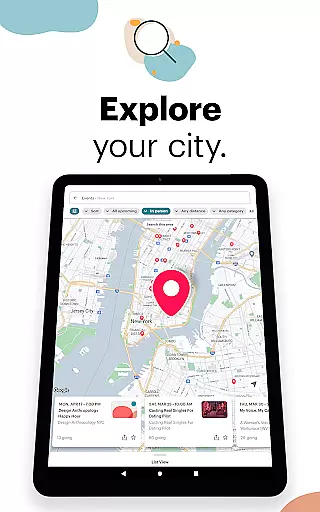
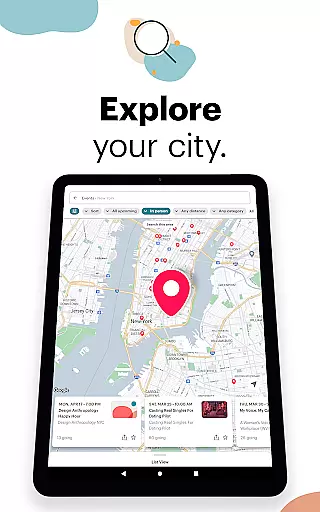
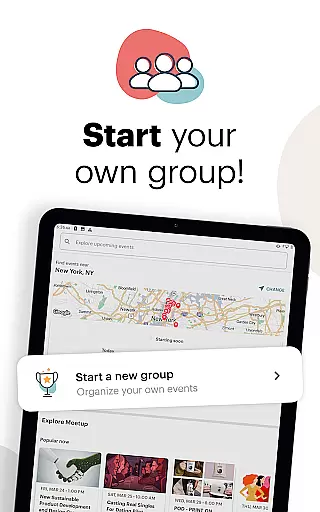
Meetup stands out for its robust event discovery system and group creation capabilities. Users can explore local and online events by category, keyword search, or popularity rankings within their area. The app's mapping feature visually displays nearby events, while its save function allows users to bookmark events for future attendance.
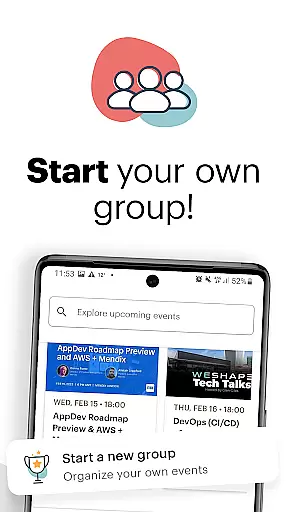
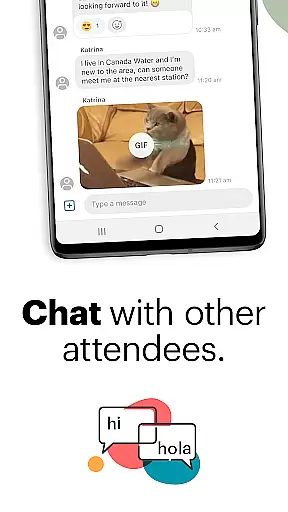
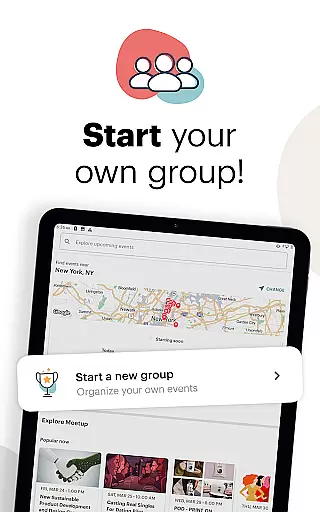
One of Meetup's key innovations is its ability to recommend events hosted by local groups using GPS and network-based location services. This ensures highly relevant suggestions tailored to individual preferences. Additionally, users can start their own groups on topics they're passionate about, fostering new communities. Features such as photo sharing, discussion boards, and instant messaging keep interactions lively between events, creating an ongoing sense of community among members.
User profile customization is a crucial aspect of any social platform, allowing individuals to express their identity and interests. Meetup offers a comprehensive profile system that enables users to showcase their hobbies, professional background, and affiliations with various groups.
The platform ensures authenticity through verified profiles. When members link their social media accounts or attend events, they contribute to a layer of verification that bolsters trust within the community.
For users, this means a more reliable networking environment where they can confidently connect with others who share similar professional or personal interests. The ability to present an authentic profile aids in building lasting relationships based on real-world interactions.
Ultimately, Meetup's focus on profile customization and verification enhances user engagement by fostering genuine connections and enabling members to expand their networks with like-minded individuals.
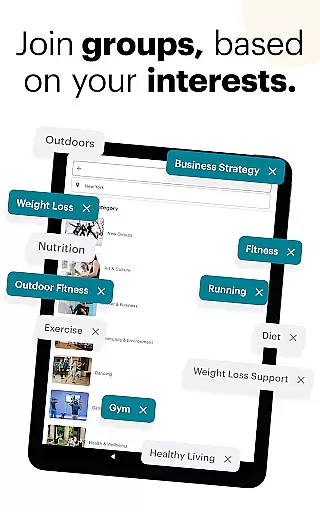
Connection discovery is at the heart of Meetup's functionality, designed to help users find and engage with communities that align with their interests. Whether you're looking to advance your career, dive into a new hobby, or simply meet new friends, Meetup's sophisticated algorithms work to match you with relevant groups.
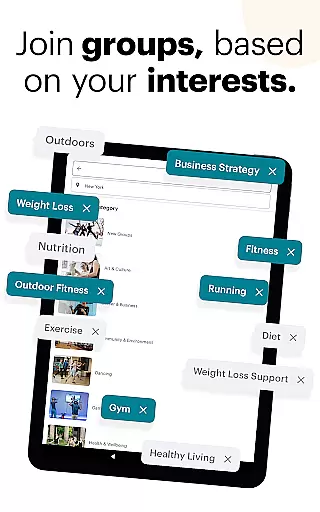
The app provides multiple avenues for discovering connections, including keyword searches, category browsing, and geographical filters. This ensures that users can easily locate events and groups that are most pertinent to their preferences and location.
By facilitating these connections, Meetup empowers its users to enrich their social and professional lives actively. Members can join over 330,000 groups, participate in 100,000 weekly events, and engage in discussions that broaden their horizons.
In essence, Meetup transforms the way people network by offering tools that not only bring individuals together but also create opportunities for meaningful interactions and collaborations.
User-friendly interface
Vast member base
Diverse event options
Strong community focus
Customizable experience
Limited free features
Occasional bugs
Premium subscription cost
Dependent on location
Privacy concerns

Match, chat & date with singles nearby. The dating app to find true love
 4.50
4.50
Dive into diverse fandoms. Connect, create, reblog.
3.90
Watch 24/7 live stream, and make real friends nearby
4.30
Second phone number for phone calls & texts. Text & SMS me now with a 2nd number
4.20
Follow the Truth! Join America's leading free-speech social platform.
3.10
Watch super live shows 24/7, chat & meet friends in Plamfy social networking app
4.70
Dating & make friend to chat, meet, flirt, and make real connections!
4.60
Find your next obsession.
3.50
A warm, simple dating app for adults seeking real connection.
4.20
SuperLive is a super popular video-streaming social network
4.60
This version of Facebook uses less data and works in all network conditions.
4.60
A gathering place for 300 million people's life interests and hobbies
4.30
Positive social
4.20
Discover an open-minded dating experience when you download today
4.10
Unlimited messages, WiFi Calling, Texting app. Text now with Second Phone Number
4.10
Create your personal AI chatbot: talk, roleplay, and connect with characters!
4.10
Meet online & chat with people! Talk, have fun, make connections in real time!
4.00
Go Live, Chat & Meet New People! Friends. And more than friends.
3.80
Resonate & Date with New Match
3.70


User Reviews