
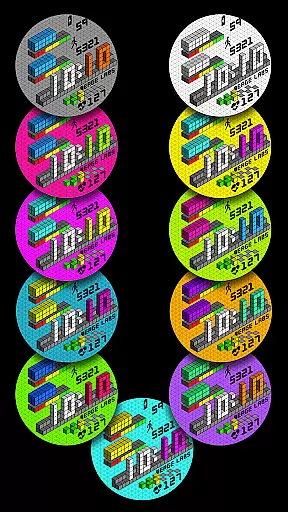
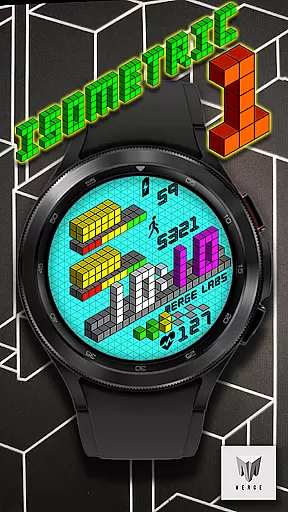
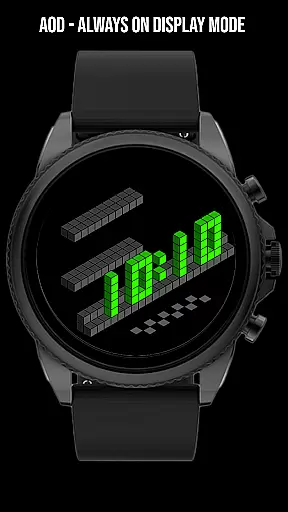
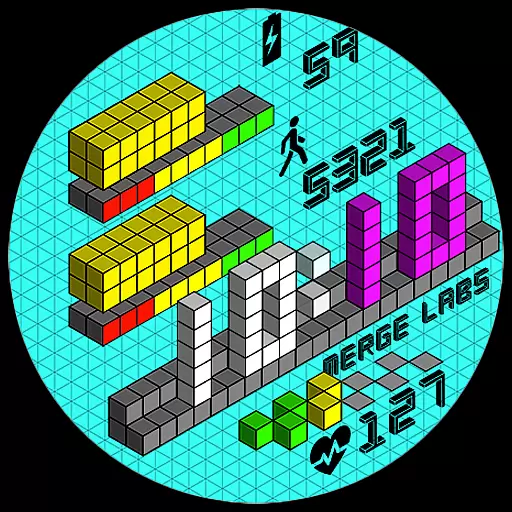
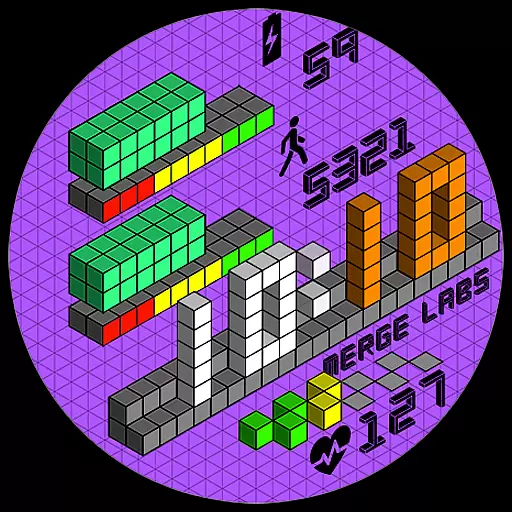
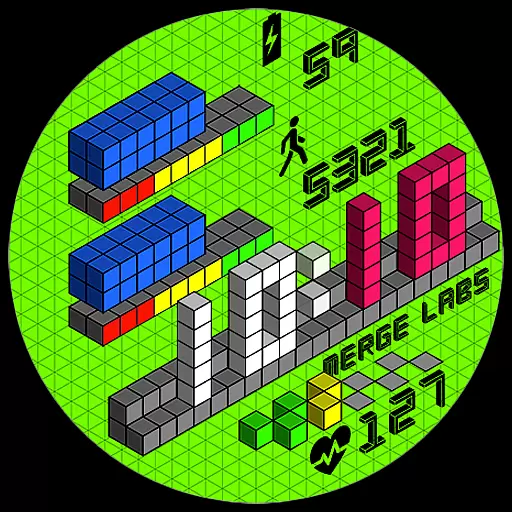
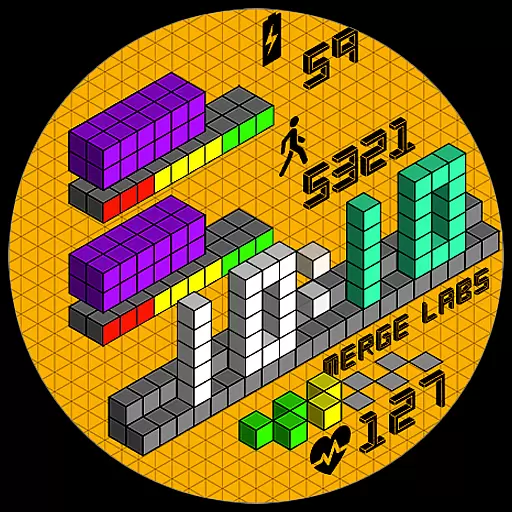
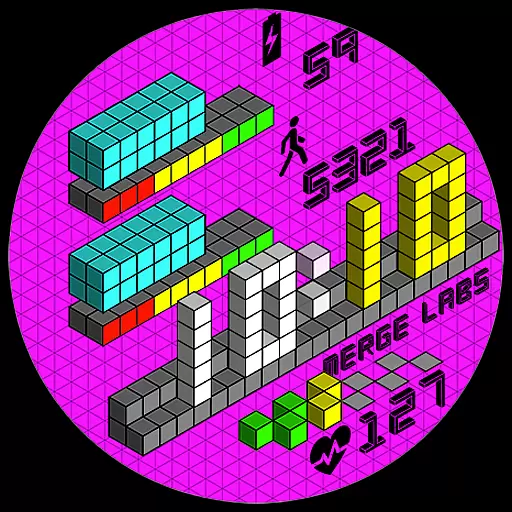
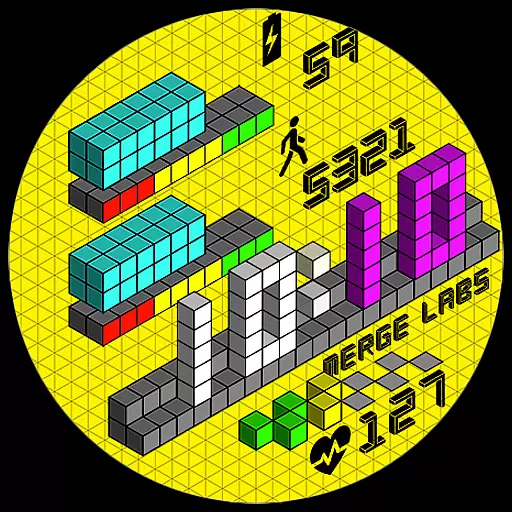
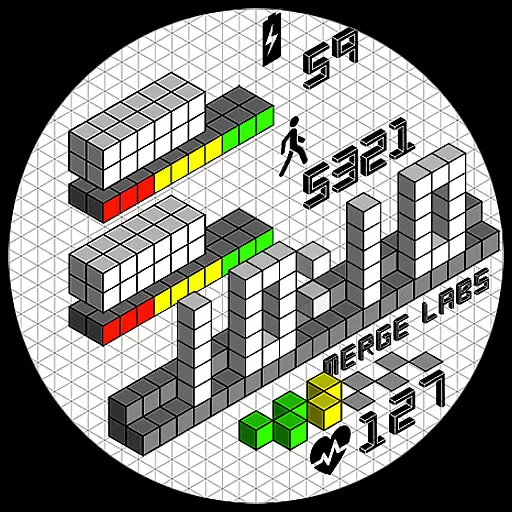
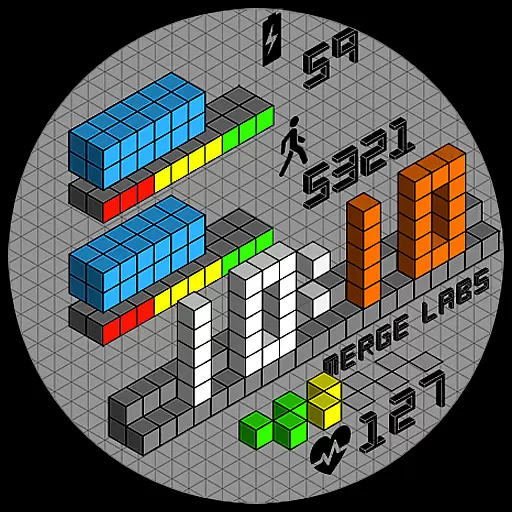
Merge Labs Isometric 1 is a uniquely designed digital watch face for Wear OS devices, featuring an innovative isometric design that creates a striking 3D effect using 2D tools. This Lifestyle app enhances your smartwatch experience by offering both aesthetic appeal and practical functionality.
The app provides essential features such as a customizable 12/24 hour clock, battery level indicator with graphical progress bar, step counter, and heart rate monitor. Users can interact with different areas of the watch face to access additional apps like Battery, Steps/Health, and Heart Rate. Its modern design and practical utilities make it suitable for everyday use, keeping you stylish and informed on the go.
This Wear OS watch face stands out with its 30 color combinations, allowing users to personalize their device's appearance. The time display automatically adjusts between 12-hour and 24-hour formats based on phone settings, ensuring seamless integration with your mobile device.
Beyond its visual appeal, Merge Labs Isometric 1 offers practical features including battery level monitoring with tap-to-open Battery App functionality, step tracking with progress visualization, and heart rate monitoring with quick access to health applications. Users can further customize their experience through options like toggling the blinking colon and showing/hiding the isometric grid in the customization menu.
The combination of artistic design elements and functional features makes this watch face particularly valuable for users seeking both style and utility in their wearable technology. Its interactive components provide convenient shortcuts to essential apps while maintaining a cohesive visual presentation.
Merge Labs Isometric 1 offers a unique lifestyle experience by bringing isometric design to your Wear OS device. This design approach, which creates a 3D effect using 2D tools, has been popular in various media formats and now enhances your smartwatch's appearance.
The app provides users with an impressive range of customization options including 30 color combinations, allowing for personalization that fits individual style preferences. The inclusion of features such as step counting, heart rate monitoring, and battery level indication with graphical progress bars ensures the watch face is not only stylish but also functional.
With practical features like the 12/24 hour clock format that automatically adjusts according to phone settings, Merge Labs Isometric 1 seamlessly integrates into the user's daily life. Tap actions on different areas of the watch face open relevant apps, enhancing accessibility and convenience.
The authenticity of Merge Labs Isometric 1 content is evident through its well-executed isometric design. This design choice reflects current trends in visual media, ensuring the watch face remains contemporary and engaging for users seeking a modern aesthetic.
Credibility is further established through the integration of essential health and device management features. Users can trust the accuracy of data displayed on the watch face, such as step counts and heart rates, due to their connection with dedicated health applications.
Expertise in wearable technology is demonstrated by providing advanced customization options within the app. Users can toggle features like the blinking colon or show/hide the isometric grid, showcasing the developer's attention to detail and commitment to delivering a high-quality lifestyle product.
Unique isometric design
Customizable color options
Interactive features
Automatic time adjustment
Comprehensive health tracking
Limited to Wear OS
No advanced complications
Basic customization options
Requires companion apps
Design may not suit all

Healthy eating timer app to track meal pace, improve habits, and eat slowly.
 4.3
4.3
Turn your watch into a key fob for your Tesla
2.90
Discover how to help puppies stay calm around noise with this helpful app.
4.1
Get the news, events and savings that matter to you with AARP Now.
4.80
Play fun games, complete quick surveys, and earn money. It's fun and easy!
4.40
Kasa Smart is your portal to your TP-LINK Smart Home.
4.70
The Miracle Box includes methods used by Steve Huff of Huff Paranormal.
3.20
Subwoofer school’s in session! You’ve now enrolled into KICKER U.
3.80
Create slime on your phone and enjoy satisfying and relaxing ASMR games
4.50
Daily lessons from A Course in Miracles with scheduled reminders
4.80
Your store’s deals, where you are.
4.80
Pay your rent, submit work orders and much more with the RentCafe Resident App.
4.70
Make money, get paid cash rewards & gift cards for every survey. Earn today!
4.60
The App can control Roborock vacuum cleaners from anywhere with rich features.
4.60
This app is intended to support professional EMDR therapy.
4.50
Mixing Colors for Menswear
4.20
Design and brew great homebrewing beer, mead, cider and wine recipes on the go!
3.60
BILT interactive 3D instructions help you get the job done right
3.50
View over 160,000 line dance stepsheets from the CopperKnob website.
3.30


User Reviews