
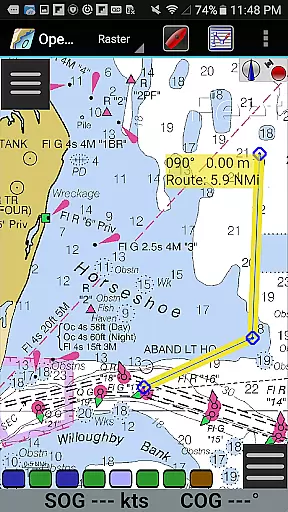
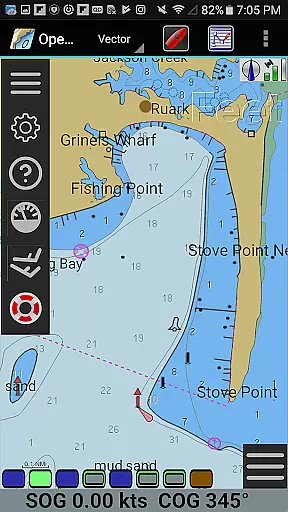
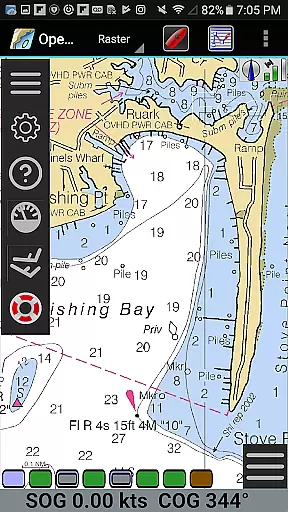
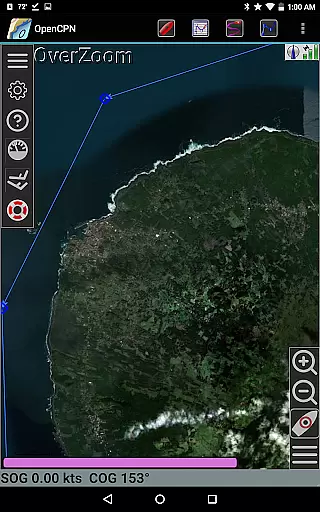
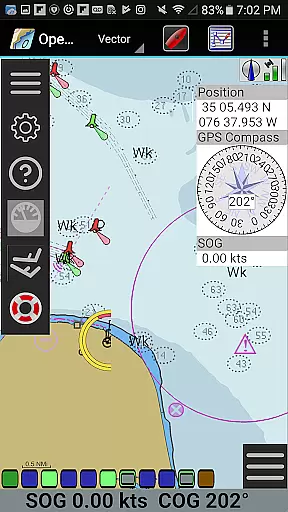
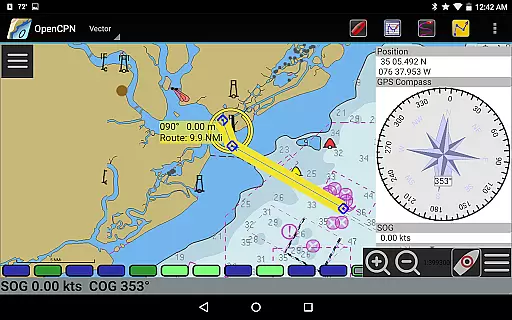
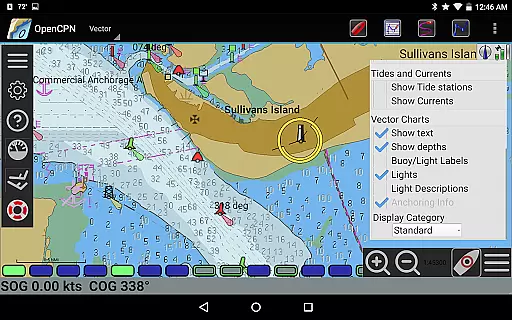
OpenCPN is a comprehensive chart plotter and navigation application designed for both desktop and mobile platforms. This versatile app supports multiple chart formats including BSB v3 raster charts, S57 vector charts, and CM93 vector charts with advanced display capabilities. It offers essential navigation features such as route planning, waypoint management, and AIS support for enhanced maritime safety.
The application integrates seamlessly with various GPS systems through device-integrated, Bluetooth, and network support. With additional functionalities like anchor watch, tide prediction, and Google Maps integration, OpenCPN provides a complete solution for marine navigation. Whether you're a professional sailor or recreational boater, this app enhances your situational awareness and operational efficiency on the water.
OpenCPN stands out with its extensive feature set tailored for marine navigation. The app supports multiple chart formats including RNC, ENC, and MBTiles overlays, providing flexible charting options. Its advanced display modes include north-up, course-up, and moving-map views, giving users optimal orientation choices during navigation.
One of the key strengths of OpenCPN is its robust connectivity options. The application supports standard NMEA 0183 GPS interface and includes a built-in multiplexer for advanced message handling. Networked AIS input enables full target tracking and collision alerting, while autopilot output support streamulates vessel control. These features, combined with GPX file support and great-circle routing, make OpenCPN an indispensable tool for modern mariners.
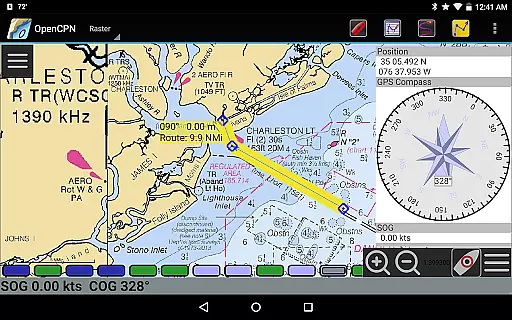
Map accuracy is a critical feature for any navigation application, and OpenCPN excels in this area. The app supports multiple chart formats including BSB v3 raster charts, S57 vector charts, and CM93 vector charts with per-cell offset corrections. This ensures that users have access to highly detailed and precise maritime maps.
The application's IHO S52 compliant display of S57 vector charts guarantees that the charts are presented in a standardized and internationally recognized format. Additionally, OpenCPN offers MBTiles chart overlay support, allowing users to integrate custom map layers for even more accurate navigation.
With its integrated Chart Downloader, OpenCPN makes it easy for users to obtain the latest charts and keep their maps up-to-date. This commitment to accuracy and currency ensures that mariners can rely on OpenCPN for safe and efficient passage planning and execution.
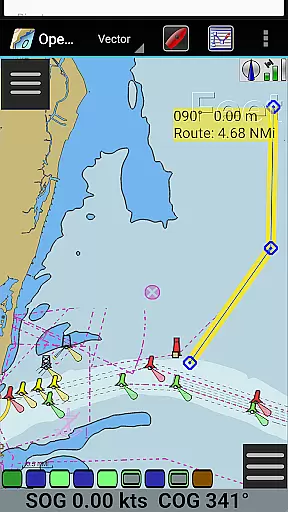
Effective route planning is essential for successful maritime navigation, and OpenCPN provides robust tools for this purpose. The app supports various display modes such as North-up, Course-up, and Chart-up, which help users visualize their planned routes from different perspectives. These options enhance situational awareness and allow for better decision-making while underway.
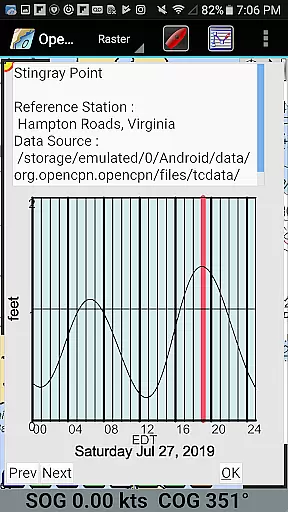
OpenCPN also includes advanced features like AIS input with full target tracking and collision alerting, ensuring that users can plan routes that avoid potential hazards. The app's support for tide and current prediction further enhances route planning by allowing users to account for environmental factors that may affect their journey.
Additionally, OpenCPN offers built-in great-circle routing and GPX Layers for annotating charts, providing users with powerful tools to create detailed and well-considered navigation plans. By leveraging these capabilities, mariners can optimize their routes for safety, efficiency, and compliance with regulatory requirements.
User-friendly interface
Extensive chart support
Advanced GPS integration
Comprehensive AIS features
Active community support
Steep learning curve
High system requirements
Limited offline functionality
Complex setup process
Occasional performance issues

Number locator, real connection map
 4.10
4.10
Navigate confidently with our precise Digital Compass app & Direction Compass!
4.70
GPS Speedometer & Odometer: Track car, bike, truck speed & distance in real-time
4.70
Get route map navigation with 3D satellite view, and live earth camera streaming
3.70
Find routes fast with GPS Maps, GPS Navigation & driving directions.
4.10
Find radar, speed camera, flight tracker. Use hud, location tracker, speedometer
4.20
Get real-time bus and train schedules for easy, hassle-free city transportation.
3.90
Off-Roading Navigation App With Trails, Public Lands, & Private Property Info
3.30
Rideshare, taxi cabs, and more for your airport travels and everyday trips.
4.50
Bolt is a ride-hailing app for requesting fast, safe, and affordable transport
4.80
Find EV & Tesla charging stations with PlugShare
4.70
Parcel map, property lines, owner, acres, land use, zoning and more from Regrid.
4.60
Track accurate speed & distance with GPS Speedometer. Check speed limit & time.
4.50
The fastest and most convenient way to pay for parking on our lots.
4.40
Find radar maps, GPS coordinates, altitude, offline maps, location, travel route
4.40
Phone Tracker and GPS Location Sharing
4.20
Get directions, Maps, GPS navigation & GPS Maps using GPS App
4.10
Navigation, weather, offline maps & tools for smarter, safer travel planning.
4.00
Explore Earth with live GPS, satellite view & street navigation
3.60


User Reviews