
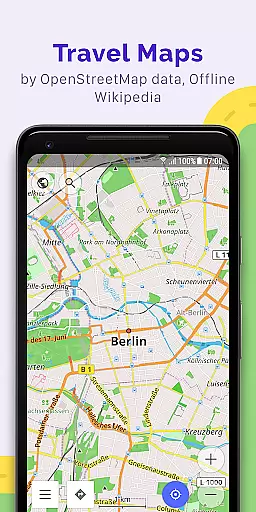
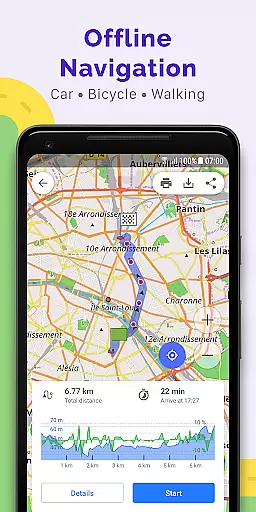
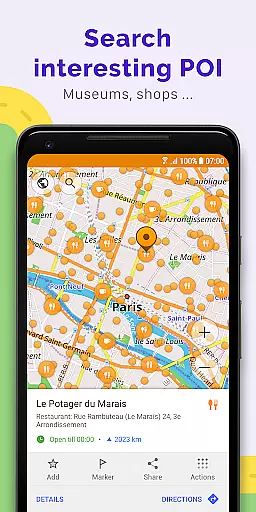
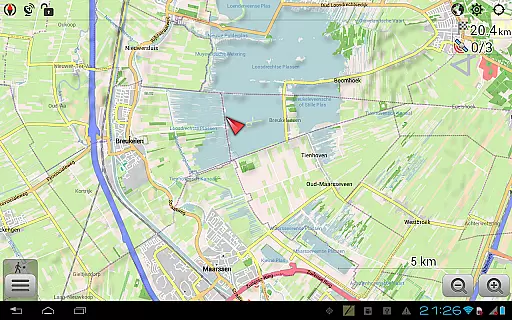
OsmAnd+ is a premier offline mapping and navigation application built on OpenStreetMap (OSM) data, designed for travelers, outdoor enthusiasts, and professionals who require reliable GPS tools without an internet connection. The app offers advanced route planning, GPX tracking, and customizable map styles tailored to various activities such as hiking, cycling, and boating.
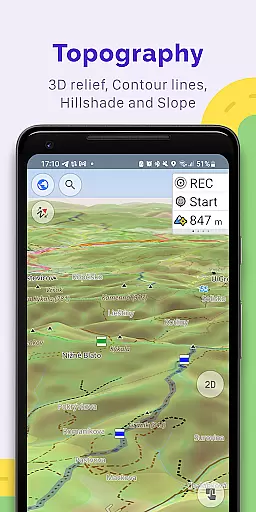
With features like contour lines, nautical depths, and offline Wikipedia, OsmAnd+ ensures users have access to detailed geographic and travel-related information. Its Android Auto support, unlimited map downloads, and extensive customization options make it ideal for both casual explorers and serious adventurers.
Whether you're navigating remote terrains or exploring urban landscapes, OsmAnd+ provides accurate, real-time guidance while prioritizing user privacy and data control.
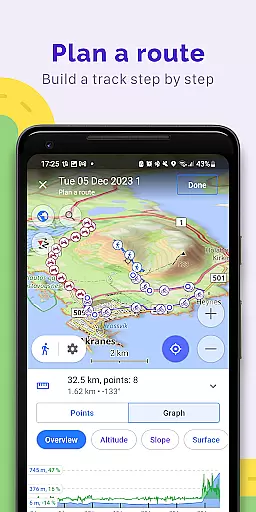
OsmAnd+ stands out with its comprehensive suite of features designed for diverse navigation needs. The app supports multiple navigation profiles, including cars, motorcycles, bicycles, and even boats, allowing users to customize routes based on vehicle type and road preferences. Advanced route planning tools enable point-by-point plotting and GPX track recording, providing visual data on inclines, distances, and more.
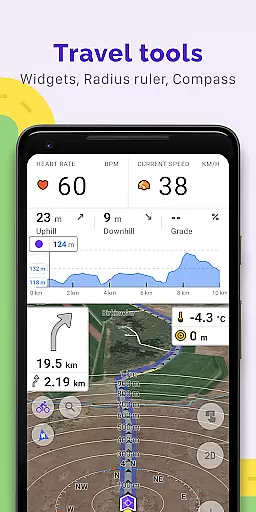
Map customization is another highlight, offering specialized styles such as touring, nautical, and topographic views. Users can overlay different map sources, display shading relief, and access detailed terrain data. Additional functionalities include offline Wikipedia and Wikivoyage integration, a compass, and a ruler tool for precise measurements.
Paid features like OsmAnd Pro enhance the experience further with hourly map updates, weather plugins, and cloud backup options. These innovations ensure that OsmAnd+ remains a versatile and indispensable tool for global travelers and local explorers alike.
Booking authenticity is a crucial aspect of any travel application, ensuring that all reservations and planned routes are reliable and accurate. OsmAnd+ u2014 Maps & GPS Offline provides a trustworthy platform for creating travel plans without the need for an internet connection. This app allows users to plot routes point by point using customizable navigation profiles suitable for different types of vehicles, making sure that each booking or route planned is authentic and aligns with real-world conditions.
The app's ability to construct routes while taking into account specific exclusions such as certain roads or road surfaces further enhances the authenticity of bookings. Users can be confident in the reliability of their planned routes, whether they are on foot, bicycles, motorcycles, or even boats. The customization options available within OsmAnd+ ensure that every journey is meticulously crafted according to the user's preferences and needs.
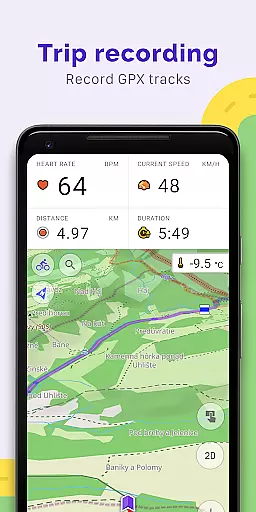
Moreover, OsmAnd+ supports GPX track recording and management, allowing users to navigate through their own or imported GPX tracks directly on the map. This feature not only reinforces the authenticity of the user's bookings but also offers visual data about the route, including descents and ascents. Sharing these GPX tracks in OpenStreetMap adds another layer of credibility to the user's travel plans, ensuring they are based on actual and verifiable data.
Price transparency in travel applications is vital for users to understand the cost structure and make informed decisions. OsmAnd+ u2014 Maps & GPS Offline embraces this concept by offering a comprehensive set of features, some of which are available through a paid subscription known as OsmAnd Pro. This subscription model ensures that users are aware of what they are paying for and the added value they receive, such as access to OsmAnd Cloud for backup and restore capabilities, cross-platform support, and hourly map updates.
In addition to the free features, OsmAnd Pro offers advanced functionalities like a weather plugin, elevation widget, and external sensors support via ANT+ and Bluetooth. These premium features are clearly outlined, allowing users to see the tangible benefits of upgrading to OsmAnd Pro. The transparency in what each feature entails and its associated costs ensures that users can choose the services that best fit their travel requirements without hidden fees or surprises.
OsmAnd+ also provides unlimited map downloads and topo data, nautical depths, offline Wikipedia, and Wikivoyage travel guides under the OsmAnd+ privileges (Maps+). By detailing what each privilege includes, users can appreciate the full scope of tools at their disposal, reinforcing the app's commitment to price transparency. Whether planning a hiking trip or navigating city streets, users have clear information on how each feature contributes to a more enriching travel experience.
Offline functionality
Customizable maps
Advanced GPX tools
Privacy-focused design
Active community support
Complex interface
High learning curve
Limited free features
Occasional bugs
Heavy storage use

The #1 Parent App in Brevard County
 4.5
4.5
View current Montana road conditions, cameras, plows, and timelapse videos.
4.70
The mobile panorama panel. Works offline - worldwide!
4.40
Book neighborhood dog boarding, dog walking, pet sitting, and doggy day care.
4.60
It drives. You ride.
4.90
Bus tickets at unbeatable prices with routes across the US. All aboard FlixBus!
4.70
Tickets, hotels, wait times, maps, mobile ordering, Disney PhotoPass & more
4.50
Replace your car trips with the world’s largest shared electric vehicle company.
4.90
Walt Disney World Resort maps, wait times, tickets, dining & more.
4.50
Book flight, car or packages. Instant access to hotel discounts & travel deals
4.80
With the Spirit Airlines app, easily manage all your trips in one place.
4.70
Get faster fuel rewards, exclusive offers, and helpful tools!
4.70
Get all MTA services, Subway, Bus, LIRR, Metro-North and More all in one place.
4.60
Listen live to pilots and air traffic controllers around the world
3.80
Examine the planet
3.80
A Camino de Santiago Guidebook from St. Jean Pied de Port to Santiago
3.60
Tide Table Chart provides quick and easy access to high and low tide forecasts.
3.20
Learn about one of the most famous Victorian cemeteries in the world
2.80
Locate and navigate to local holiday displays
4.3


User Reviews