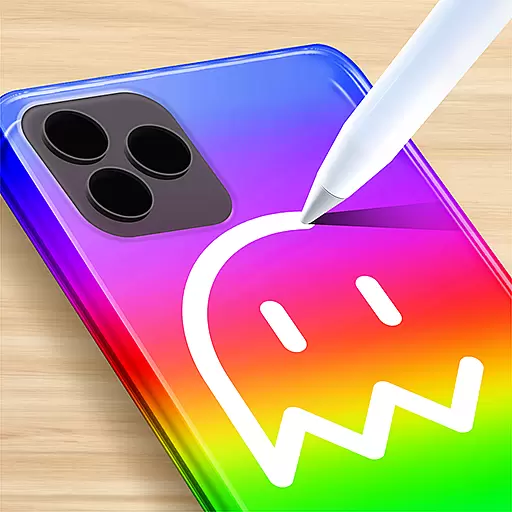
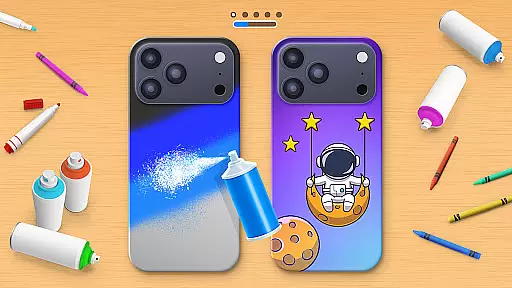
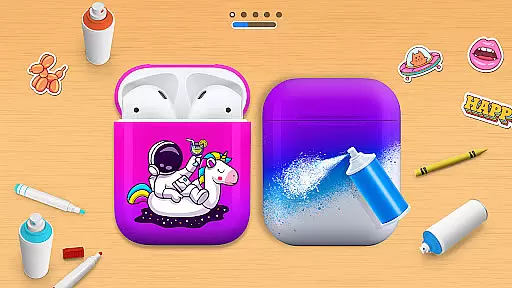
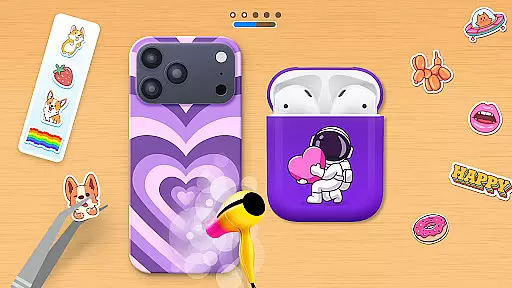
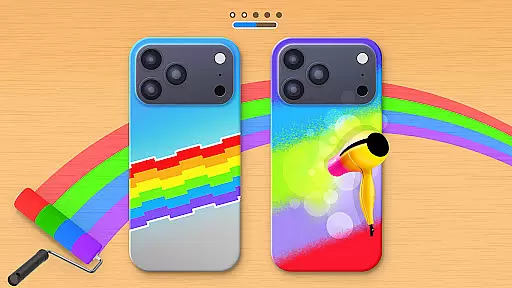
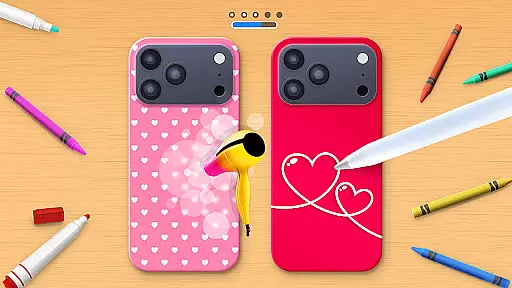
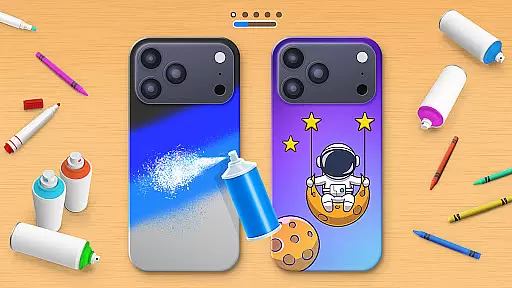
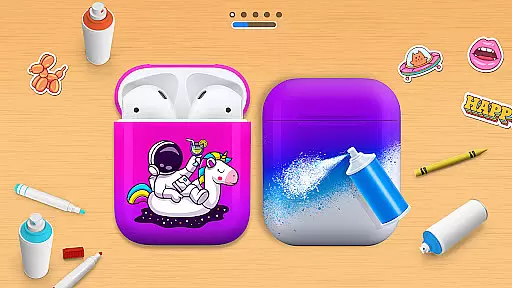
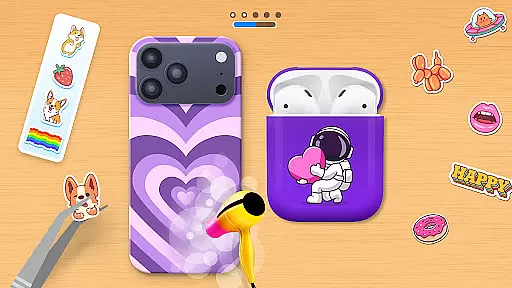
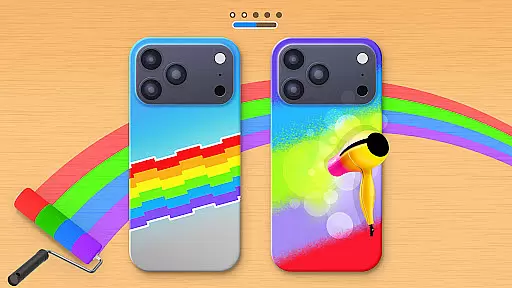
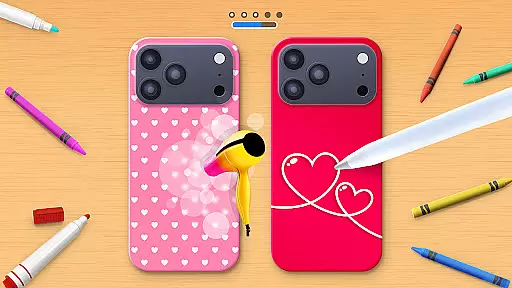
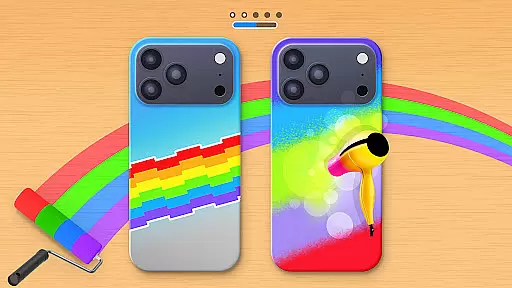
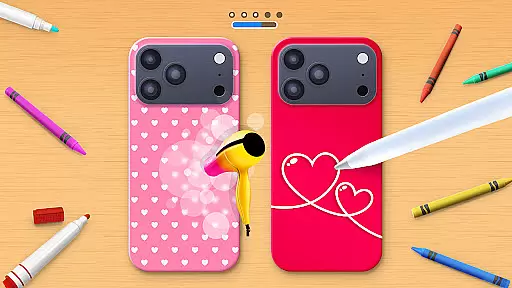
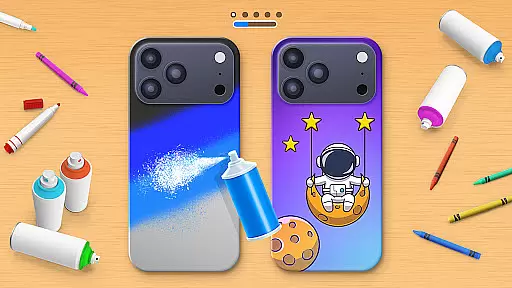
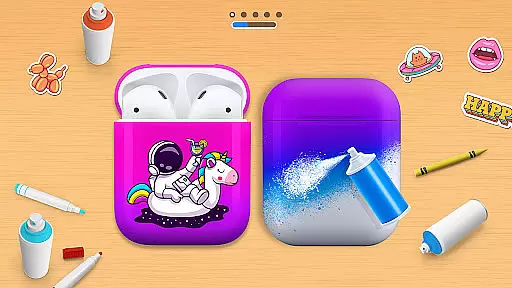
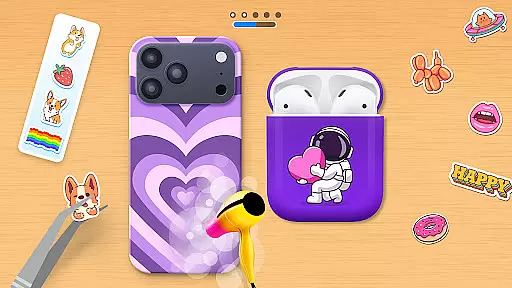
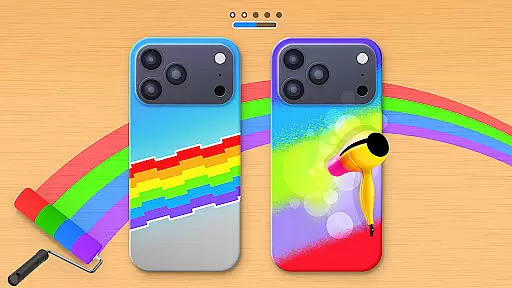
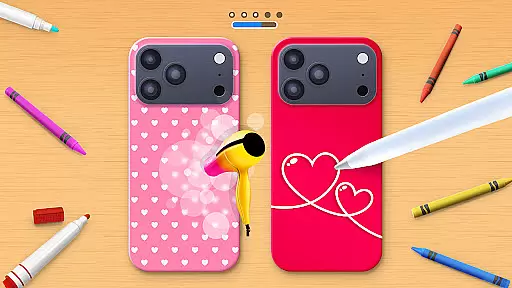
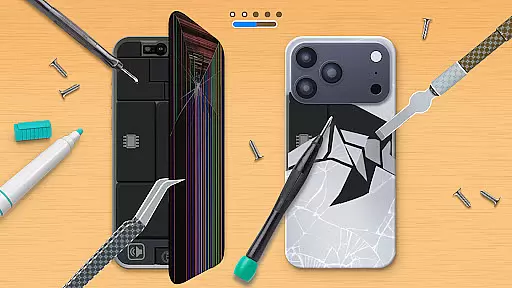
Phone Case DIY is a creative simulation game that allows users to design and customize their own phone cases, earbuds, and headphones. With an extensive range of colors, patterns, and stickers, players can express their unique style and create personalized accessories.
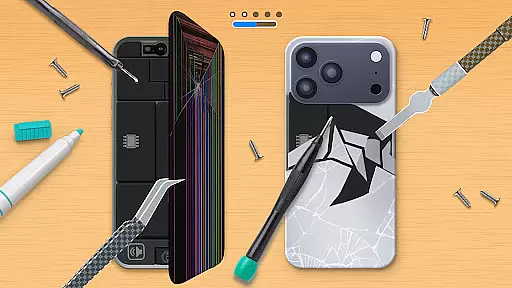
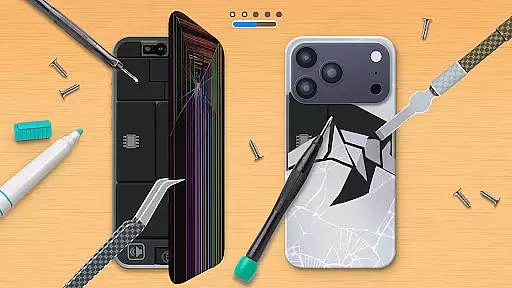
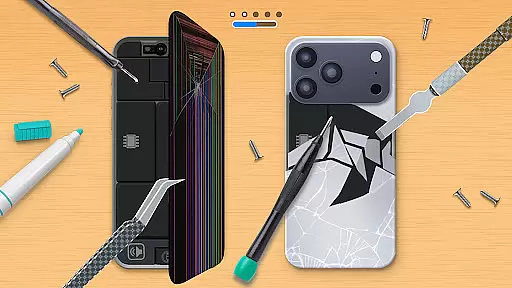
The app offers various features such as acrylic art, tie-dye effects, and the ability to repair damaged phone cases. Users can also participate in global leaderboards, showcasing their design skills while enjoying a vibrant community of creators.
Perfect for those who love arts and crafts, Phone Case DIY provides an engaging platform to explore creativity and make your tech accessories stand out with eye-catching designs.
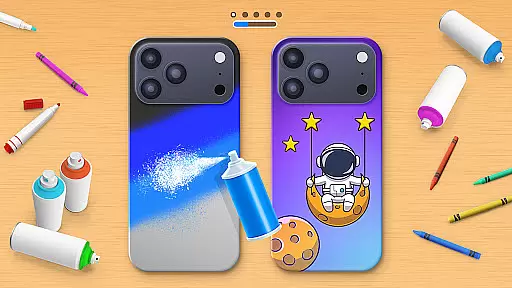
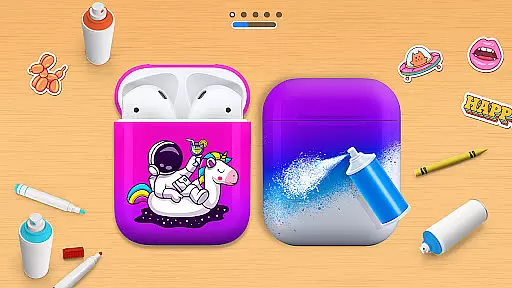
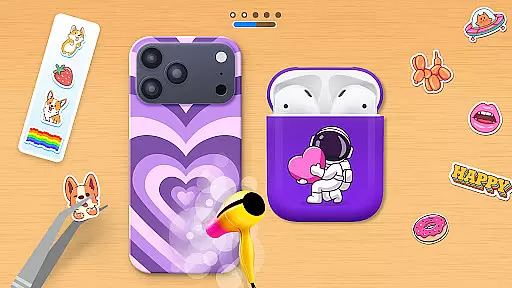
Phone Case DIY stands out with its comprehensive customization options. Users can paint phone cases with endless color choices and intricate patterns, ensuring each creation is unique. The app also allows designing stylish headphones and earbuds, offering a complete accessory makeover.
Innovative features like acrylic art and tie-dye effects provide a realistic crafting experience. Players can add cool stickers and clean their virtual devices before decoration, enhancing the overall creative process. Profile customization lets users showcase their personal style within the app's community.
With a leaderboard system, users can compete globally, displaying their artistic talents. The repairing feature adds another layer of engagement, allowing players to fix and restore damaged cases, making Phone Case DIY not just a design tool but a full-fledged creative suite.
In Phone Case DIY, the economic system is designed to encourage creativity and personal expression through a rewarding process. The game allows players to unlock various customization options by completing tasks or achieving specific milestones.
Players can earn in-game currency by designing phone cases, headphones, and earbuds. This currency can then be used to purchase new colors, patterns, stickers, and other decorative elements. Such a system ensures that users are continuously motivated to explore different design possibilities while maintaining a sense of progression.
The dynamic feedback mechanism comes into play as users receive instant visual updates on their creations. Whether it's applying acrylic art, tie-dye effects, or adding cool stickers, every action provides immediate results. This real-time feedback loop enhances user engagement and satisfaction.
By integrating leaderboards, the game adds a competitive edge to its economic system. Players can compare their design skills with others globally, pushing them to refine their craft further. This blend of creativity, reward, and competition creates an immersive simulation experience.
Phone Case DIY offers a balanced approach to resource management, ensuring that players have access to a wide array of tools without feeling overwhelmed. From paints and brushes to stickers and cleaning supplies, each resource plays a crucial role in the customization process.
One key aspect is the availability of both free and premium resources. Players can start with basic colors and patterns but can unlock advanced features like spray paint, acrylic art, and unique stickers as they progress. This tiered system maintains a steady learning curve while offering ample room for experimentation.
The game also emphasizes the importance of maintenance. Features like 'Clean It' allow users to prepare their virtual workspace before starting a new project. This not only teaches good habits but also adds another layer of realism to the simulation.
Overall, Phone Case DIY strikes a perfect balance between providing enough resources to spark creativity and introducing limitations that challenge players to make strategic decisions. This equilibrium keeps the gameplay engaging and rewarding, making every design session a delightful experience.
User-friendly interface
Vibrant color options
Extensive sticker library
Global leaderboard
Profile customization
Limited free features
In-app purchases required
Occasional ads
Steep learning curve
High system requirements

Smash solar systems, orbit planets, and destroy in this universe simulation game
 4.70
4.70
Ready to be a billionaire and build your bank empire? Start your adventure now!
4.60
Join storage auction! Manage your pawn shop! Become an auction tycoon!
4.40
Work hard and you may reach the top of the video game industry.
4.80
Rediscover your engineering creativity in this bridge building masterpiece.
4.10
Command your fleet and blast enemy warships in a thrilling naval shooting game!
3.80
Decorate with stickers! DIY home decor and cute room design fun!
4.40
The ultimate off-roading game!
4.60
Dig deep into a huge collection of vehicles and driving situations
4.40
The most wanted app, based on your feedback, is now here!
4.90
Start painting, match paint, merge colors and get creative in this coloring game
4.60
From humble backwater to medieval metropolis - build the city of your dreams!
4.50
Solve the mysteries of the universe with potato power!
4.40
Merge chips, craft upgrades, and power up your microcircuit to earn more!
4.30
Prank and cause chaos in the house. But don’t get caught!
4.10
Create incredible parks in the original rollercoaster sim enhanced for mobile.
3.80
Construction Simulator returns with a map inspired by the Canadian landscape.
3.40
Survive, explore, and invent wild machines in a world ruled by robots!
4.4
Mine rocks, upgrade miners and earn BTC!
4.3


User Reviews