
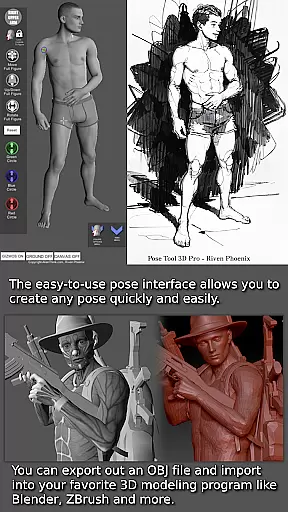
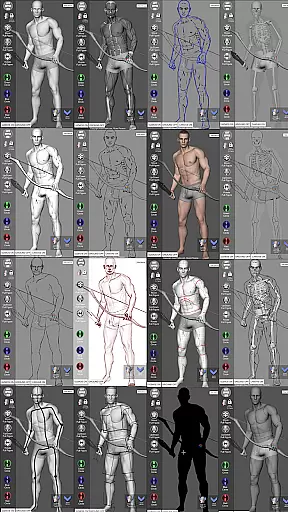
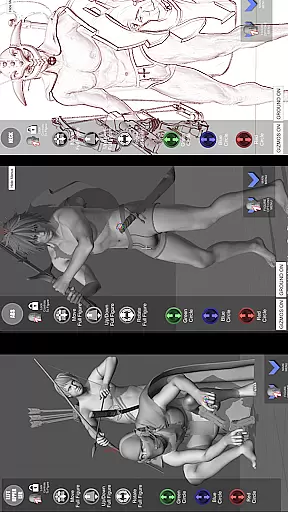
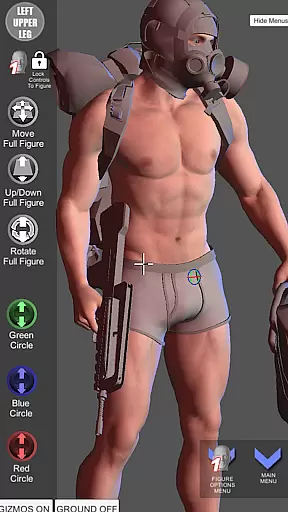
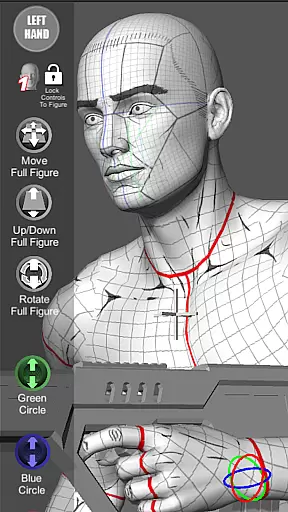

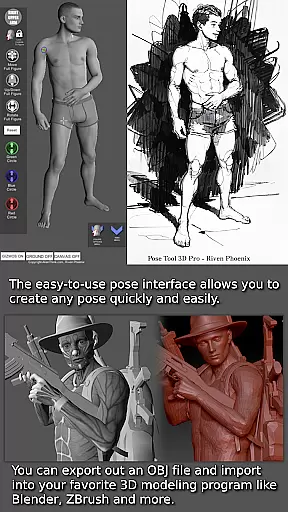
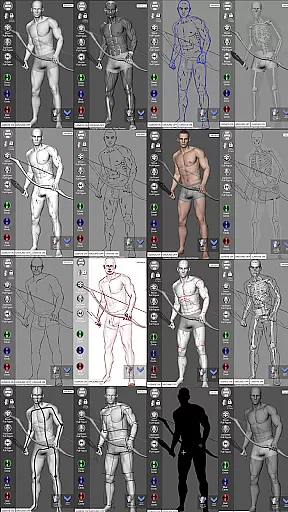
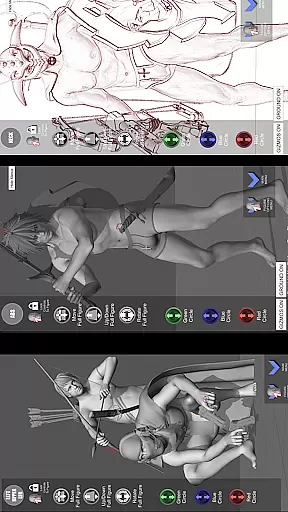
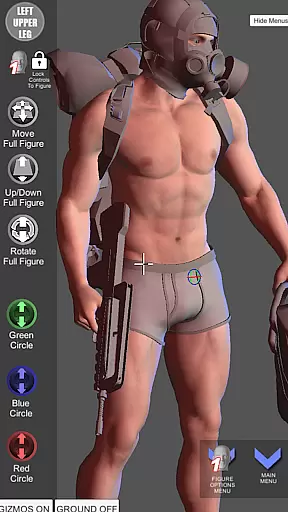


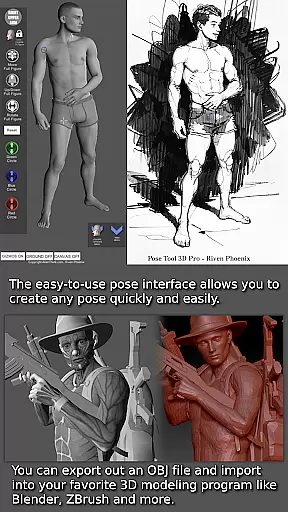
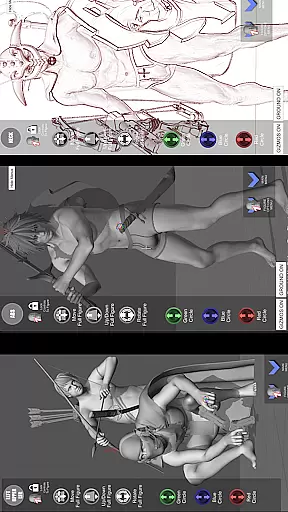
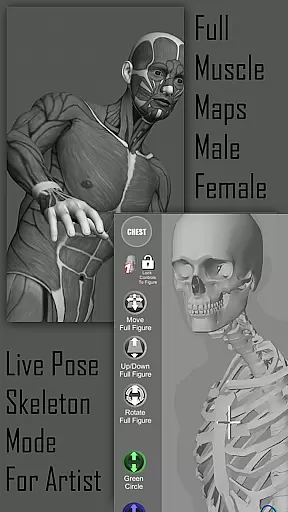
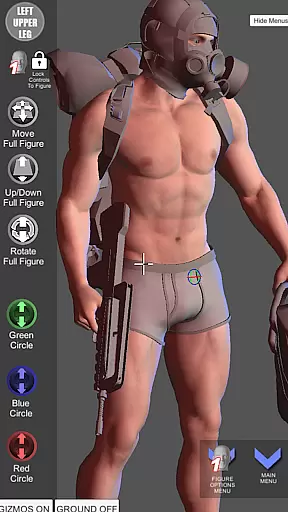
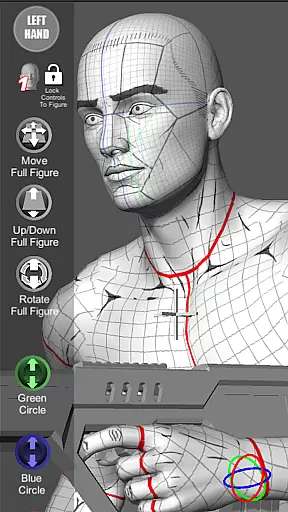

Pose Tool 3D is a revolutionary posing application designed for artists across various fields including manga, illustration, and animation. This app provides users with an easy-to-use interface to create any pose using both male and female 3D models. The standout feature of Pose Tool 3D is its unconstrained posing system that allows geometry to intersect, enabling the creation of realistic and extreme poses alike.
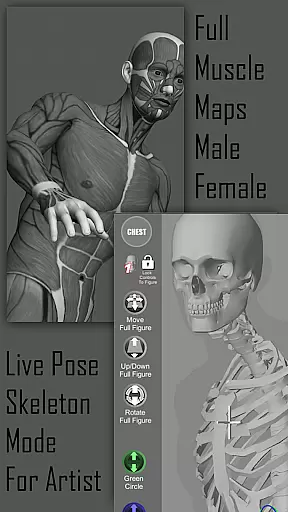
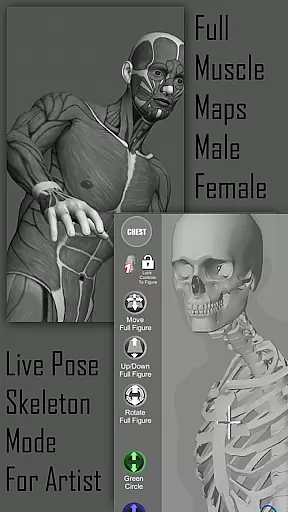
Whether you are working on character design, storyboarding, or comic books, this app supports your creative process by offering multiple drawing modes and muscle maps. These maps help in understanding human anatomy better, thus enhancing the realism of each pose. With additional tools like perspective grids, a 3-point lighting system, and different body types, Pose Tool 3D ensures comprehensive assistance tailored to elevate your artistic projects.
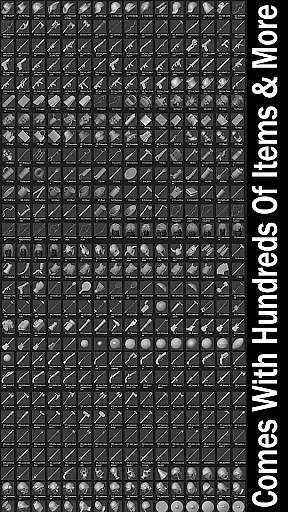
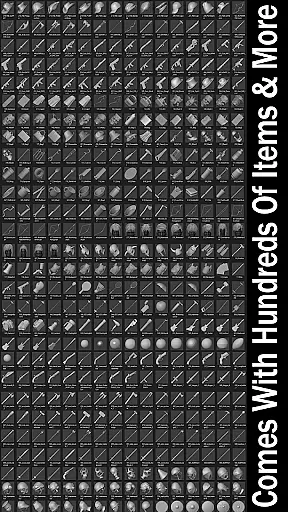
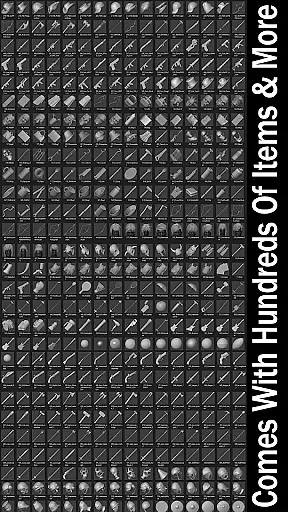
The Pose Tool 3D app boasts a wide array of features that cater to the diverse needs of digital artists. One of the primary functionalities includes an extensive inventory system with hundreds of items such as everyday objects and weapons which can be attached to figures' hands and body parts, adding depth and detail to compositions.
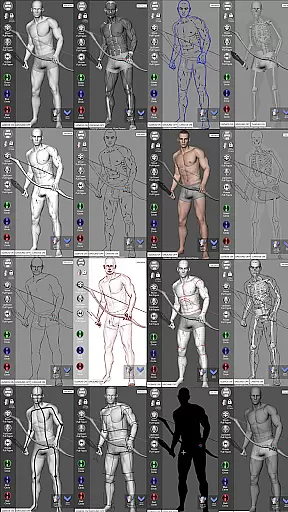
Users can leverage advanced touch controls for setting up dramatic shots quickly; these include orbiting around the figure, zooming in and out, and panning simultaneously. Additionally, specialized menu features allow saving and loading poses, resetting figures to T-pose, and taking screenshots. The inclusion of various modes like Mannequin Mode, Pencil Sketch Mode, and Life Drawing Mode further extends its utility, making it indispensable for illustrators seeking precision and versatility in their work.
Pose Tool 3D offers an extensive and diverse library tailored for comic creators. With over a dozen unique figure models, including various body types and genders, artists can explore countless creative possibilities.
The app provides specialized modes such as Pencil Sketch, Comic Sketch, and Skeleton Mode, each designed to enhance the comic creation process. These features ensure that users can seamlessly transition between different art styles while maintaining complete control over their work.
Additionally, the inclusion of hundreds of inventory items and customizable poses allows creators to build dynamic scenes with ease. This versatility makes Pose Tool 3D an invaluable resource for both beginners and professional comic artists.
By offering multiple male and female figures with organic moving parts, the app ensures realistic posing options that cater to all forms of comic storytelling, from simple portraits to complex action sequences.
Pose Tool 3D guarantees authentic and properly licensed content for its users. Each model and feature within the app has been meticulously crafted to ensure accuracy and legitimacy, providing peace of mind for artists concerned about copyright issues.
The app includes muscle maps and mannequin modes that have been developed with expert knowledge, ensuring anatomical correctness in every pose. This attention to detail extends to the included objects and weapons, which are also authentically designed and legally usable.
Artists can rely on Pose Tool 3D's commitment to originality and proper licensing, allowing them to focus on their creative process without worrying about legal complications. The app's dedication to authenticity sets it apart as a trusted tool in the comic creation community.
Furthermore, regular updates and improvements ensure that all content remains current and continues to meet high standards of quality and compliance, making Pose Tool 3D a reliable long-term investment for any artist.
User-friendly interface
Versatile posing options
Comprehensive muscle maps
Multiple drawing modes
Extensive inventory system
Limited free content
Occasional bugs
Steep learning curve
High system requirements
In-app purchases necessary

More fun from BOM! Hurry up and do the following self-test, if you meet more than one item, come and experience the brand new world of comics!
 3.40
3.40
Comic reader app: open ZIP, RAR, CBZ, CBR, and PDF files
3.00
Discover manga stories & stream anime series with unlimited entertainment access
4.40
The fastest and most convenient comic book reader - comics of all formats
4.40
Manga reader for manga, manhua, manhwa & webtoon, online & offline, update daily
4.50
매일 매일 새로운 네이버 웹툰
4.50
Catalog your collection. Just scan covers with your device camera. (US $20/yr)
4.80
Read comics, manhwa, manga & novels Official webtoons with daily updates
4.30
SQUARE ENIX's official Manga app!
4.40
Dive into creative online comics, short video, graphic novels and web novels!
4.60
TMOLector is an app to read all kinds of manga and stories!
4.50
A gathering place for a massive collection of genuine comics.
4.50
Crunchyroll Manga—unlimited, uninterrupted reading with offline access & more!
4.50
Webtoons, comics, web novels, and e-books are all here! RIDI, my own space to enjoy stories
4.30
The most powerful and fast image/comics viewer.
4.10
Instantly create comic-style art with AI.
3.90
AsuraScans read manga, manhua, manhwa, and webtoon
3.90
+Not your everyday comic. Everyday.
3.50
Create your personalized cartoon comic strips & comic books.
3.20


User Reviews