
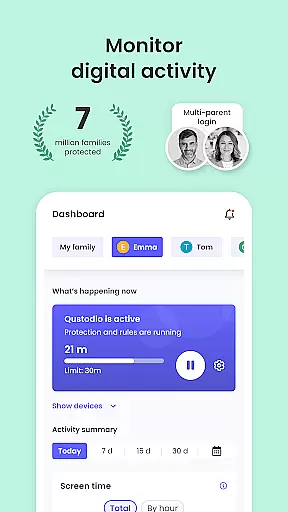
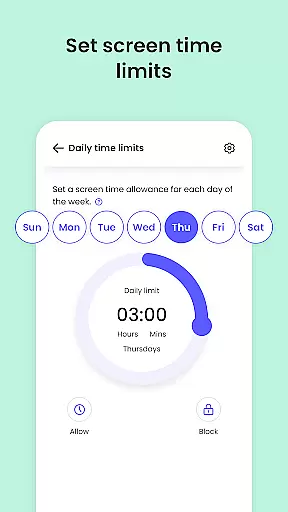
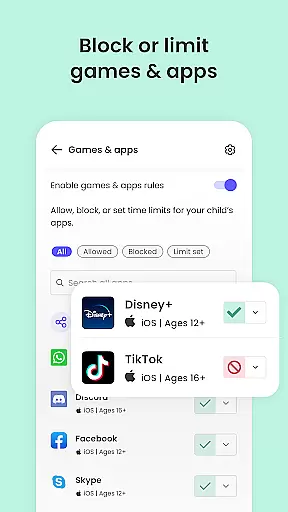
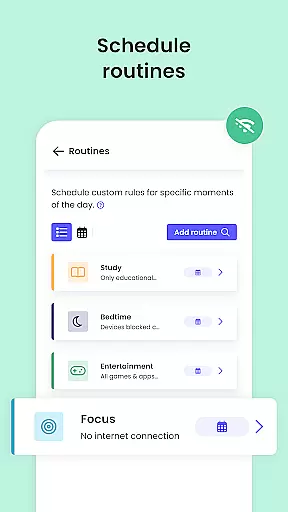
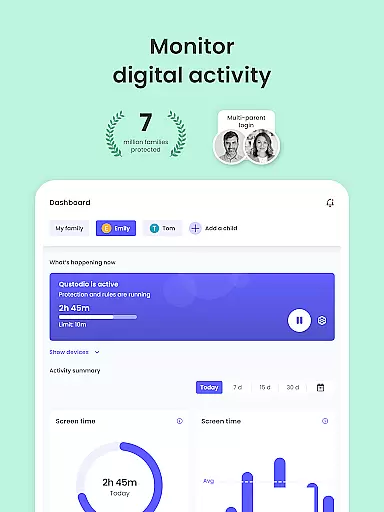
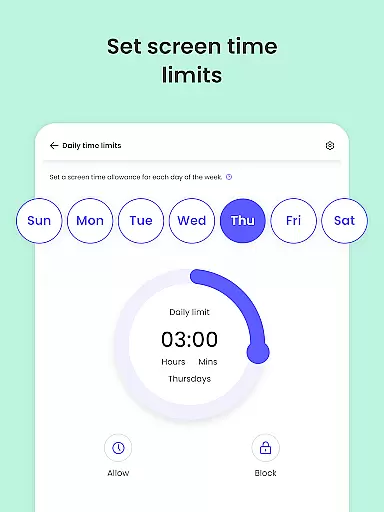
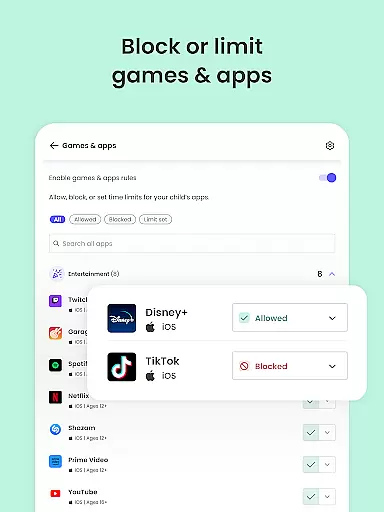
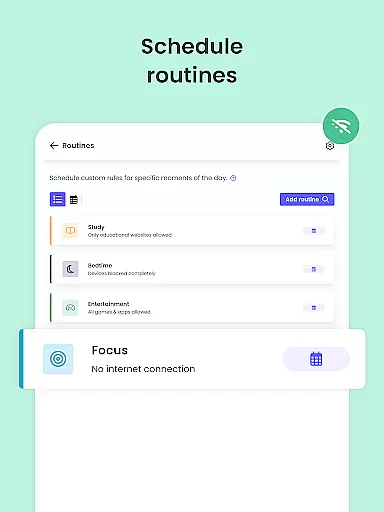
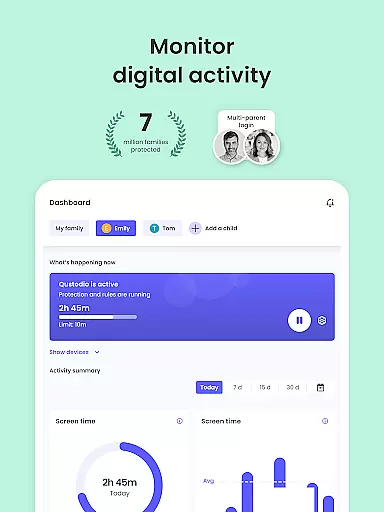
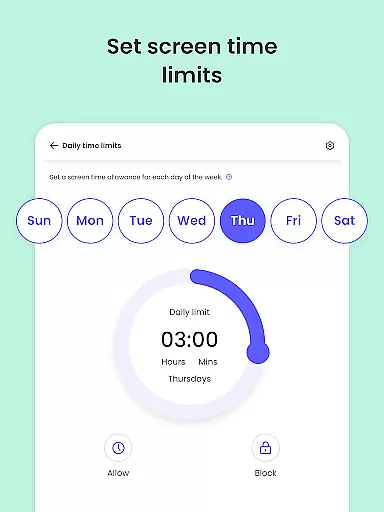
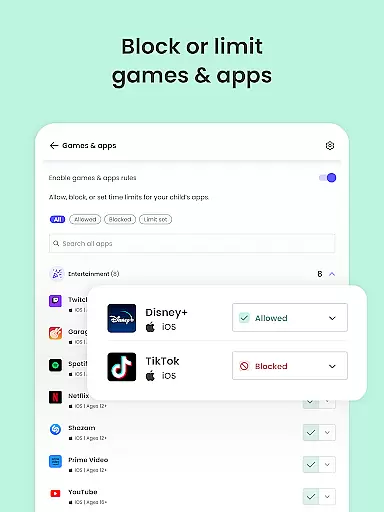
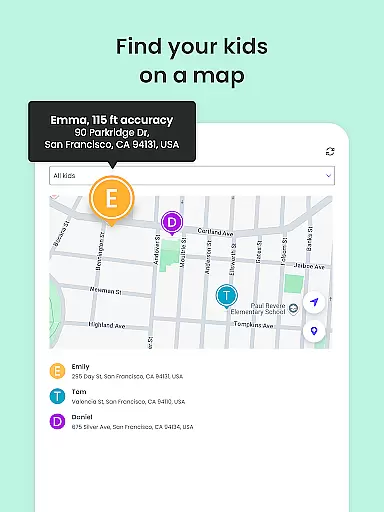
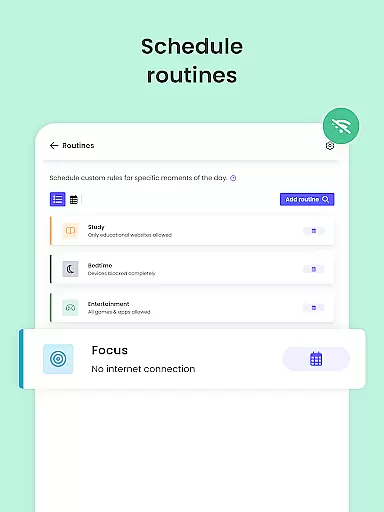
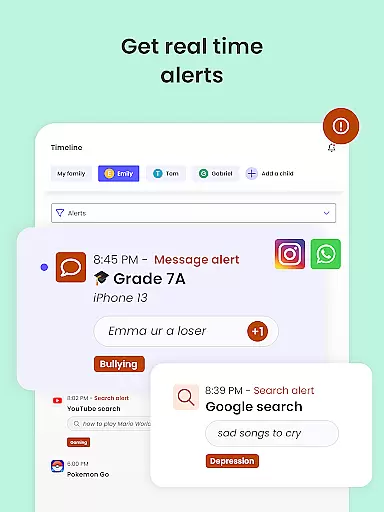
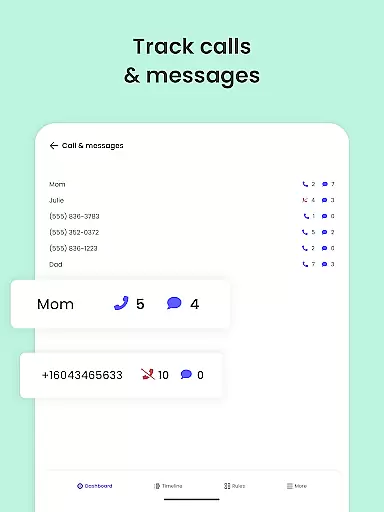
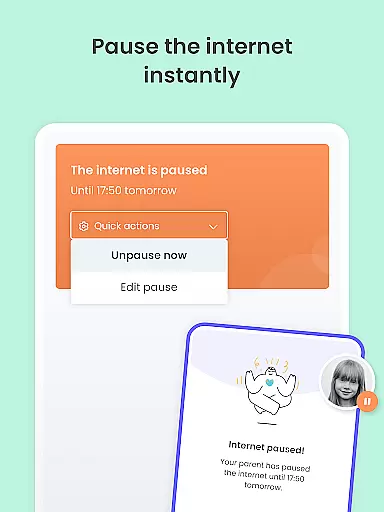
Qustodio Parental Control App is a leading solution in digital parenting, designed to ensure children's online safety while promoting healthy tech habits. As an award-winning application recognized by PC Mag’s Editors’ Choice, it offers a wide array of features including screen time management, content filtering, and location tracking.
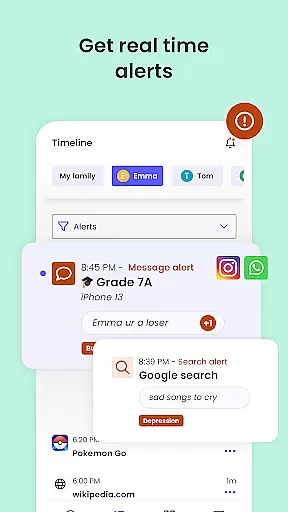
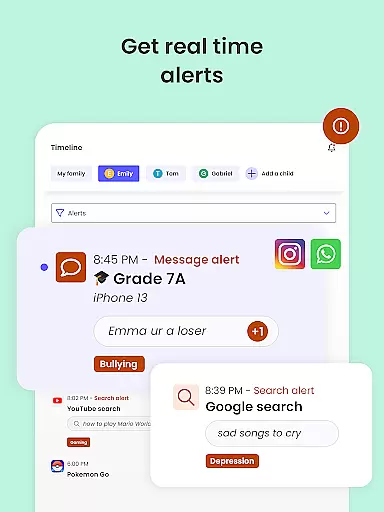
This powerful tool allows parents to set automatic daily time limits on devices, block inappropriate content such as pornographic materials and gambling sites, and receive alerts about their children's online activities. The app's sophisticated AI system monitors web searches and social media interactions, sending notifications about any suspicious behavior.
Available across multiple platforms including Android, iOS, Windows, and Mac, Qustodio creates a seamless protection network for families. Its intuitive interface and comprehensive reporting system make it an essential tool for modern parents seeking to maintain a safe and balanced digital environment for their children.
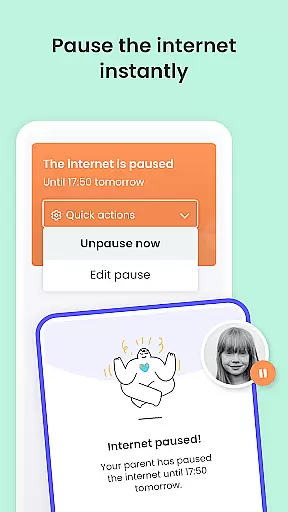
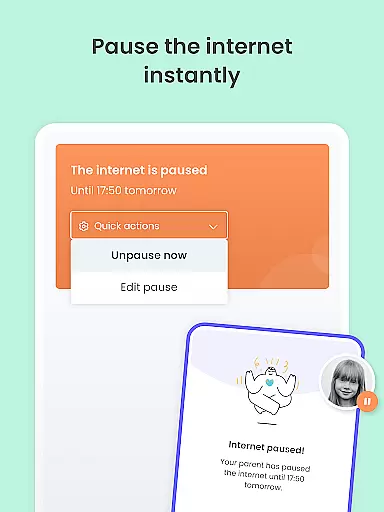
Qustodio Parental Control App offers a comprehensive set of features designed to help parents manage their children's digital lives effectively. The app provides robust tools for setting daily screen time limits, ensuring kids maintain a healthy balance between online and offline activities.
One of the standout features is the AI-powered monitoring system that sends instant alerts about suspicious browsing activities or potentially harmful messages. This allows parents to take immediate action when necessary. Additionally, the app includes advanced content filtering options, enabling parents to block inappropriate websites, games, and applications across multiple platforms including Android, iOS, and desktop operating systems.
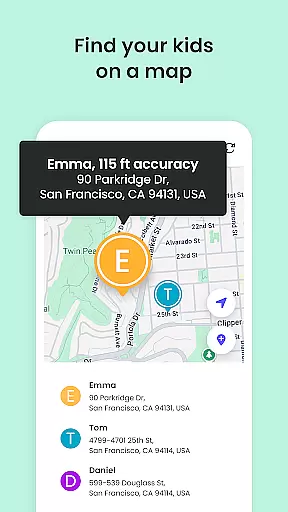
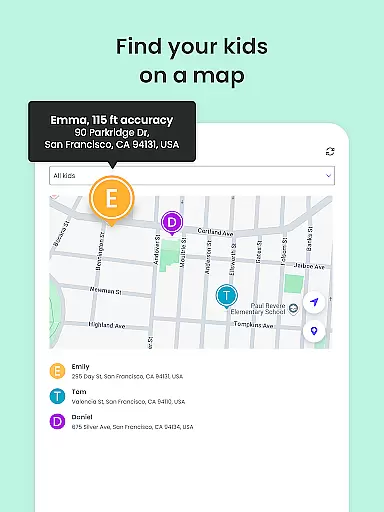
The Family Locator feature uses GPS technology to track children's locations in real-time, providing peace of mind for parents. With customizable routines and schedules, parents can tailor the app's functionality to fit their family's unique needs, promoting both safety and healthy digital habits.
When it comes to parenting apps, the credibility of content and expert validation are paramount. Qustodio Parental Control App excels in these areas by providing features that are designed with both parental control and child safety in mind. The app's functionalities are backed by extensive research into online safety and digital well-being, ensuring that parents have access to reliable tools for managing their children's screen time and internet exposure.
The app offers a comprehensive suite of features including AI-powered alerts for suspicious browsing activity, harmful SMS messages, and social media monitoring. These features are developed based on insights from cybersecurity experts and child psychologists, making sure that the app not only blocks inappropriate content but also fosters healthy digital habits. This dual approach ensures that parents can trust the app to provide accurate information and appropriate safeguards for their children.
Moreover, Qustodio goes beyond basic filtering by offering detailed reports on children's online activities. Parents receive 30-day activity summaries as well as daily and weekly reports directly to their inbox. This level of transparency allows parents to stay informed about their child's digital footprint while also enabling them to adjust settings based on real data. Such features underscore the app's commitment to delivering credible and validated parenting solutions.
Growth tracking is an essential feature for any parenting app aiming to support child development. Qustodio Parental Control App provides accurate growth tracking through its sophisticated monitoring systems. By leveraging advanced technologies such as GPS location tracking and AI-driven analytics, the app delivers precise insights into children's online behaviors and physical whereabouts.
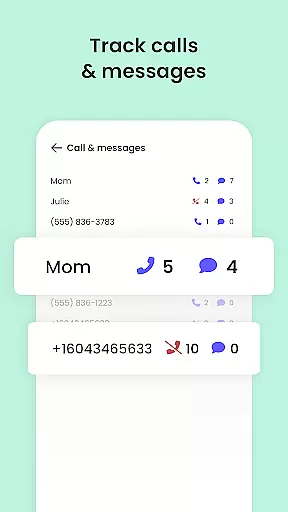
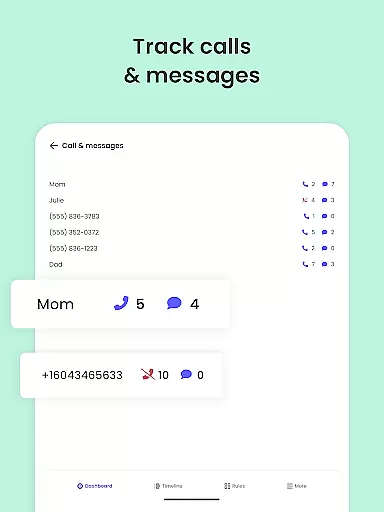
The family locator feature uses GPS technology to track a child's phone and send real-time location updates to parents. This geolocation capability ensures that parents always know where their children are, providing peace of mind and enhancing safety measures. Additionally, the app's ability to monitor app downloads, YouTube activity, and even call logs adds another layer of accuracy to growth tracking.
Beyond just location services, Qustodio also tracks digital growth by analyzing usage patterns across various platforms. Parents can set custom routines for apps and websites, enforce safe search protocols, and receive alerts about potentially harmful activities. These features collectively contribute to a holistic view of a child's developmental journey, allowing parents to make informed decisions about their child's digital environment and overall well-being.
Comprehensive features
Multi-platform support
AI-powered alerts
Real-time location tracking
Detailed activity reports
Subscription required
Limited free version
Complex setup
Advanced permissions
Device compatibility

All-In-One Pregnancy Tracker, Your Baby's Milestones, Growth Stages & Parenting
 4.70
4.70
Discover fun videos, kids songs, bedtime stories and games
3.60
A Coloring for the Whole Family! Discover the Joy of Family Love Through Colors!
3.60
Magic chalkboard coloring and drawing!
4.20
A simple way to track your baby’s breastfeeding, diaper changes, sleep patterns.
4.90
Limit screen time, Block Apps & Games, Monitor with Parental control app
4.20
GeoLog - Real-Time Location Tracker
4.40
Pregnancy+ App has helped 80m moms track their pregnancy with info & support!
4.80
FamilyAlbum helps you share, save, and remember your child's special moments.
4.80
Daily Routine & Timer for kids, ADHD, & Autism
4.80
SENSORYSOOTHE and SENSORSAFE: Making car seats smarter and families safer.
4.70
GPS tracker app: Simple GPS phone tracker for fast family location tracking
4.60
Block apps, set screen time limits, and customize usage schedules
4.50
All-in-one pregnancy app, contraction timer, kick counter & due date calculator
4.40
Findnumber: Real-time location tracker for ultimate family security
4.20
Watching baby, helping parents
4.10
Save money on diapers. Get the Pampers Rewards app.
3.90
Happiest Baby App replaces the SNOO App (the mobile companion to SNOO & SNOObie)
3.20
Play activities, milestones, expert-led classes, baby tracker, and more!
3.00


User Reviews