
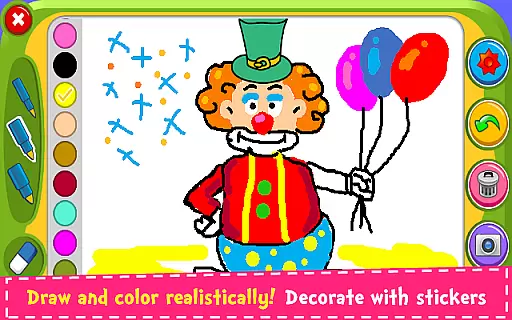
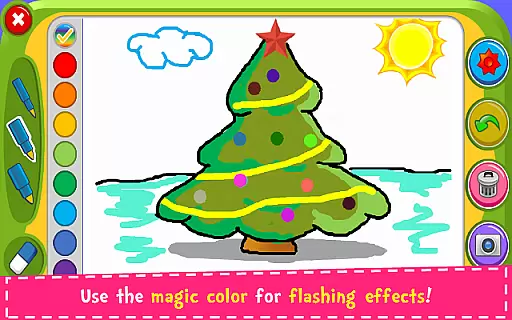
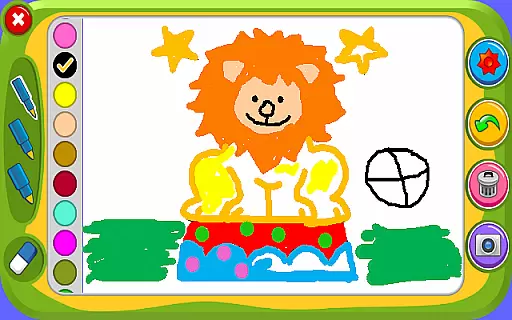

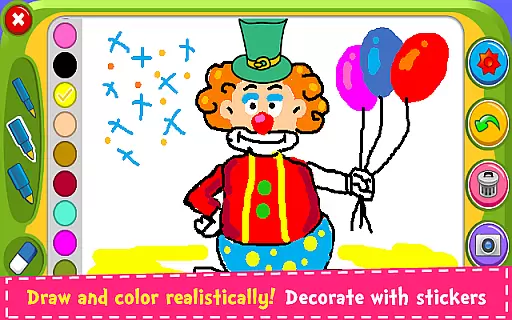
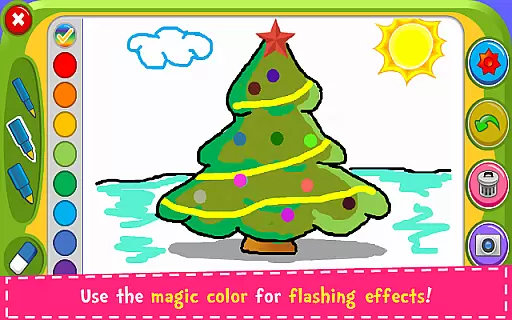
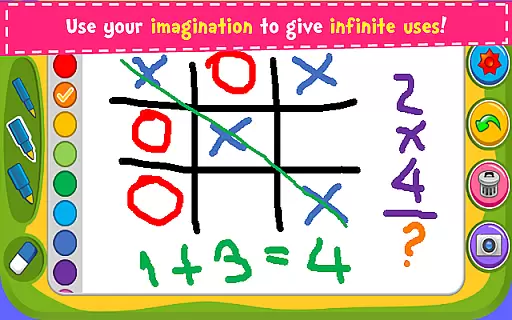
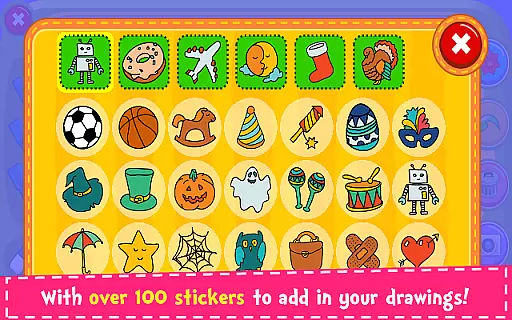
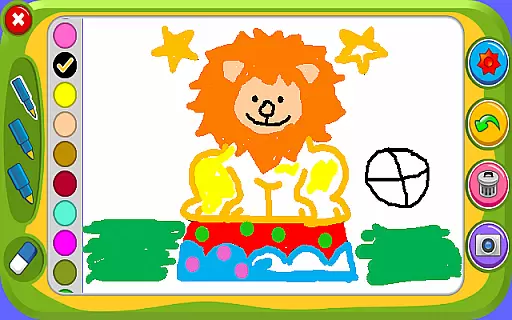

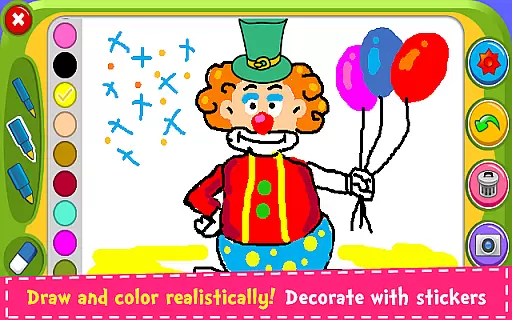
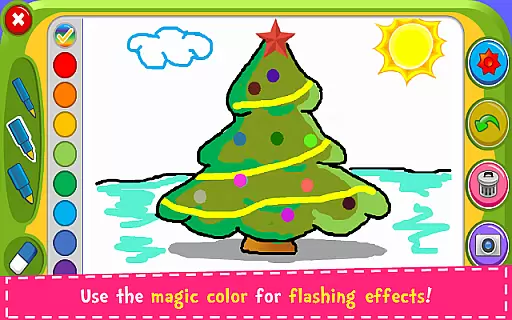
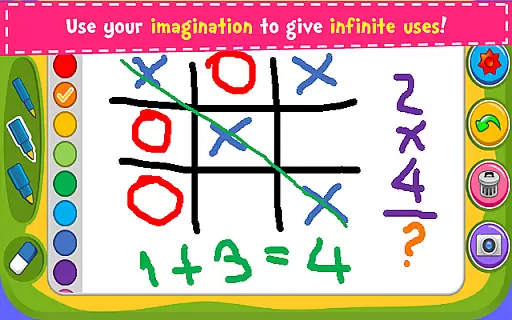
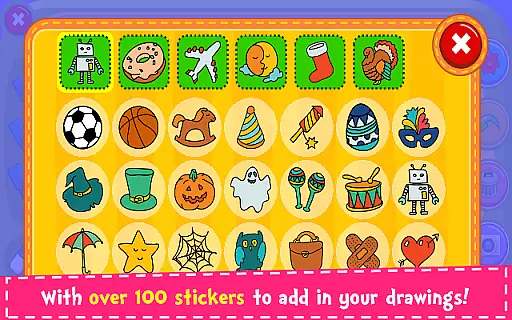
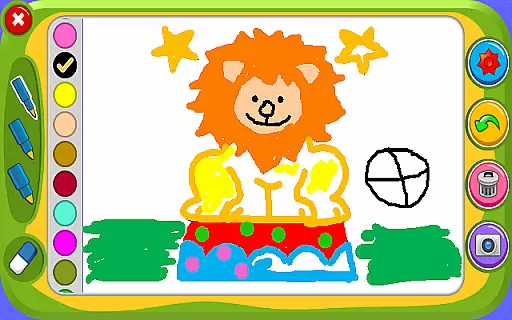

Magic Board is an engaging drawing and coloring game designed for users of all ages. This app provides a realistic canvas where you can unleash your artistic talents while offering a wide range of features to enhance creativity. With over 100 stickers, various pencil strokes, and dynamic color options, it's perfect for both fun and educational purposes.
The app promotes the development of imagination, fine motor skills, and concentration in children, making it an ideal tool for parents who value educational entertainment. Additionally, Magic Board supports multiple languages and works seamlessly across all smartphones and tablets, ensuring accessibility for a broad audience.
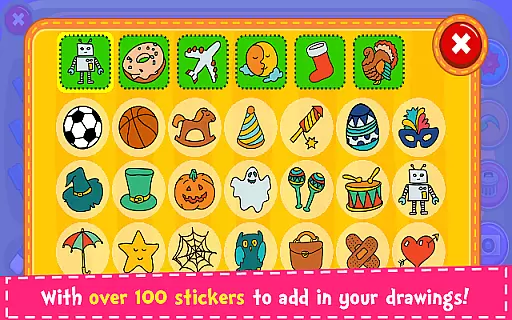
Magic Board stands out with its rich feature set tailored for an optimal user experience. The app offers 100% free content, including a variety of drawing tools such as different pencil strokes, vibrant colors, and unique flash effects that provide endless bright color combinations. Users can also access over 100 adorable stickers to decorate their creations.
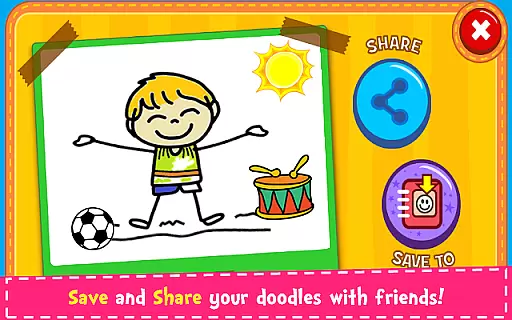
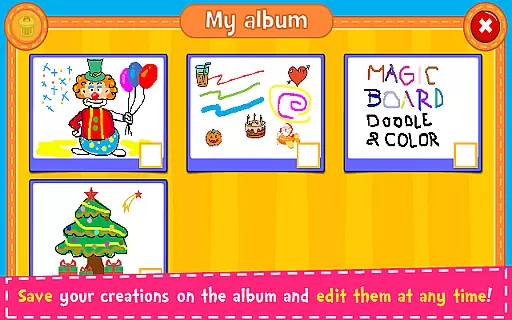
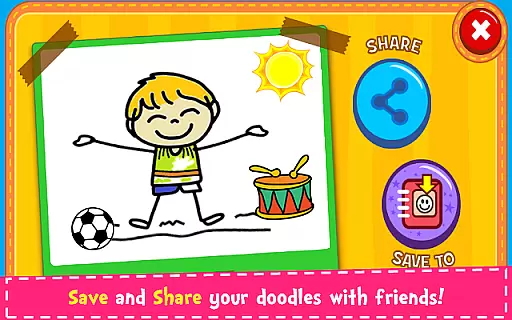
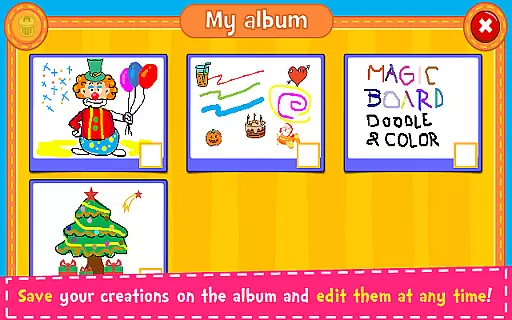
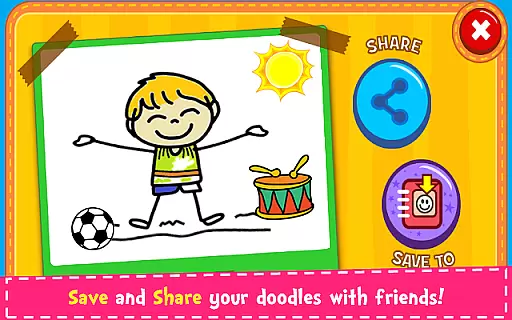
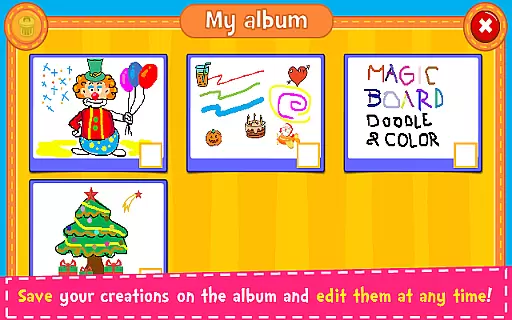
Practical functions like the eraser, undo, and clear all options ensure ease of use, allowing artists to experiment without limitations. Furthermore, Magic Board enables users to save their artwork in an in-app album for future editing and sharing across multiple platforms, enhancing its versatility and appeal.
User-friendly interface
Variety of drawing tools
Supports multiple languages
Encourages creativity
Free content
Limited advanced features
No offline mode
Ads may interrupt
Basic design
Few sharing options

Educational resource for parents to inspire creativity in their children.
 4.00
4.00
Pregnancy and baby formula tips for moms, plus Enfamil coupons & cash back
4.10
3D Baby size, Fruit comparisons, Smart Checklist, Trending Names & Training.
4.90
The 10 development leaps of your baby | newborn milestones & leap days tracker
4.10
Join over 1MM parents & professionals who've used OFW to navigate co-parenting
4.40
Parental control App for Location, Remote Camera, Screen Mirroring, Block Apps.
4.60
Pregnancy+ App has helped 80m moms track their pregnancy with info & support!
4.80
The Most Trusted Co-Parenting App.
4.60
Parental control: child monitoring app, screen time control, GPS child tracker
4.40
A simple way to track your baby’s breastfeeding, diaper changes, sleep patterns.
4.90
Track baby’s development & growth week by week with BabyCenter’s pregnancy app!
4.90
Pinardin - Smart Parental Control, Online Safety & GPS Tracking!
4.80
SENSORYSOOTHE and SENSORSAFE: Making car seats smarter and families safer.
4.70
Track your pregnancy & your baby's growth in 3D. Get support from our community
4.60
Block apps, set screen time limits, and customize usage schedules
4.50
Babysitting video camera - Turn your two phones or tablets into a single nanny.
4.40
Little loved one's monitoring, Sleep tracking and Parenting content.
3.80
Screen Time, App and Web Block & Monitoring, Location Tracker
3.60
Lullabies, Night Light & Age-based Routines to help your baby fall asleep
4.1


User Reviews