
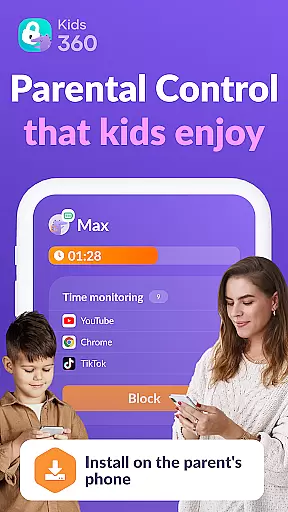

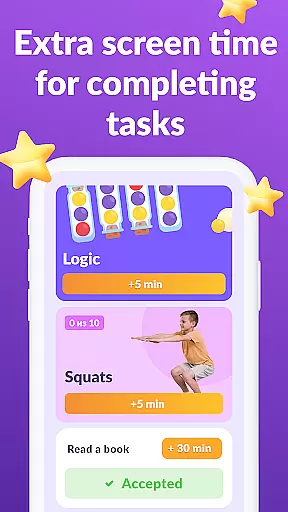

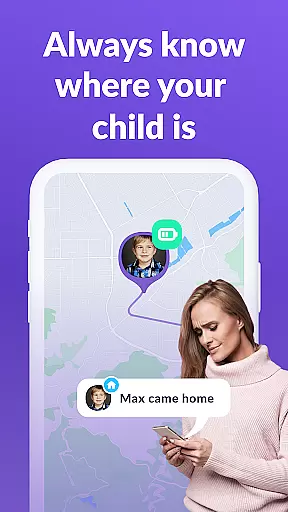
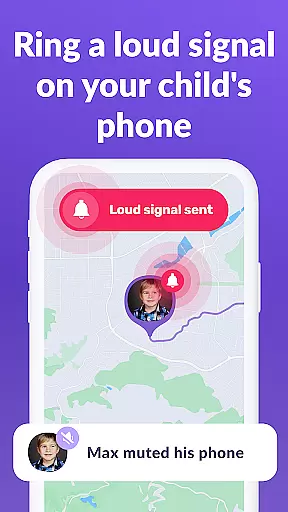

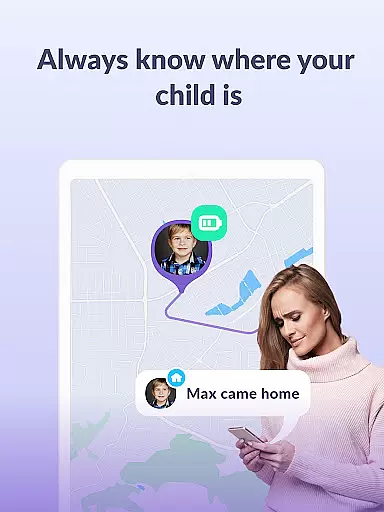

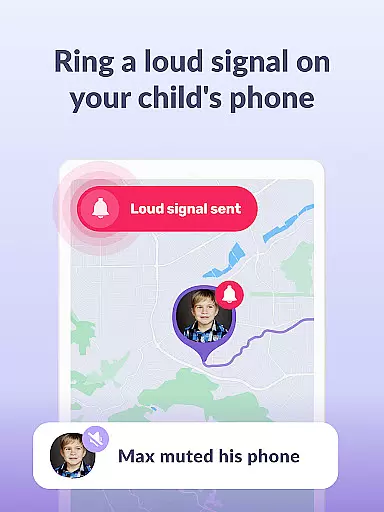
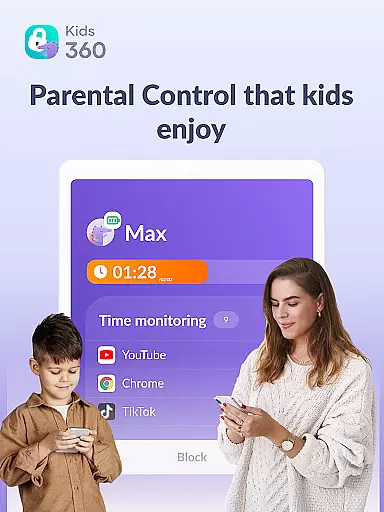
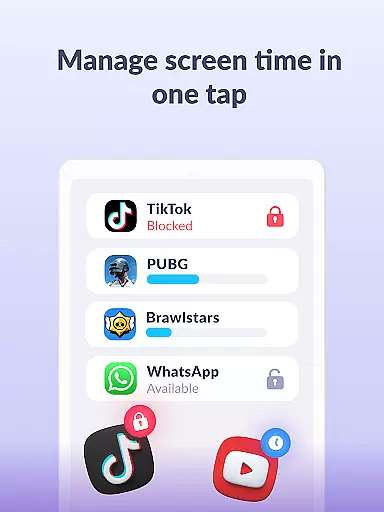

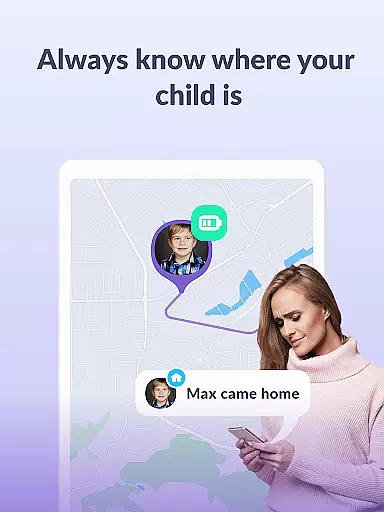

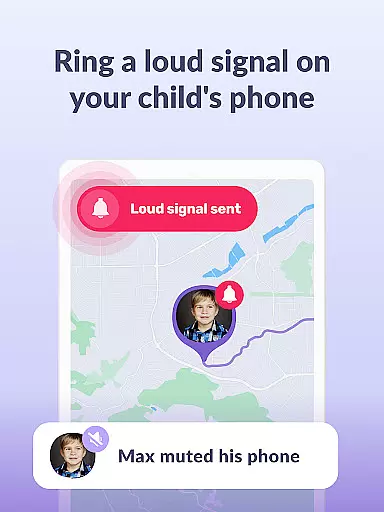
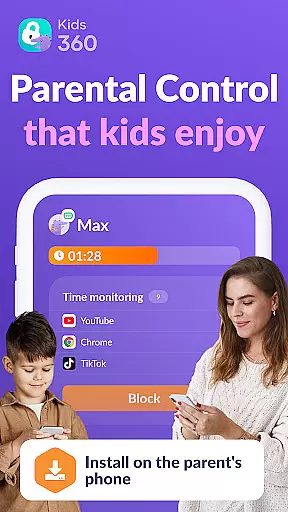

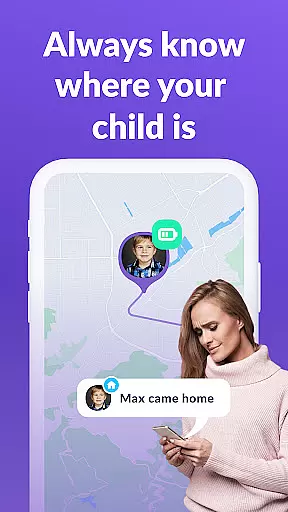

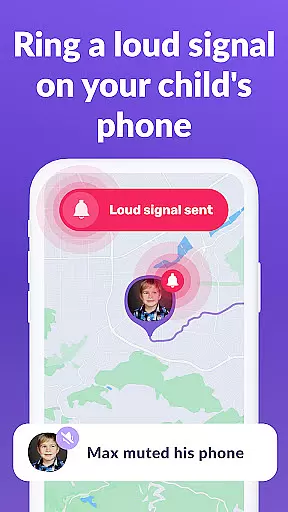
Kids360 is a comprehensive parental control app designed to help parents manage their children's device usage effectively. The app offers essential features like screen time management, app blocking, and GPS tracking, ensuring a safe digital environment for kids. With its child lock functionality and detailed usage statistics, parents can monitor and limit access to distracting apps while promoting productive activities.
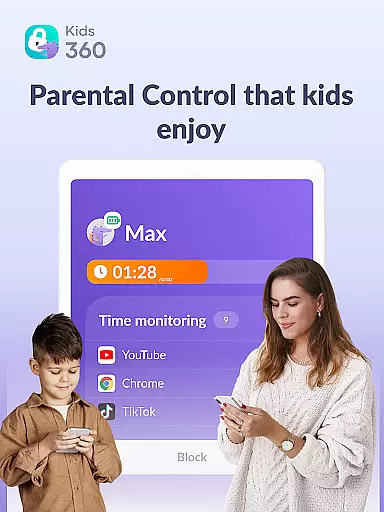
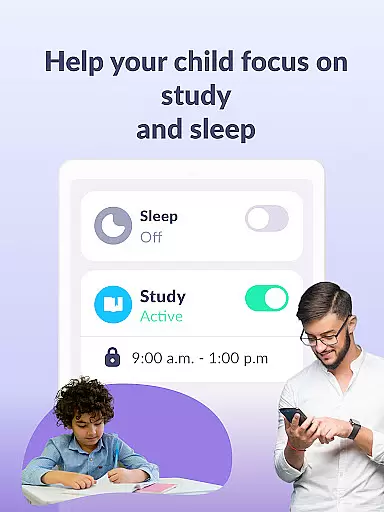
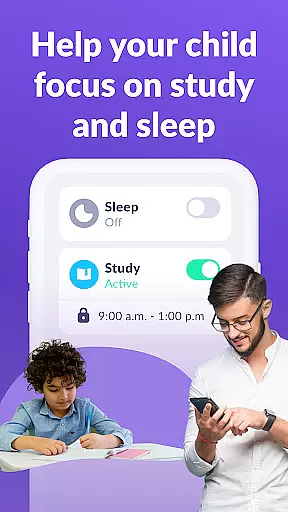
Beyond basic monitoring, Kids360 provides educational insights into children's app usage patterns. Parents can track how much time their children spend on specific apps, identify potential distractions, and set customized schedules for school and sleep times. This ensures a balanced approach to digital consumption while maintaining open communication channels for essential services like calls and texts.
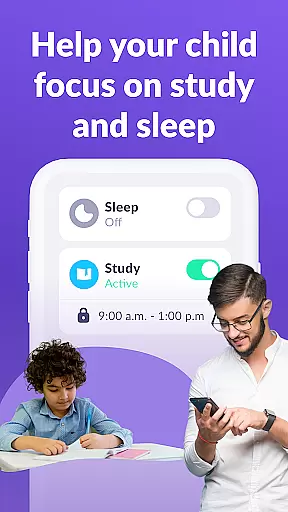
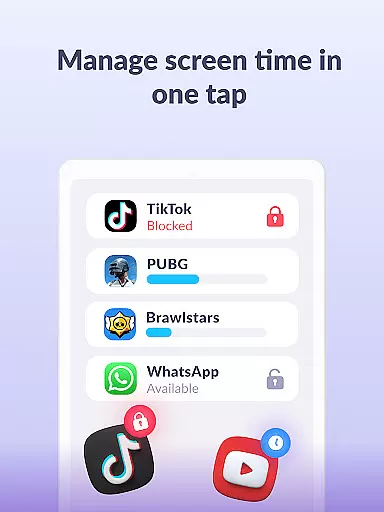
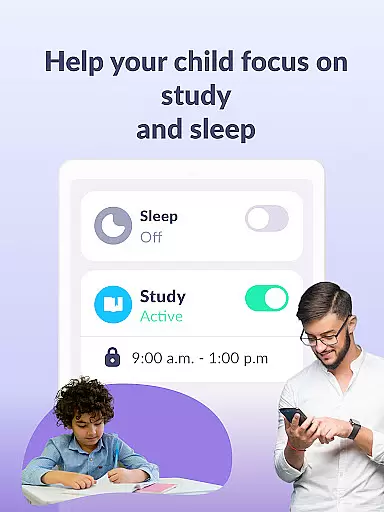
Kids360 stands out with its robust feature set tailored for modern parenting needs. The app includes an app usage limiter that allows parents to restrict access to games and social media during study or bedtime hours. Its usage schedule feature enables parents to create structured routines, automatically limiting phone usage based on predefined timetables.
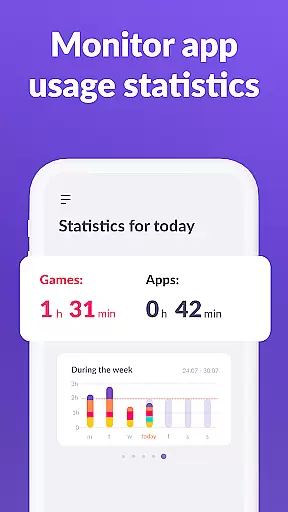
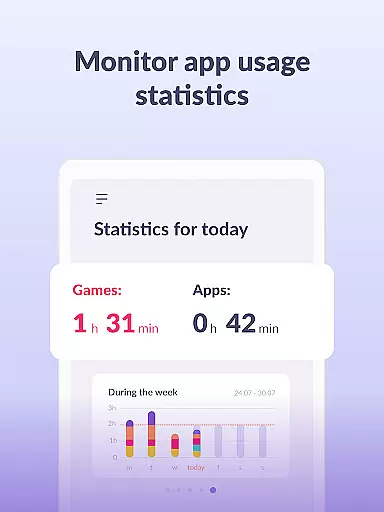
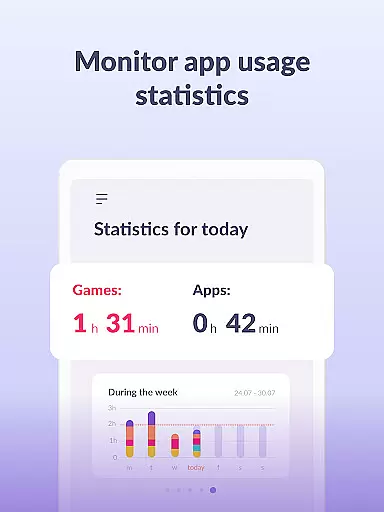
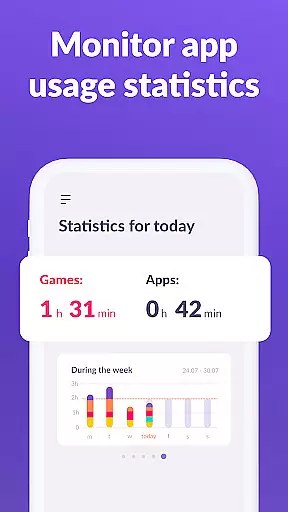
The app also provides detailed screen time analytics, showing exactly which apps are being used and for how long. This data-driven approach helps parents make informed decisions about their children's digital habits. Additionally, the always-available communication feature ensures that important apps for safety and connectivity remain accessible, even when other restrictions are in place.
When it comes to parenting applications, the credibility of content and expert validation play pivotal roles in ensuring that parents receive accurate and beneficial guidance. Kids360 stands out by offering features that are not only designed by professionals but also align with expert recommendations on child safety and digital wellbeing. The app includes functionalities such as screen time management, app usage tracking, and educational games that are crafted based on thorough research and expert advice.
The collaboration between Kids360 and Alli360 brings forth a comprehensive approach to child monitoring and parental control. This dual-app system allows parents to set healthy boundaries for their children's device usage while ensuring they remain engaged in productive activities. By providing detailed insights into app usage statistics and screen time analytics, Kids360 empowers parents with knowledge about their childu2019s digital habits. These features have been validated by child development experts to promote healthier tech interactions among young users.
Furthermore, Kids360 commits to transparency and lawful compliance, storing personal data according to GDPR policies. With dedicated support available around the clock, any technical issues can be promptly addressed by contacting the Kids360 support team. Parents can trust that this application has undergone rigorous scrutiny to ensure its offerings are both effective and secure, making it an invaluable tool for modern parenting.
Growth tracking accuracy is essential for understanding a child's developmental progress over time. Kids360 excels in this area by providing precise tools that monitor various aspects of a childu2019s interaction with technology. Through features like app usage limiters, usage schedules, and screen time tracking, the app delivers detailed reports that help parents make informed decisions regarding their child's digital consumption.
Kids360 goes beyond basic monitoring by integrating advanced analytics that reveal patterns in a childu2019s behavior. For instance, the app statistics feature allows parents to see which applications their children use most frequently and for how long. This level of detail supports accurate growth tracking by highlighting potential areas where intervention may be necessaryu2014whether itu2019s limiting time spent on social media or encouraging more educational gaming sessions.
In addition to these robust tracking capabilities, Kids360 ensures continuous improvement through regular updates and feedback loops from users. By maintaining open communication channels with its user baseu2014including soliciting input from child psychology expertsu2014the app refines its algorithms to enhance accuracy further. As a result, parents using Kids360 gain access to reliable data that aids them in fostering balanced lifestyles for their children while promoting safe online experiences.
User-friendly interface
Comprehensive monitoring tools
Customizable scheduling options
Real-time GPS tracking
Educational insights into usage patterns
Requires child's consent for installation
Paid subscription for advanced features
Dependent on multiple permissions
Limited functionality without Alli360 companion app
Potential privacy concerns despite GDPR compliance

Fun Ideas for Parents
 4.70
4.70
Live Location, Alerts & 2-Way Voice for Kids and Adults with Special Needs
4.60
FamilyMode helps you manage your family’s digital lives—at home or on the go.
4.30
Join over 1MM parents & professionals who've used OFW to navigate co-parenting
4.40
Babysitting video camera - Turn your two phones or tablets into a single nanny.
4.40
Introduce real food to baby with First Foods® Database, baby led weaning BLW
4.80
Parental control App for Location, Remote Camera, Screen Mirroring, Block Apps.
4.60
GeoLog - Real-Time Location Tracker
4.40
All-In-One Pregnancy Tracker, Your Baby's Milestones, Growth Stages & Parenting.
4.90
A simple way to track your baby’s breastfeeding, diaper changes, sleep patterns.
4.90
3D Baby size, Fruit comparisons, Smart Checklist, Trending Names & Training.
4.90
Keep track of your stored breastmilk
4.40
Speech Therapy Exercises For All!
4.40
Comprehensive Parental Control & Child Safety — Hear & Protect Your Child World
4.30
Fake call application designed for parents and adults to discipline their children through the children's police.
4.20
Protect kids online safety through GPS tracking,screen time control,app blocking
4.20
Findnumber: Real-time location tracker for ultimate family security
4.20
The 10 development leaps of your baby | newborn milestones & leap days tracker
4.10
Little loved one's monitoring, Sleep tracking and Parenting content.
3.80


User Reviews