

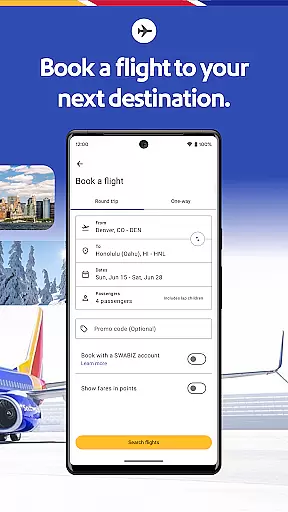
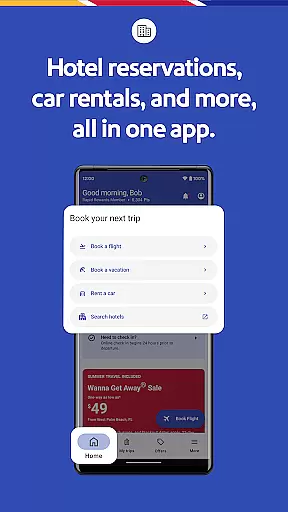
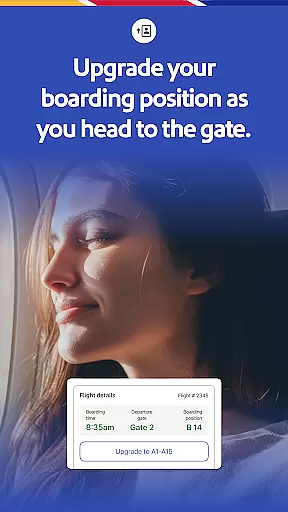


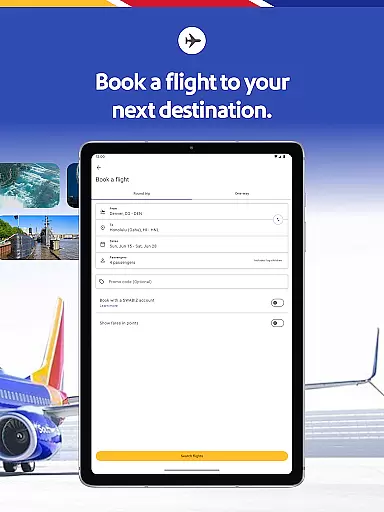

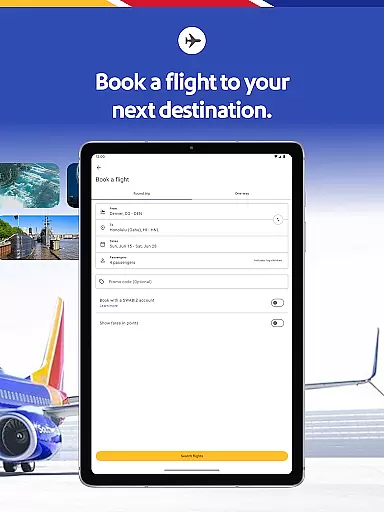
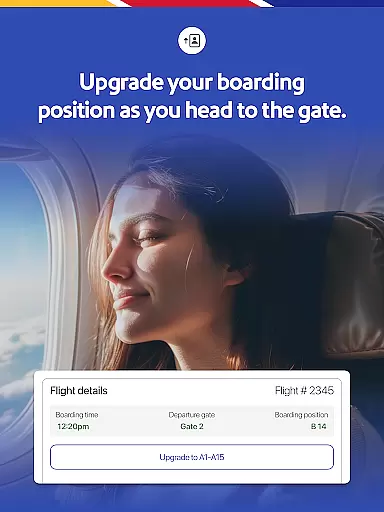
The Southwest Airlines app is a comprehensive travel companion that allows users to book flights, hotels, cars, cruises, or vacation packages with ease. With the ability to check in, change or cancel flights, and add extras like EarlyBird Check-In or Upgraded Boarding, it streamlines the entire travel process.
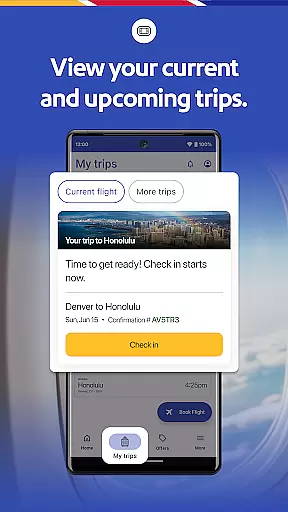
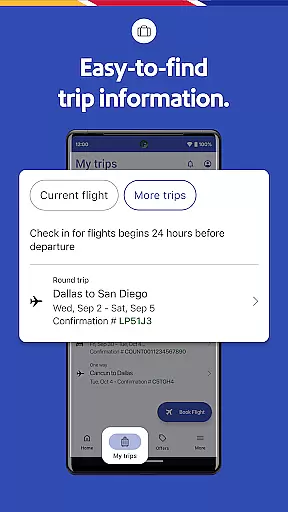
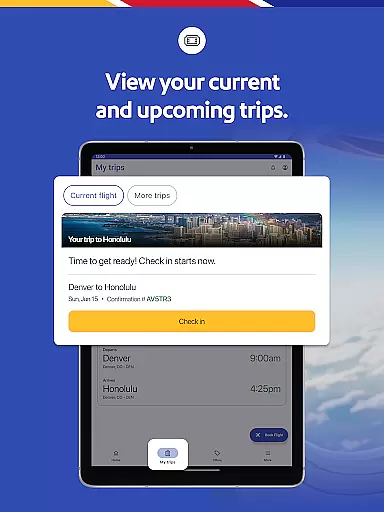
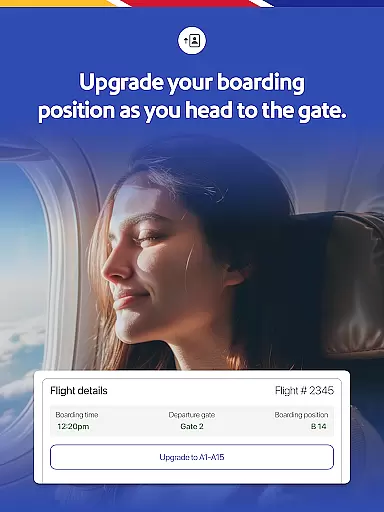
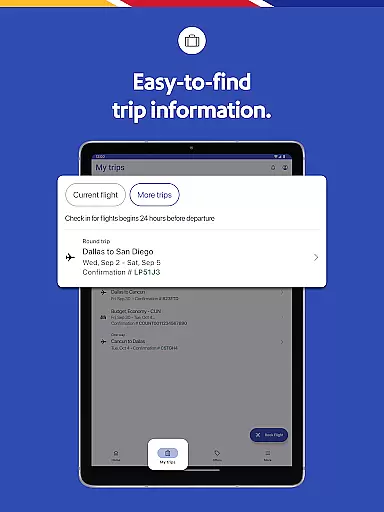
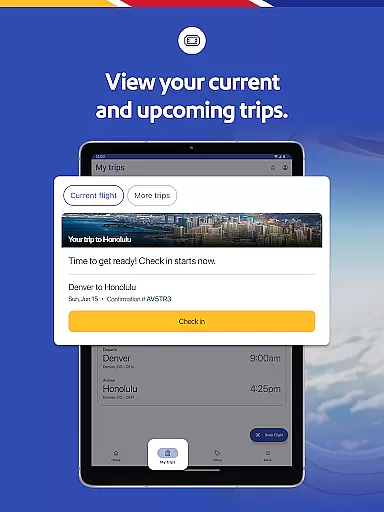
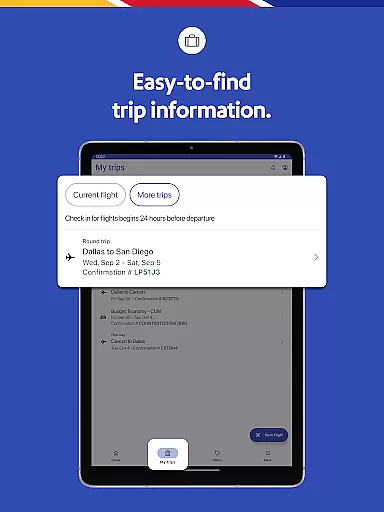
Users can access their gate information, boarding position, flight status, and more through the 'My Trips' tab. The app also supports mobile boarding passes and integrates with Google Wallet for added convenience. Whether planning a trip or booking last-minute flights, this app provides a seamless experience.
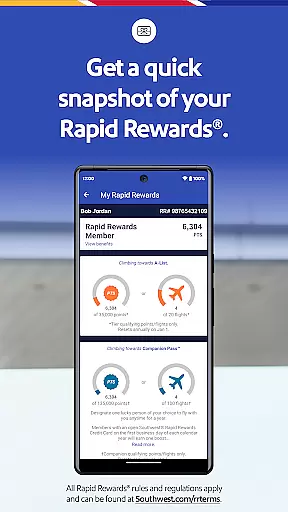
The Southwest Airlines app offers a variety of features designed to enhance the travel experience. Users can search, book, and manage flights while earning Rapid Rewards points. The app's 'My Trips' tab consolidates all essential travel information, including gate details and boarding positions.
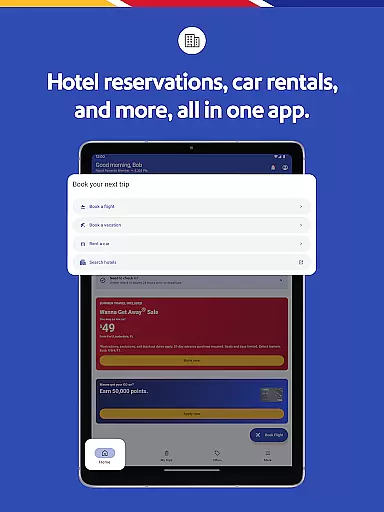
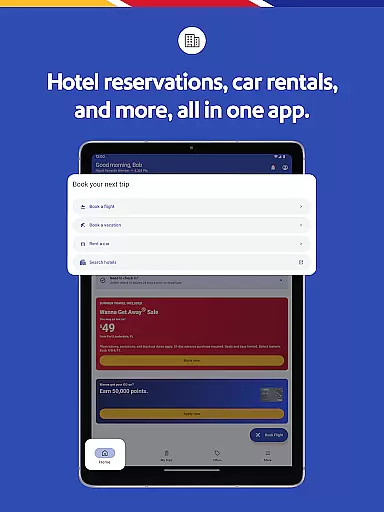
Additionally, travelers can book hotel stays, rental cars, and vacation packages directly within the app. It includes options for multiple payment methods, live chat support, and access to inflight entertainment. These features ensure that users have everything they need for a smooth journey at their fingertips.
Booking authenticity is a crucial aspect of any travel application, ensuring that all reservations made through the platform are legitimate and confirmed. The Southwestu00ae app excels in this area by providing users with reliable booking processes for flights, hotels, cars, cruises, or vacation packages.
The app allows travelers to search, book, and manage their flights with ease, offering detailed information such as gate details, boarding position, and flight status under the u201cMy Tripsu201d tab. This transparency not only reassures customers about their bookings but also enhances their overall travel planning experience.
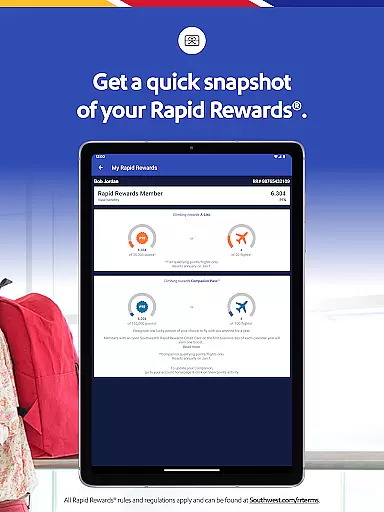
Additionally, users can earn Rapid Rewardsu00ae points when they book hotels via the app, which adds an extra layer of trust and value. Each hotel reservation is manageable directly from the app, allowing users to check-in digitally and find exclusive deals, making sure every booking is both authentic and beneficial.
Price transparency in travel applications refers to the clear display of costs associated with bookings, ensuring there are no hidden fees. The Southwest Airlines app provides comprehensive pricing details, empowering users to make informed decisions when booking their trips.
With multiple payment options availableu2014including PayPalu00ae, Flex Pay, credit/debit cards, and Southwest LUV Vouchersu00aeu2014the app makes it easy for users to see how they can pay for their flights. Moreover, travelers can conveniently apply unused flight credits and gift cards during the booking process or when modifying existing reservations.
For vacation packages, the app's u201cGetaways by SouthwestTMu201d feature allows users to view prices for flights, hotels, and rental cars all in one place. This consolidated view helps customers understand total costs upfront, including any potential price differences or penalties if changes are made within 72 hours of departure.
User-friendly interface
Comprehensive travel management
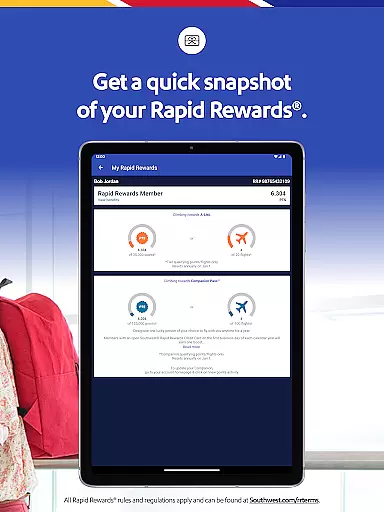
Rapid Rewards integration
Mobile boarding pass availability
Inflight entertainment access
Limited international functionality
Occasional bugs reported
Ads within the application
Geographic usage restrictions
Complex cancellation policies

Apply for an electronic travel authorisation (ETA) to come to the UK.
 3.20
3.20
View current Idaho road conditions, road cameras, and timelapse videos.
4.4
Mix of explore game, travel mapping & tracking to memorize everywhere you go
3.60
All-in-one delivery and taxi app. Ride, food, & grocery delivery app.
4.80
Take JetBlue everywhere you go! Book, manage and check in for your trips & more.
4.60
The official app of Allegiant Travel & Allegiant Airlines
3.30
Everything you need for your trip in one place with the Volaris app.
3.60
Get real-time traffic, directions, search and find places
4.10
Book your whole trip in one app.
4.80
Replace your car trips with the world’s largest shared electric vehicle company.
4.90
Book flight, car or packages. Instant access to hotel discounts & travel deals
4.80
Maximize your cruise vacation with the Royal Caribbean app
4.70
Book neighborhood dog boarding, dog walking, pet sitting, and doggy day care.
4.60
Download now and start earning rewards on hotels, tours, and everything travel.
4.50
Walt Disney World Resort maps, wait times, tickets, dining & more.
4.50
The mobile panorama panel. Works offline - worldwide!
4.40
Take your pick from over 5 million accommodation deals from major booking sites.
4.40
Travel light with our easy-to-use mobile app, the perfect flying companion.
4.40
A Camino de Santiago Guidebook from St. Jean Pied de Port to Santiago
3.60


User Reviews