
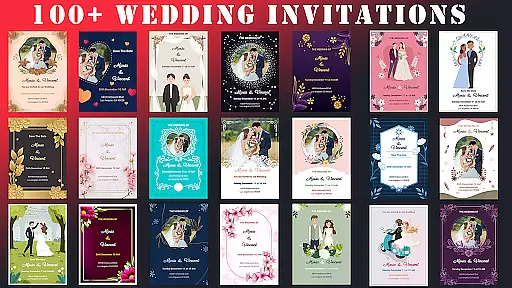
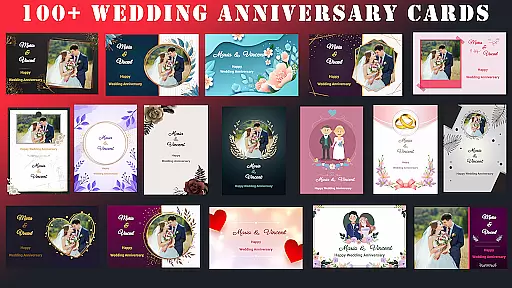
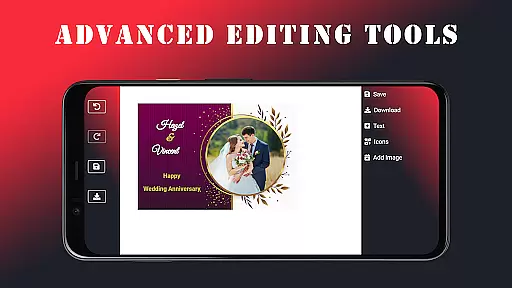
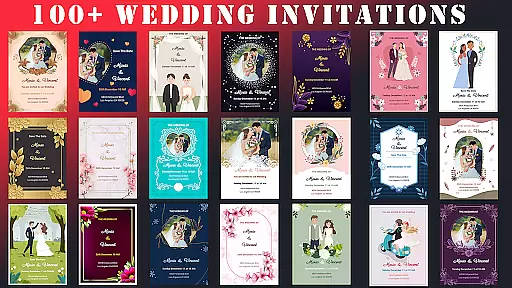
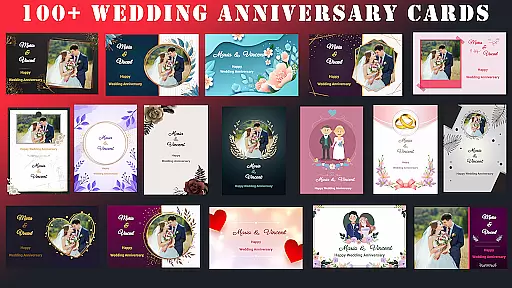
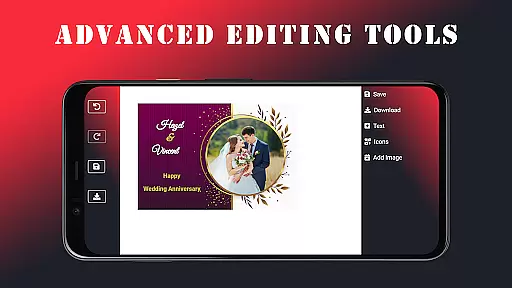
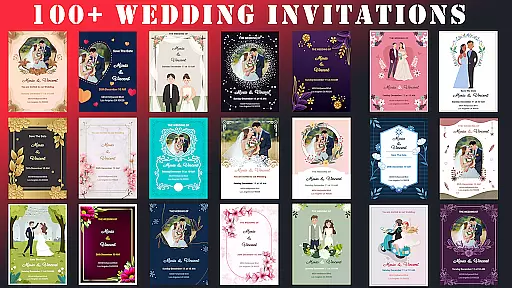
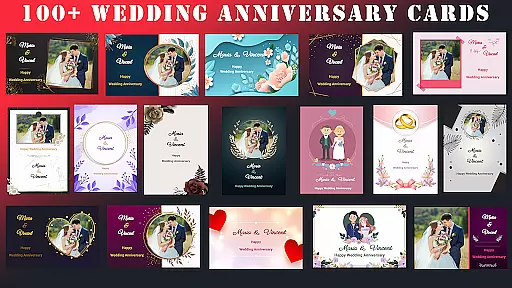
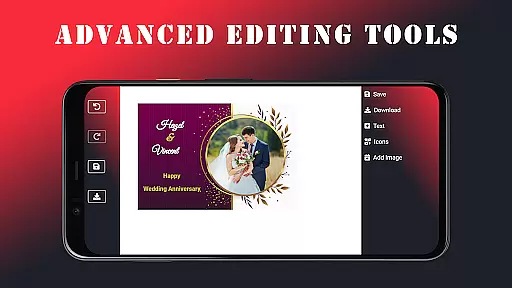
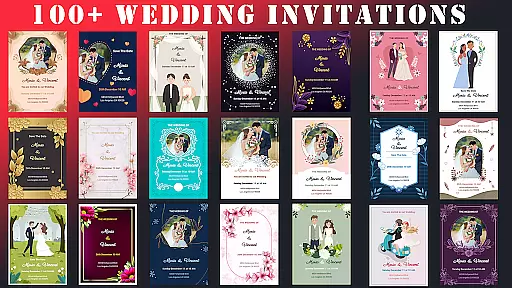
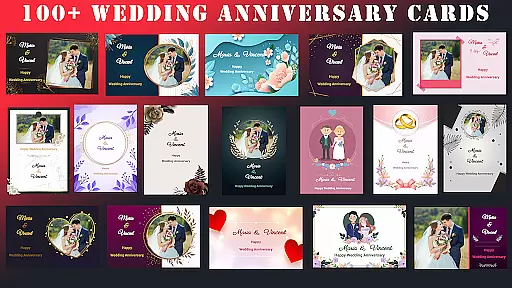
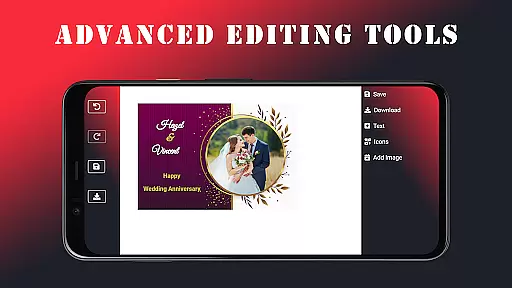
Wedding Invitation Card Maker is a versatile app designed for creating personalized invitations and cards for special occasions. With over 100 beautifully crafted templates, users can easily customize wedding invitations, anniversary cards, and more. The app offers advanced editing tools that allow seamless adjustments to fonts, colors, and layouts, ensuring each invitation reflects the user's unique style.
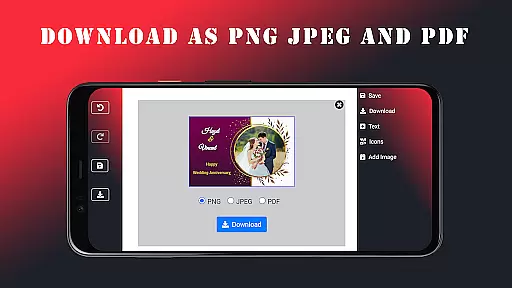
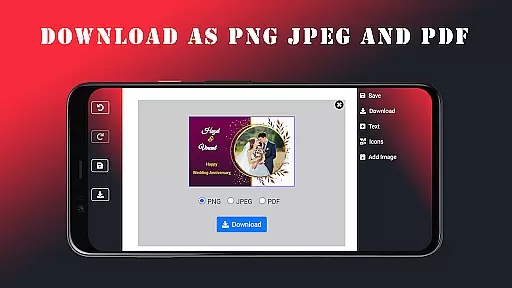
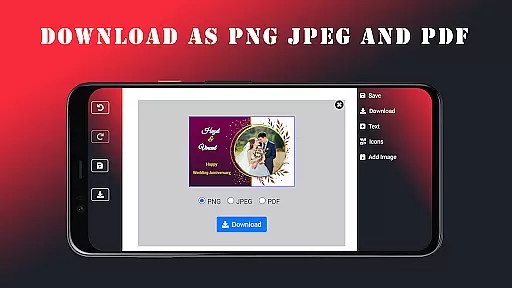
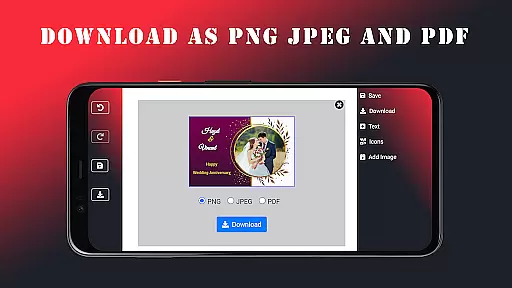
In addition to its design capabilities, the app supports offline functionality, enabling users to create invitations anytime, anywhere. Once completed, invitations can be saved in multiple formats such as JPEG, PNG, or PDF and shared directly via email or messaging apps. This makes it an ideal tool for individuals seeking professional-quality designs without any cost, helping them set the perfect tone for their events.
The Wedding Invitation Card Maker stands out with its comprehensive feature set tailored for creative customization. Users can choose from a wide array of templates specifically designed for different events, including weddings and anniversaries. The app provides intuitive editing tools that allow users to modify fonts, colors, and layouts effortlessly, ensuring every detail aligns with their vision.
One of the key highlights is the ability to add personal photos and names, making each invitation truly unique. With over 100 fonts and stylish icons available, users can enhance their designs to appear professional and elegant. Additionally, the app's offline support ensures uninterrupted creativity, while easy sharing options enable users to distribute their creations via email or social media platforms, maximizing convenience and accessibility.
Task creation and detail customization are essential features for any event planning application. Wedding Invitation Card Maker excels in this area by providing users with over 100 beautifully designed templates tailored for various occasions. These templates serve as a starting point, allowing users to customize every aspect of their invitations.
The app's intuitive editor makes customization straightforward and accessible. Users can easily switch fonts, adjust colors, and modify layouts to match the style of their event. This level of customization ensures that each invitation is not only unique but also a true reflection of the user's personal taste and the event's theme.
Moreover, the ability to add personal touches such as photos and names enhances the emotional value of the invitations. By incorporating these elements, users create invitations that resonate on a personal level with their guests. This feature transforms a simple invitation into a cherished keepsake, setting the tone for the upcoming celebration.
In summary, Wedding Invitation Card Maker empowers users to craft invitations that are deeply personalized. The combination of diverse templates and robust editing tools ensures that every detail aligns perfectly with the user's vision, making the event even more memorable.
Reminder settings play a crucial role in event management, ensuring that all important dates and tasks are completed on time. Wedding Invitation Card Maker incorporates this feature by enabling users to set reminders for various stages of the invitation creation process. This functionality helps users stay organized and meet deadlines without stress.
The app allows users to configure reminder notifications according to their preferences. Whether it's a nudge to finalize design choices or a prompt to send out invitations, these reminders keep users on track. By integrating reminder settings, the app enhances the overall planning experience, offering peace of mind amidst busy schedules.
Furthermore, the flexibility of reminder settings extends beyond just notifications. Users can set specific times and dates for reminders, tailoring them to fit their individual needs. This adaptability ensures that no detail is overlooked, contributing to a seamless and efficient planning process.
In conclusion, the reminder settings in Wedding Invitation Card Maker provide an invaluable tool for managing event timelines. By keeping users informed and prepared, the app supports a stress-free planning experience, allowing hosts to focus on enjoying their special day.
User-friendly interface
Extensive template library
Advanced customization options
Offline functionality
Free to use
Limited advanced design tools
Occasional glitches reported
Basic photo editing features
No customer support
Ads may disrupt experience

The Official App
 4.4
4.4
The Ultimate Tournament Hub
4.70
Fantasy of Lights Event App
5.00
Microsoft Build is an annual developer conference hosted by Microsoft
4.20
Listen Full Quran MP3 Offline - Qibla Compass, Salah Timing & 99 Names of Allah
4.60
The Official Football Ticketing App for Fans in Qatar
4.2
Birthday Greetings provides Birthday Card, Frames, Gifs & Father's day Wishes
4.80
Connect with an ecosystem of 5M+ eventgoers and organizers.
4.50
TodayTix is the easiest way to get tickets to the best shows in your city.
4.90
Buy and Sell Tickets for Concerts, Sports, and Theater.
4.70
Discover events, experiences, and things to do near you - Anytime, Anywhere!
4.70
Here you can choose tickets for films, performances, concerts and other events
4.60
Wedding planner app with wedding venues, wedding checklist, countdown & budget.
4.60
Buy tickets for any event!
3.90
Local events, contests, and giveaways for local dads
3.70
Purchase line-skip passes, drinks, cover, and more at bars and clubs
3.50
Watch live football matches and streaming events on our Arabic TV app!
3.50
Create Birthday Cards in Birthday Invitation Maker and Birthday Card Creator App
3.00
Digital Income Wallet of the Final Libertadores 2025
4.2


User Reviews