
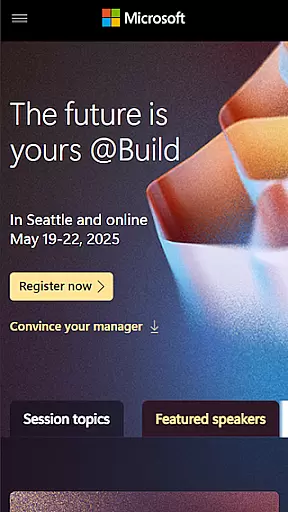
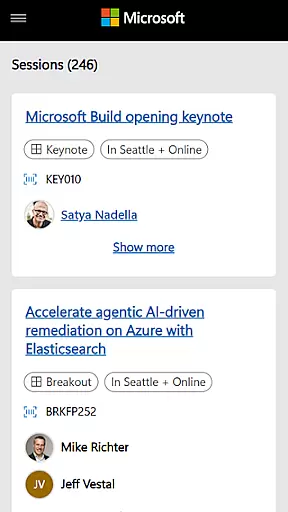
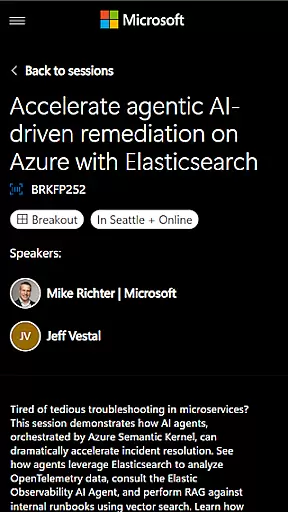
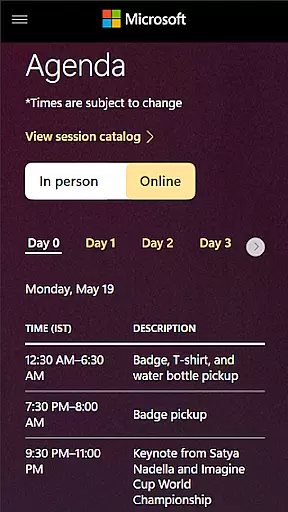
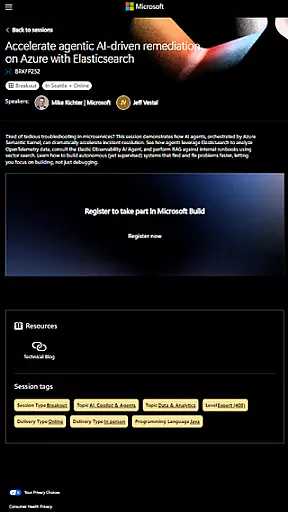
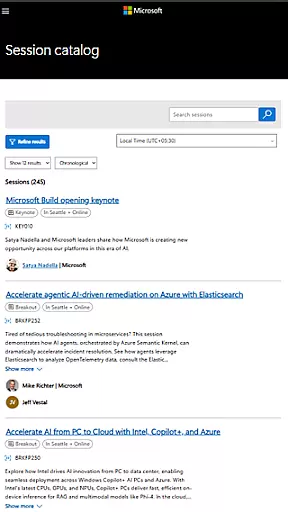
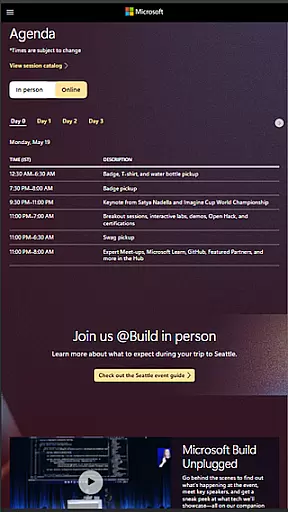
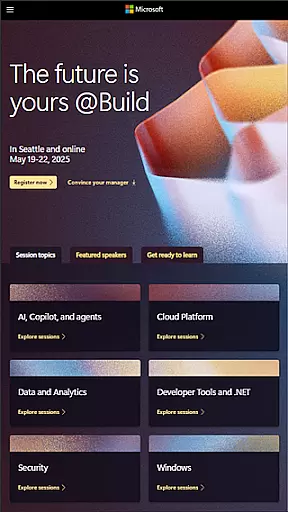
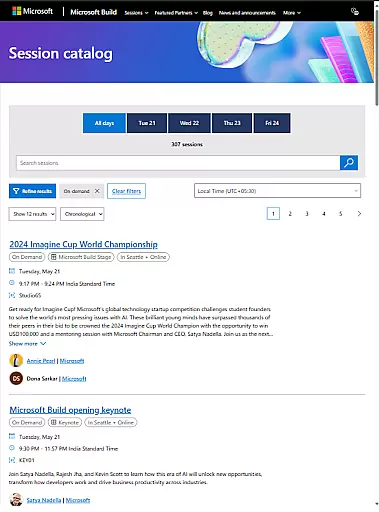
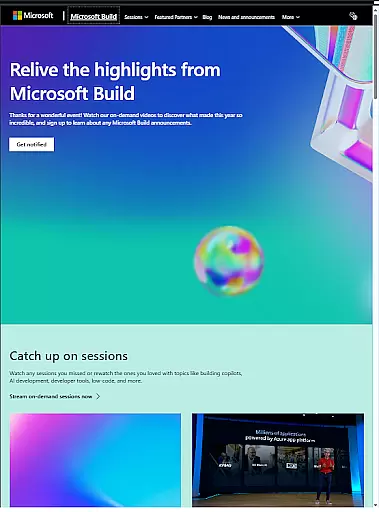
Microsoft Build is an annual developer conference hosted by Microsoft, focusing on the latest innovations in software development, cloud technologies, and artificial intelligence. The app serves as a comprehensive guide for attendees, providing access to event schedules, speaker information, session details, and venue maps. It is designed for developers, engineers, IT professionals, and tech enthusiasts who want to maximize their conference experience.
The app's core features include real-time updates on session changes, personalized agenda planning, and networking opportunities with fellow attendees. Users can create customized schedules, receive important notifications, and participate in interactive experiences such as live polls and Q&A sessions. Whether attending in person or virtually, Microsoft Build ensures users stay informed and engaged throughout the event.
Microsoft Build offers a robust set of features tailored for conference attendees. One standout feature is the personalized agenda builder, which allows users to browse sessions by topic, speaker, or time slot, and save their selections for easy reference. This functionality is complemented by real-time notifications that alert users to schedule changes, room updates, or special announcements, ensuring they never miss critical information.
In addition to session management, the app facilitates networking through its integrated attendee directory. Users can search for other participants, exchange contact information, and schedule meetings directly within the app. For virtual attendees, features like live streaming, on-demand session recordings, and interactive Q&A panels provide an immersive experience. These capabilities collectively enhance engagement and make Microsoft Build an indispensable tool for tech professionals.
Task creation and detail customization are essential features for any event management app. Microsoft Build offers a comprehensive suite of tools that allow users to create, manage, and customize various tasks associated with the event planning process.
The app provides an intuitive interface where users can easily set up new tasks, assign them to team members, and track their progress. Each task can be tailored with specific details such as deadlines, priority levels, and descriptions, ensuring that all team members have a clear understanding of their responsibilities.
Users benefit from the ability to attach relevant documents, set reminders, and receive notifications about upcoming deadlines or changes in task status. This ensures that everyone stays informed and aligned throughout the event preparation phase.
By leveraging these capabilities, attendees and organizers can streamline their workflows, enhance collaboration, and ultimately deliver a successful event experience.
Reminder settings play a crucial role in keeping participants on track during busy events like Microsoft Build. The app includes robust reminder functionalities designed to help users stay organized and punctual.
Users can configure personalized reminders for sessions, workshops, and networking opportunities. These reminders can be set based on individual preferences, ensuring timely alerts without overwhelming the user with unnecessary notifications.
In addition to basic time-based reminders, the app also supports location-aware alerts. This means users can receive notifications when they are near a venue or session room, helping them make the most out of their conference schedule.
Overall, these reminder settings empower users to optimize their time at Microsoft Build, ensuring they never miss an important session or meeting while staying engaged with the vibrant developer community.
User-friendly interface
Real-time updates
Personalized agenda
Networking opportunities
Virtual participation
Limited to event dates
Requires stable internet
Advanced features locked
No offline mode
Platform restrictions

Manages display and transfer of tickets from the Mundo Tickets platform
 3.80
3.80
The Official App
4.0
Mobile Event Guide for Greater NY Dental Meeting
4.3
Fantasy of Lights Event App
5.00
Get live football here
4.30
Microsoft Ignite is an event that showcases latest advancements in technology
4.00
TodayTix is the easiest way to get tickets to the best shows in your city.
4.90
Find Live Event Ticket Deals to Sports, Concerts, Festivals, & Comedy For Less!
4.80
Buy tickets for any event!
3.90
Find EDM shows near you! See your favorite artists live, and discover new music.
4.90
Invitation card maker for birthday party & Wedding. Digital greeting card editor
4.90
Birthday Greetings provides Birthday Card, Frames, Gifs & Father's day Wishes
4.80
Wedding planner app with wedding venues, wedding checklist, countdown & budget.
4.60
Text message invitations for birthday party, wedding, graduation, baby shower +
4.60
Greeting card maker with photos best app| Birthday cards| All wishes eCards FREE
4.50
Everything you need for the Best Thursday Ever.
4.40
Meet people over dinner
4.40
TV Garden is a video player to play your own TV streams from around the world!
4.0
The official app of the Carmel Christkindlmarkt!
4.1


User Reviews