
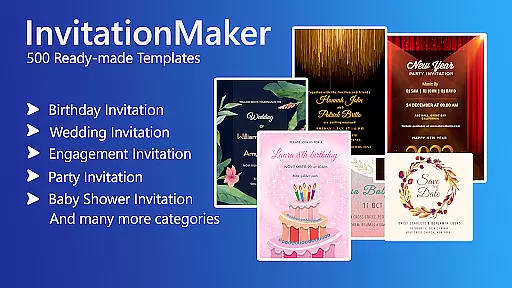

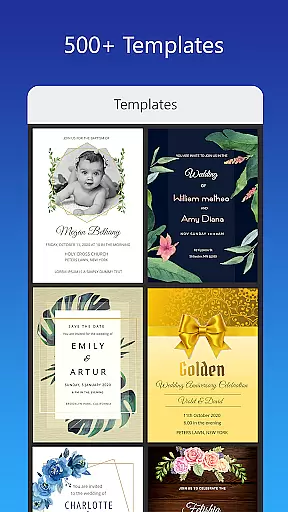
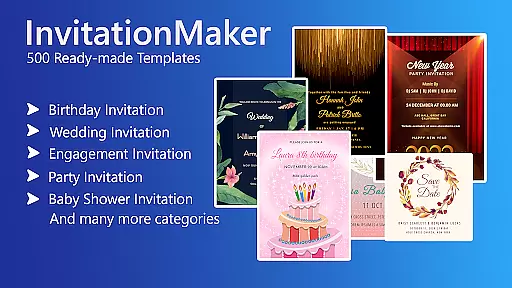

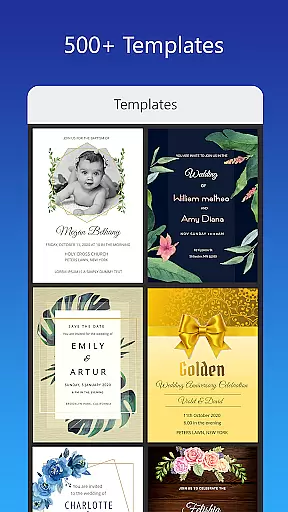
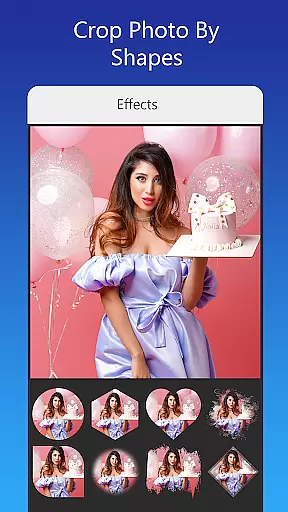
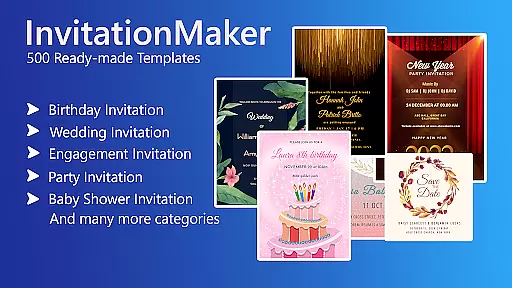

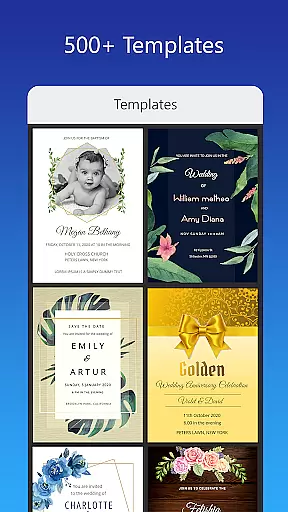
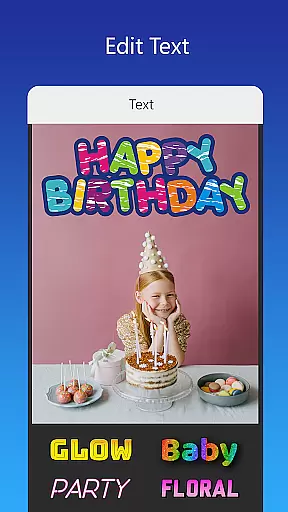
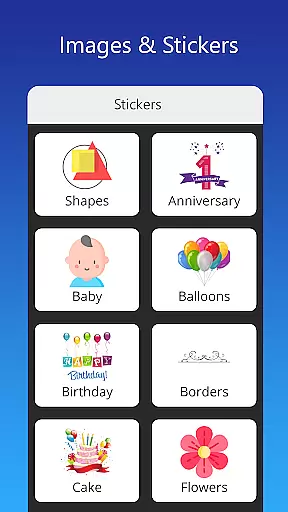
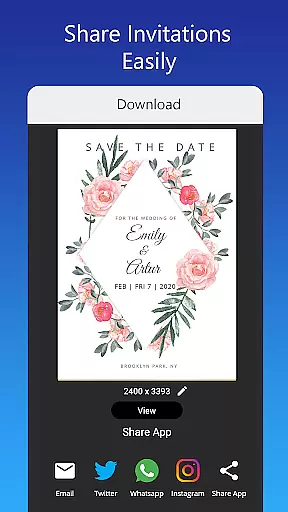
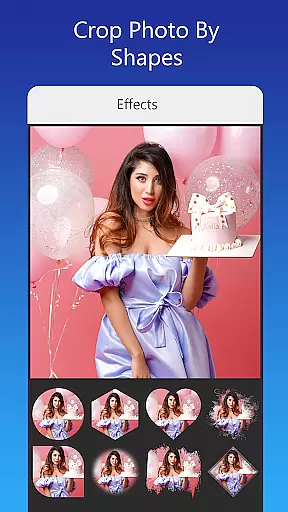
Invitation Card Maker, Design is a versatile app that allows users to create personalized invitation cards for various events such as birthdays, weddings, engagements, anniversaries, and baby showers. With over 200 ready-made templates, it offers an extensive range of design options including background images, gradient colors, and photo frames.
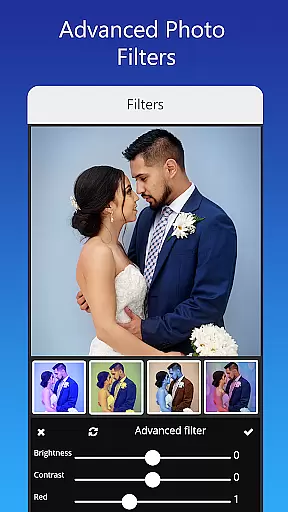
The app provides advanced editing features like text customization, image replacement, photo filters, and effects. Users can resize cards, upload personal fonts, and save designs for future editing. Additionally, the digital invitations can be shared on social networks or printed, making it a comprehensive tool for all invitation needs.
One of Invitation Card Maker's standout features is its rich template library which includes themes for birthday parties featuring popular cartoon characters, first birthdays, and special themes like unicorns and jungle motifs. For weddings, it offers culturally varied designs from classic to modern styles, accommodating different traditions and preferences.
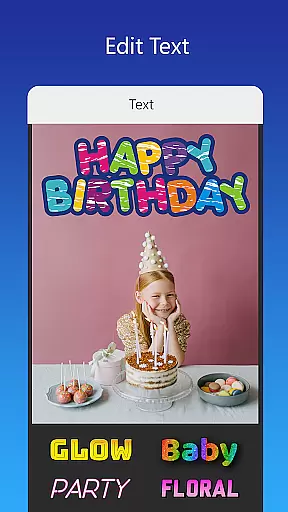
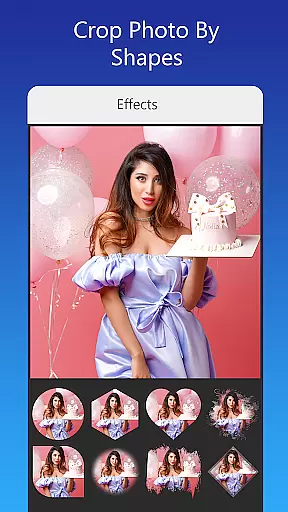
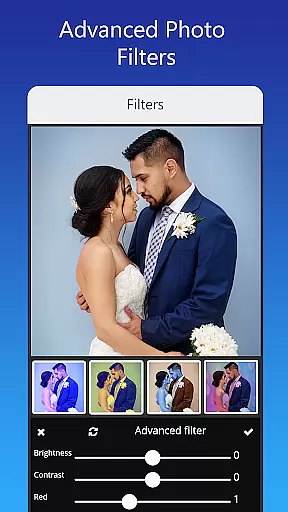
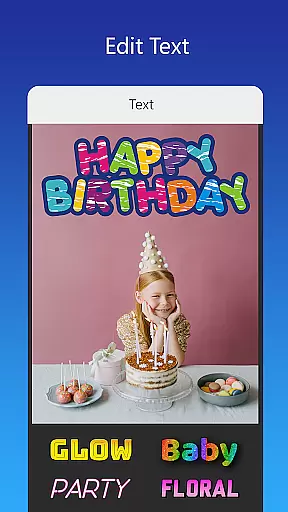
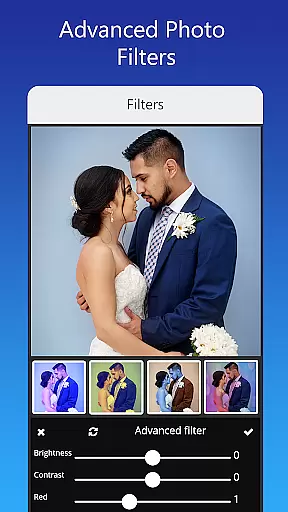
Users can customize every element of their card - replacing images with one tap, adjusting brightness and contrast, and adding stylish fonts. The app also supports creating virtual greeting cards for festivals and events, which can double as social media status updates. This versatility ensures that users can craft unique, professional-quality invitations tailored to any occasion.
Task creation and detail customization are essential features for any event planning application. The Invitation Card Maker, Design app excels in this area by providing users with over 200 ready-made templates that can be personalized to fit any occasion, whether it's a birthday party, wedding, or baby shower. This vast selection ensures that users can find the perfect starting point for their invitations.
The level of detail customization available within the app is impressive. Users have the ability to edit or replace text, names, event locations, and timings directly on the invitation. With various font styles at their disposal, and the option to upload custom fonts, users can truly tailor each element of their invitation to match the theme of their event.
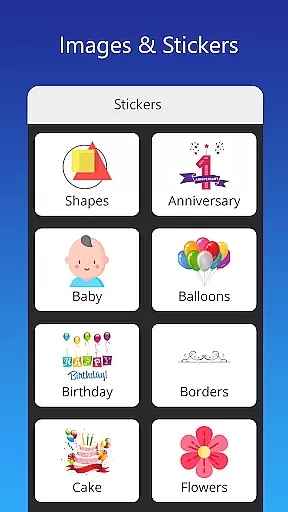
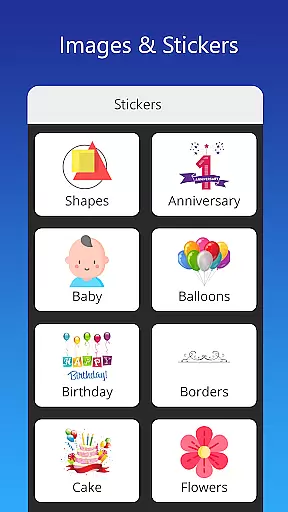
Moreover, the app allows for the incorporation of personal photos and a wide array of stickers and icons, which can be used to enhance the design further. This feature empowers users to create unique and memorable invitations that stand out. The ease with which these customizations can be made ensures that even those with minimal design experience can produce professional-looking results.
In essence, the Invitation Card Maker, Design app transforms the often tedious task of creating invitations into an enjoyable and creative process. By offering extensive customization options, it not only saves time but also allows users to express their personal style and make a lasting impression on their guests.
Reminder settings play a crucial role in ensuring that events are well-attended and remembered. The Invitation Card Maker, Design app addresses this need by integrating features that allow users to save their invitations for future editing and share them across various social networks. While the app does not provide traditional reminder notifications, its sharing capabilities serve as an effective alternative.
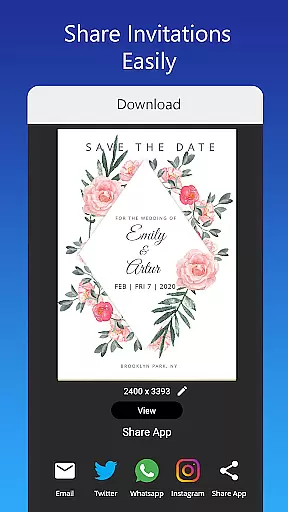
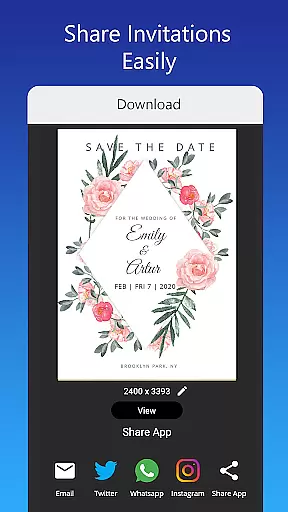
Once an invitation is crafted using the app's robust design tools, users can easily distribute it via platforms such as Facebook, Instagram, Snapchat, WhatsApp, and Twitter. This immediate sharing acts as a digital reminder for recipients, keeping the event top-of-mind. Furthermore, the ability to download the digital card or print it offers additional ways to remind guests about upcoming events.
For users who wish to plan ahead, the app's feature to save invitations for later editing is invaluable. It means that they can revisit and refine their designs as the event approaches, making adjustments to details like timing or location if necessary. This flexibility ensures that all information remains current and accurate.
Ultimately, while the Invitation Card Maker, Design app may not offer conventional reminder settings, its comprehensive approach to invitation managementu2014from creation to distributionu2014provides users with practical solutions to keep their audiences informed and engaged with upcoming events.
User-friendly interface
Extensive template library
Advanced customization options
Supports multiple event types
Shareable digital formats
Limited free features
In-app purchases required
Some templates feel repetitive
Occasional bugs reported
Font selection could be broader

Purchase line-skip passes, drinks, cover, and more at bars and clubs
 3.50
3.50
Rocket Monkey - Space rocket launch schedule for launch sites around the world
4.20
Clubs, Festivals, Discounted Tickets, Guest Lists & VIP Tables
4.90
Soft Proxy for Your Online World
4.4
The Official App
3.70
Birthday Greetings provides Birthday Card, Frames, Gifs & Father's day Wishes
4.80
Introducing the official Magic: The Gathering app for mobile.
4.20
Find Live Event Ticket Deals to Sports, Concerts, Festivals, & Comedy For Less!
4.80
Discover events & experiences in NYC, LA, Chicago, DC, Miami and more!
4.70
Buy and Sell Tickets for Concerts, Sports, and Theater.
4.70
Greeting card maker with photos best app| Birthday cards| All wishes eCards FREE
4.50
Connect with an ecosystem of 5M+ eventgoers and organizers.
4.50
The calendar app in this 2026 year see all dates.
4.20
The official app for Sched events! View your event schedule here.
4.20
The world's largest selection of tickets is now at your fingertips
3.90
Buy tickets for any event!
3.90
Instant photo sharing for every occasion
3.80
Digital Income Wallet of the Final Libertadores 2025
4.3
The Official Football Ticketing App for Fans in Qatar
4.2


User Reviews