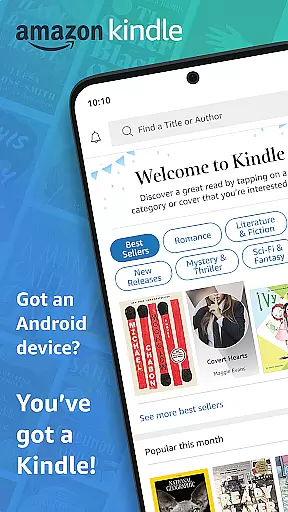
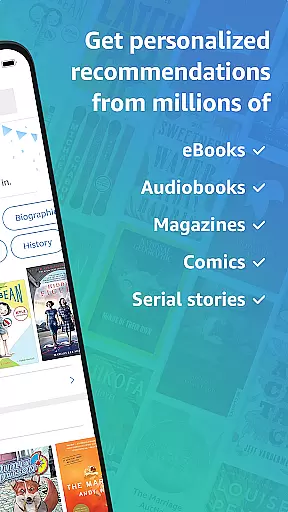
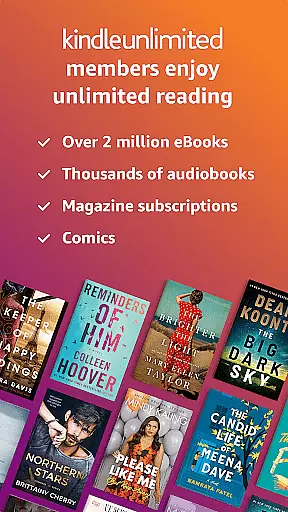
Amazon Kindle is the ultimate reading companion that transforms your mobile device into a portable library. With access to millions of books, magazines, audiobooks, and comics, it ensures you're never without something to read. Whether you're commuting or relaxing at home, Kindle offers an extensive selection across all genres, including Amazon Charts bestsellers and Kindle Unlimited titles.
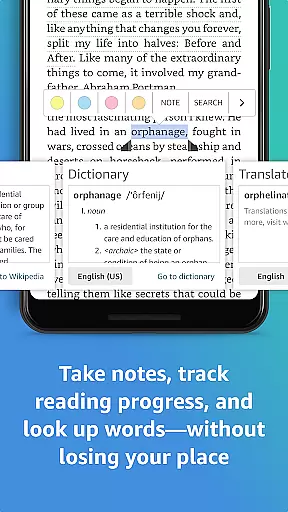
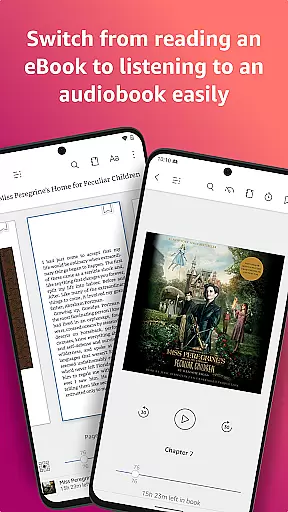
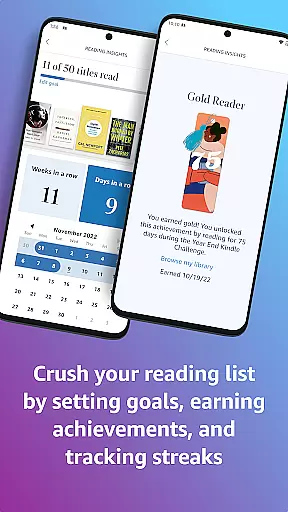
The app goes beyond traditional reading by offering customizable text options, built-in dictionaries, and X-Ray for deeper insights into characters and concepts. You can track your reading progress, bookmark pages, and even switch between reading and listening with Audible narration. The synchronization feature allows seamless transitions between devices, while Page Flip lets you navigate effortlessly through your books.
Kindle's versatility makes it perfect for avid readers who want a personalized experience. From adjustable fonts to nighttime reading modes, every feature is designed to enhance comfort and accessibility. The ability to look up words instantly and view reading time estimates demonstrates Amazon's commitment to creating an immersive and educational reading environment.
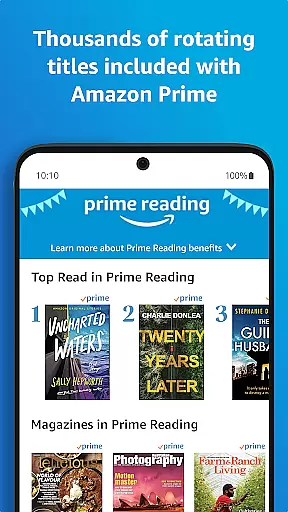
Amazon Kindle stands out with its comprehensive set of features designed to enhance the reading experience. The app provides unlimited access to over a million titles for Kindle Unlimited members and exclusive content for Amazon Prime subscribers. This vast library includes everything from best-selling novels to specialized magazines, ensuring there's something for every reader.
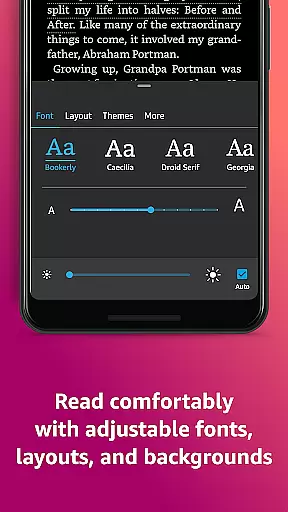
Customization is at the heart of Kindle's design. Readers can adjust text size, font type, margins, and orientation to suit their preferences. The built-in dictionary, Wikipedia lookup, and X-Ray feature provide instant access to information without disrupting the flow of reading. The app also supports multiple languages and offers real-time page synchronization across devices, making it easy to pick up where you left off.
Additional features like Page Flip, reading progress tracking, and note-taking capabilities demonstrate Kindle's focus on user convenience. The zoom function for high-definition images in books and comics adds another layer of engagement. Moreover, the seamless integration with Audible allows users to switch between reading and listening, providing flexibility for different situations and preferences.
When it comes to digital reading, the size and authenticity of an e-book library are crucial factors for avid readers. The Amazon Kindle app boasts an extensive collection of millions of books, including bestsellers, magazines, newspapers, comics, and manga. This vast repository ensures that users have access to a diverse range of reading materials across various genres.
Moreover, the credibility of this extensive library is maintained through stringent copyright measures. Each title available in the Kindle app is verified for copyright authenticity, ensuring that readers are engaging with legitimate content. This commitment to copyright compliance not only supports authors and publishers but also enhances the reader's experience by providing them with high-quality, authorized editions of their favorite works.
The app goes beyond just offering a large number of titles; it provides samples for users to try before purchasing. This feature allows potential buyers to preview content, thereby making informed decisions about their purchases. With these comprehensive offerings, the Kindle app solidifies its position as a leader in the realm of digital reading platforms.
For a seamless reading experience, format compatibility plays a pivotal role in ensuring that all types of e-books can be accessed without hassle. The Amazon Kindle app excels in this area by supporting a wide array of formats, which means users can enjoy their personal collections regardless of file type. Whether it's PDFs, MOBI, or AZW files, the Kindle app accommodates them all, allowing readers to import and read their existing libraries effortlessly.
In addition to supporting multiple formats, the Kindle app offers features that enhance readability across different devices. Users can sync their books across smartphones, tablets, and e-readers, maintaining consistent formatting and layout. This cross-device synchronization ensures that whether you're reading on a small phone screen or a larger tablet display, your book will look as intended by the publisher.
Furthermore, the Kindle app provides customization options that work harmoniously with its format compatibility. Readers can adjust text size, font type, margins, and orientation according to their preferences, knowing that these settings will apply consistently across all compatible formats. Such flexibility empowers users to tailor their reading experience while enjoying the convenience of accessing their entire library from any device.
User-friendly interface
Extensive book selection
Customizable reading options
Cross-device synchronization
Built-in dictionary and X-Ray
Limited free content
Requires Amazon account
Some features are subscription-based
Occasional syncing issues
No direct purchase within app

University of North Carolina Herbarium presents the flora of TN, AL, & MS.
 4.0
4.0
A wonderful reader for good time spend.
4.20
Learn Electricians' Handbook PRO complete guide beginners to advance.
4.40
Daily Bible app: King James Version with verses and audio for studying&prayer
4.40
Fast loot guide for ARC Raiders. Simple tips, stats, maps, and item details.
4.0
A lightweight reader for comics and mangas files (.cbr, .cbz, .cbt, .pdf, ...)
4.80
A highly sophisticated app for all of your mobile reading—any format, any time
4.50
Learn to tie more than 200 knots in 3D!
4.90
Follow complex state CCW permit laws and lawfully carry firearms in each state.
4.80
Track your Star Wars book collection across Canon & Legends
4.80
The favorite Christmas story comes to life!
4.80
Daily Prayer, personalized Bible Study, AI-guided Insights, and Spiritual Growth
4.80
"Five Dr. Seuss titles in one omBook!"
4.60
Offline translator from english to spanish, and from spanish to english.
4.50
Mirror Bible - eye-opening paraphrase translation of the NT by Francois du Toit
4.30
Prime novels await! Fantasy & Romance on JoyRead. Immersive reads!
4.20
KJV Bible works offline with Audio, Hebrew & Greek lexicon (concordance) & more!
4.20
"BIG A, little a. What begins with A?"
4.10
The Psalms for singing
4.5


User Reviews