
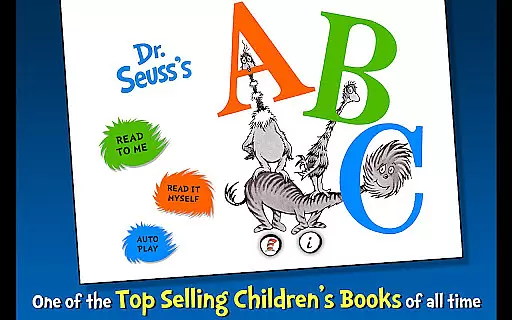
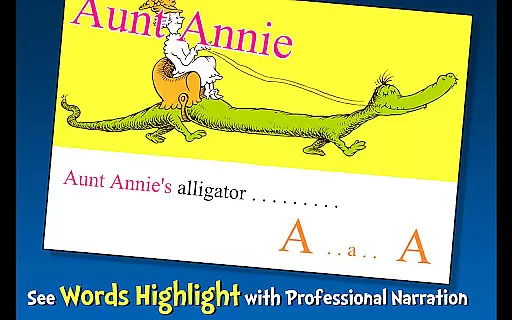
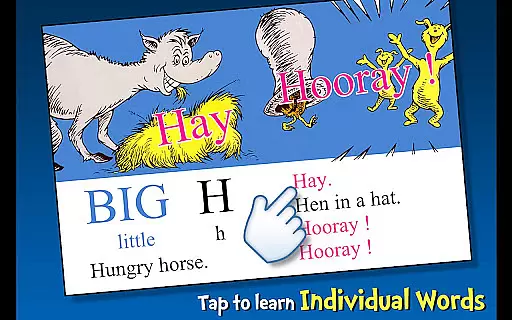
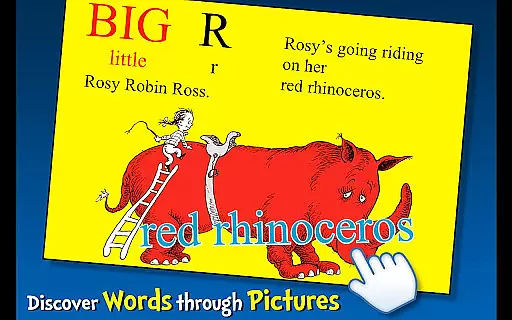
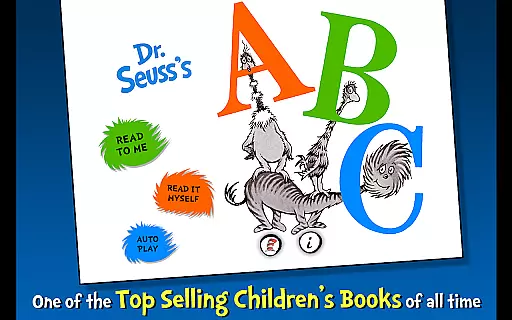
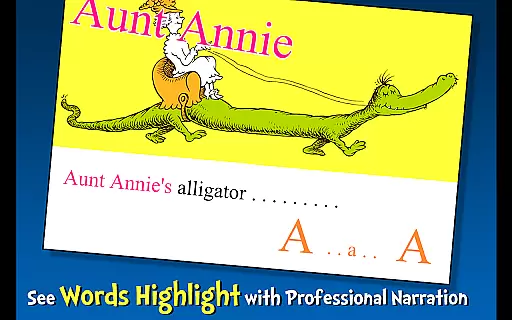
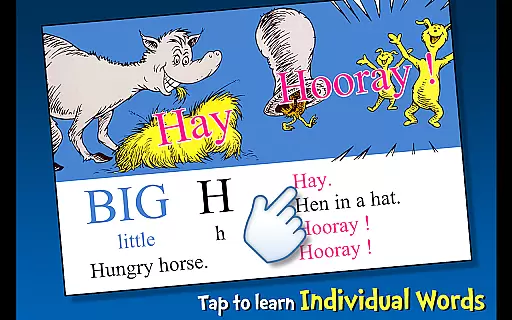
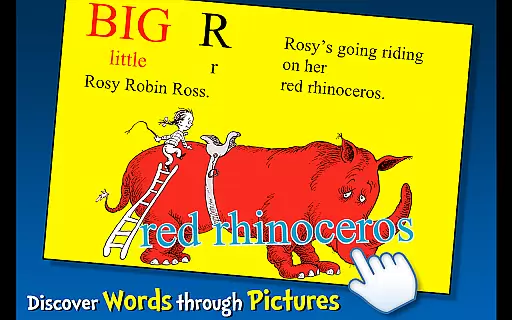
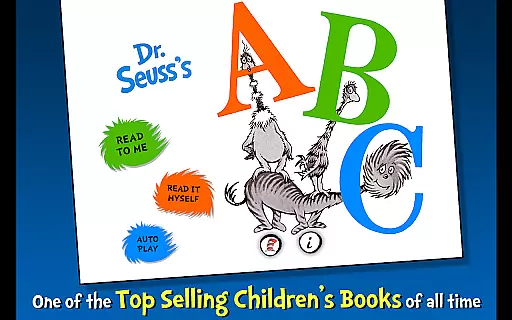
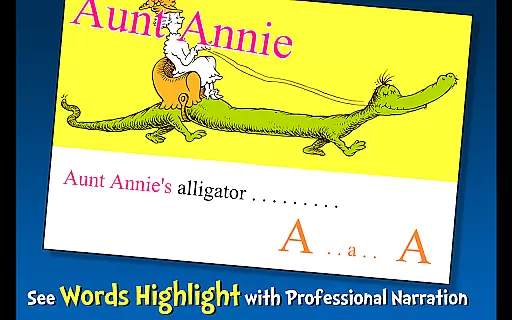
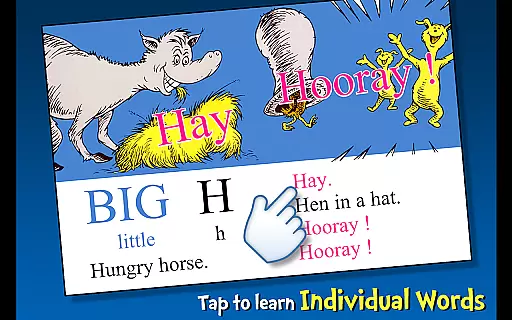
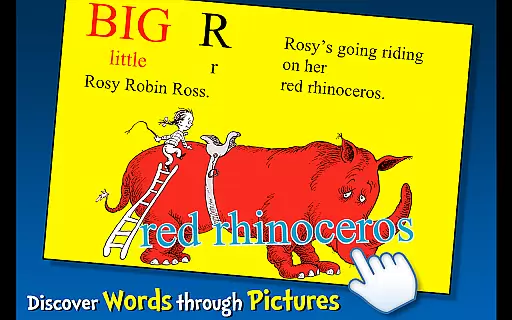
Dr. Seuss's ABC is an interactive book app designed to help young readers learn their ABCs in a fun and engaging way. The app features three reading modes, highlighted narration to encourage literacy skills, and tappable words to learn new vocabulary.
Children can tap objects to hear their names read aloud, making the learning experience more interactive. With characters ranging from Aunt Annie riding an Alligator to the Zizzer-Zazzer-Zuzz, this app turns learning into an unforgettable adventure.
Designed for children ages 2-6, Dr. Seuss's ABC offers a perfect blend of education and entertainment, bringing the whimsical world of Dr. Seuss to life on mobile devices.
The app includes several notable features that enhance the reading and learning experience. Highlighted narration helps improve literacy skills by encouraging children to follow along as words are read aloud.
Three distinct reading modes offer flexibility, allowing kids to either read by themselves, listen to the story being read to them, or have the text auto-read. Tappable words provide an opportunity to expand vocabulary by revealing definitions when touched.
Additionally, interactive elements such as tapping objects to hear their names add another layer of engagement, ensuring that children remain captivated throughout their learning journey.
Dr. Seuss's ABC offers a rich e-book library with authentic copyrighted content, ensuring young readers have access to high-quality educational material. The app includes interactive features that bring Dr. Seuss's classic illustrations and rhymes to life, making learning the alphabet an engaging experience.
The application provides a comprehensive collection of Dr. Seuss's works, all officially licensed and approved by Dr. Seuss Enterprises. This guarantees that the content is true to the original works, providing children with an accurate representation of Dr. Seuss's whimsical world while they learn their ABCs.
Parents can be confident in the legitimacy of the content, as it is officially licensed and adheres to strict copyright guidelines. This ensures that the stories and characters are presented as intended by the creators, offering peace of mind alongside educational value.
Dr. Seuss's ABC app supports various formats that cater to different learning styles and preferences. Whether it's through highlighted narration, tappable words, or interactive pictures, the app delivers a versatile reading experience for children aged 2-6.
With three fun ways to read, the app accommodates visual, auditory, and kinesthetic learners. Children can follow along with the text as it is read aloud, tap on words to learn their pronunciation, or interact with images to understand new vocabulary in context.
This format compatibility not only enhances literacy skills but also keeps young readers engaged and entertained. By incorporating multiple modes of interaction, Dr. Seuss's ABC app ensures that every child can enjoy the timeless tales of Dr. Seuss in a way that suits them best.
User-friendly interface
Interactive learning tools
Engaging content for kids
Highlighted narration feature
Vibrant illustrations
Limited to Dr. Seuss fans
No offline functionality
Simple design may not appeal to older kids
Requires internet connection
Some features locked behind paywall

The Bible Audio Guide
 4.80
4.80
The Psalms for singing
4.0
Plan of Life that Saint Josemaría recommended
4.80
University of North Carolina Herbarium presents the flora of TN, AL, & MS.
4.1
WebNovel - Read Solo Leveling novel and comic
4.10
Bible Spiritual Companion
4.40
Unlock unlimited access to bestselling ebooks, novels, stories, and audiobooks
4.60
Watch real short episodes in just minutes— addictive, you won't be able to stop!
4.70
Daily thoughts, meditations, and prayers for living a sober life in recovery.
4.90
Audiobook player with cross-device progress sync, playlists, and widget support.
4.80
The favorite Christmas story comes to life!
4.80
Daily Prayer, personalized Bible Study, AI-guided Insights, and Spiritual Growth
4.80
World's most comprehensive dictionary app: 13 languages, all online or offline!
4.80
Translate into 100+ languages with the world’s most accurate AI translator.
4.70
Powerful Bible study tools linked to every verse in an easy-to-use Bible reader!
4.60
Werewolf novels & romance stories in audiobooks for book lovers! Werewolf storie
4.60
ISAIAH EXPLAINED with Avraham Gileadi Ph.D.
4.00
All in one Calibre libraries on your phones and tablets.
3.80
Guide for dōTERRA® Products
3.60


User Reviews