
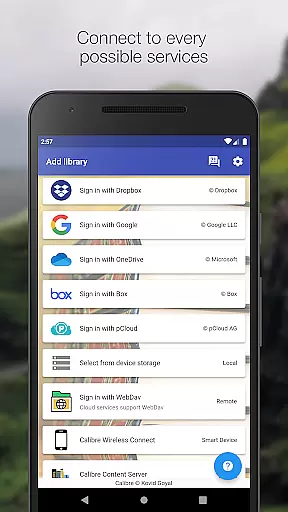
Calibre Sync is a powerful tool designed for book enthusiasts who want seamless access to their Calibre libraries across multiple devices. The app allows users to connect to their Calibre libraries stored on various cloud services such as Google Drive, Dropbox, OneDrive, and more, without the need for cumbersome wires or transfers. This means you can browse, search, download, and read your favorite books directly from your mobile device.
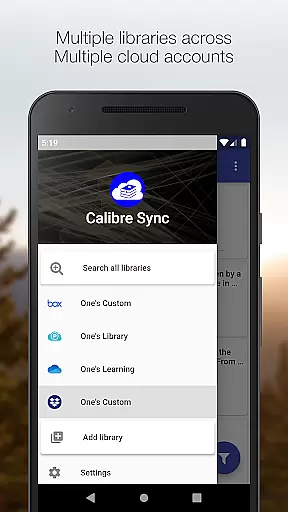
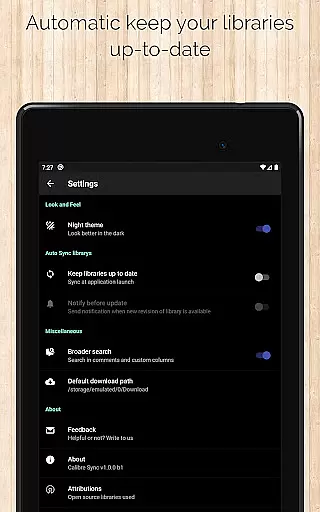
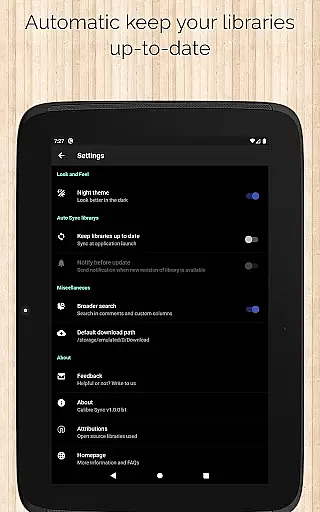
One of the standout features of Calibre Sync is its ability to handle multiple libraries across different accounts simultaneously. Whether you're managing personal collections or professional resources, this app ensures that all your libraries are updated automatically when you launch the app. With support for custom columns, detailed library statistics, and advanced search functionalities, Calibre Sync offers an unparalleled user experience in organizing and accessing digital books.
The app also provides practical solutions for those who prefer local storage options. By moving your Calibre library to your phone's storage, you can enjoy offline access to your books. Additionally, Calibre Sync supports dark and light themes, swipe navigation between books, and integration with third-party reader apps, making it a versatile choice for any avid reader looking to streamline their digital library management.
Calibre Sync boasts an impressive array of features tailored to enhance the user's interaction with their digital libraries. First and foremost, the app supports unlimited Calibre libraries, allowing users to manage extensive collections without constraints. Its wireless connectivity feature transforms your device into a smart client that effortlessly connects to Calibre, even supporting libraries on external storage and Calibre Content Server with remarkable performance.
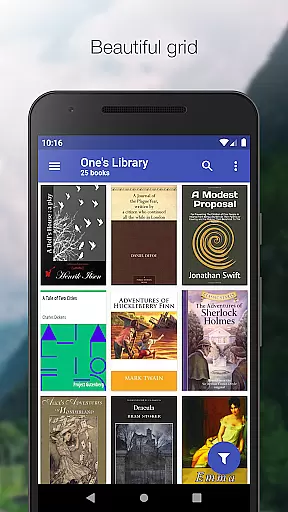
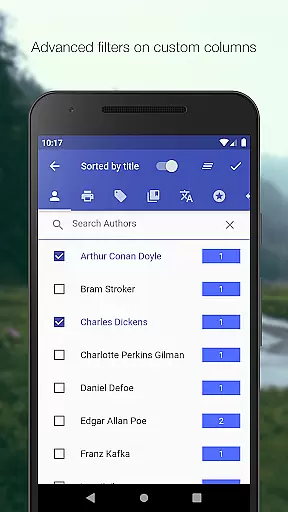
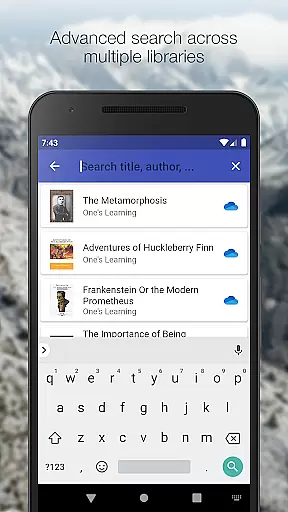
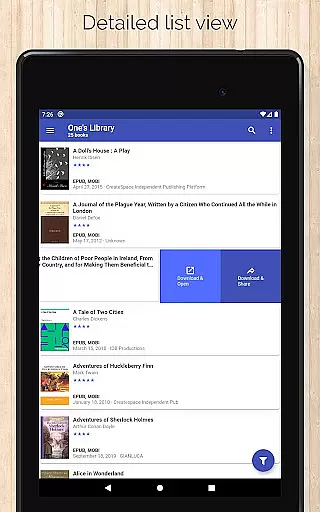
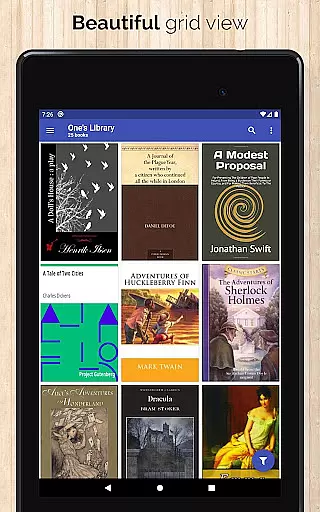
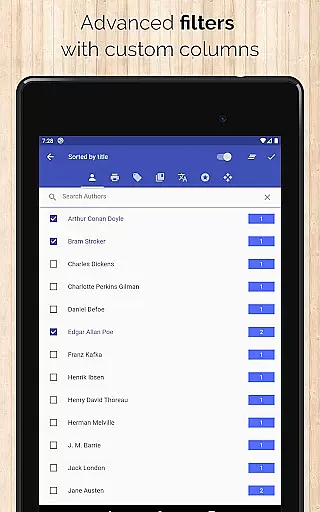
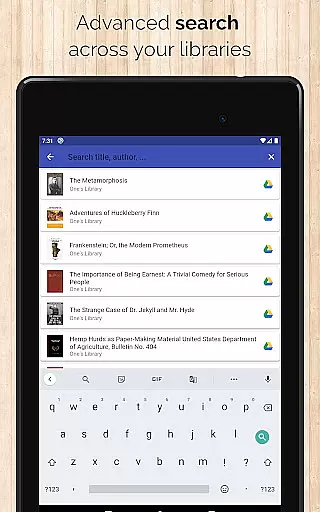
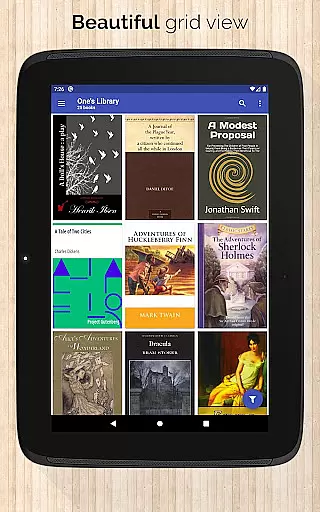
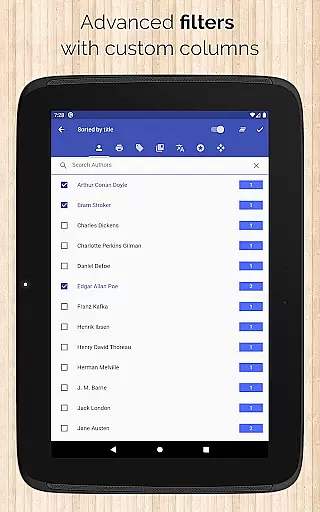
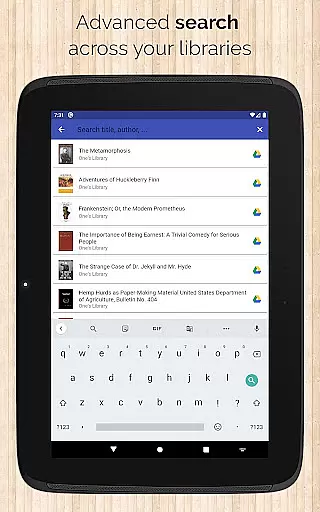
Another significant advantage is the app's flexibility in handling multiple libraries across various accounts. Users can easily switch between libraries and benefit from automatic checks and updates upon launching the app. The interface offers different book list layouts including List, Grid, and Carousel views, catering to individual preferences. Advanced search and filter options enable users to find books by title, author, comments, and custom columns, while sorting capabilities allow organization by title, author, ratings, and date options.
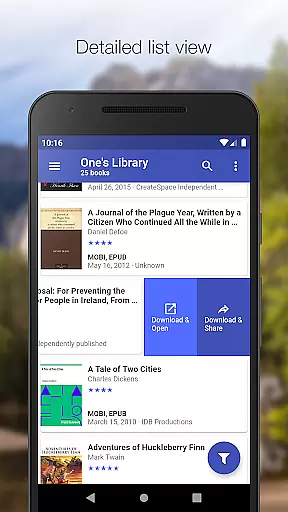
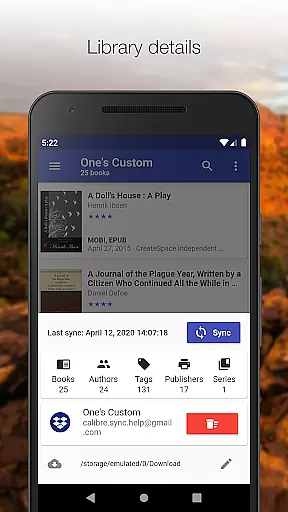
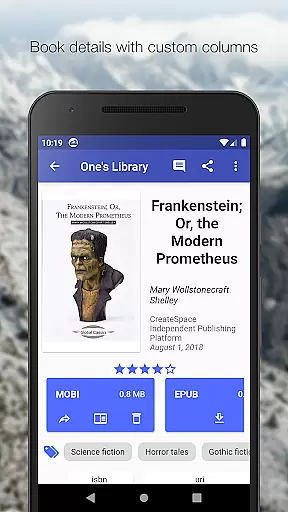
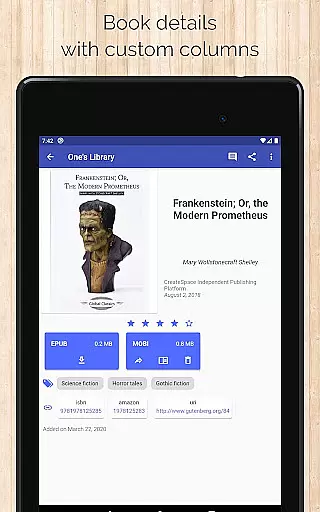
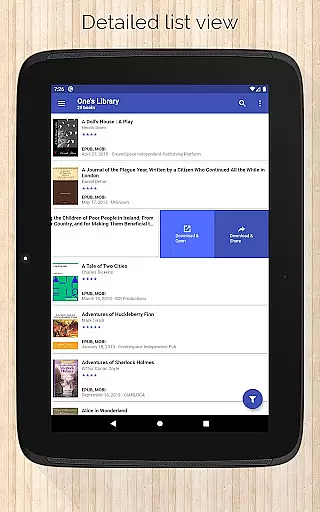
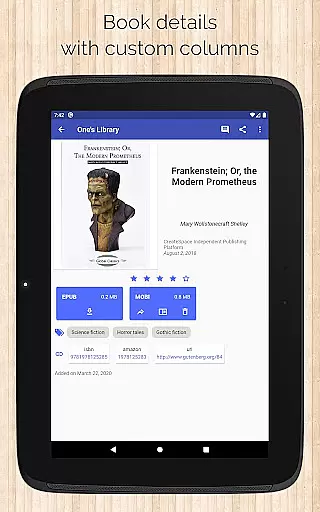
Calibre Sync also excels in providing detailed insights through library statistics and quick access to book downloads via a slideable list view. Users can zoom into book covers, view file sizes of each format, and see book identifiers linked to sources like ISBN, Amazon, and Google Books. With additional features like email sharing, swipe navigation in book details, and configurable download locations, Calibre Sync stands out as a comprehensive solution for managing and enjoying digital libraries.
Calibre Sync offers an impressive e-book library solution by allowing users to access unlimited Calibre libraries through various cloud services. This includes popular platforms like Google Drive, Dropbox, and Microsoft OneDrive, ensuring that your entire collection is available wherever you go.
The application guarantees copyright authenticity by enabling direct synchronization with your Calibre library, which is known for its robust management of legally acquired e-books. Users can rest assured that their synchronized books maintain their original metadata and copyright information.
With support for multiple accounts across different cloud providers, Calibre Sync ensures that all your libraries are organized and up-to-date. The app automatically checks for updates when launched, providing a seamless experience for managing extensive e-book collections.
One of the standout features of Calibre Sync is its exceptional format compatibility. The app supports a wide range of book formats, making it versatile for any user's needs. Whether you're dealing with EPUB, PDF, or MOBI files, this tool ensures that your books are accessible in their original quality.
Calibre Sync enhances user experience by offering multiple book list layouts such as detailed lists, grids, and carousel views. This flexibility allows users to customize how they browse their collections while maintaining the integrity of each book's format.
Additionally, the app provides comprehensive details about each book, including file sizes and format types. Users can easily view and manage their downloaded books, ensuring that they always have the right format available for their preferred reading application.
User-friendly interface
Extensive cloud service support
Advanced search and filter options
Automatic library updates
Customizable layout options
No built-in reader app
Limited OneDrive support
Requires storage permission
Case-sensitive file system needed
External storage required for some devices

Guide for dōTERRA® Products
 3.60
3.60
Offline dictionary for learning Cantonese as a second language
4.90
F9 Cookbook Mobile App
4.60
King James Bible read offline, AI Priest, Bible Quiz, Guiding Prayers & Plans
4.80
Build family tree & discover DNA, family history heritage, origins and ancestors
4.60
A lightweight reader for comics and mangas files (.cbr, .cbz, .cbt, .pdf, ...)
4.80
World's most comprehensive dictionary app: 13 languages, all online or offline!
4.80
Identify birds of North America by call or picture | Bird Identification
4.20
Follow complex state CCW permit laws and lawfully carry firearms in each state.
4.80
The favorite Christmas story comes to life!
4.80
Audiobook player with cross-device progress sync, playlists, and widget support.
4.80
Read unlimited novels, audiobooks, stories & Unlock ebooks, fanfiction and more!
4.70
7 Languages, Google, Wiki, Vocabulary.com, Cambridge & Urban Dictionary!
4.50
Offline translator from english to spanish, and from spanish to english.
4.50
Mirror Bible - eye-opening paraphrase translation of the NT by Francois du Toit
4.30
"BIG A, little a. What begins with A?"
4.10
ISAIAH EXPLAINED with Avraham Gileadi Ph.D.
4.00
Novels, audiobooks, ebooks & fanfiction. Read anytime, anywhere!
3.40
University of North Carolina Herbarium presents the flora of TN, AL, & MS.
4.2


User Reviews