
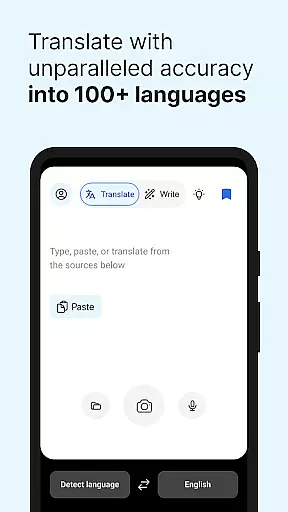
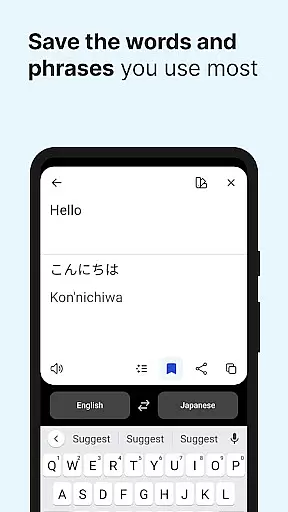
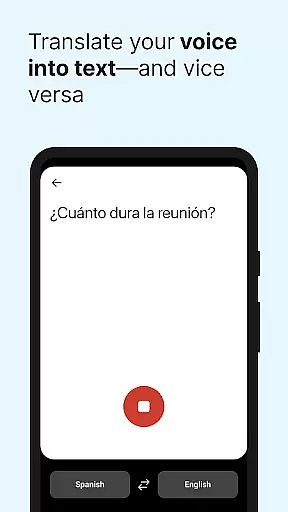
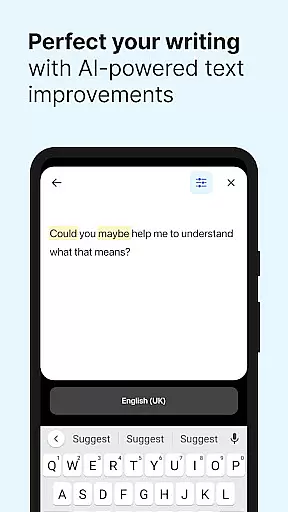
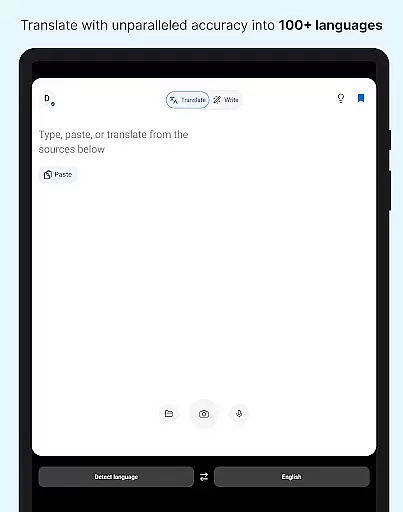
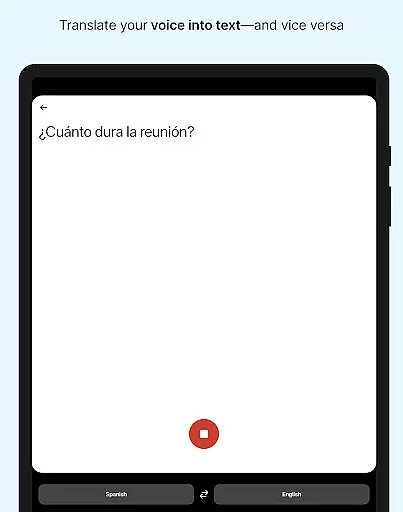
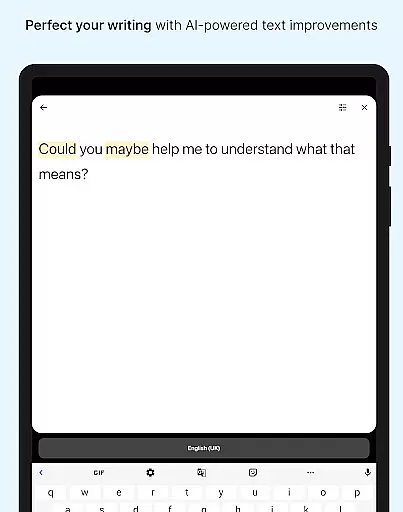
DeepL Translate is a powerful translation tool designed for seamless cross-language communication. The app offers multiple translation methods including camera translation, photo translation, dictation, and file translation. Users can enjoy features like text-to-speech, quick detection, alternative translations, transliteration, and a customizable glossary with paid plans.
The application stands out with its support for over 70 languages, making it an essential tool for international communication. Whether you need to translate spoken words, written text, or even handwriting, DeepL Translate provides accurate and fast results. Its intuitive interface and advanced features make it suitable for both personal and professional use.
DeepL Translate is particularly useful for business professionals, students, and travelers who frequently encounter language barriers. By providing high-quality translations and additional features like DeepL Write, the app ensures users can communicate effectively in any situation. The free version offers core functionalities while premium features are available through subscription plans.
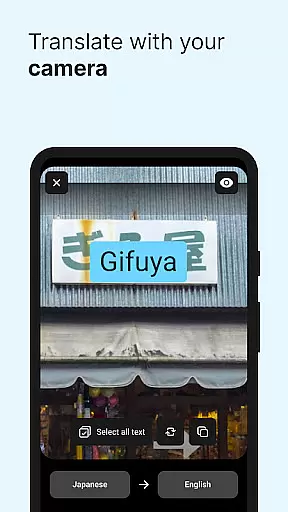
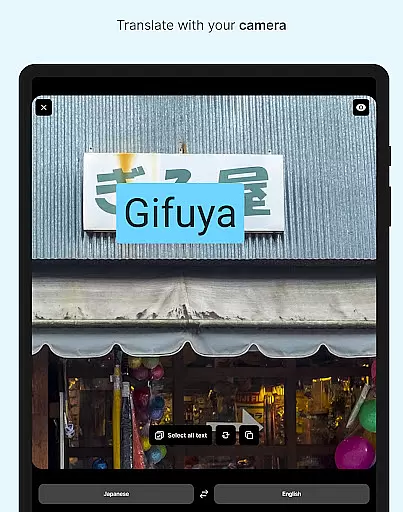
DeepL Translate distinguishes itself through innovative features tailored for diverse translation needs. The camera and photo translation functions allow users to instantly translate text from images, making it perfect for translating signs, menus, or documents on the go. Dictation and text-to-speech capabilities provide hands-free operation, enabling users to speak or listen to translations in real-time.
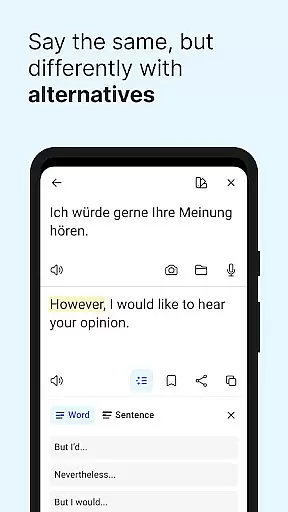
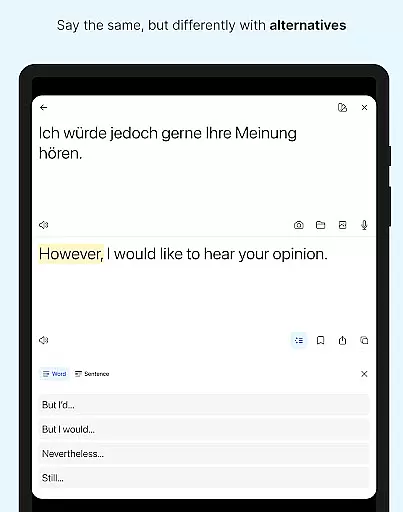
The app's quick detection feature begins translating as you type, offering immediate results. Alternative translations help users find the most appropriate phrasing for single words and short phrases. Additionally, the transliteration function allows users to read translations of non-Latin languages in the Latin alphabet, facilitating pronunciation and understanding.
For power users, DeepL offers advanced features like a customizable glossary and tone selection through paid plans. The DeepL Write feature provides intelligent writing suggestions, helping users create clear and impactful texts. With support for over 70 languages and specialized features for different dialects, DeepL Translate delivers comprehensive language solutions for global communication.
DeepL Translate offers an extensive range of language support, acting as a comprehensive e-book library for translations. With over 70 languages available, it ensures that users have access to a vast array of linguistic resources.
The app guarantees the authenticity of its translations by using advanced algorithms and a robust database, which is akin to ensuring copyright authenticity in an e-book library. This means users can trust the quality and legality of the translated content they receive.
By providing core features for free, DeepL Translate allows users to explore this extensive library without any initial investment. This democratizes access to information across different languages and facilitates learning and communication.
For those requiring more specialized services, such as glossaries or tone adjustments, DeepL's paid plans offer enhanced functionalities. These are similar to premium packages one might find in an e-book subscription service, adding layers of customization and professionalism to the user's experience.
DeepL Translate excels in format compatibility by allowing text translation from various input methods including camera, photo uploads, dictation, and file translation. This versatility ensures that no matter the source format, accurate translations are within reach.
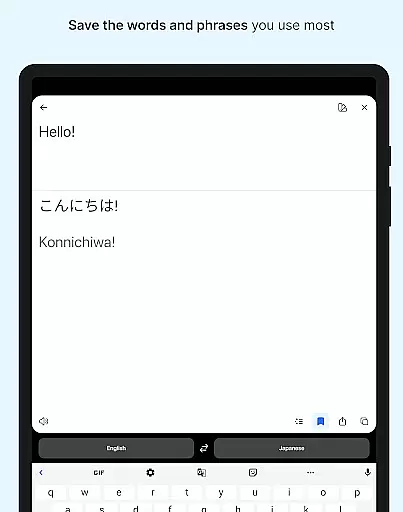
The application supports not only standard text but also non-Latin scripts through transliteration features. Users dealing with languages like Japanese or Russian can read translations in the Latin alphabet, thus broadening the scope of compatible formats significantly.
Moreover, DeepL's ability to handle specific document formats enables seamless integration into professional workflows. Whether it's translating business documents or academic papers, the app maintains the integrity of the original formatting while delivering precise translations.
With continuous updates and improvements, DeepL Translate promises ongoing enhancements in format compatibility. Users can expect even more diverse file types and input methods to be supported in future iterations, keeping the app at the forefront of translation technology.
Wide language support
Accurate translations
User-friendly interface
Innovative features
Free core functionalities
Paid features expensive
Offline mode limited
Some languages unsupported
Glossary requires login
Occasional inaccuracies

Contains the 365 daily readings and everything other thing needed for catholics
 4.70
4.70
Master AKC Rally signs with in-depth hints, diagrams, and expert guidance.
4.50
Discover Stars and Planets: Live Map Shows Current Constellations in Full Detail
4.70
Read and study the Bible and other content in over 1,000 languages.
4.80
“It is fun to have fun, but you have to know how!”
4.40
The Original & Authentic Crystals, Gemstones, Rocks & Minerals Encyclopedia.
4.60
A KJV Bible with Apocrypha and precept-based study concordance
5.00
Premium reader for ePub, PDF, and more. TTS and translation. Great on any screen
3.50
Follow complex state CCW permit laws and lawfully carry firearms in each state.
4.80
Daily thoughts, meditations, and prayers for living a sober life in recovery.
4.90
Liturgy of the Hours totally off-line
4.80
The favorite Christmas story comes to life!
4.80
The dynamic dictionary/reference app for piano chords and scales!
4.80
Powerful Bible study tools linked to every verse in an easy-to-use Bible reader!
4.60
A companion for prayer, with Azan alarm, Quibla direction, and Holy Quran book
4.10
CleverBook Pro makes the popular guide for the game even better!
4.00
Read popular romance books and web novels on the fantastic ebook reader
3.50
Sea tide predictions for all coastal U.S. locations.
4.3
University of North Carolina Herbarium presents the flora of TN, AL, & MS.
4.2


User Reviews