



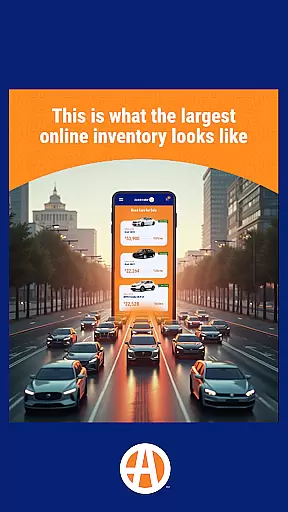



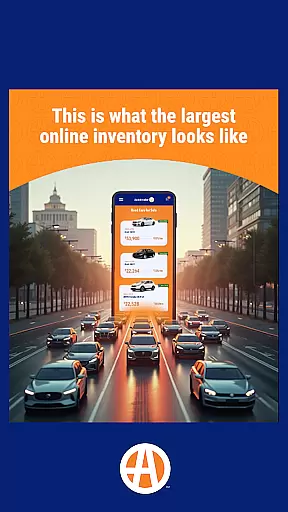

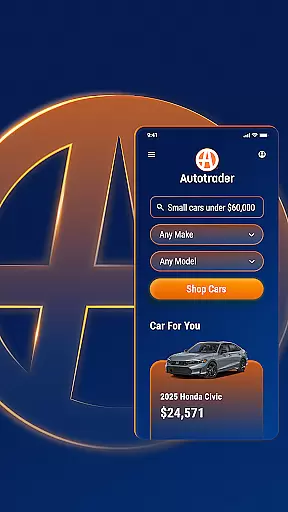


Autotrader is a premier automotive marketplace app designed to simplify the car buying experience. With over 6 million listings from 20,000 sellers, it offers an extensive inventory of new, certified, and used cars, trucks, and SUVs. The app leverages Kelley Blue Book® Price Advisor to ensure fair pricing on every listing, giving users confidence in their purchasing decisions.
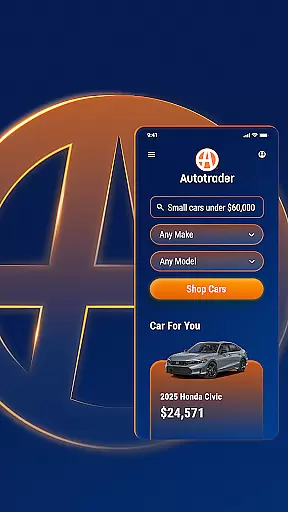
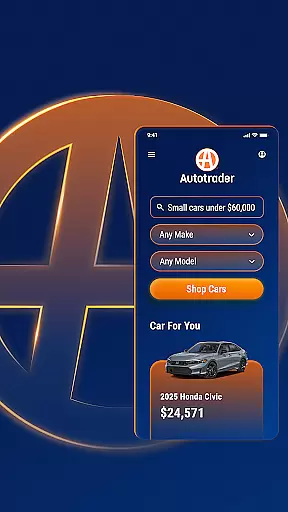
The app's advanced personalization features allow users to receive tailored recommendations based on their preferences and shopping history. Users can set up price drop alerts and get notifications for new listings matching their criteria. Autotrader's unique filtering system enables shoppers to refine searches by specific features, including delivery options, interior colors, and safety technologies.
Whether you're searching for your next vehicle from home or on the go, Autotrader provides comprehensive tools for comparing vehicles, accessing condition reports, and identifying great deals through its price badge system. The app's seamless integration across devices makes it easy to manage your car search anytime, anywhere.
Autotrader stands out with its comprehensive suite of features designed to enhance the car shopping experience. The app's powerful filtering system allows users to narrow down choices using specific criteria such as delivery options, interior colors, and advanced safety features. This level of customization ensures that users can find exactly what they're looking for without wasting time on irrelevant results.
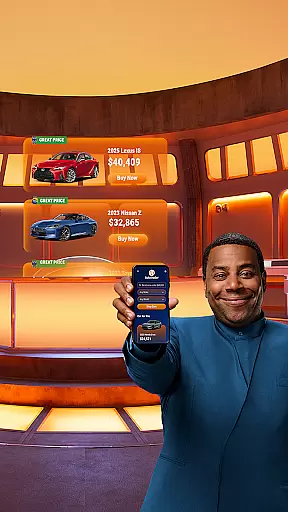
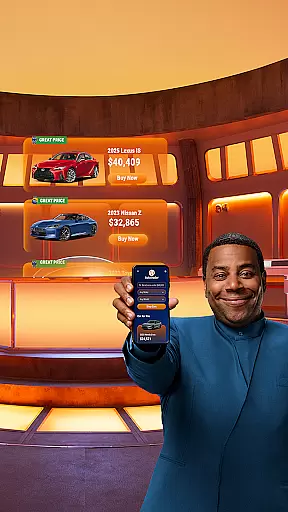
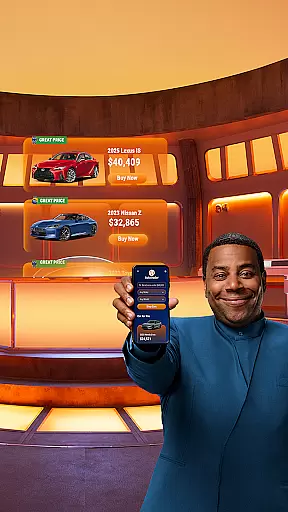
The app's integration with Kelley Blue Book® Price Advisor provides users with valuable pricing insights on every listing. The Good Price and Great Price badges help shoppers quickly identify the best deals available. Autotrader also offers robust communication tools, enabling users to contact sellers directly through phone, text, or email from within the app interface.
Additional features include keyword-based searches for finding specific vehicles, a watchlist functionality through My Autotrader accounts, and cross-device synchronization. These capabilities, combined with the ability to share listings with friends and family, create a comprehensive and user-friendly car shopping experience that adapts to modern consumers' needs.
When searching for a used car, truck, or SUV, having access to detailed vehicle information is crucial. The Autotrader app provides comprehensive data on over 6 million cars, including specifics about features, condition reports, and price badges that indicate whether the listed price represents a good deal. This level of detail ensures that buyers are fully informed about their potential purchase.
The app leverages its vast network of sellers to offer an extensive selection of vehicles. Each listing comes with essential details such as make, model, year, mileage, and exterior and interior colors. Additionally, users can find specific information on technology packages, safety ratings, and other critical attributes like roof racks through unique filters tailored to individual preferences.
Autotrader's integration with Kelley Blue Booku00ae Price Advisor adds another layer of confidence for buyers. By providing a fair price range on every listing, shoppers can make decisions based on reliable market data. This feature not only enhances trust but also simplifies the negotiation process by setting clear expectations regarding vehicle pricing.
Price transparency is a cornerstone of the Autotrader app's value proposition. With tools like the Kelley Blue Booku00ae Price Advisor integrated into each listing, users receive guidance on fair pricing. This empowers buyers to assess whether a listed price represents a good or great deal, indicated by green badges on the vehicle listings.
Autotrader goes beyond just showing prices; it offers insights into market values and helps set realistic expectations for both buyers and sellers. Users can filter searches based on budget constraints and even get alerts for price drops on desired models. This proactive approach ensures that shoppers never miss an opportunity to purchase at a favorable price point.
Moreover, the ability to compare prices across a vast inventory of over 6 million cars allows users to make well-informed decisions. Whether you're looking for new, certified, or used vehicles, Autotrader's transparent pricing system supports a hassle-free shopping experience. This commitment to openness builds trust and simplifies the complex process of purchasing a vehicle.
User-friendly interface
Extensive vehicle inventory
Price transparency
Advanced filtering options
Cross-device synchronization
Occasional listing inaccuracies
Some features require account creation
Limited classic car selection
Dealer-centric platform
Regional availability variations

Wonder how much horsepower and torque your car/truck makes? Look no further.
 3.40
3.40
Buy and sell your boat
4.70
Get your personalized financing options and shop for used cars today!
4.20
Control maps, media and messaging, with the Google Assistant while you drive
4.10
BlueDriver® is a Premium Diagnostic OBD2 Scan Tool. www.BlueDriver.com
3.90
Monitor your behind-the-wheel behavior to become a safer driver and save.
4.10
MySubaru: Download. Connect. Love.
4.70
O'Reilly Pro will streamline your parts lookup and ordering process!
3.20
Get price alerts, vehicle history details and more for cars near you!
4.50
Lexus app currently supports 2010 or newer vehicles (2018 or newer for Hawaii).
4.80
DMV practice test 2025: Driver License permit test & written test for all states
4.70
Your go-to app for car, truck & SUV parts, DIY tools, and expert repair help.
4.70
Find Your Local Store or Shop Online for the Car, Truck, or SUV Parts You Need
4.70
Quick and easy car diagnostics to get you the right fix.
4.70
Find, search, and browse 40,000+ used cars, SUVs, and trucks.
4.50
AI Powered - Automotive Mechanic Assistant
4.30
Discover new and used cars in Syria easily! Browse ads and connect with sellers.
3.70
Club Car Wash Mobile App—the fast lane to managing your wash membership.
3.30
Ferrari inspired analog & digital watch face with quick access and premium style
4.2


User Reviews