
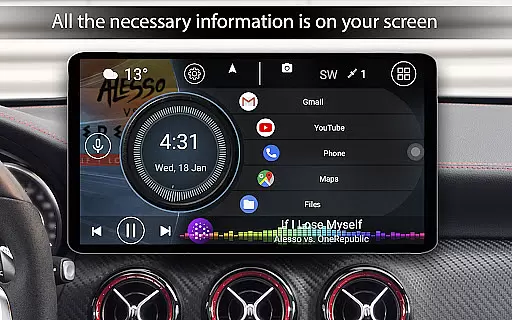
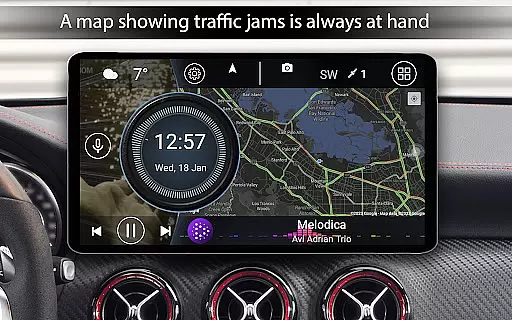
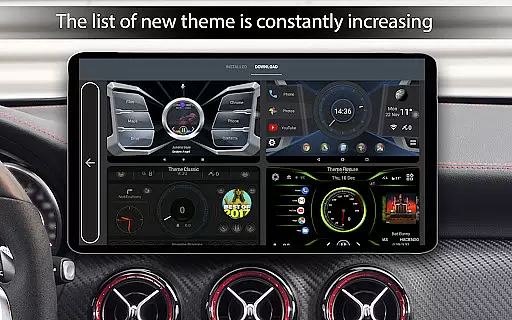
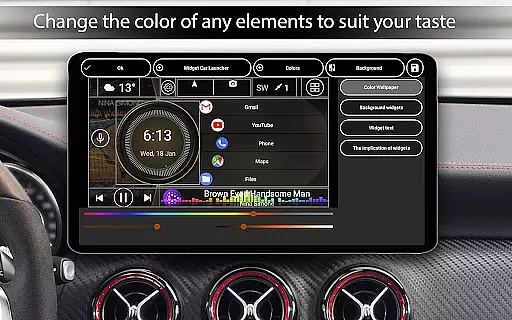
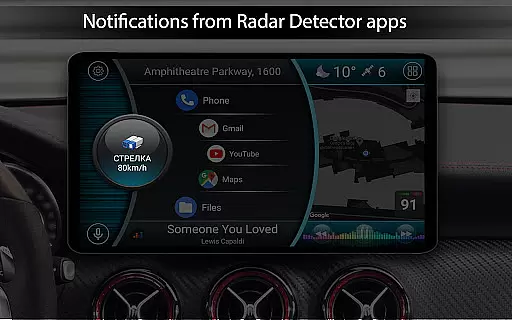
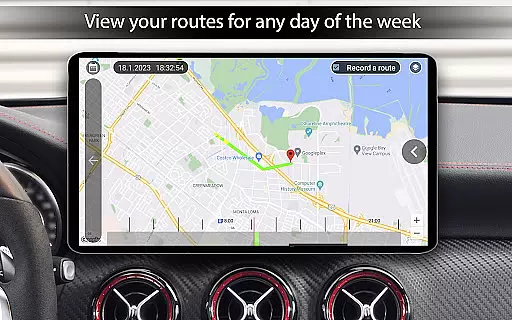
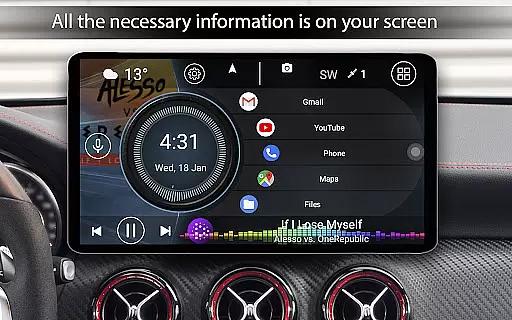

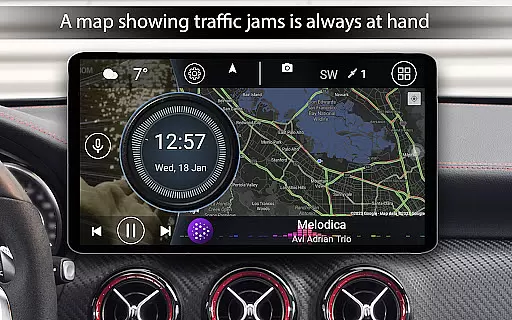
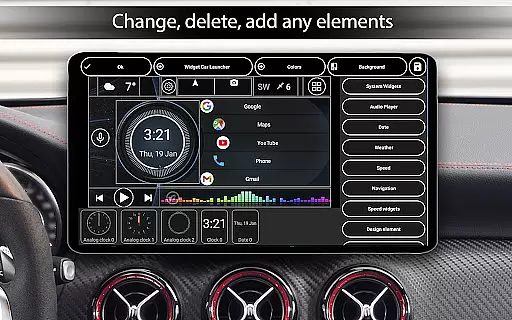
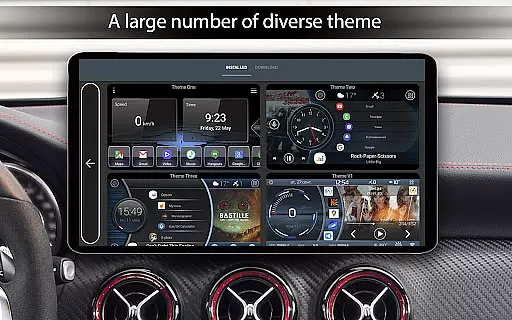
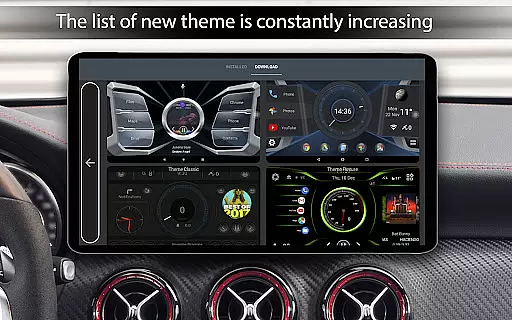
Car Launcher Pro is a specialized application designed for automotive use, enabling seamless control of Android-based car systems. It combines essential vehicle functions with user-friendly interface features.
The app allows users to customize their dashboard with speed display, GPS data integration, and quick access to favorite apps. Its onboard computer provides detailed trip statistics, making it an invaluable tool for tracking driving performance.
Ideal for road trips or daily commutes, Car Launcher Pro enhances the driving experience by providing real-time vehicle data and customizable widgets that suit various driving needs.
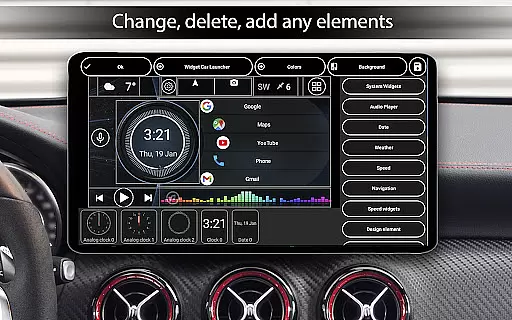
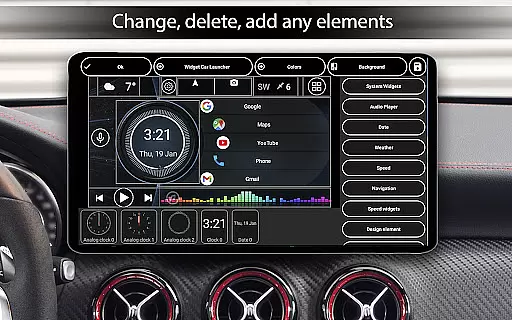
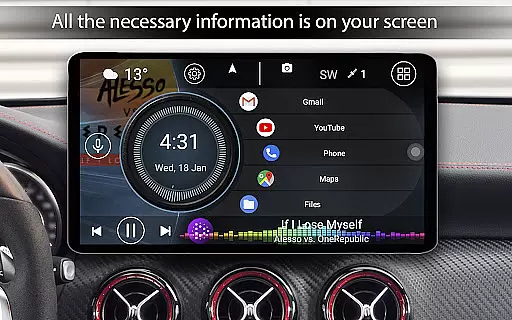
Car Launcher Pro offers an extensive range of features tailored for vehicle environments. The app transforms your car's interface into a fully customizable dashboard with speedometer, trip computer, and quick-launch icons.
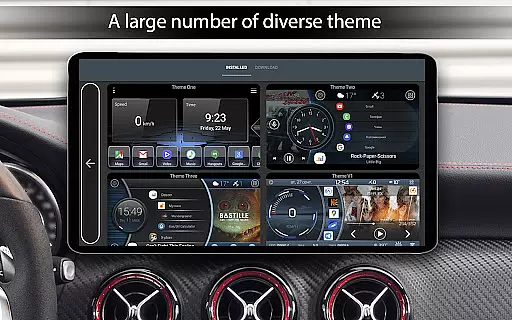
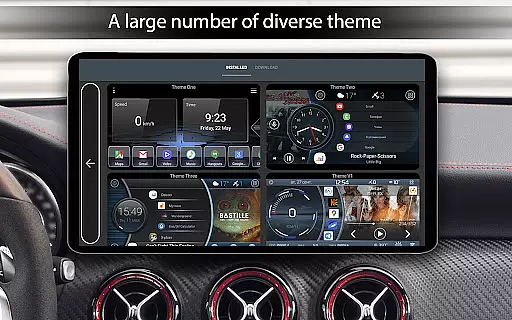
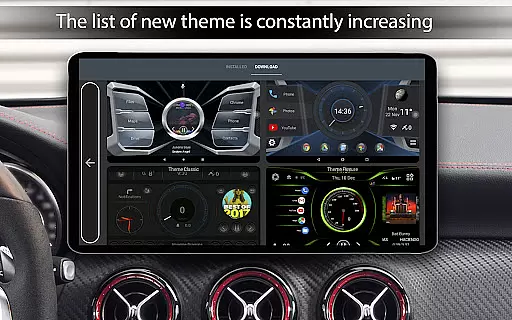
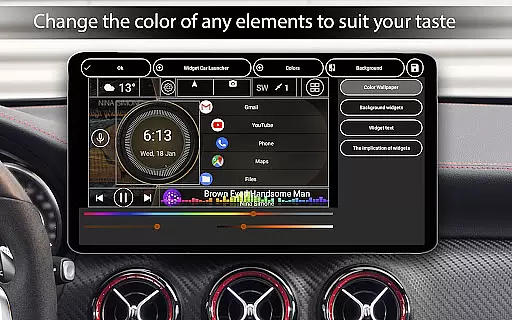
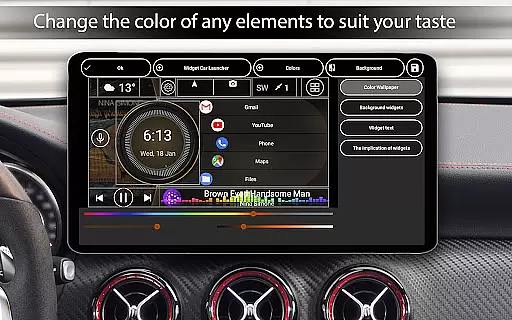
Users can personalize their experience with adjustable themes, color schemes, and widgets. The built-in onboard computer tracks speed, distance, acceleration times, and more, while supporting background GPS data collection.
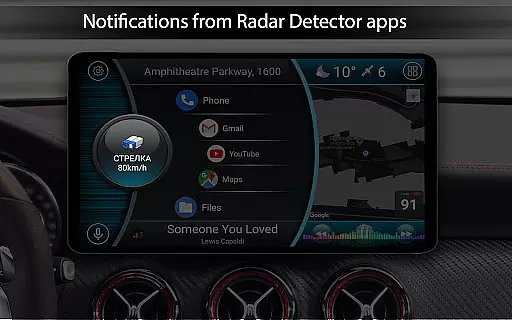
Advanced functionalities include automatic brightness control, weather display, location information, and support for third-party plugins. These features create a comprehensive automotive environment that adapts to different driving conditions.
Car Launcher Pro provides comprehensive vehicle data through its advanced onboard computer system. This feature goes beyond basic speed display by offering detailed metrics such as average speed, total mileage, maximum speed, and acceleration times from 0 to various speed thresholds.
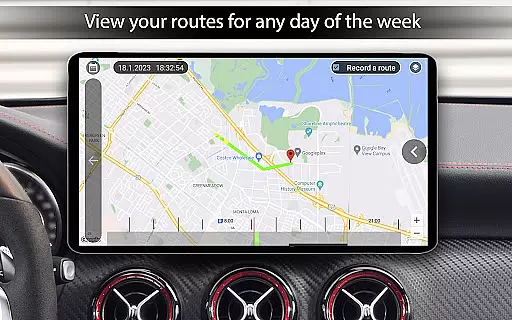
The application utilizes GPS data to deliver precise vehicle information, including 0-60km/h, 0-100km/h, and 0-150km/h acceleration statistics. Users can also access quarter-mile time measurements and monitor their vehicle's performance over different time periods - trip duration, daily, weekly, monthly, or overall usage.
This detailed vehicle information system serves as a personal automotive dashboard, allowing drivers to maintain accurate records of their vehicle's performance and maintenance needs. The ability to reset trip data at any time ensures users can track specific journeys or monitor improvements after vehicle modifications.
By providing professional-grade vehicle statistics traditionally found in dedicated diagnostic tools, Car Launcher Pro empowers users to make informed decisions about their driving habits and vehicle maintenance requirements.
Car Launcher Pro offers a transparent pricing model through its free version while providing clear upgrade paths to the premium PRO features. The application maintains an honest approach to feature availability, with essential functions accessible to all users while reserving advanced capabilities for paid subscribers.
The free version includes fundamental launcher capabilities, speed display, and basic application management features. Users can evaluate the core functionality before committing to premium features such as folder creation and enhanced application organization tools marked with (PRO) designation.
This transparent approach extends to the application's additional services, where users can clearly identify which customization options and widgets require premium access. The pricing structure is designed to provide value across both free and paid tiers, ensuring users understand exactly what they receive with each option.
By maintaining clear distinctions between free and premium features, Car Launcher Pro builds trust with its user base while offering meaningful choices for those seeking advanced vehicle management capabilities.
User-friendly interface
Customizable dashboard
Comprehensive trip data
Supports third-party plugins
Real-time vehicle statistics
Complex setup process
Requires constant GPS
Drains battery quickly
Premium features locked
Occasional bugs reported

Theme for Car Launcher
 4.4
4.4
Ferrari inspired analog & digital watch face with quick access and premium style
4.3
Buy and sell your boat
4.70
Read and delete OBD codes with any ELM327 OBD scanner. Coding functions included
3.40
Car Sounds Engine Sounds app welcomes Auto Lovers to feel Car Simulator Sound
4.20
Your go-to app for car, truck & SUV parts, DIY tools, and expert repair help.
4.70
Find Fast EV Chargers | Charge Your Vehicle at 1,100+ Fast Car Charging Stations
4.60
A smarter way to park and reserve your spot ahead of time.
4.40
Browse millions of cars, track vehicle listings or sell your car today
4.70
Play what you want through Android Auto
4.90
DMV Test Pro offers all the updated FREE DMV tests online.
4.60
Shop cars & see your financing
4.60
Easy connect & control your cars from afar. Remote Lock & unlock car and carplay
4.60
CVT diagnostics with ELM327 for Nissan-based vehicles
4.40
Your car is talking. Start listening.
4.30
OBD diagnostics, Live Data, DPF regeneration for BMW
4.00
Mobile Phone Parking - So easy to park
3.70
Theme for Car Launcher
4.4
Theme for Car Launcher
4.2


User Reviews