
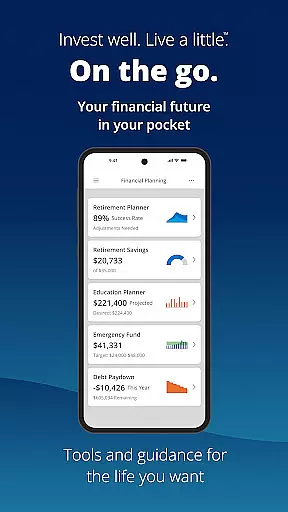
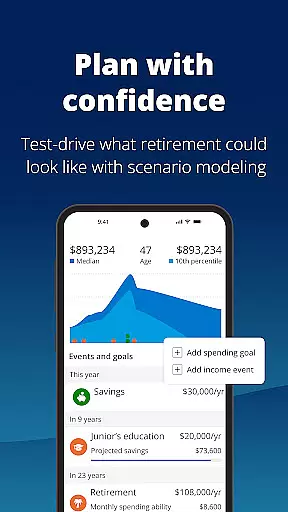

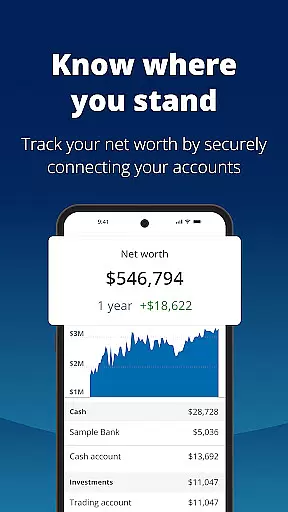
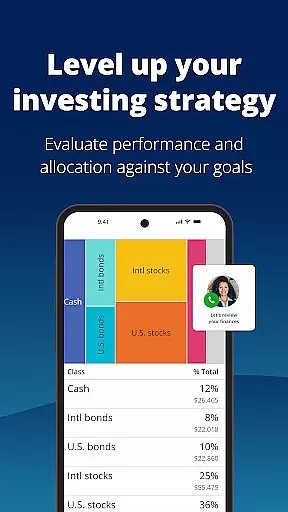
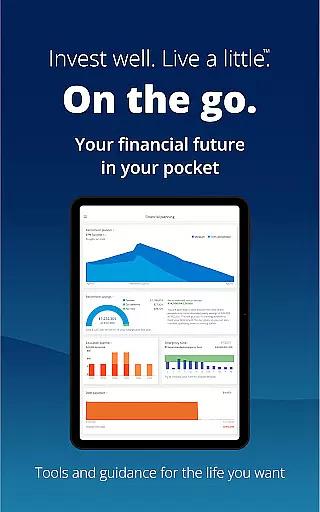
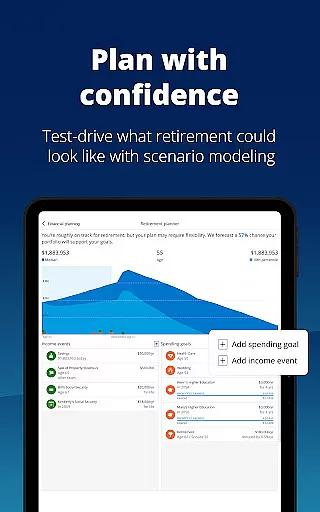


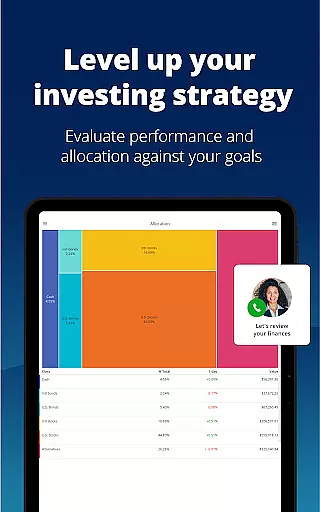
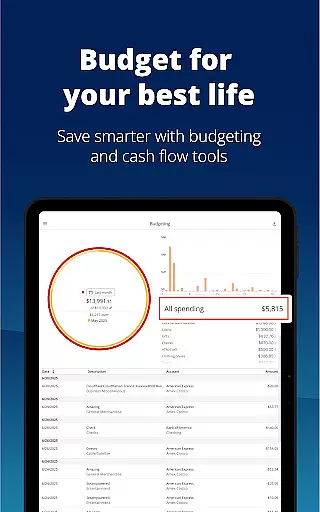
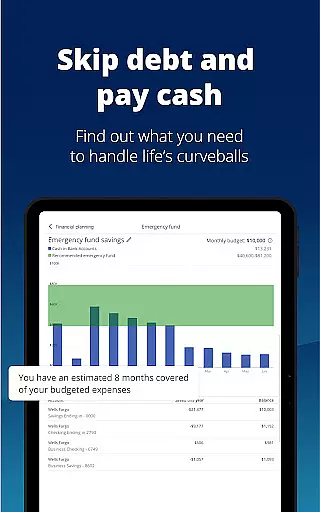

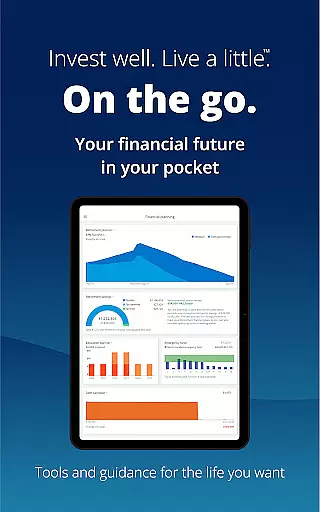
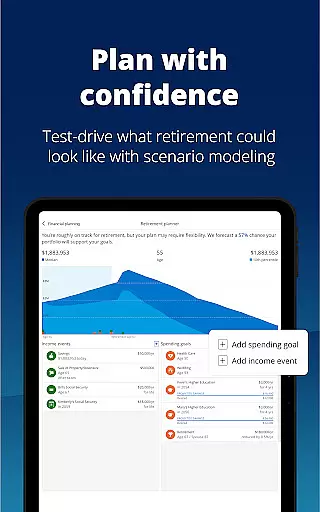


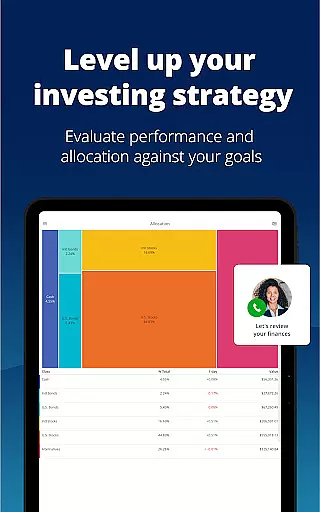
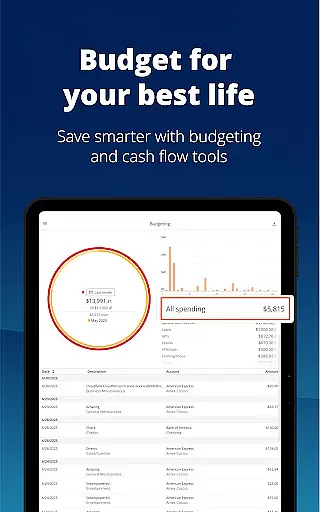
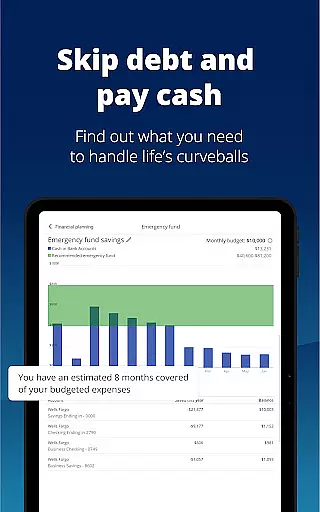

Empower is a comprehensive financial management application designed to simplify and clarify your financial life. The app consolidates all your financial accounts into one dashboard, providing a complete overview of your net worth, income, expenses, and investments. With industry-leading tools, Empower helps you plan for retirement, simulate economic scenarios, and tackle debt effectively.
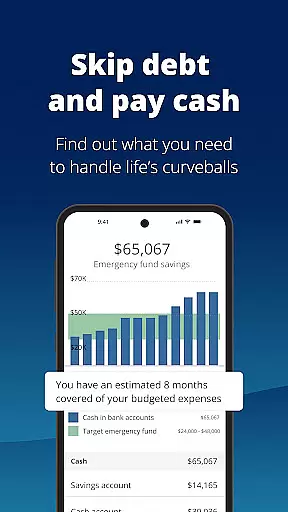
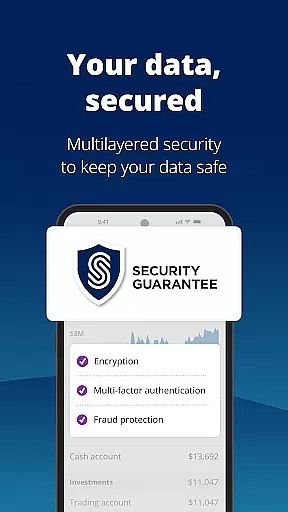
One of the standout features of Empower is its ability to provide professional investment advice tailored to your financial situation. Whether you're looking to adjust your investment portfolio, build an emergency fund, or set monthly budgets, Empower offers intuitive tools that make these tasks straightforward. Security is also a top priority, with biometric and multi-factor authentication ensuring your data remains protected at all times.
By using Empower, users can spend less time managing spreadsheets and ledgers and more time focusing on what they enjoy. This app is ideal for anyone seeking financial clarity and aiming to achieve their long-term financial goals with confidence.
Empower boasts a wide array of features designed to enhance your financial management experience. One of the key functionalities is the ability to view all your financial accounts in one place, offering a holistic view of your financial health. This includes bank accounts, credit cards, loans, and investment portfolios, making it easier to track your net worth and manage your assets efficiently.
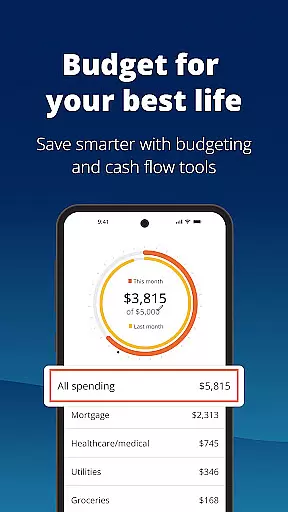
The app provides powerful planning tools such as retirement planning, scenario adjustments, and recession simulations. These tools allow users to forecast future financial conditions and make informed decisions. Additionally, Empower offers budgeting features that help you set and track budgets, ensuring you stay on top of your financial commitments. The inclusion of professional investment advice adds another layer of value, guiding users through complex financial landscapes.
Security features are robust, with biometric and multi-factor authentication safeguarding your sensitive information. Empower's user-friendly interface ensures that even those new to financial planning can navigate and utilize the app's features with ease. Overall, Empower stands out for its comprehensive approach to personal finance management, combining ease of use with advanced financial tools.
Account and Fund Security is a critical aspect of any financial application, ensuring that users' personal and financial information is protected against unauthorized access. Empower takes this responsibility seriously by implementing top-tier security measures.
The app secures user data with biometric and multi-factor authentication, providing an additional layer of protection. This ensures that only authorized individuals can access sensitive financial details, thus maintaining the integrity and confidentiality of user information.
Empower's commitment to security allows users to manage their finances with peace of mind. Knowing that their data is safeguarded by advanced security protocols, users can focus on planning for retirement, adjusting scenarios, and setting budgets without concern for potential breaches.
By prioritizing Account and Fund Security, Empower not only protects its users but also enhances their overall financial management experience, making it a reliable choice for those seeking clarity and ease in their financial life.
A seamless Transaction Experience is vital for users managing their finances through an app. Empower offers a comprehensive suite of tools designed to simplify and enhance this process, allowing users to effortlessly oversee their financial activities.
With features like viewing all accounts in one place, checking for allocation imbalances, and tracking budgets, Empower streamlines the transaction experience. Users can easily monitor income and expenses, simulate various financial scenarios, and receive professional investment advice, all within the app.
This cohesive approach saves time and reduces complexity, freeing users from tedious tasks such as sorting spreadsheets or verifying individual account details. The result is a more efficient and enjoyable financial management routine.
Empower's dedication to delivering a superior Transaction Experience means users can spend less time on financial upkeep and more time pursuing what they love, confident in their ability to achieve their financial goals.
User-friendly interface
Comprehensive account integration
Advanced security measures
Professional investment advice
Effective budgeting tools
Premium features require subscription
Occasional syncing issues
Limited international support
Higher complexity for beginners
Some features may be overwhelming

Manage your account, make a payment, and redeem your rewards on the go.
 4.50
4.50
Over 180 currencies conversion rates with live exchange rates and offline mode.
4.60
Secure, simple money transfer app. Send money to Mexico and worldwide fast.
4.80
Payday cash advance & Instant cash advance: Borrow money instantly, Get cash now
4.60
Your Big Financial Friend
4.70
No credit check, no interest, no worries.
4.70
Manage your credit card account with the Credit One Bank mobile app.
4.70
Military retirement pay estimation calculator
4.70
Access State Farm accounts, policies, ID cards and more
4.60
Manage your Discover account conveniently from anywhere.
4.80
No credit checked needed.
4.80
Check EBT, SNAP, WIC balances, manage food stamps, and save money with benefits
4.80
Pay rent on your schedule.
4.70
Need help before payday? Get cash advances with no interest or credit checks.
4.60
Easily invest, save, and plan—all in one app.
4.60
Trade NFL, NBA, Crypto, Tech
4.50
All your crypto & stocks in one secure and trusted app.
4.40
Manage budget, save money, or file tax. Build, track & improve your credit score
4.40
Read and extract public data on NFC Contactless banking card (VISA, MasterCard
4.30


User Reviews